Check the acquisition promise
Read the store headline, screenshots and description. What problem is the app promising to solve?
Study the storefront ↗
Mathieu Bolard · iOS
Explore the ad evidence, study the storefront, and build your next acquisition hypothesis.
01 / Creative research
Read the store headline, screenshots and description. What problem is the app promising to solve?
Study the storefront ↗Explore apps with direct store-link matches. Compare their hooks and formats without assuming the same approach works here.
Browse observed advertisers ↗Store rankings and revenue estimates describe market context. They do not establish ad spend, conversions or ROAS.
Review the market context ↗02 / Storefront & product
Study the product story and store experience behind the acquisition funnel.
03 / Market context
Keep revenue, downloads and store rankings separate from advertising performance.
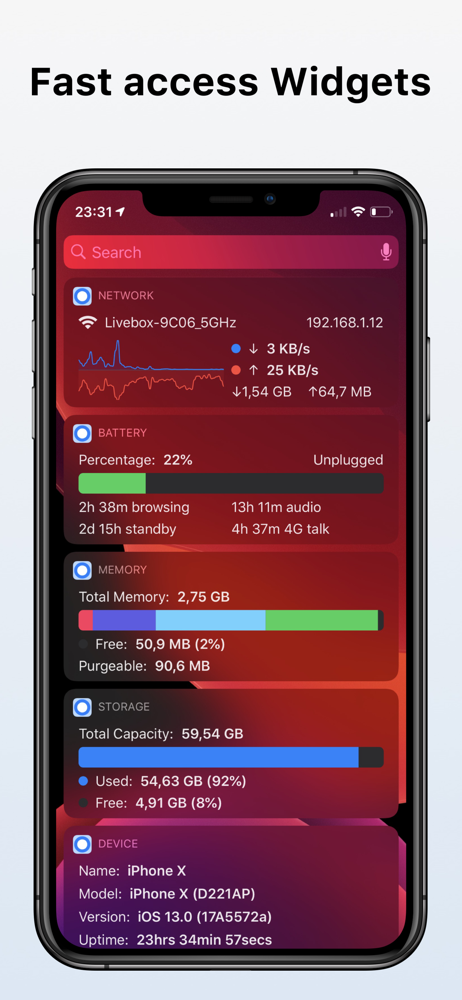
This is the perfect stats app, period, end of story. Everything else is fake or underwhelming at best. With iOS14 widget system this app could have limitless potential. Currently on iOS 14 the app will crash but the widgets work just fine.
Please add back the PDP address in the widget part. Same as with omnistat 1.
I love the app, I wish we can have the option to change the widget size or font size and the ability to change the graphs refresh speed. Another great feature will be, to get a notification when the phone switch between data and wifi connection and viceversa. Thanks
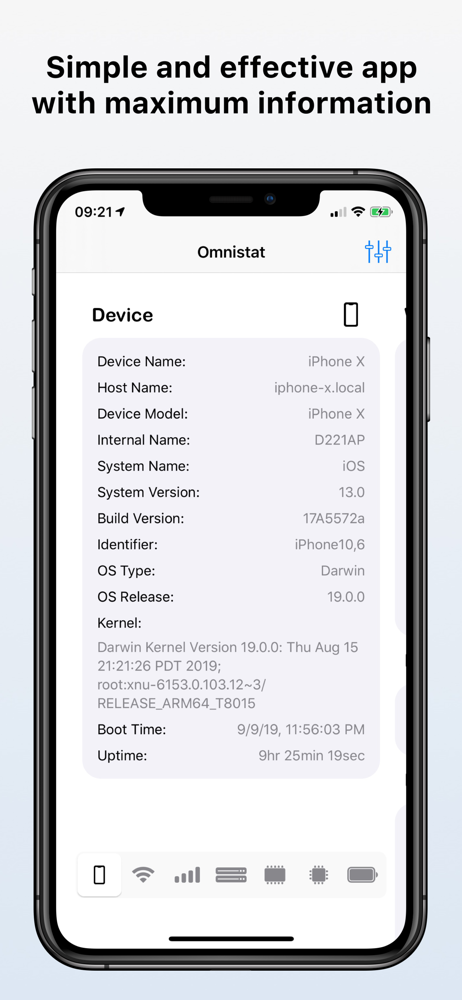
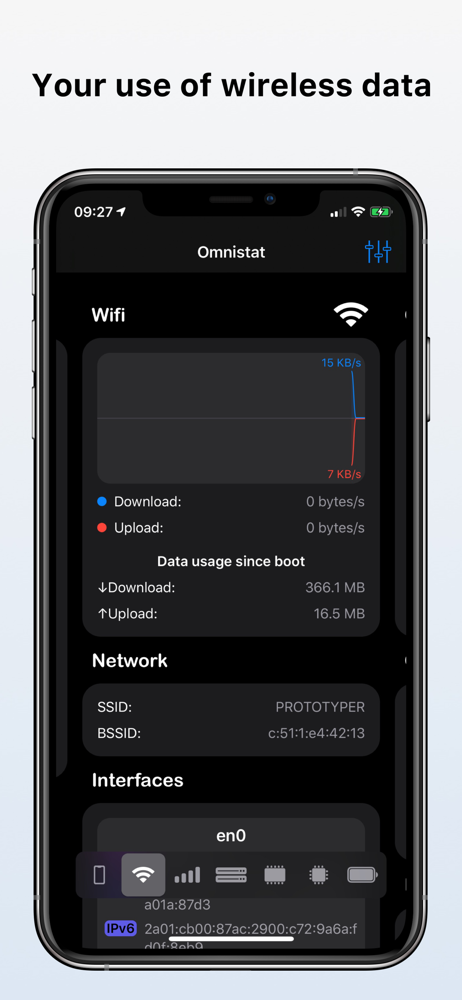
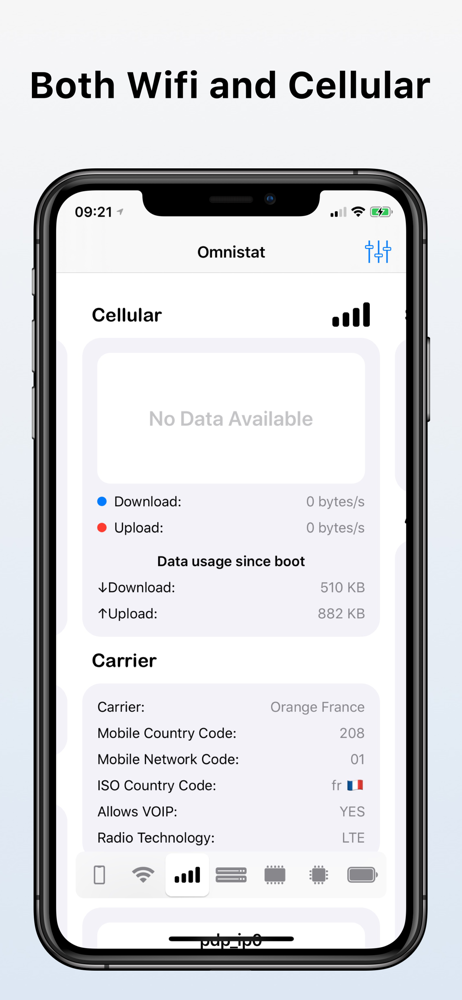
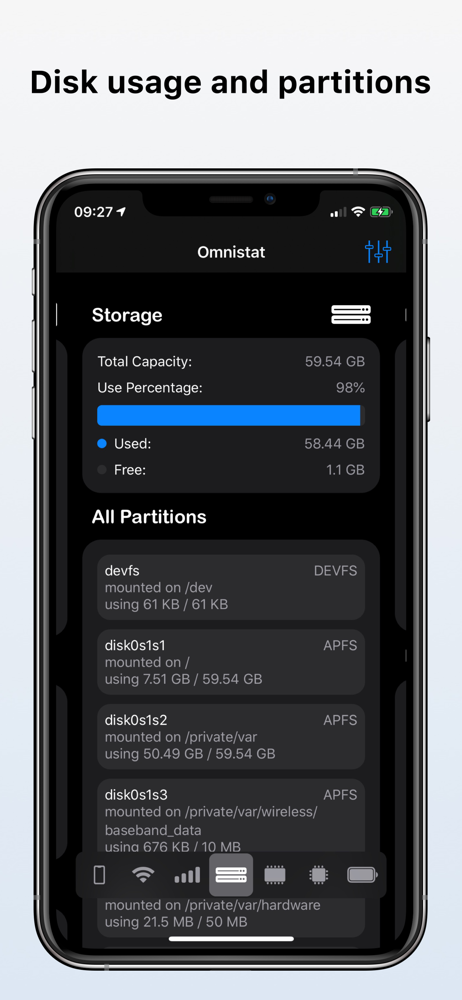
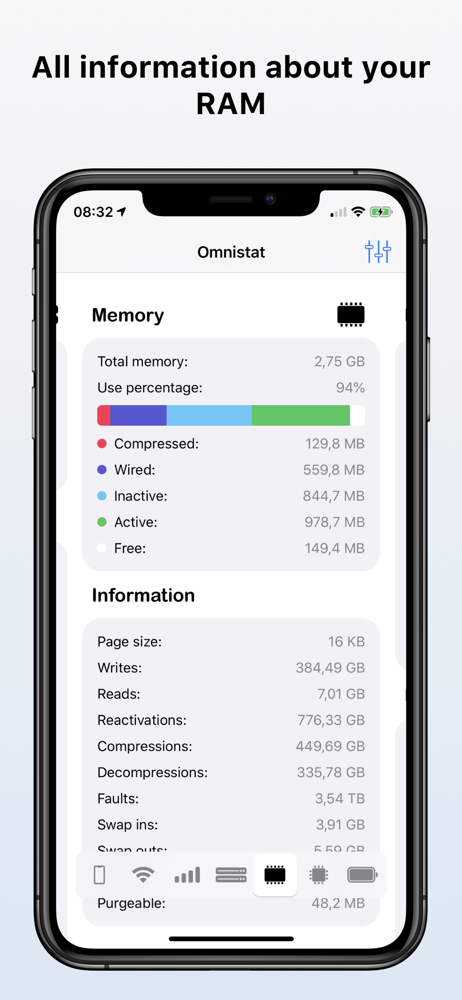
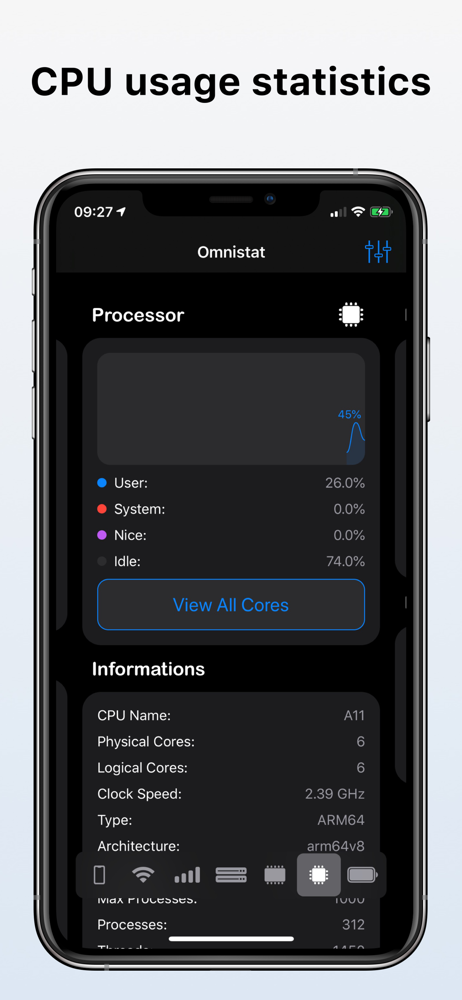
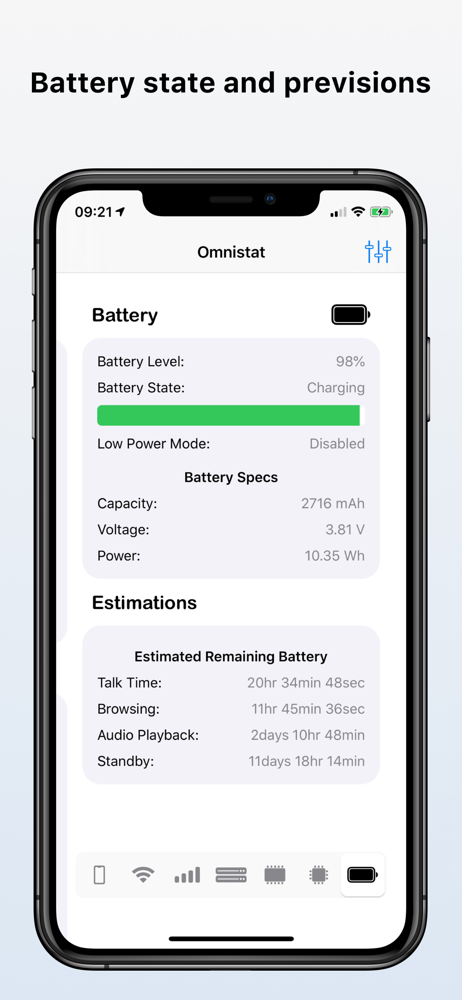
Access your device's technical information from the app or even from the widgets. With Omnistat for iOS you can see: - Name of the device - Host name...