
Check the acquisition promise
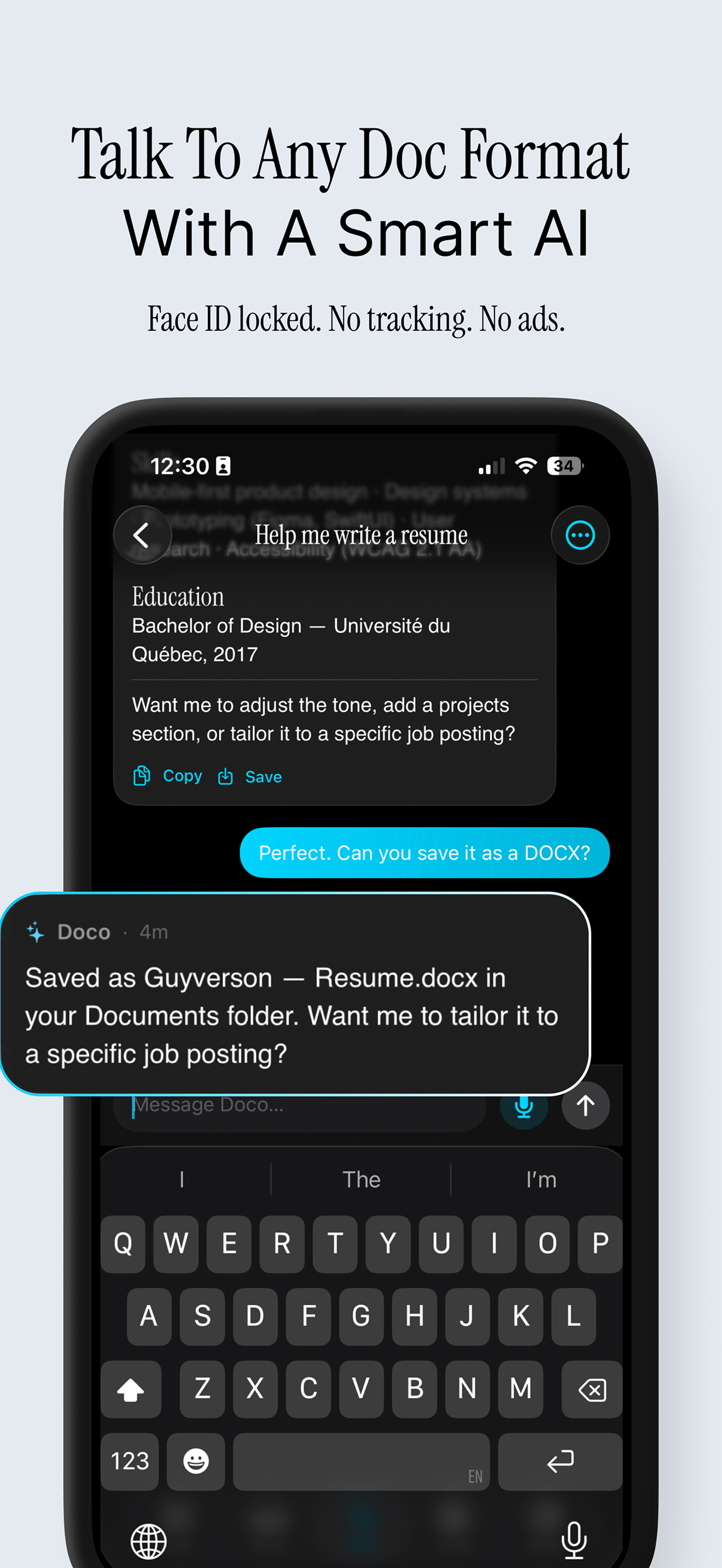
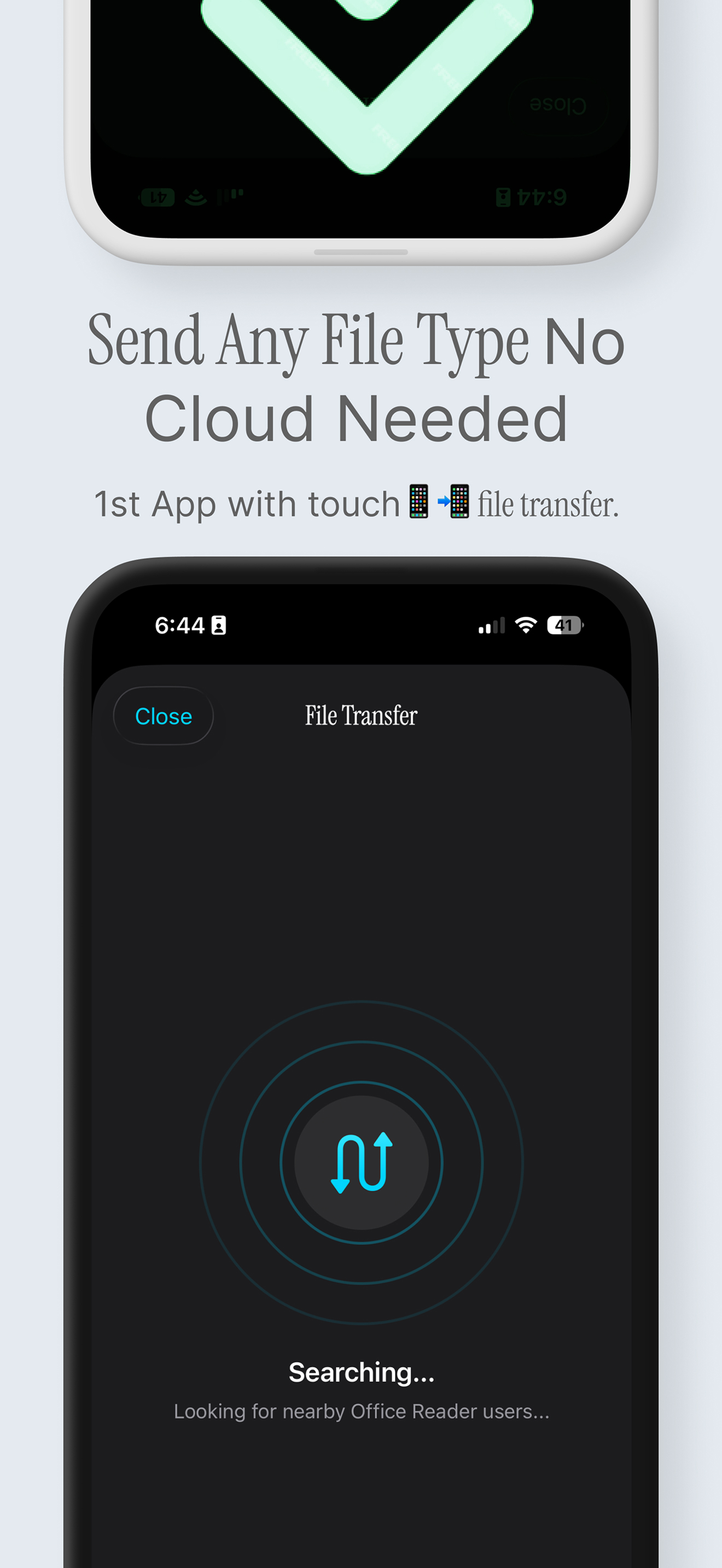
Read the store headline, screenshots and description. What problem is the app promising to solve?
Study the storefront ↗
iCubemedia Inc. · iOS
Explore the ad evidence, study the storefront, and build your next acquisition hypothesis.
01 / Creative research
Read the store headline, screenshots and description. What problem is the app promising to solve?
Study the storefront ↗Explore apps with direct store-link matches. Compare their hooks and formats without assuming the same approach works here.
Browse observed advertisers ↗Store rankings and revenue estimates describe market context. They do not establish ad spend, conversions or ROAS.
Review the market context ↗02 / Storefront & product
Study the product story and store experience behind the acquisition funnel.



03 / Market context
Keep revenue, downloads and store rankings separate from advertising performance.
My favorite is PDF feature and the audio recorder, when the teacher hands me the PDF document I like the tool that allows me to record my lecture directly in the document. I always have a meeting to go most of the time, it's always hard to keep track of important docs that my colleague and I share via e files for instances, drop box, google drive...some of us don't have have time to sit in front a PC but having the ability to achieve the same result through this app is much easy.
Almost a total bust, but maybe me being naive thinking I could edit an imported Word document on the cheap. I imported the document from Dropbox easily, but could only read it (which I could have done from there). When, in frustration, I went to the developer's website, their instructions were to - I think- copy and paste the document onto a new one to edit. Even those instructions were poor, along with something vague about editing coming in a future version. I think, to advertise your app as being able to edit Word documents, when you actually only mean to edit a newly-created document, is misleading. Silly me. I should have known it was too good to be true!
I purchased this to be able to edit and notate Word documents. I selected a docx file from my dropbox, selected this app to open it in, and was then taken to an inventory-style interface that informed me I had a docx file available to view. When I tried to open that file, nothing happened. I shut down and restarted my iPad, and attempted the procedure again. This time it opened. HaZaa! I then attempted to start highlighting text within the document, selecting a line to test. The formatting tools, which apparently stay at the top of the document, no matter how long the document is, were invisible to me. I scrolled up, only to realize that in doing so, the app had deselected the text I wanted to highlight. No worries—I tried something closer to the top, only to realize… There is not a highlighting option, despite the clear indication of one in the screen captures shown in the app description. I then tried editing—just typing. Nothing. I tried going back to the inventory of files. Nothing. It had not crashed. It was just sitting there. This is a useless tool, no better than viewing a photograph of a document. Save your money.
Office Reader is back — rebuilt from the ground up for 2026. Open, edit, and create real Word, Excel, and PowerPoint files on your iPhone and iPad, w...
| Name | Price | Type |
|---|---|---|
| 100 AI Credits | $0.99 | One-time |
| Office Reader Pro — Monthly | $2.99 | Monthly |
| 500 AI Credits | $3.99 | One-time |
| Office Reader Max — Monthly | $4.99 | Monthly |
| 1500 AI Credits | $9.99 | One-time |
| Office Reader Pro — Yearly | $19.99 | Yearly |
| Office Reader Max — Yearly | $39.99 | Yearly |
| Office Reader Pro — Lifetime | $59.99 | One-time |
| Office Reader Max — Lifetime | $79.99 | One-time |


