Check the acquisition promise
Read the store headline, screenshots and description. What problem is the app promising to solve?
Study the storefront ↗
KinkumaDesign · iOS
Explore the ad evidence, study the storefront, and build your next acquisition hypothesis.
01 / Creative research
Read the store headline, screenshots and description. What problem is the app promising to solve?
Study the storefront ↗Explore apps with direct store-link matches. Compare their hooks and formats without assuming the same approach works here.
Browse observed advertisers ↗Store rankings and revenue estimates describe market context. They do not establish ad spend, conversions or ROAS.
Review the market context ↗02 / Storefront & product
Study the product story and store experience behind the acquisition funnel.
03 / Market context
Keep revenue, downloads and store rankings separate from advertising performance.
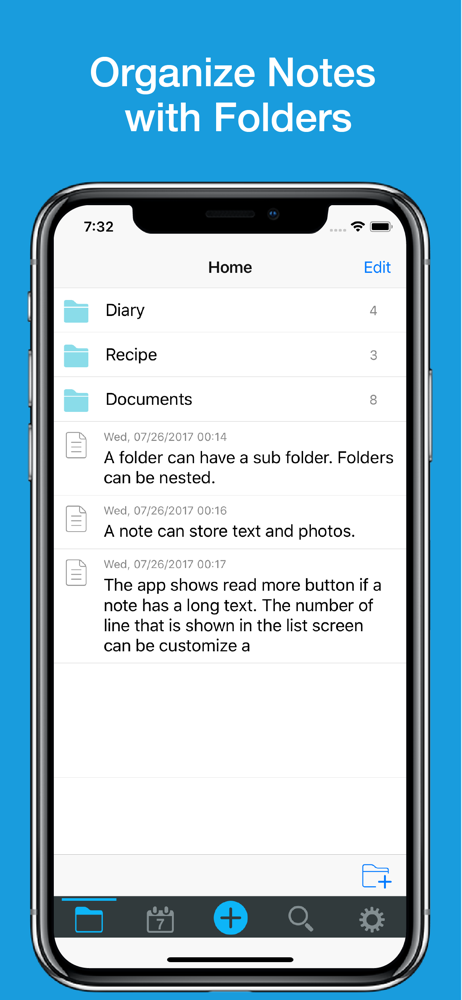
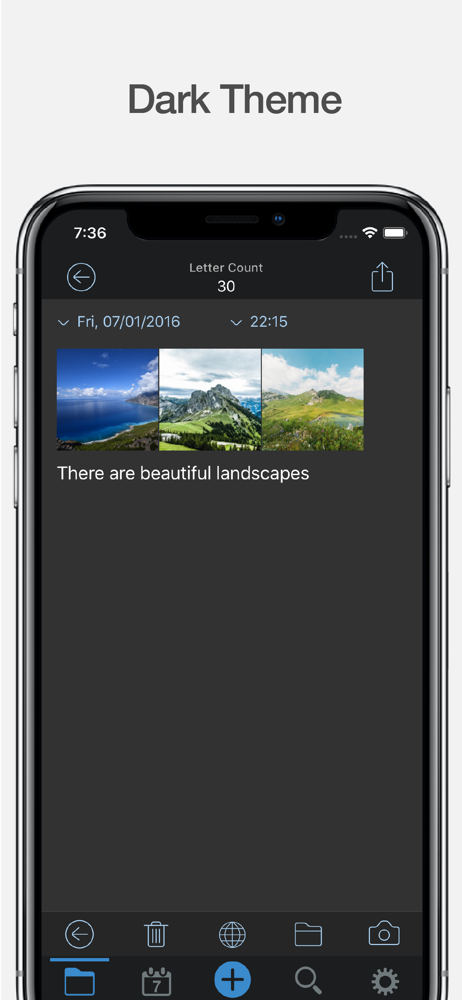
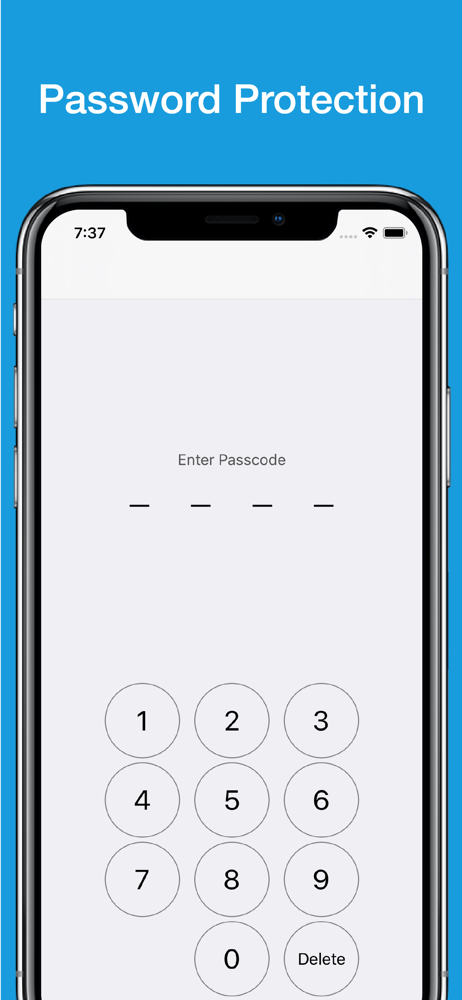
Finally,,,a place to store info. I’m not the most tech savvy so I do kinda bumble around in it to store stuff. I’m sure others would find it easier to navigate, but I manage to store passwords, banking, maintenance info for my vehicles and home, and technical information for my job. I like that it’s separately passworded from my phone and CANNOT be opened with my face. (Nothing nefarious in there but you never know) Supreme Court ruled if a device can be opened with your face, it isn’t search protected BUT a physical password requires a warrant. You can also store photos (in my case, work) and then delete them from your phone’s library reducing clutter.
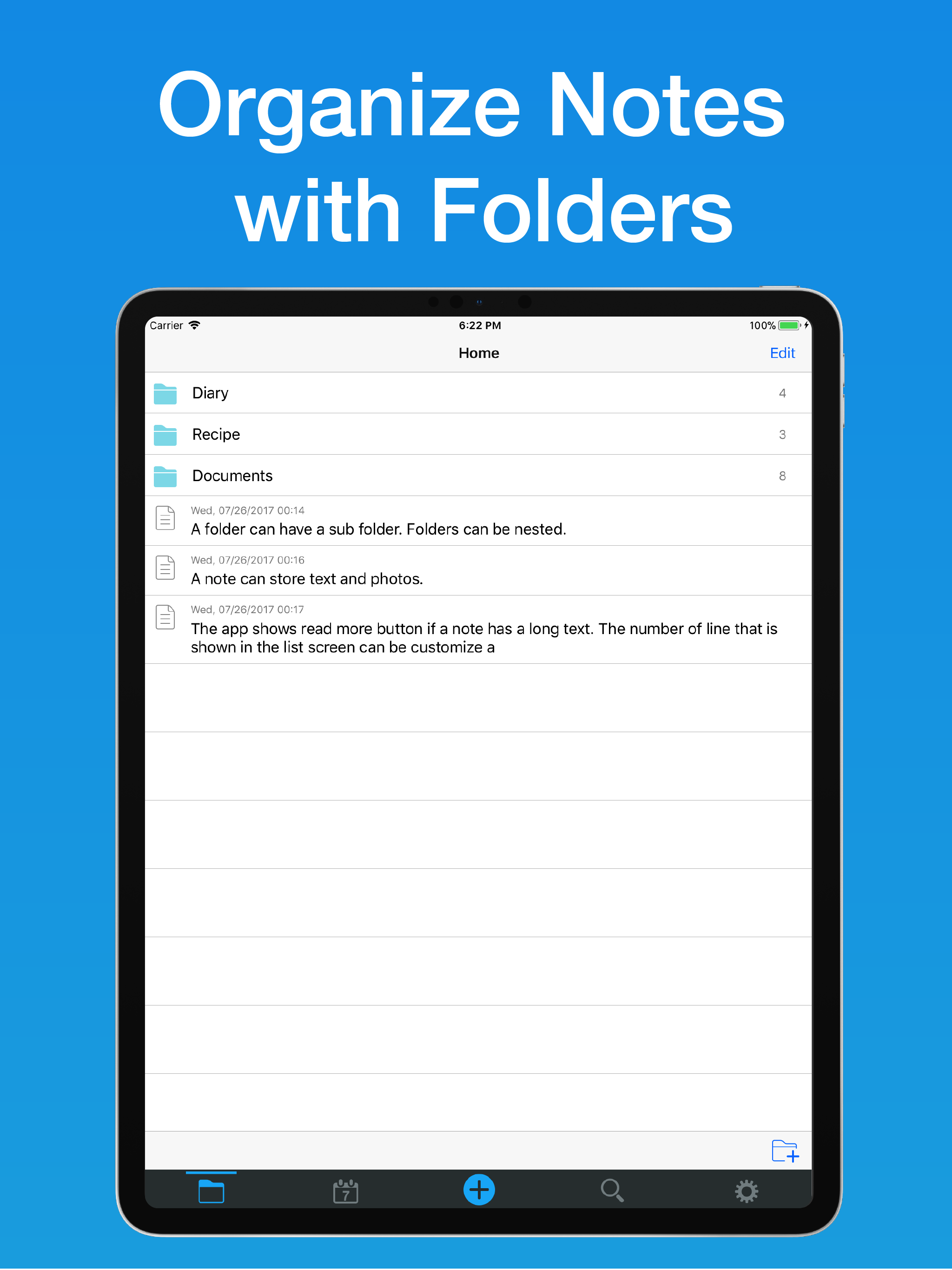
Use to sort notes in research. One of the best features is the ability to drag and drop notes and view up to 30 lines in a sinle without having to open it individually. I wish i had the ability to use basic bold and italic formatting or even highlighting, and an alpha/numeric sort function.
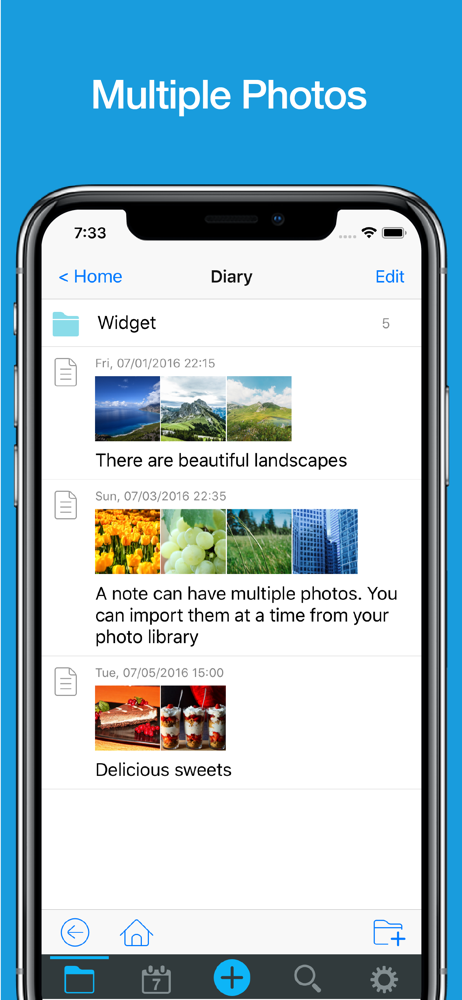
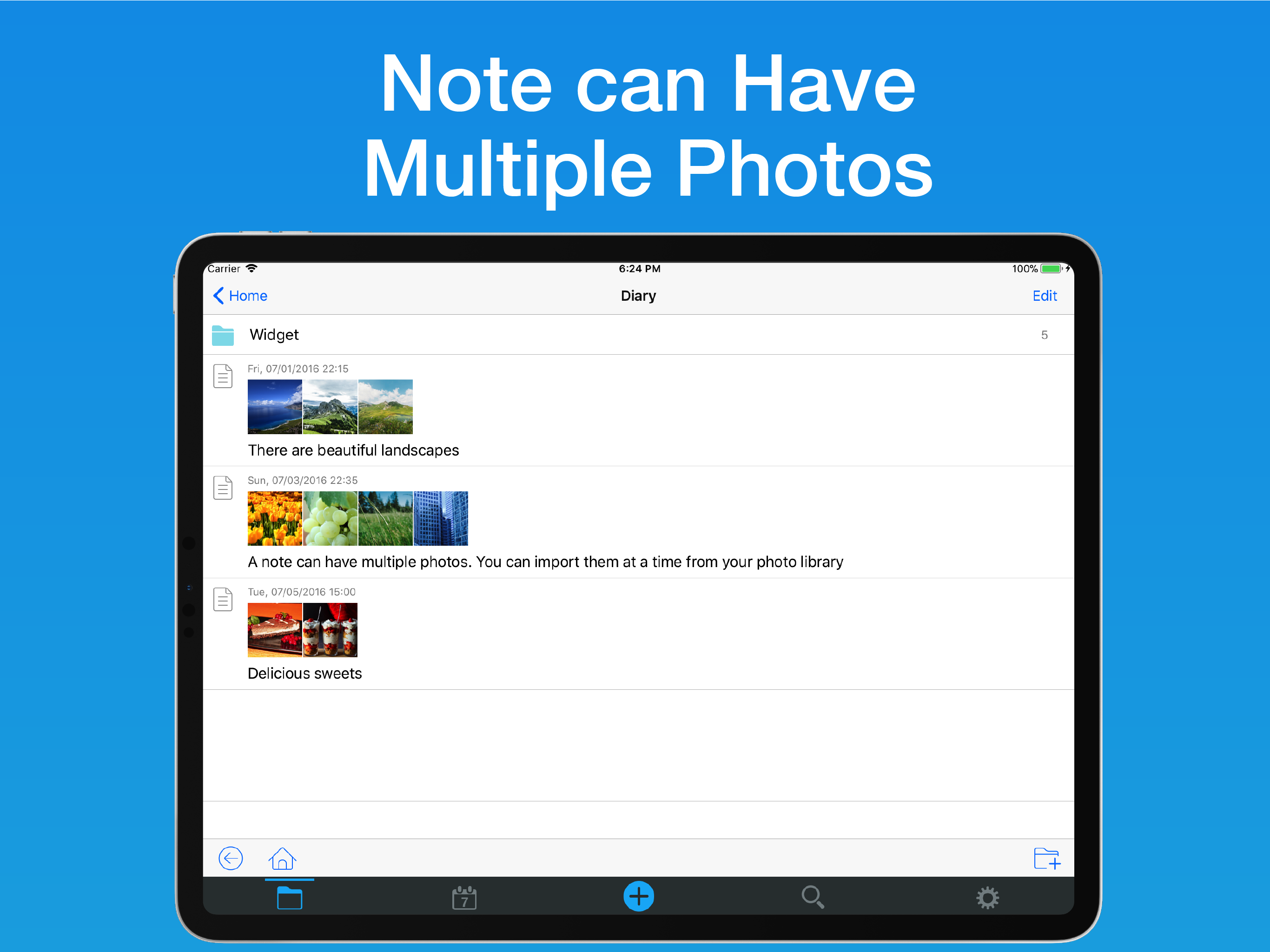
Apple Notes was good, it allowed photos but no sub folders. Genius Notes was better, it allowed sub folders but no photos. And a screenshot photo is sometimes the only way to capture something off the Internet. In Notes&Folders you can include multiple photos from you Photos library, but only IF you put the photos in first THEN add the text afterward. A bit cumbersome. The photos all stay at the top of the note. You cannot just copy a photo into the text where you want it. Quite restrictive. I hope this is made more flexible. The Search feature is valuable and works fine. Sure, there are other needed improvements - like Highlighting, Boldface, Italics, Underlining, color-coding for priority markings and back-up syncing - but I’ll bet more bells and whistles are coming. (A year ago, reviewer “andintroducing” requested fewer preview lines. Now, you can select whatever number of preview lines you want!) Man, I sure wish I could somehow bulk copy my folders and sub folders from my old notes app into this one! Six stars for anticipated updates. 😃
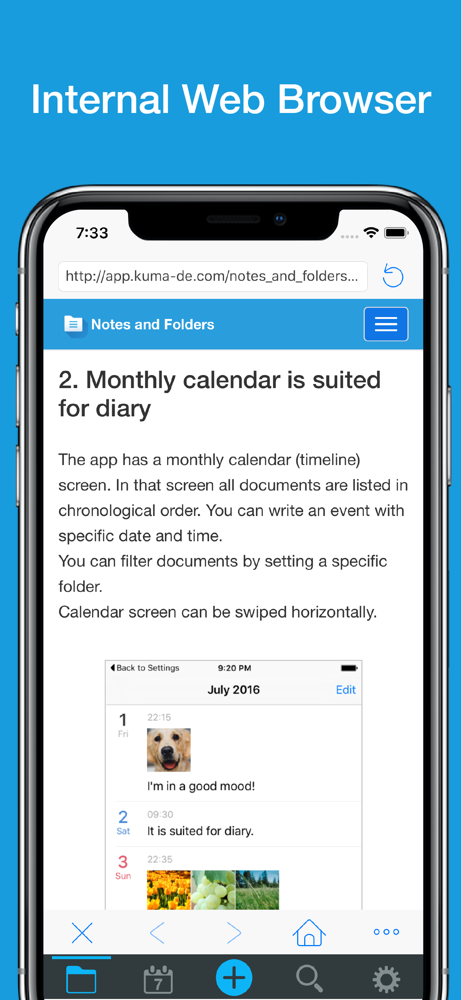
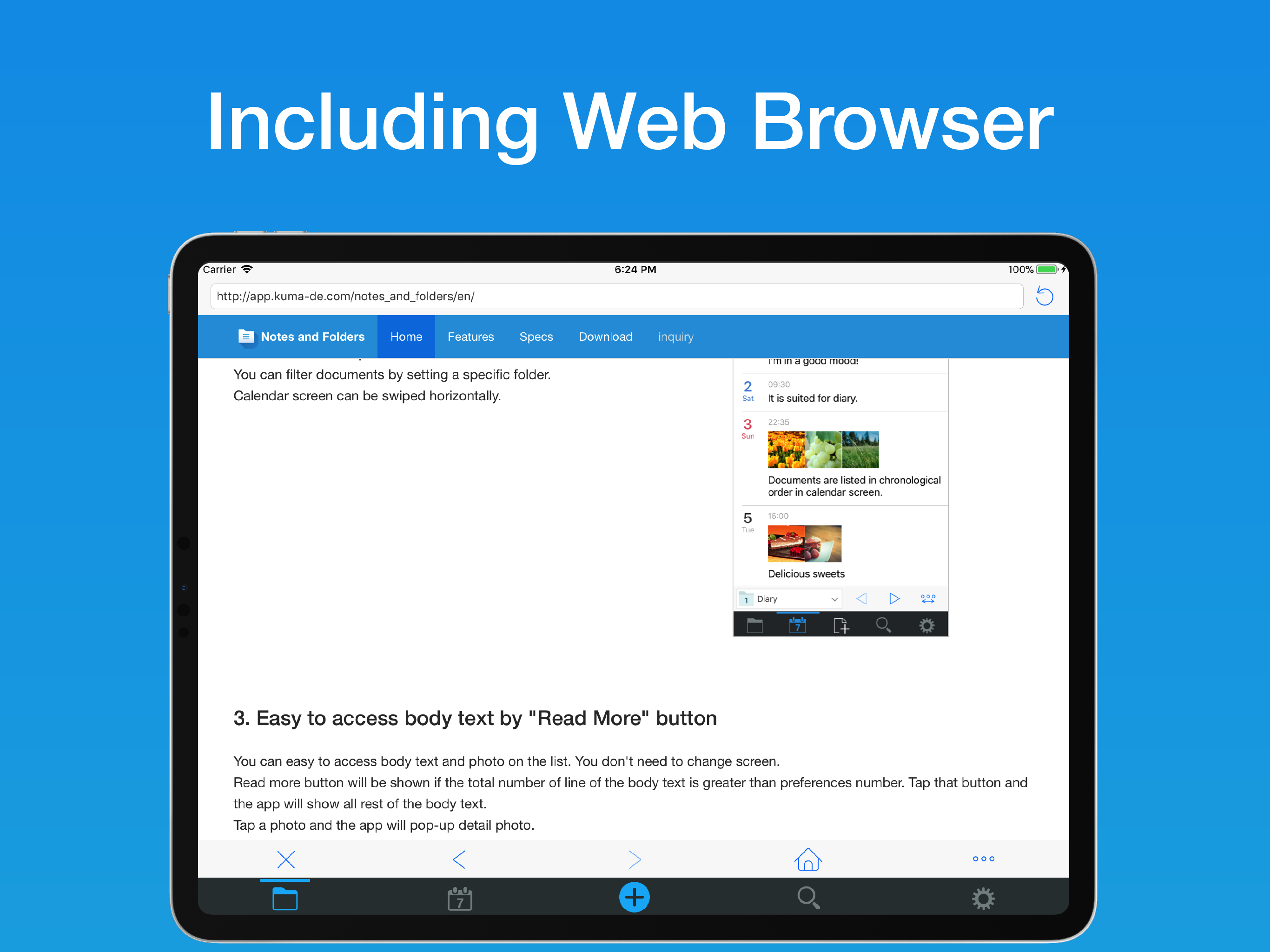
180,000 downloads worldwide! Organize texts and photos with folders. FOLDERS - You can use folders to organize notes - Support subfolders NOTES - At...
| Name | Price | Type |
|---|---|---|
| Remove Ads | $3.99 | One-time |