Check the acquisition promise
Read the store headline, screenshots and description. What problem is the app promising to solve?
Study the storefront ↗
grace lee · iOS
Explore the ad evidence, study the storefront, and build your next acquisition hypothesis.
01 / Creative research
Read the store headline, screenshots and description. What problem is the app promising to solve?
Study the storefront ↗Explore apps with direct store-link matches. Compare their hooks and formats without assuming the same approach works here.
Browse observed advertisers ↗Store rankings and revenue estimates describe market context. They do not establish ad spend, conversions or ROAS.
Review the market context ↗02 / Storefront & product
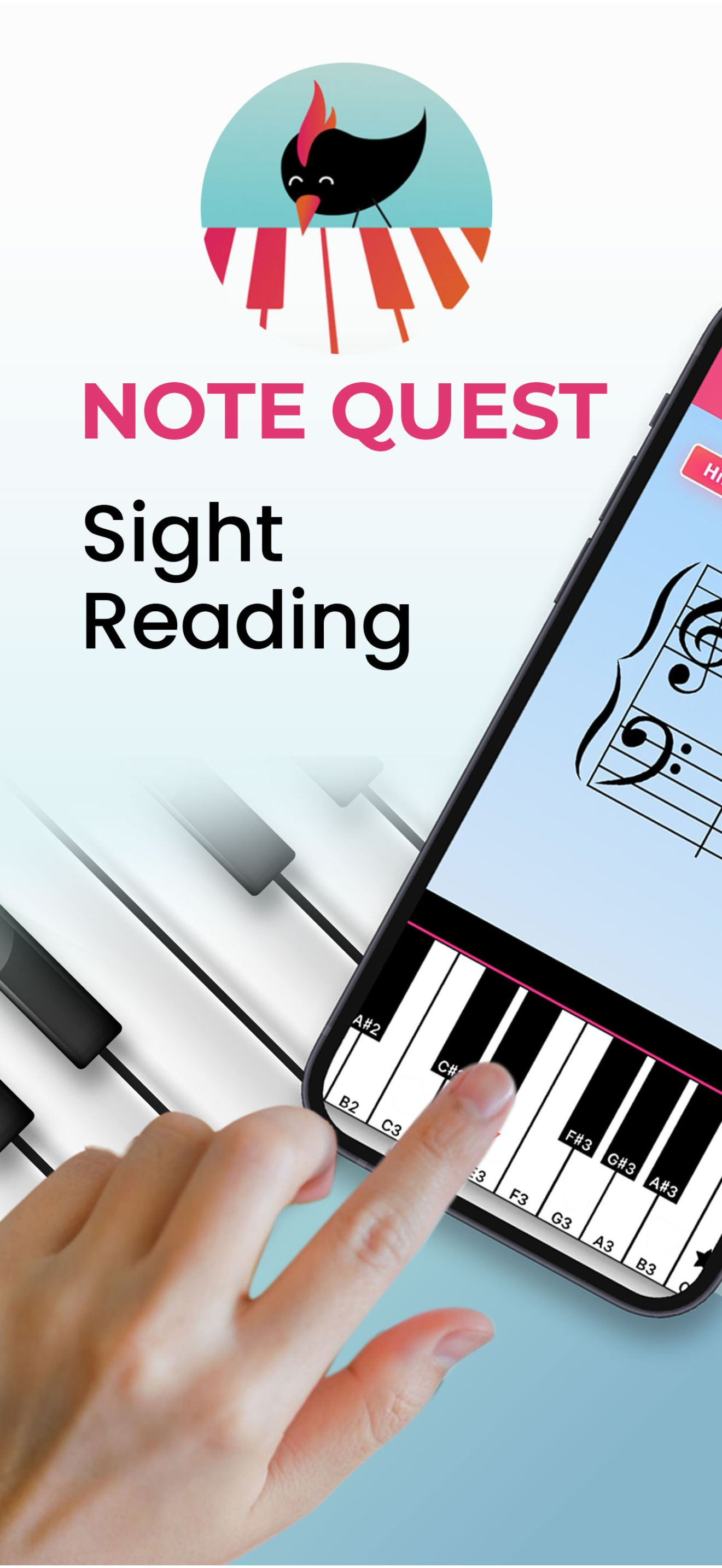
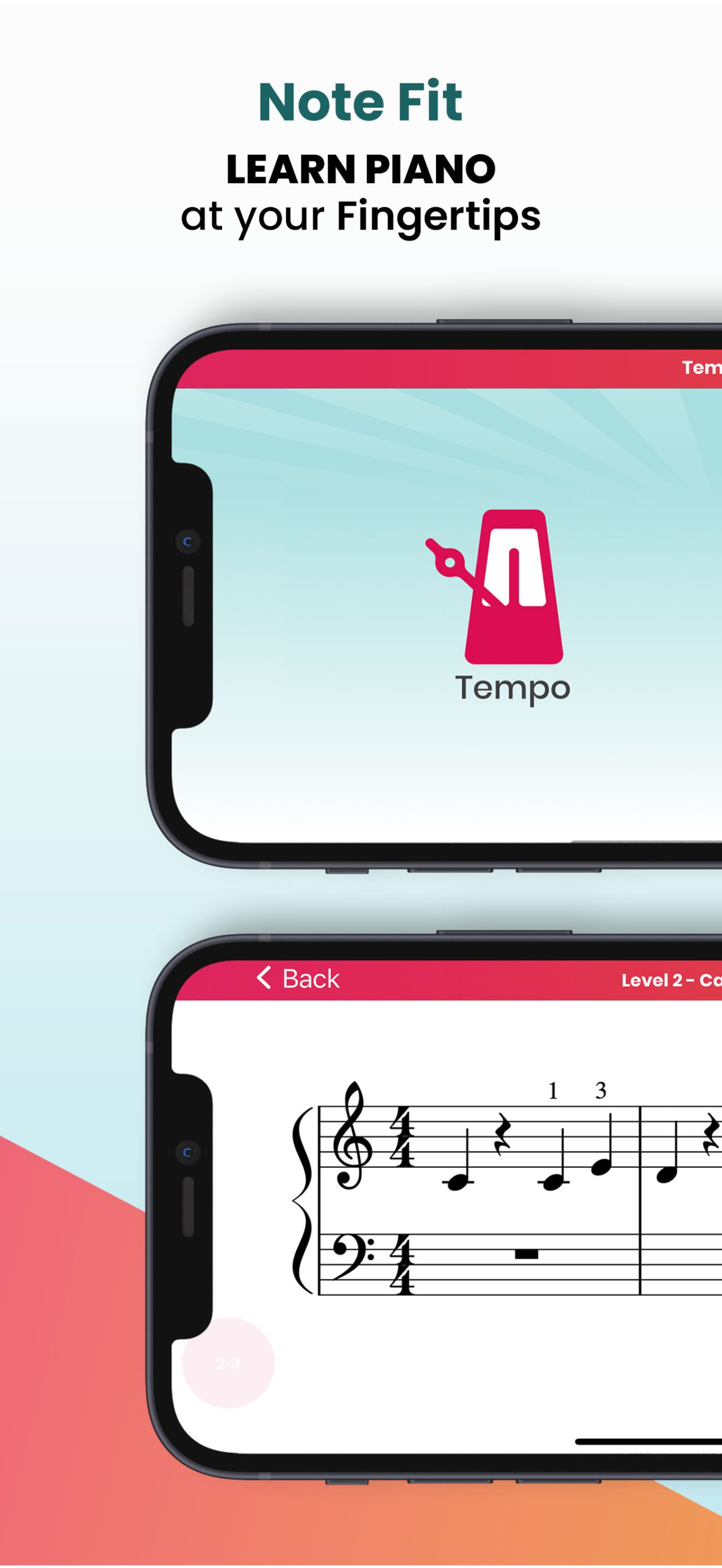
Study the product story and store experience behind the acquisition funnel.



03 / Market context
Keep revenue, downloads and store rankings separate from advertising performance.
The sight reading exercises are well thought out and helpful. I'm using an IPad and the sizing of the notes on the screen is just right. It's obvious that the developer put some effort into creating this app. Now for the major annoyance. While playing the exercises the screen will randomly change to a bird popping up and telling you that you have earned badges, and completely ruining one's concentration. Please tell me how I can stop this from happening! I am not a child and don't care about badges. Even if I were a child this would still be annoying.
Feedback: I just played this app for a few mins. While playing Game Drills and having to find the correct note on the keyboard while seeing the note on the staff, when you turn the phone landscape, it expands the piano keyboard, but the grand staff isn’t fully shown. So when I have to choose the correct Bass Clef note, I’m unable to see which note it wants me to find. You should shrink the grand staff to accommodate it otherwise you can only see the Treble Clef and the very top portion of the Bass Clef. You should also allow us to disable the microphone while using the virtual piano keyboard. There’s no need for a microphone while using that feature. It drains battery faster and it feels a little unsettling knowing that it’s listening when not needed. I’m using an iPhone 14 Pro Max and was using the virtual piano keyboard, if it helps you to determine how to fix this. This is just my initial feedback, will update the review at a later time. 3 stars for now.
I really enjoy this app, and find it slightly more appealing than the similar Note Rush app, which I use extensively as a piano teacher. You can purchase an Interval Selector and Note Selector also to tailor for each student. I love how the game mode has thoughtful levels including landmarks, which is so popular in methodology right now and “clicks” better for some students. I also love how game play is on a timer, and students score as many correct answers as possible, as opposed to Note Rush which only reviews each note once per level (We NEED the repetition!). Four stars only because the note B below Middle C is currently pictured as a ledger line, which would be confusing for beginners. I spoke with the developer about this, and I’m looking forward to the update and being able to use this app on a regular basis. Update: The developer has updated this app since my review and corrected the Bass note B, and I am loving it! I no longer use Note Rush because I greatly prefer Note Quest for 2 reasons: (1) the REPETITION as I mentioned before and (2) the Note Selector allows you to SAVE and TITLE levels you’ve created, so I don’t have to start from scratch for every lesson. One feature I hope to see in a future update would be Note Selector with an ability to emphasize notes the student struggles with. EVERYBODY knows Middle C. An algorithm which allows you to “highlight” specific notes to make them appear more frequently would be fantastic. I find when I cut the range to include ONLY the difficult notes, students don’t progress because it’s become too obvious. But they lose valuable time and concentration playing middle C again and again and again. :) Hope this makes sense, hope to see it some day in the app!
Supercharge your note-reading speed and accuracy by playing just 10 minutes a day. Since 2019, NoteQuest has helped tens of thousands of teachers & pi...
| Name | Price | Type |
|---|---|---|
| NoteFit: Monthly Subscription | $2.99 | Monthly |
| Note Game Drills | $9.99 | One-time |
| NoteFit: SixMonth Subscription | $23.99 | Semi-Annual |
| Sight Reading: Yearly Plan | $29.99 | Yearly |