Check the acquisition promise
Read the store headline, screenshots and description. What problem is the app promising to solve?
Study the storefront ↗
Etwok Inc · iOS
Explore the ad evidence, study the storefront, and build your next acquisition hypothesis.
01 / Creative research
Read the store headline, screenshots and description. What problem is the app promising to solve?
Study the storefront ↗Explore apps with direct store-link matches. Compare their hooks and formats without assuming the same approach works here.
Browse observed advertisers ↗Store rankings and revenue estimates describe market context. They do not establish ad spend, conversions or ROAS.
Review the market context ↗02 / Storefront & product
Study the product story and store experience behind the acquisition funnel.




03 / Market context
Keep revenue, downloads and store rankings separate from advertising performance.
I’ve been an IT professional for many years and while I understand that there are different language choices, by site survey I was expecting the app to give me information about other Wi-Fi connections in the area. The explanation in the App Store is ambiguous at best and apparently, despite the use of the term “site survey” in the description, and on the graphics, There is no such feature as I interpreted it. I tried to find more information on the developer website, but when I do a search for something, the results read more like marketing language, and do not give any detailed information, that I can find, that is helpful in anyway. But oh well for me because I already paid for it and it is not eligible for a refund. It’s useless for my purposes without being able to survey the site for other Wi-Fi networks including, but not necessarily limited to, channels being used.
First, there are no instructions. If you’re going to have an app the functions on intuitive steps, the steps need to be intuitive. I set up a project, imported a map, defined distance and took the first reading. Then moved to a second point. The locator moved automatically and I got a 2nd reading. But when I moved to a third point, the indicator did not follow. “Scan” was non-functional. I manually moved the map so the new point (why did I have to do that and not for the 2nd point?). Still no functional scan. After multiple tries, finally a message appeared saying no signal. But I did have a signal (both WiFi and cellular). Tried all this again. Same result. No idea what to do. Gave up….
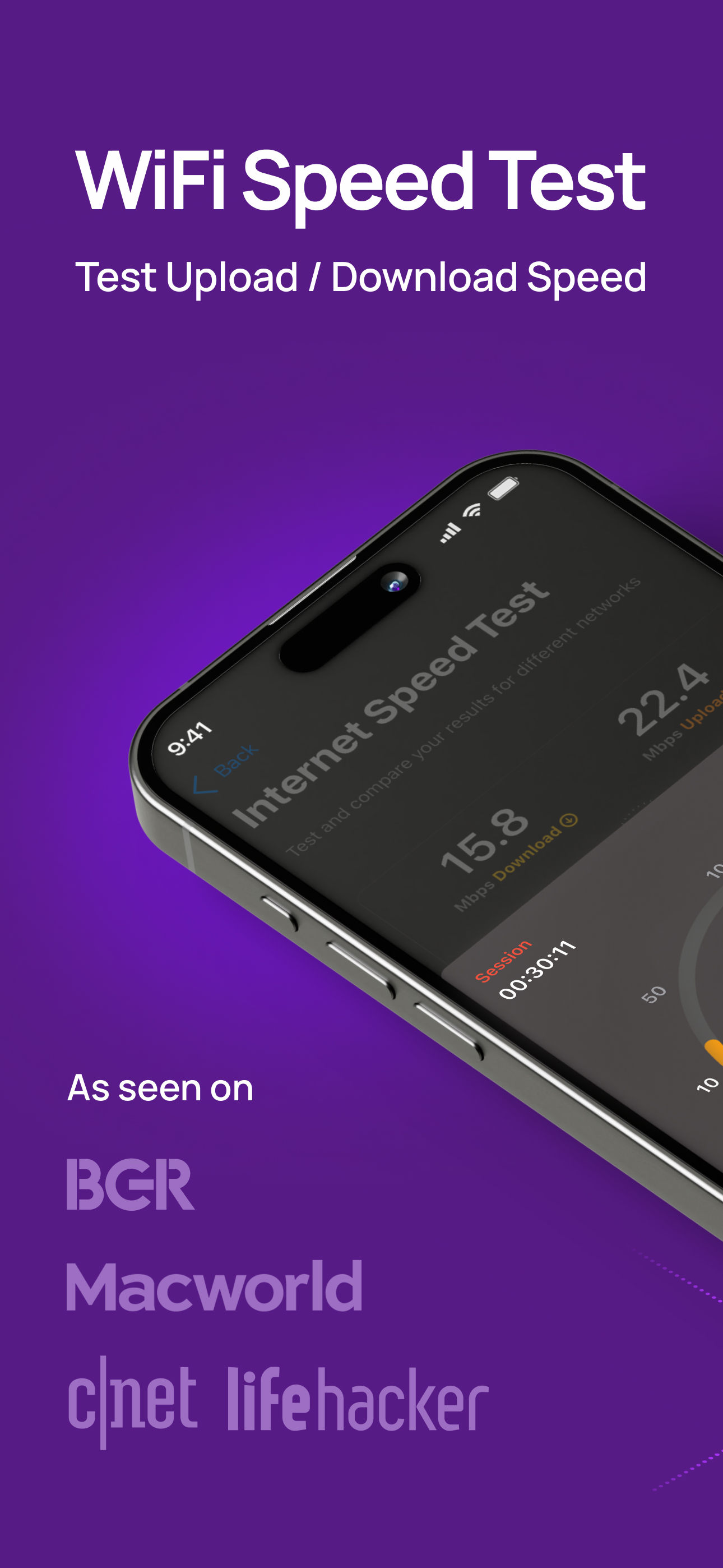
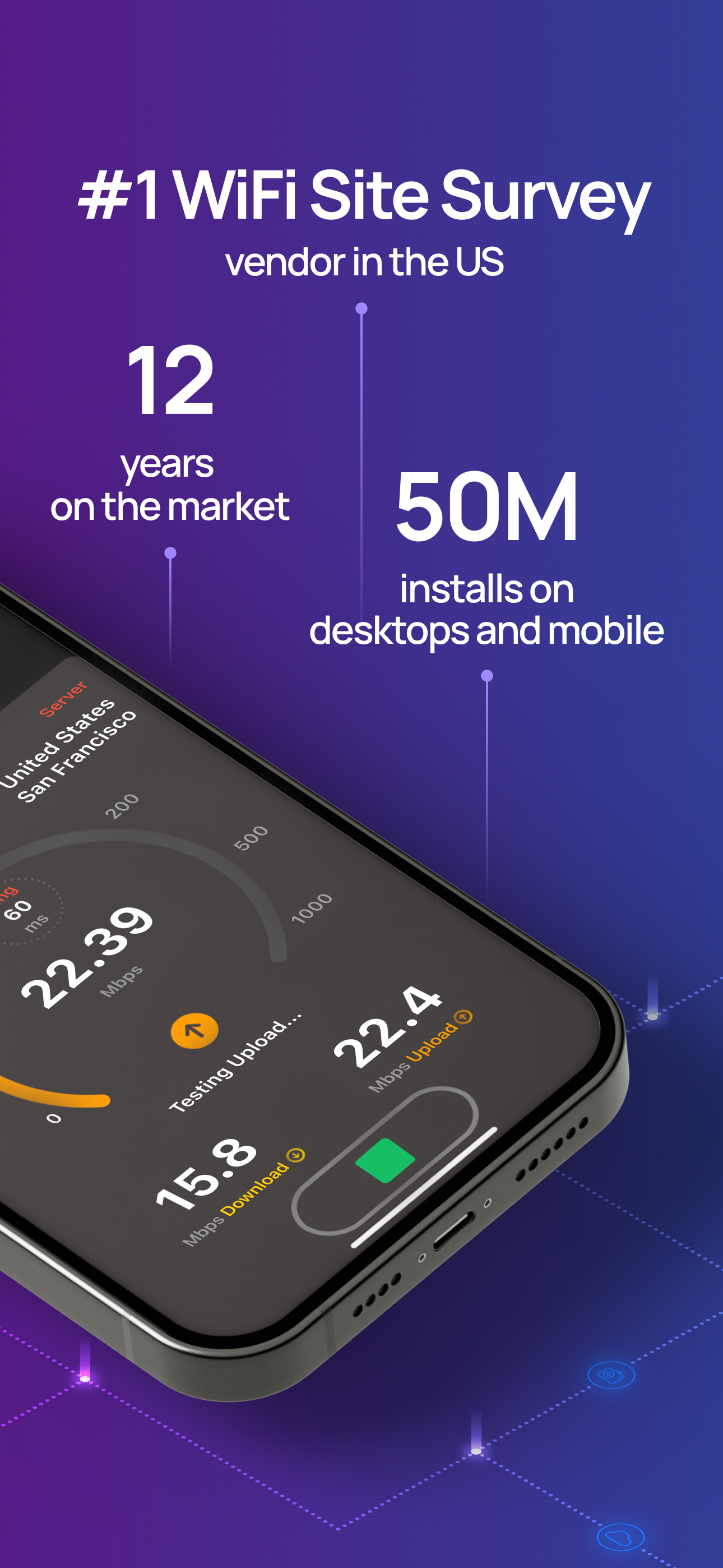
I did not expect they would do that, but they did. For a long time, this app had a 1-star rating because to use it, you had to buy an additional, expensive hardware device. But with this release, they somehow managed to visualize WiFi and create heat maps using just an iPhone, and it's really free. What I didn't like is that the app looks like a beta version, not a full-featured release. It lacks any settings and offers just two features: WiFi Internet Speed Test and WiFi HeatMaps. So, don't expect to deal with a full-featured WiFi Analyzer. But overall, I would say it deserves a 5-star rating
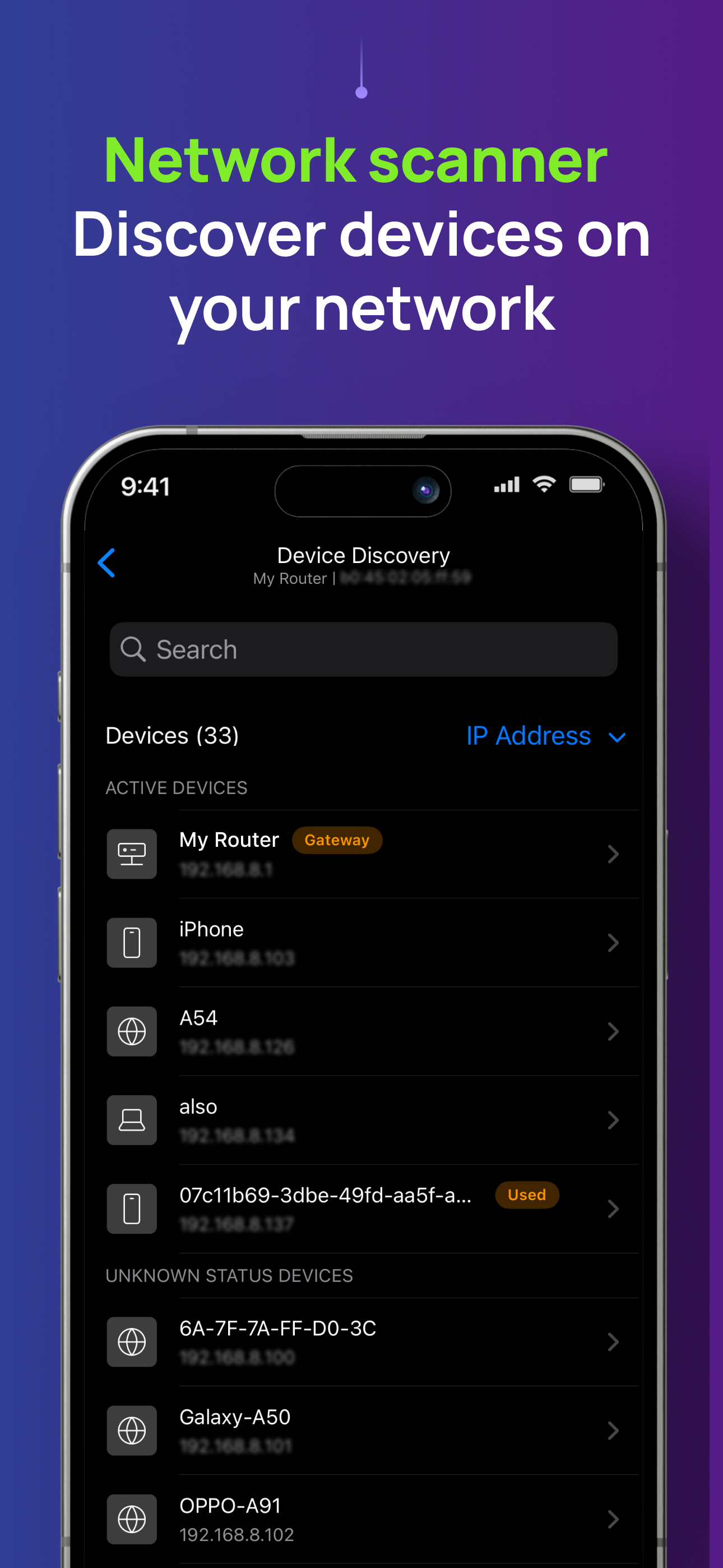
NetSpot 3 delivers powerful WiFi site surveys with internet speed, ping tests and device discovery to iPhone and iPad users. Build realistic WiFi heat...
| Name | Price | Type |
|---|---|---|
| NetSpot Plus | $6.99 | One-time |
| NetSpot Plus Monthly | $8.99 | Monthly |
| NetSpot Plus Lifetime | $29.99 | One-time |