Check the acquisition promise
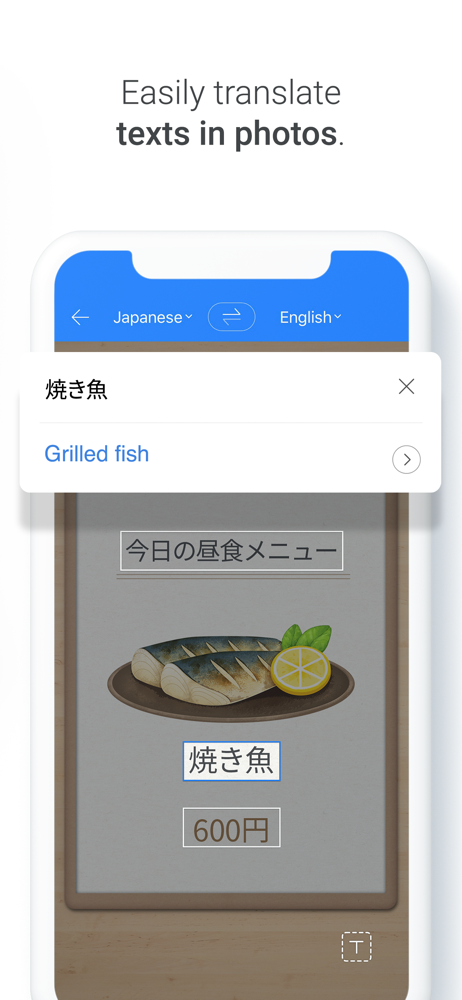
Read the store headline, screenshots and description. What problem is the app promising to solve?
Study the storefront ↗
NAVER Corp. · iOS
Explore the ad evidence, study the storefront, and build your next acquisition hypothesis.
01 / Creative research
Read the store headline, screenshots and description. What problem is the app promising to solve?
Study the storefront ↗Explore apps with direct store-link matches. Compare their hooks and formats without assuming the same approach works here.
Browse observed advertisers ↗Store rankings and revenue estimates describe market context. They do not establish ad spend, conversions or ROAS.
Review the market context ↗02 / Storefront & product
Study the product story and store experience behind the acquisition funnel.



03 / Market context
Keep revenue, downloads and store rankings separate from advertising performance.
I downloaded this app to try to translate a Chinese watercolor book I wanted to read. With this apps slide over feature I’m able to: have the Chinese book open in GoodNotes, circle the text I want to translate, “screenshot” the text, drag the screenshot over to the Naver window and translate! It allows me to drag a photo right into it and it translates in less than 15 seconds and replaces the Chinese with English, and it’s translating so well I’m having no problem reading/understanding it! Then I simply save the translated photo and add the photo back into my GoodNotes, and I basically am creating an English translation of the book page by page! HIGHLY recommend this app. No fuss, no sign in. It’s perfect. Thank you!!
I’ve been using Papago for about four years. In the beginning there were significant issues with translation (I’m using for both Korean and Japanese). The issues were particularly with Korean. Being new to Hangul, I didn’t understand the sentence structure and the app didn’t work well with helping to understand that aspect. With the help of other sources I was finally able to figure out, for the most part, how to put together sentences and phrases. It still translates some words and sentences awkwardly and differently than other translation apps. I’m actually still trying to figure some of those out. In certain cases I just go with what the majority of the other apps say. But I’m writing a review today for one very important (to me at least) that seems to not be working as well as previously. I think it’s very important especially to foreigners and those who are younger who are using this app. There is an “honorific” option when translating. Recently, I’ve noticed it’s not working as it has in the past. I’m not saying it just gives outright casual translation, but it certainly doesn’t provide the ”니다“ ending like it used to. I understand not everything ends with “니다” , but it seems like there’s more of the “요“ ending instead. This is just my personal opinion, but if I’m speaking to someone who I don’t know and who is older than me I would rather use the more formal ending. Please take these suggestions into consideration. 감사합니다.
The best/most accurate translation app that I’ve used but I was wondering if there’s a way to get it to translate words into the Korean word instead of the English? I’m not sure how to explain it in the proper turn but take for example the word maroon. To my understanding, the word 자갈색 can mean maroon, brownish red, or russet but instead of giving me this word the app will just give me 마른 which is the cognate for maroon. Or if this isn’t an accurate example, here’s another. The word song is 노래 but instead of giving me that word the app might give me 송 which also sounds exactly like it looks instead of giving me the other translation. I’m bad at explaining especially since I’m not sure if my examples are accurate but I think my point came across. If there’s a way to stop getting cognates as translations then please let me know.
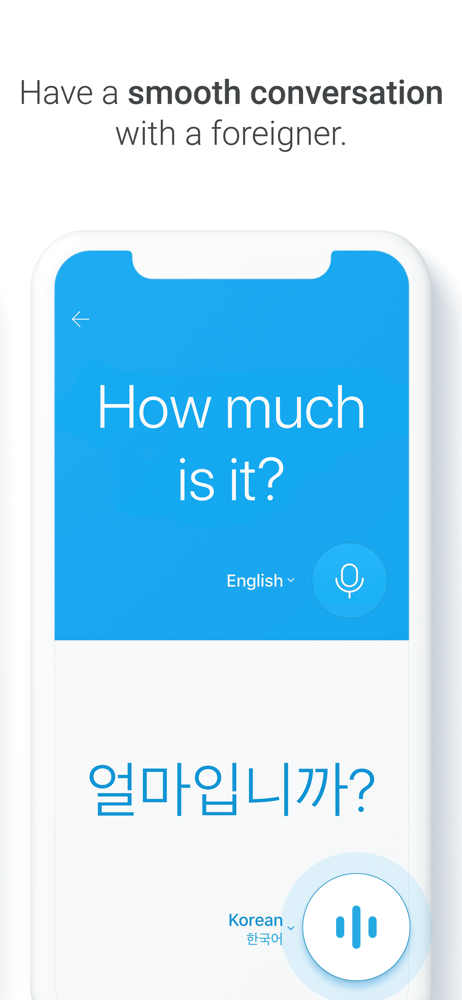
For every moment you need translation — travel, business trips, language learning — bring along Papago, the smart parrot that speaks many languages....