Check the acquisition promise
Read the store headline, screenshots and description. What problem is the app promising to solve?
Study the storefront ↗
Matanuska Telephone · iOS
Explore the ad evidence, study the storefront, and build your next acquisition hypothesis.
01 / Creative research
Read the store headline, screenshots and description. What problem is the app promising to solve?
Study the storefront ↗Explore apps with direct store-link matches. Compare their hooks and formats without assuming the same approach works here.
Browse observed advertisers ↗Store rankings and revenue estimates describe market context. They do not establish ad spend, conversions or ROAS.
Review the market context ↗02 / Storefront & product
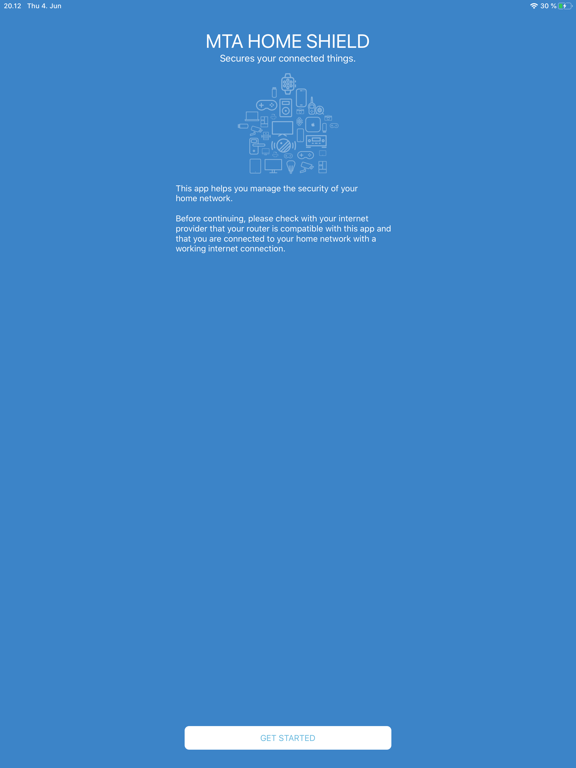
Study the product story and store experience behind the acquisition funnel.





03 / Market context
Keep revenue, downloads and store rankings separate from advertising performance.
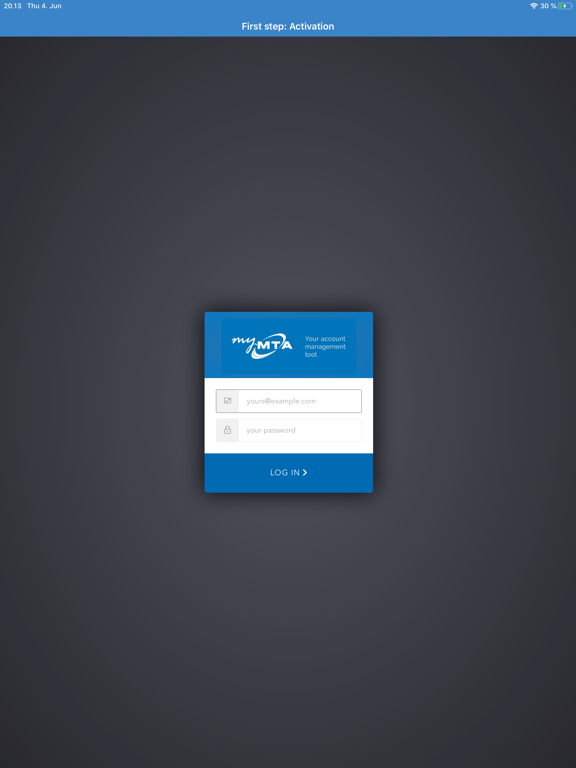
I wanted this app for parental controls on my child’s devices. I specifically wanted to be able to limit his usage. The on and off times can only be adjusted in 30 minute increments on the hour and half hour. You can set different times for weekends. The app is buggy and was hard to get installed and is hard to navigate. If you make a mistake there’s no way to go back to correct it. When you finally DO get it installed, you get a list of what the tech assisting me said were “Mac” numbers. Each device your Wi-Fi finds belongs to one of the “Mac” numbers. You need to figure out which number(s) belong to the device(s) you want to control. I deleted it.
Use of this app requires a compatible MTA router. MTA Home Shield is the combination of a secure router, an advanced security app and industry-leadin...