Check the acquisition promise
Read the store headline, screenshots and description. What problem is the app promising to solve?
Study the storefront ↗
Zyxel Communications Corporation · iOS
Explore the ad evidence, study the storefront, and build your next acquisition hypothesis.
01 / Creative research
Read the store headline, screenshots and description. What problem is the app promising to solve?
Study the storefront ↗Explore apps with direct store-link matches. Compare their hooks and formats without assuming the same approach works here.
Browse observed advertisers ↗Store rankings and revenue estimates describe market context. They do not establish ad spend, conversions or ROAS.
Review the market context ↗02 / Storefront & product
Study the product story and store experience behind the acquisition funnel.

03 / Market context
Keep revenue, downloads and store rankings separate from advertising performance.
I installed this app because Zyxel can’t manage all of its routers with just one app, but it won’t tell you that until you’ve installed their primary app, Zyxel One. Upon installing this app, while connected to WiFi through my Zyxel router, it displays the message “Connecting to the WiFi router…” It then fails. This failure takes you to a page that tells you to make sure the WiFi is on, that your phone WiFi is on, that you’re connected to the WiFi network you want to join, and to go back to the previous page to follow the “Add” process to set up your WiFi Router again. There is no “previous page”. There is no “add” process. There is only “retry.”
I normally don’t have any issues with this app. Today I tried to open app and it will not open. When I click on app to open it immediately closes. I e closed all my apps, restarted my phone, and checked for updated. Non is working. Please fix and my stars will go to a 5 I’d really appreciate it a response or this being fixed!
I got this app to connect with my new Zyxel router and thought it was interesting to see all the devices using my internet. Beyond that, I’m didn’t use any of the features, as I’ve no need to change and manage settings. When my defective router was replaced a month later with a new one (same exact model, but different credentials,) the app would not connect to the new router, and wouldn’t give me the option to add a new device. I uninstalled and reinstalled the app and am still stuck on the same two screens I got before uninstalling the app. The first screen says, “Connecting to the WiFi router. Please wait. This may take a few seconds.” After a while, I get a message that says, “Cannot connect to the WiFi router,” along with a laundry list of reasons why my phone may not be connected to my router. Funny enough, it tells you, “If you reset your WiFi router, please go back to the previous page and follow the “Add” process to set up your WiFi router again.” My only option is to click on a “Retry” button at the bottom of a screen, which brings me back to the first screen! If a developer actually reads these, please consider adding the “Add” button as an alternative to the “Retry” button …but I doubt I will ever bother reinstalling this again.
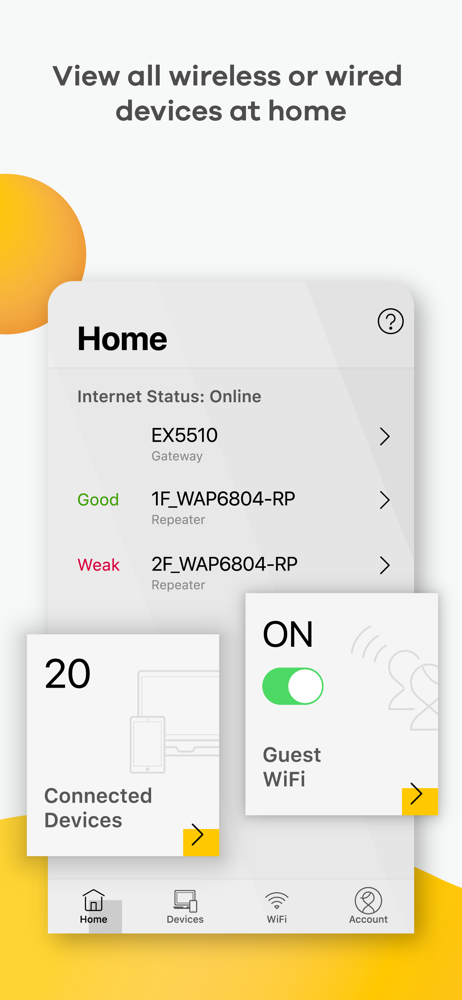
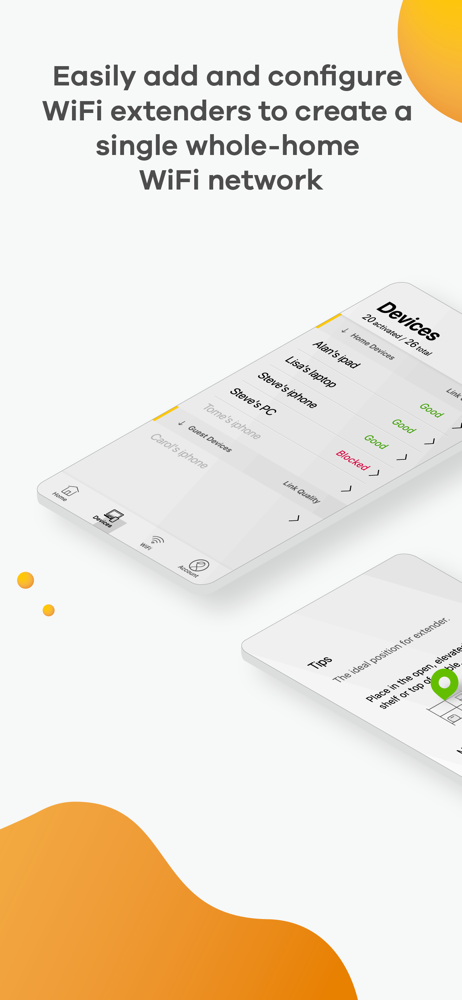
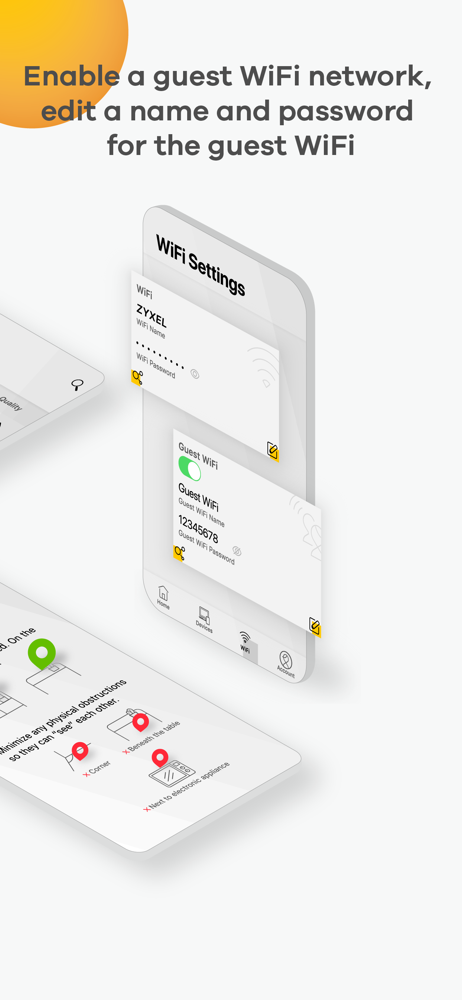
MPro Mesh App *works with Zyxel MPro Mesh compatible Wi-Fi 6 WiFi gateways and extenders This is a mobile app is for Zyxel MPro Mesh Wi-Fi 6 whole-ho...