Check the acquisition promise
Read the store headline, screenshots and description. What problem is the app promising to solve?
Study the storefront ↗
Sam Hardy · iOS
Explore the ad evidence, study the storefront, and build your next acquisition hypothesis.
01 / Creative research
Read the store headline, screenshots and description. What problem is the app promising to solve?
Study the storefront ↗Explore apps with direct store-link matches. Compare their hooks and formats without assuming the same approach works here.
Browse observed advertisers ↗Store rankings and revenue estimates describe market context. They do not establish ad spend, conversions or ROAS.
Review the market context ↗02 / Storefront & product
Study the product story and store experience behind the acquisition funnel.




03 / Market context
Keep revenue, downloads and store rankings separate from advertising performance.
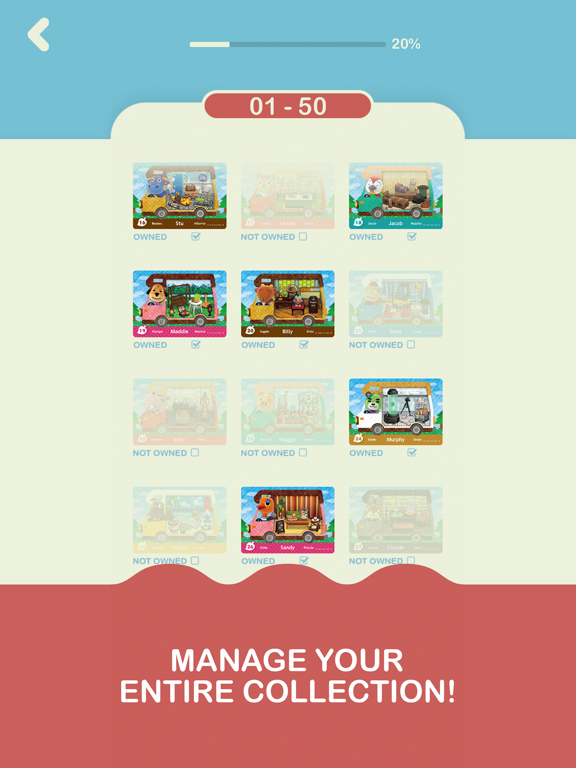
The cards are too faint to see. I wonder if, instead of “not owned” you might put the name of the character below the card. Because it is impossible to see whose card it is without clicking on it. It’s also sadly clear that it is not intended to be usable in any way without removing ads, which I did immediately. I get it. And I want to support the app and it’s further development but whew! Those ads were painful even for the few minutes it took for me to figure out how to get rid of them. 11/22: stopped using it. I now just tap the heart in the ACNH Travel Guide app to keep track of amino. That’ll do until this app improves or something better comes along.
I was so excited about this app I pre purchased it ahead of time. It was a little tricky to tap my cards in. I noticed a lighter tap seems to work better. Directions or info on the available features would be great. I couldn’t figure out if there were ways to sort the cards by other categories other than series. If so, that would be a great addition to be able to sort based on villager personality or species type or alphabetically would be great. Thanks for creating this, so much easier than on paper or sorting through my collection.
Love the concept for this app and was very excited to use it since I have a lot of cards and it’s hard to keep up with them. The layout is simple and cards are easy to find. However, they are actually quite difficult to mark off. For days I tried tapping the card or even the very tiny check box below the card but nothing would happen. I just discovered that I have to tap the card with 2 fingers at the same time and it will mark the card as owned. It’s a bit of an inconvenience as the app doesn’t say this anywhere and it took days to discover it myself. The card images are also very small so someone with bigger hands might have a hard time tapping to fingers to the card. With that being said, I can finally start using the app properly. It is a very helpful tool and I look forward to the improvement of the app!
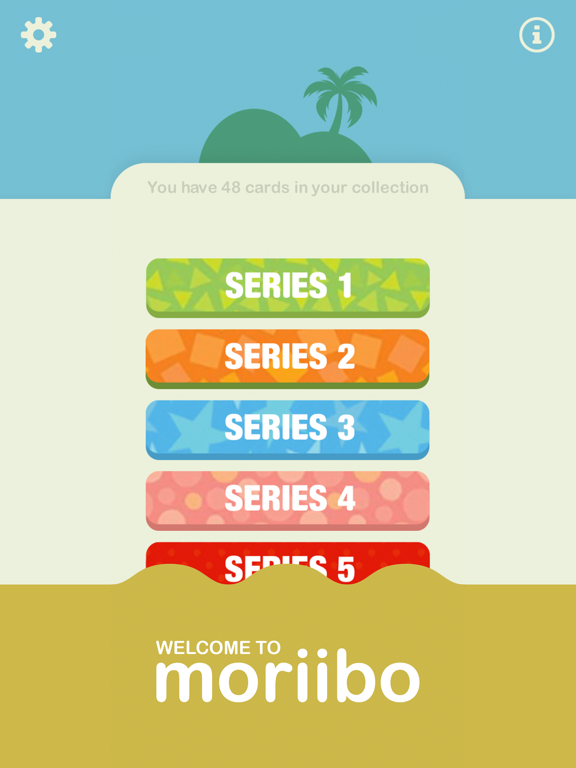
Welcome to moriibo \(^•^)/ The ultimate collector-card guide and checklist application. moriibo is the perfect amiibo companion app and management to...