
Check the acquisition promise
Read the store headline, screenshots and description. What problem is the app promising to solve?
Study the storefront ↗
Lumen Spark LLC · iOS
Explore the ad evidence, study the storefront, and build your next acquisition hypothesis.
01 / Creative research
Read the store headline, screenshots and description. What problem is the app promising to solve?
Study the storefront ↗Explore apps with direct store-link matches. Compare their hooks and formats without assuming the same approach works here.
Browse observed advertisers ↗Store rankings and revenue estimates describe market context. They do not establish ad spend, conversions or ROAS.
Review the market context ↗02 / Storefront & product
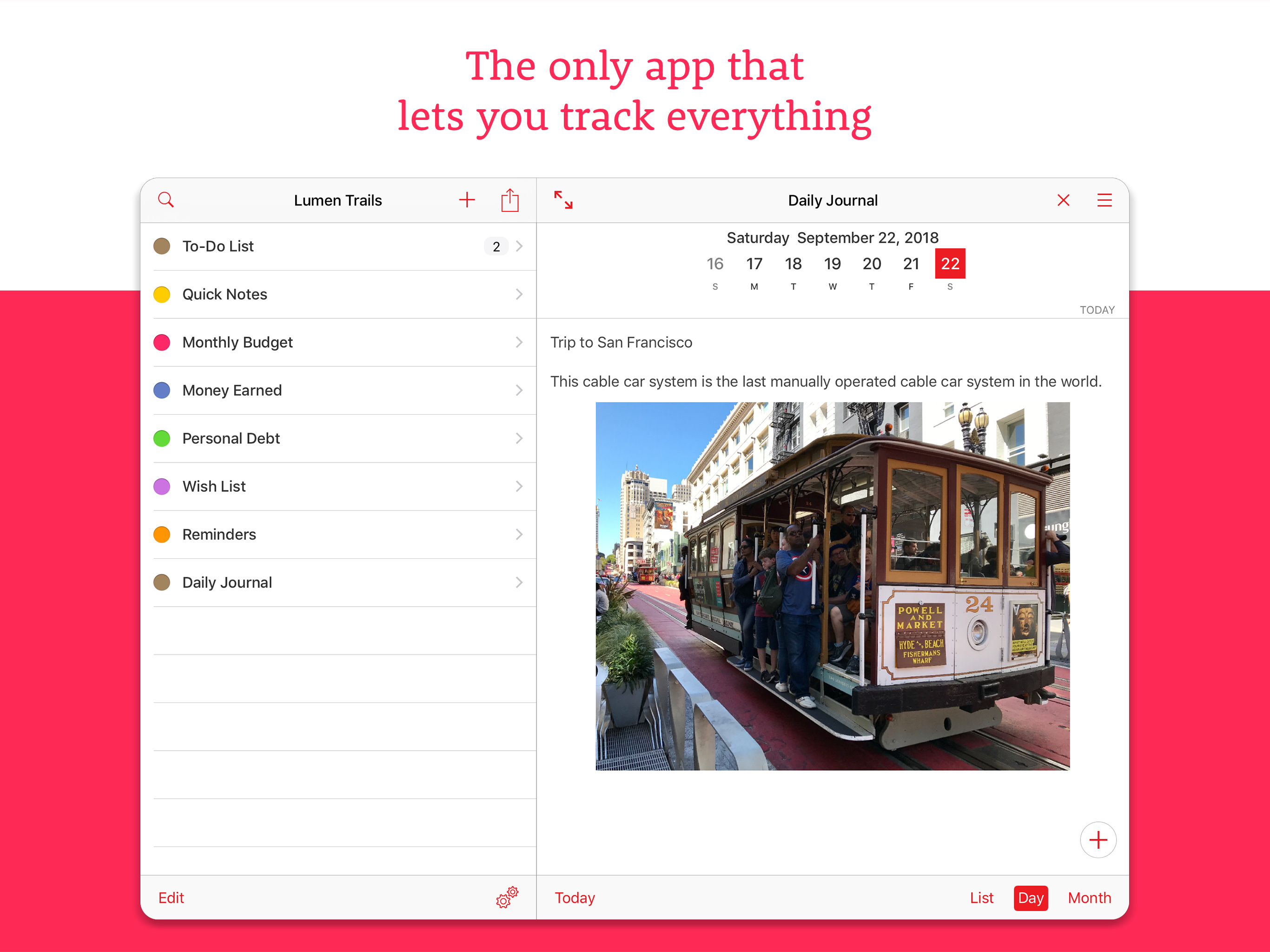
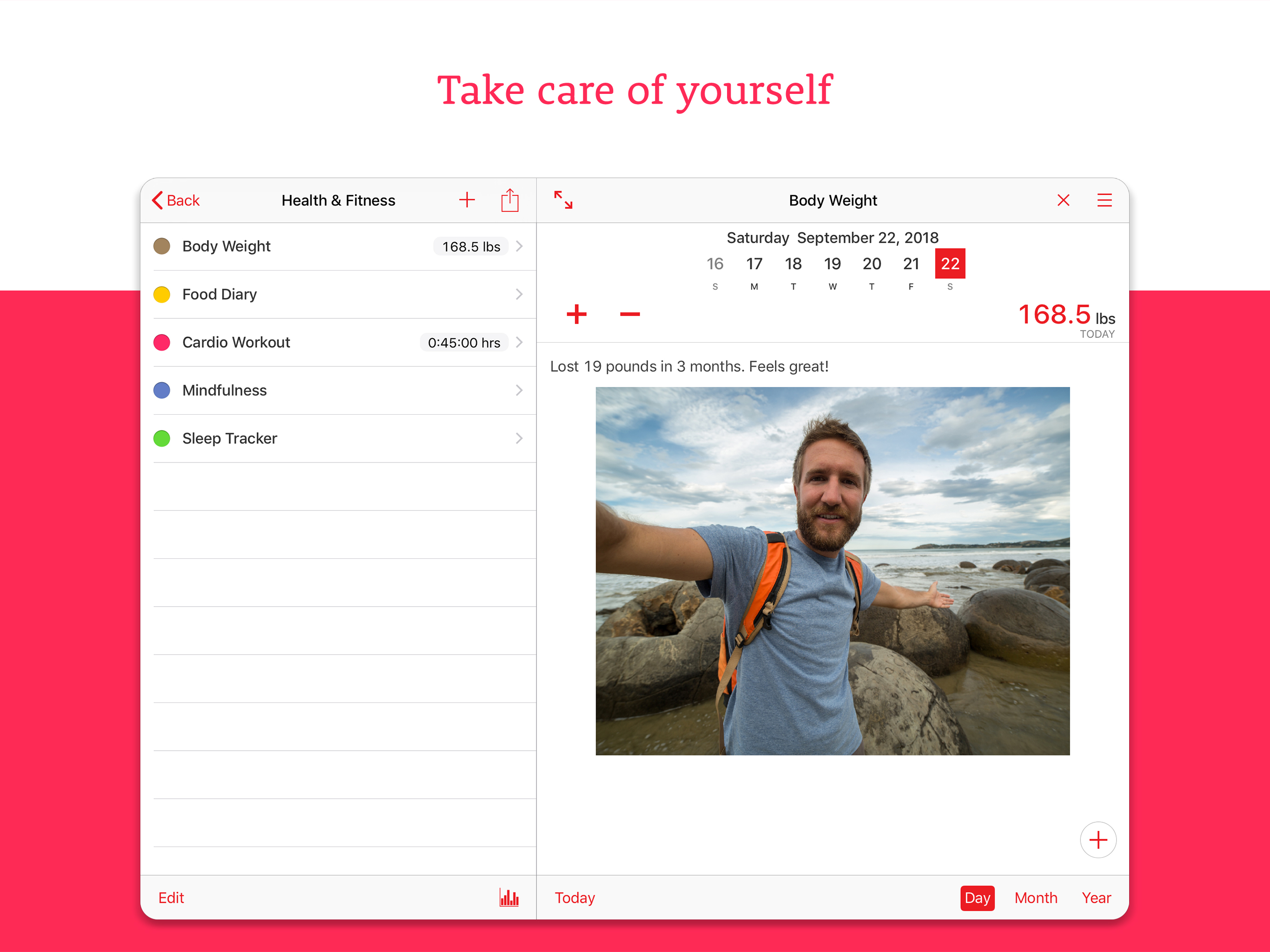
Study the product story and store experience behind the acquisition funnel.



03 / Market context
Keep revenue, downloads and store rankings separate from advertising performance.
Initially, I didn't "get" how useful this app truly was because of its deceptive simplicity...but the more I use it, the more it is everything I've hoped for! I’m not sure how the updated paid version would be of more help given the way I’ve been using the former version, but as is Lumen Trails is indispensable.
I love being able to make lists and attach pictures. For Christmas we make lists for the kids and can text them to grandma and grandpa with all the details. It makes things really smooth and easy for the holidays!
This app is a bit fuddy-duddy, and has not been updated in a long time. However, it gets the job done, albeit with some very confusing nonfunctional buttons and limited, counterintuitive entry methods. I am trying to use the "bedtime" template to track my rise time each morning. However when I tap the "Add current time" to the journal entry field, this does not update the time field in the upper right-hand corner. The user is forced to manually click and type in the time. Otherwise, the time will not show up on the monthly calendar view for tracking purposes. Unfortunately, the task of manually entering a time presents new challenges and limitations. For example, if I type in 500, this gets interpreted as minutes, converted to hh:mm format and shows up as "8:20". Or I would need to type "7" ":" "0" "3", to get 7 hours, 3 minutes. There is no way to indicate a.m. or p.m. for these entries, which I suppose is not crucial, however it would be nice. After all, it is possible to get a.m. and p.m. in the journal entries, so why not in the main data entry field in the upper right-hand corner? The plus and minus buttons do not serve any function in this template, which is confusing. When I press them, my data entry gets deleted and replaced by a "+" or a "-". It is a steep learning curve for such a simple app, and the functionality is still lacking in many ways. It is a promising app because of its versatility – it is a great idea to have an app that can track just about anything. However it needs some re-tweaking of the user interface, as well as some serious rethinking about the various ways in which people would want to use an all-purpose tracking app.
• Apple “New Year, New You” Favorite • Apple App Store Staff Favorite Lumen Trails lets you take notes, make lists and keep track of other things in...
| Name | Price | Type |
|---|---|---|
| Lumen Trails (Annual) | $49.99 | Yearly |


