Check the acquisition promise
Read the store headline, screenshots and description. What problem is the app promising to solve?
Study the storefront ↗
Bijjol Rambhia Kiran · iOS
Explore the ad evidence, study the storefront, and build your next acquisition hypothesis.
01 / Creative research
Read the store headline, screenshots and description. What problem is the app promising to solve?
Study the storefront ↗Explore apps with direct store-link matches. Compare their hooks and formats without assuming the same approach works here.
Browse observed advertisers ↗Store rankings and revenue estimates describe market context. They do not establish ad spend, conversions or ROAS.
Review the market context ↗02 / Storefront & product
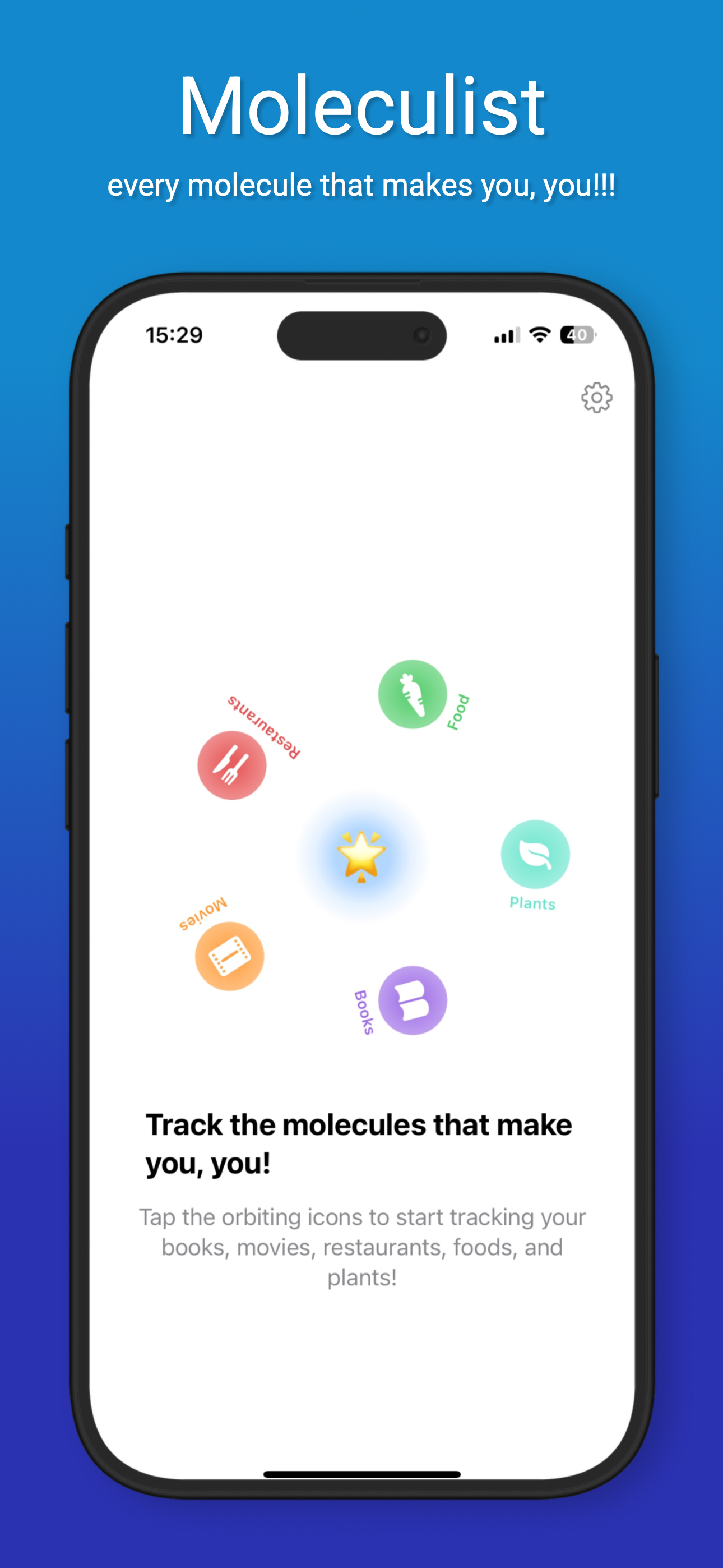
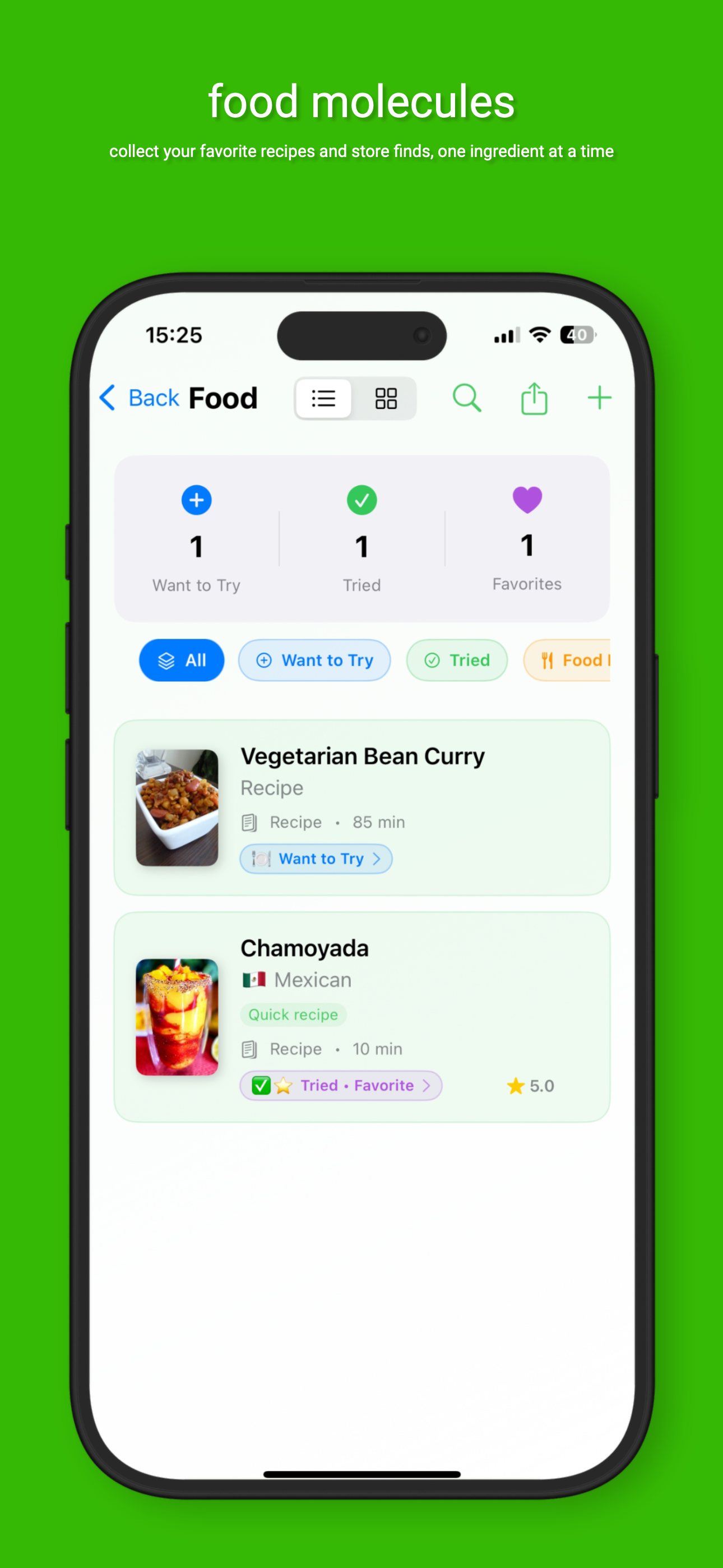
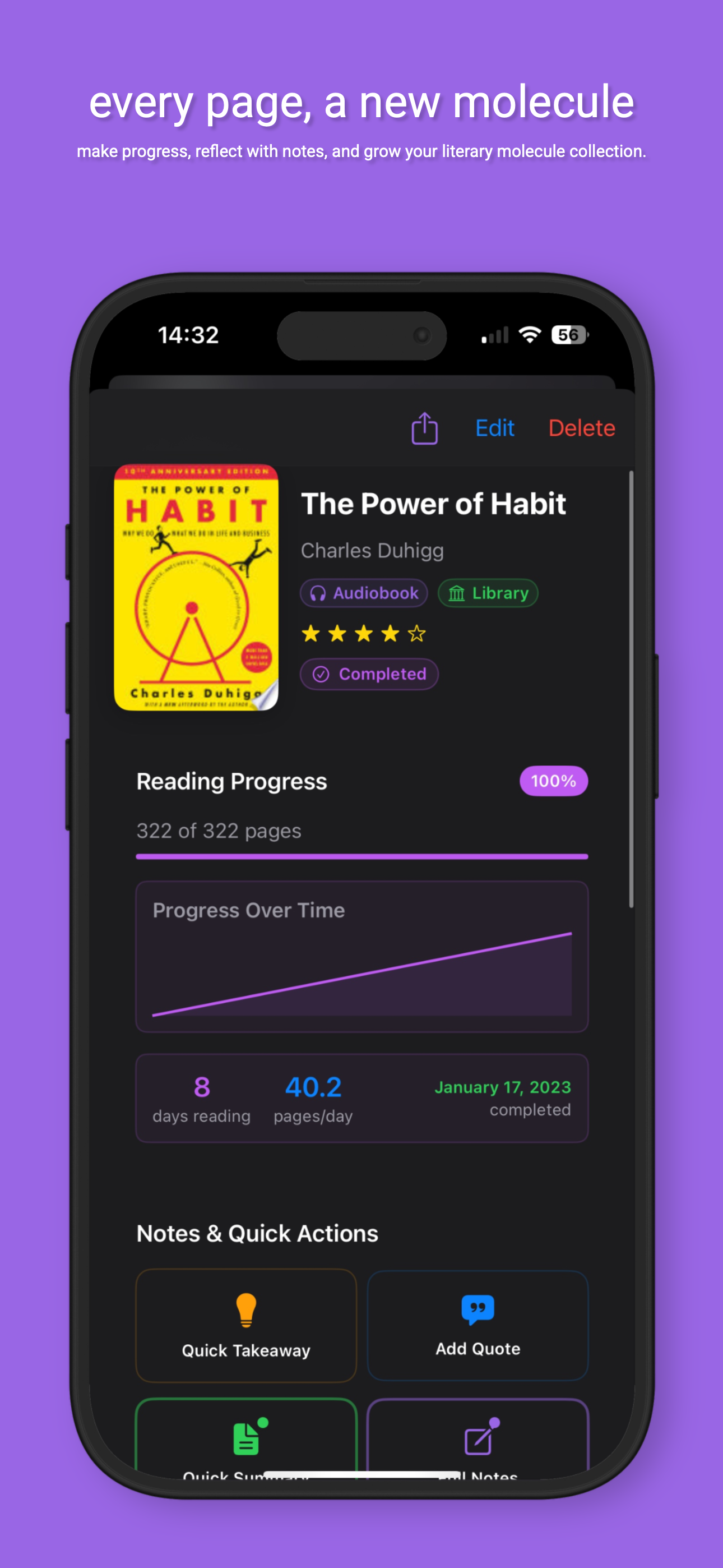
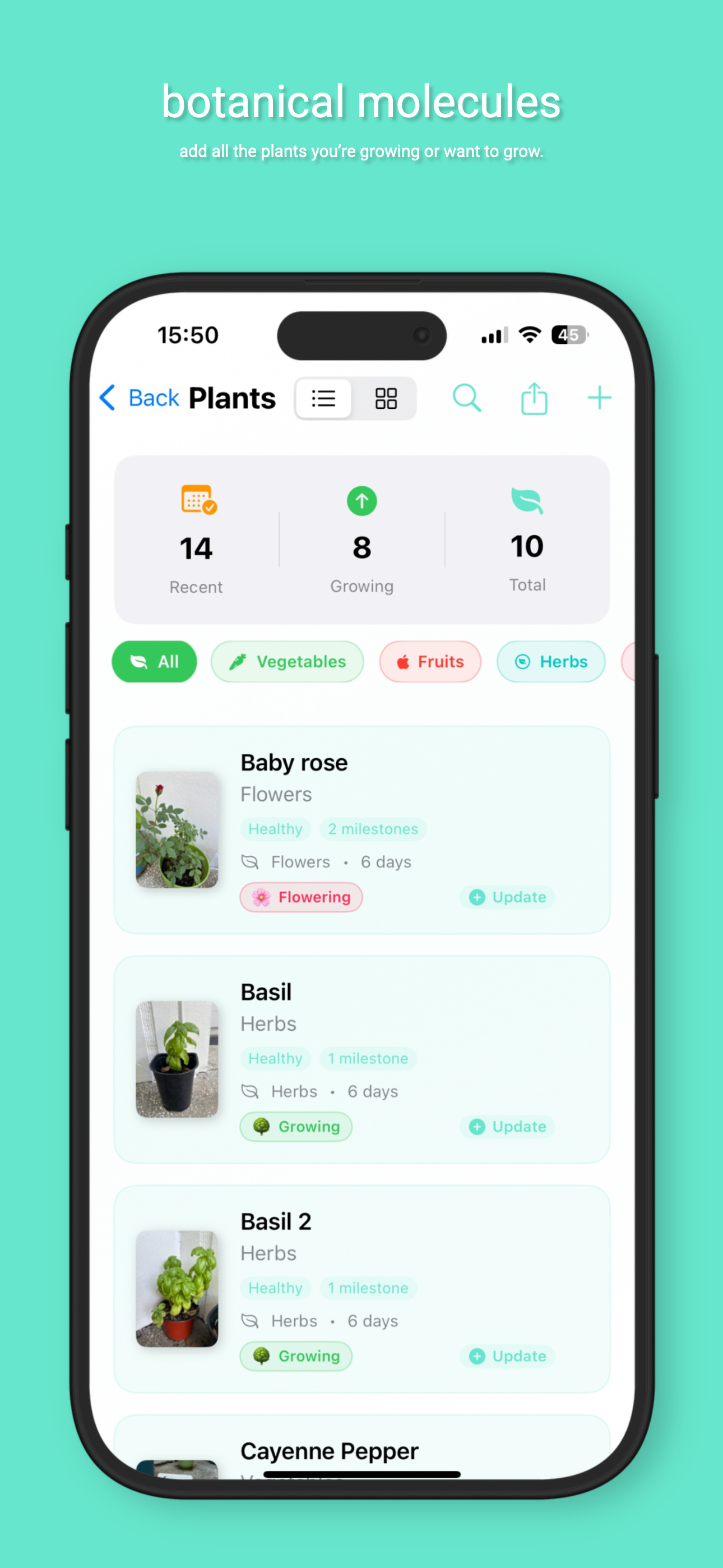
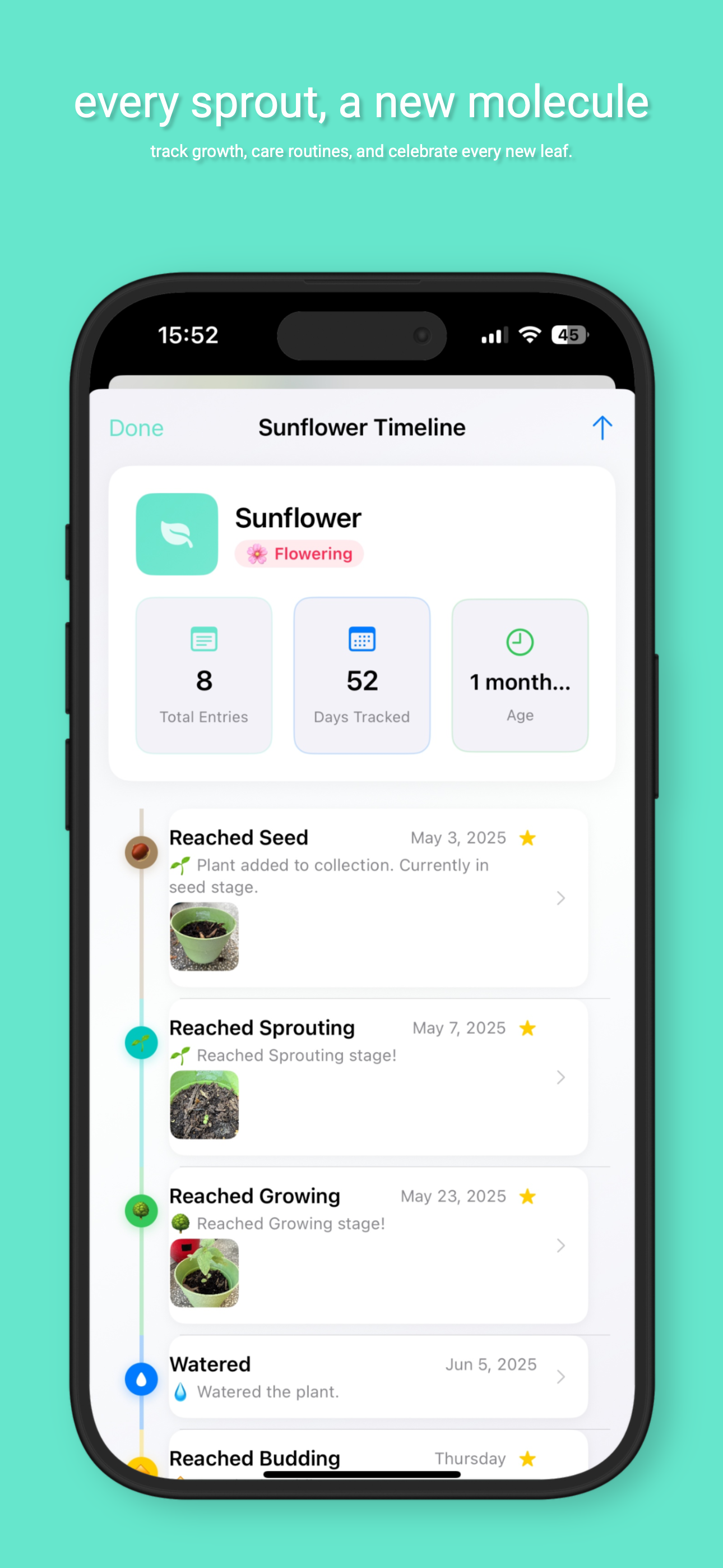
Study the product story and store experience behind the acquisition funnel.



03 / Market context
Keep revenue, downloads and store rankings separate from advertising performance.
First off, 5 stars for the idea and execution. It is allllmost the perfect app I have been looking for forever now. My only nag is that this app, for me personally, has very limited use due to the lack of ability to add custom categories. Developer, have you considered adding a function like this? For example, perhaps being able to add a category for special memories when you can insert a picture and write a little note about that day. Or really to be able to create a niche category for anything one might think of (since I have a lot of niche interests). Anyway, perhaps I am thinking about this app from the wrong angle? None the less, the app is executed perfectly otherwise!
Privacy policies must be clear and deliberate. Have you faced an app claiming no data collection, only to find its web-linked privacy policy says otherwise? Here emerges a new leader in privacy transparency. Many privacy policies mislead users by stating “no personal data” is collected while detailing various data that might be “non-personal data.” This could be a flaw in Apple’s system, though I don’t see how Apple permits developers to use incorrect data handling methods by offering options like “data collected: usage data.” Yet, some companies ignore this and still claim no data collection on their App Store app, even as they employ third-party mining companies to analyze and collect your entire app usage. They then have the nerve to charge you while their analytic drivers pay them. Transparency is the cornerstone of doing business with any company, in my view. Even if data is collected, whether personal or non-personal, trust is essential. * Privacy Policy Importance: Straightforward and transparent privacy policies are essential for building trust with users. * Data Collection Transparency: Companies should be transparent about the data they collect, even if it’s non-personal data, to avoid misleading users. * Trust and Transparency: Transparency in data handling practices is crucial for building trust with users, even if data collection occurs.
Latest update: YAY! The feature to add days restaurants are closed is very appreciated, very nice update! Update: Thanks for the detailed response letting me know what changes are coming, and explaining the features. Much appreciated and I look forward to future updates! Original review: I had high hopes but there are some kinks. My very first entry I wanted to add was a restaurant website straight from google…I found Moleculist from the share options and it said “Error, Unsupported Content Type” when I tried to add the website restaurant. If it can’t share the most basic of google web addresses, I don’t have high hopes it will do anything it says it will do. Also I want to indicate that the restaurant is closed on Mondays, but the notes don’t display from the timeline. So I had to add “CLOSED ON MONDAYS” to the restaurant’s name, so I would know at a glance when it is not open. There should be a way to determine what parts of a note/entry we want to display as viewable on the timeline. For example, it is unimportant when I added a restaurant to the timeline. I want a way to edit that, to delete it from the timeline, as it just clutters things up. Another issue - you can delete your data and start from scratch but there is no way to REORDER. Whatever order you add your categories to track books, plants, restaurants whatever - is how they will permanently display to the left. I want to drag them in to the order I want so the categories I track the most are at the top of the list!
Moleculist Transform your life into a beautiful molecular universe. Moleculist turns personal organization into an inspiring, cosmic experience—where...