Check the acquisition promise
Read the store headline, screenshots and description. What problem is the app promising to solve?
Study the storefront ↗
东海 刘 · iOS
Explore the ad evidence, study the storefront, and build your next acquisition hypothesis.
01 / Creative research
Read the store headline, screenshots and description. What problem is the app promising to solve?
Study the storefront ↗Explore apps with direct store-link matches. Compare their hooks and formats without assuming the same approach works here.
Browse observed advertisers ↗Store rankings and revenue estimates describe market context. They do not establish ad spend, conversions or ROAS.
Review the market context ↗02 / Storefront & product
Study the product story and store experience behind the acquisition funnel.


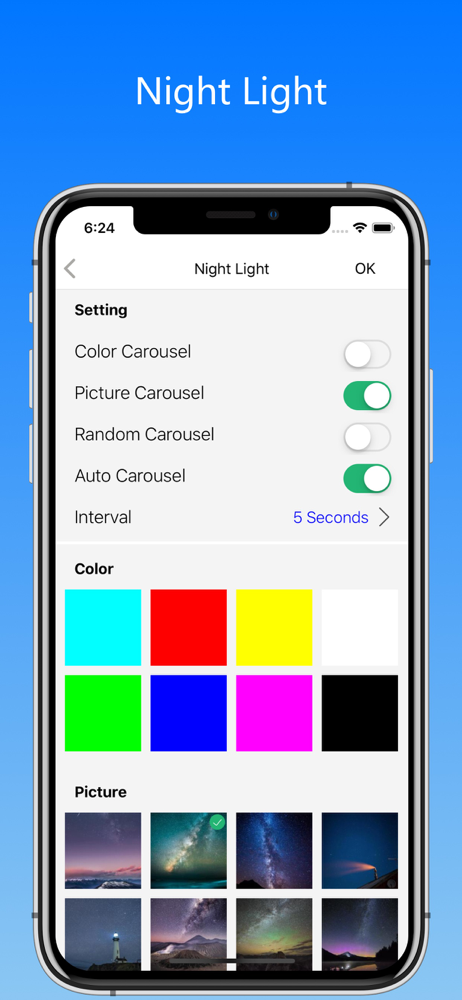
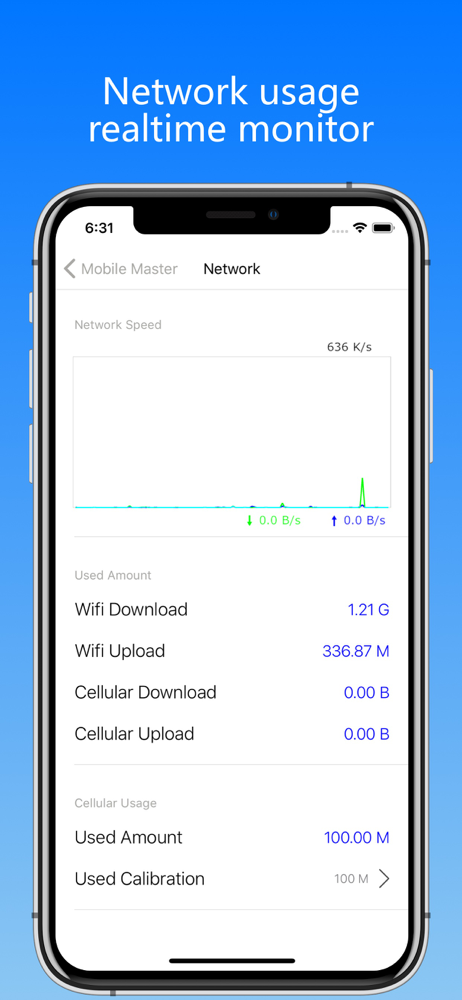
03 / Market context
Keep revenue, downloads and store rankings separate from advertising performance.
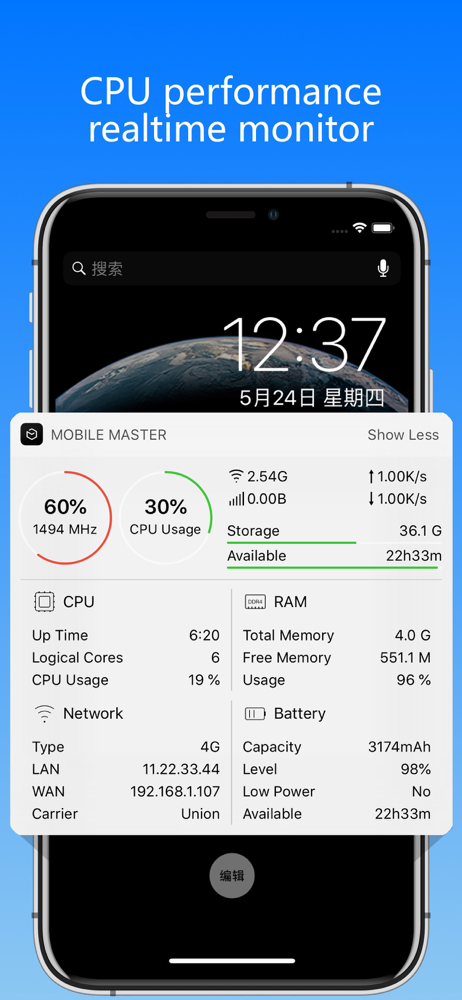
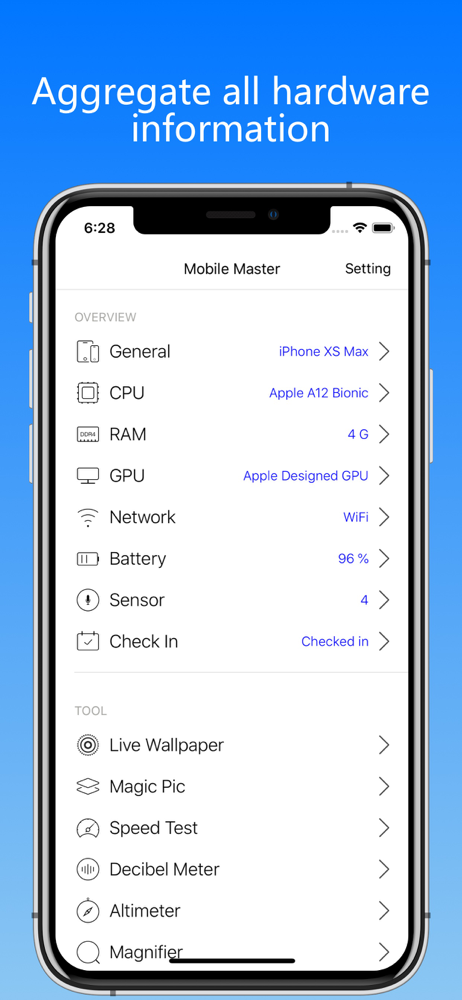
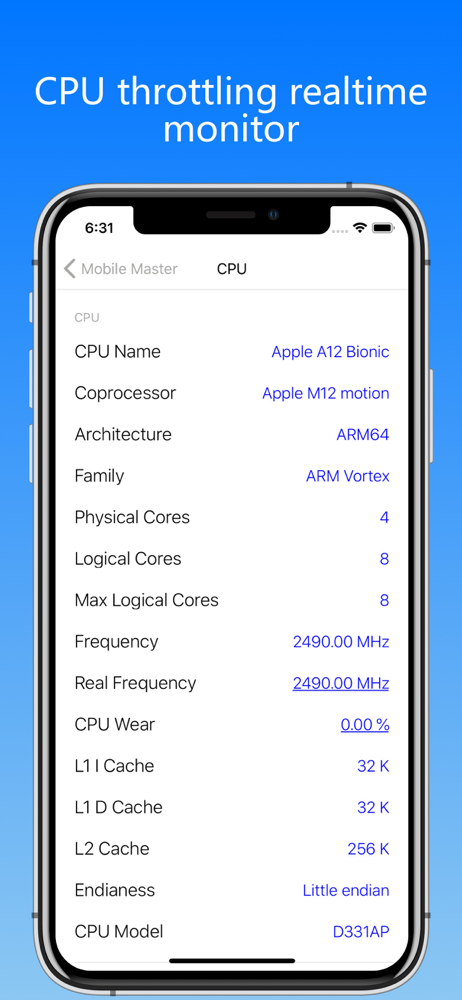
While System Status by Techet remains my all time most used app by far, this one adds more detail in the hardware stats. Particularly interesting is "CPU Wear", mine shows a 1000Mhz iPad 2 with 2% Wear, so 998Mhz. I've never heard of this before on any type of CPU on any device and I'm intrigued and would like to research this.
The speed test hangs without completing the upload routine, the app didn't crash or freeze and you can return to the main screen in the app. . No full screen ads to be found, only useful tools and info
I have tried so many of these CPU Frequency Apps in the app store. This is the only one I have seen work correctly thus far. Developer please orient the screen to go Landscape or the other way for ipad as that is how it is typically used. Please continue to update and improve. This One Is A Winner. So wonderful you made the App.
Quickly and accurately measure real cpu frequency and frequency reduction Mobile Master is a free tool to provide information about your device - cpu...