Check the acquisition promise
Read the store headline, screenshots and description. What problem is the app promising to solve?
Study the storefront ↗
MathWorks · iOS
Explore the ad evidence, study the storefront, and build your next acquisition hypothesis.
01 / Creative research
Read the store headline, screenshots and description. What problem is the app promising to solve?
Study the storefront ↗Explore apps with direct store-link matches. Compare their hooks and formats without assuming the same approach works here.
Browse observed advertisers ↗Store rankings and revenue estimates describe market context. They do not establish ad spend, conversions or ROAS.
Review the market context ↗02 / Storefront & product
Study the product story and store experience behind the acquisition funnel.


03 / Market context
Keep revenue, downloads and store rankings separate from advertising performance.
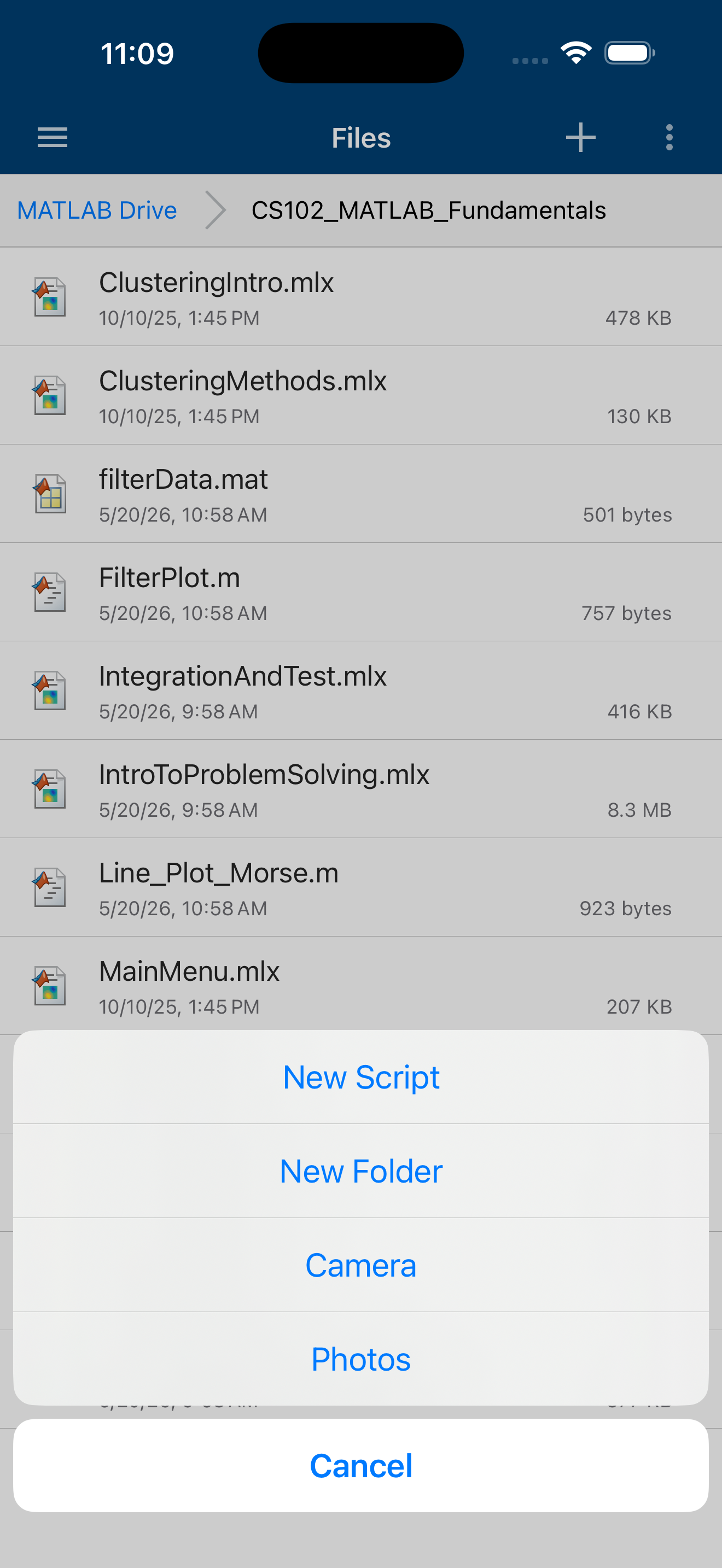
This app produces exceptional performance on iPad/iPhone considering it can process results faster than most of my college’s desktop computers. I’ve run into a small issue figures. MATLAB seems to create permanent figures that cannot be cleared with the clear function. Each overwrite with new data confuses the figure and plots the old data, or simply omits the new data. The resolution to the bug(s) seems to be removing app and redownloading. Overall, the app works great with the files app. Creating, moving, renaming, etc. work wonderfully in both apps. Data collection with device sensors also works great. PS: I expect that MATLAB could/should replace clunky Pasco Capstone software (commonly found in physics classrooms) if resources were available and taught in previous classes. I do wish I had access to and knew how to use Matlab in high school. (Edit) I’m still learning Matlab.
I used to have a problem loading live scripts but that seemed to go away since. The only reason I have it 4 stars is because if I have the app in the background for too long, it will disconnect. This forces me to wait to reconnect before using the app or just having to close the app entirely. If I didn’t have to reconnect every time after having the app in the background it would be perfect. Otherwise I really like the app.
I encountered several issues that make this app a low rated app in my opinion. To start with I decided to use the mobile app while on vacation so I put some scripts on the cloud used by the app. Unfortunately I forgot a couple of scripts and spent about 30 minutes getting the files from my iCloud Drive sharing them to another app so I could copy the contents and then create a file within MATLAB that I could use. For several files this becomes a real pain. Not sure why they could not be stored locally within the app or why the app can’t access iCloud Drive. Perhaps this is a future feature. Second issue is that the app requires an internet connection to work at all. I assume the number crunching must be happening server side instead of on the iPad client side. This dramatically decreases the apps “mobility”. Try using it on an overseas flight. MATLAB has always been hyper protective when it comes to licensing and it is something that can be lived with from a computer. I really hope this is not the reason for this major drawback for a mobile app. Lastly every time I move around in a hotel the app loses its connection and I have to force it to re-connect. I am thinking this is because the WiFi router I am using changed in some fashion and my VPN must reconnect (all done without any action on my part). Why MATLAB mobile can’t re-connect as well is beyond me. Hope Mathsoft is working on these issues. This app has potential especially given the improved performance of iPads. Unfortunately this app is not worth the effort for me given the above restrictions.
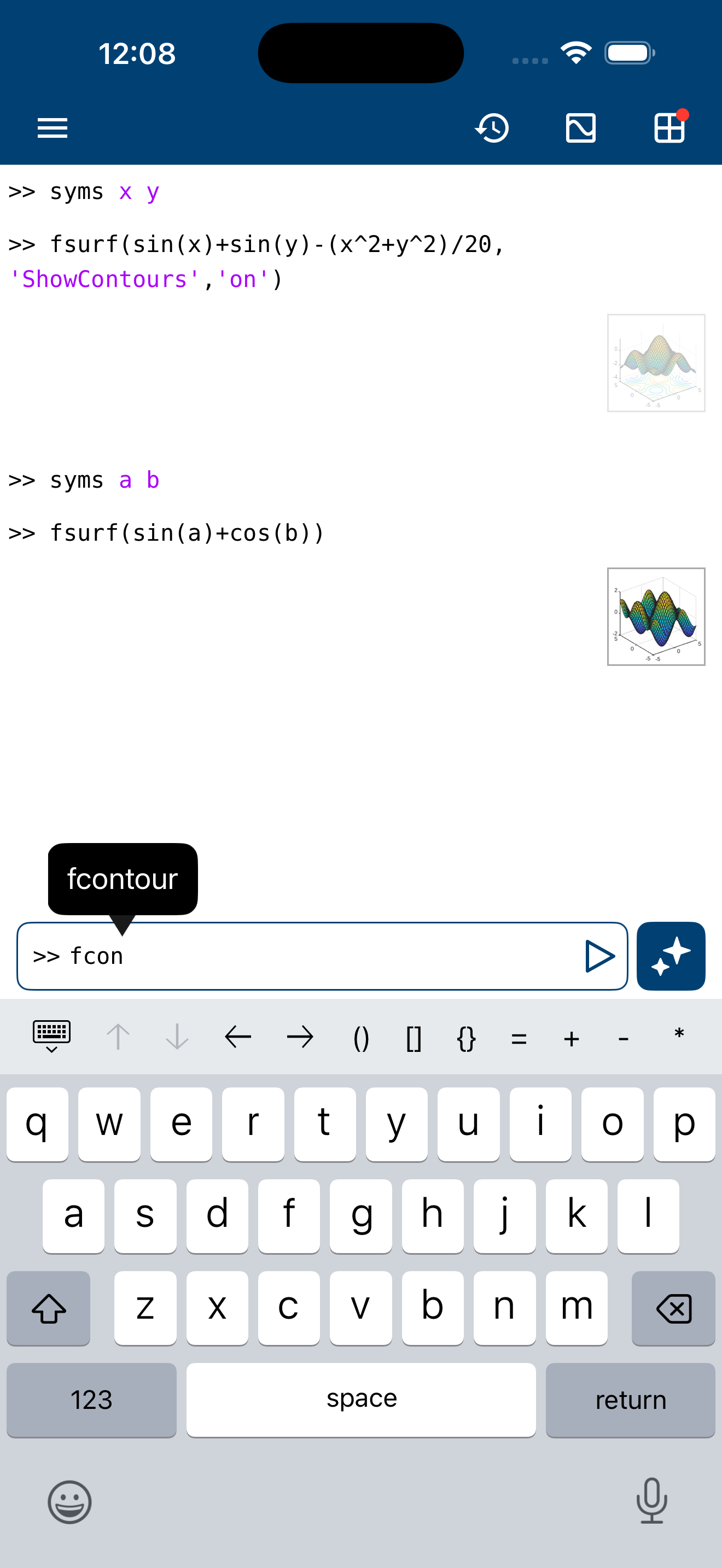
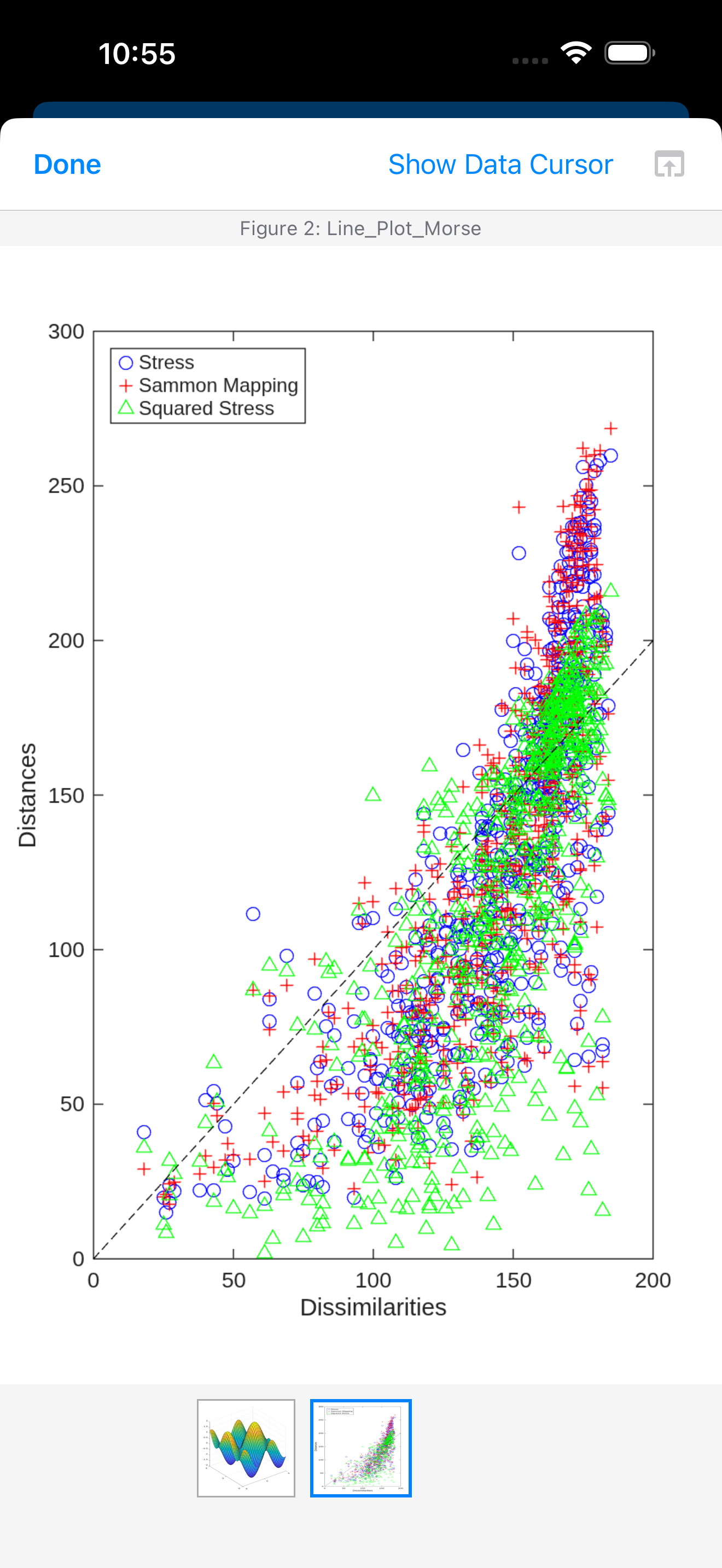
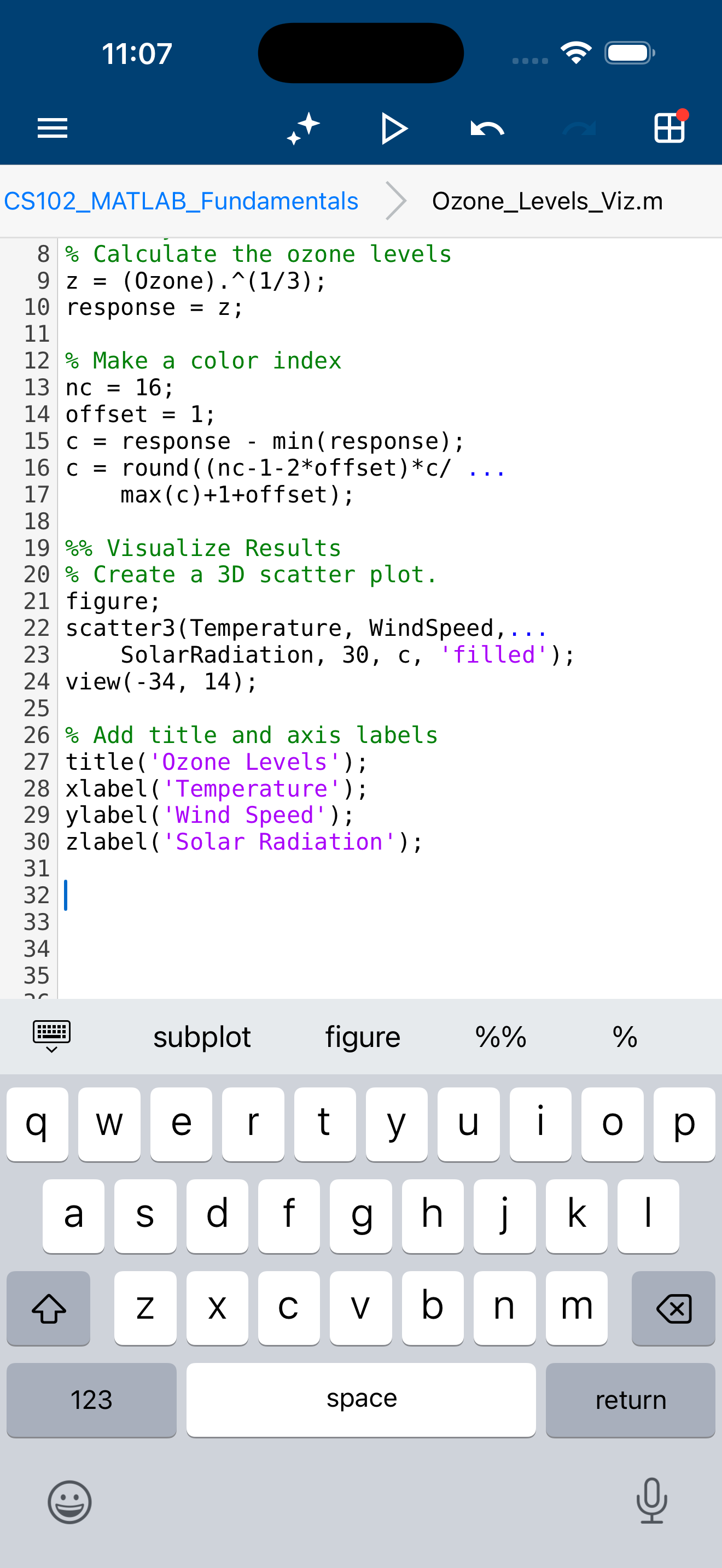
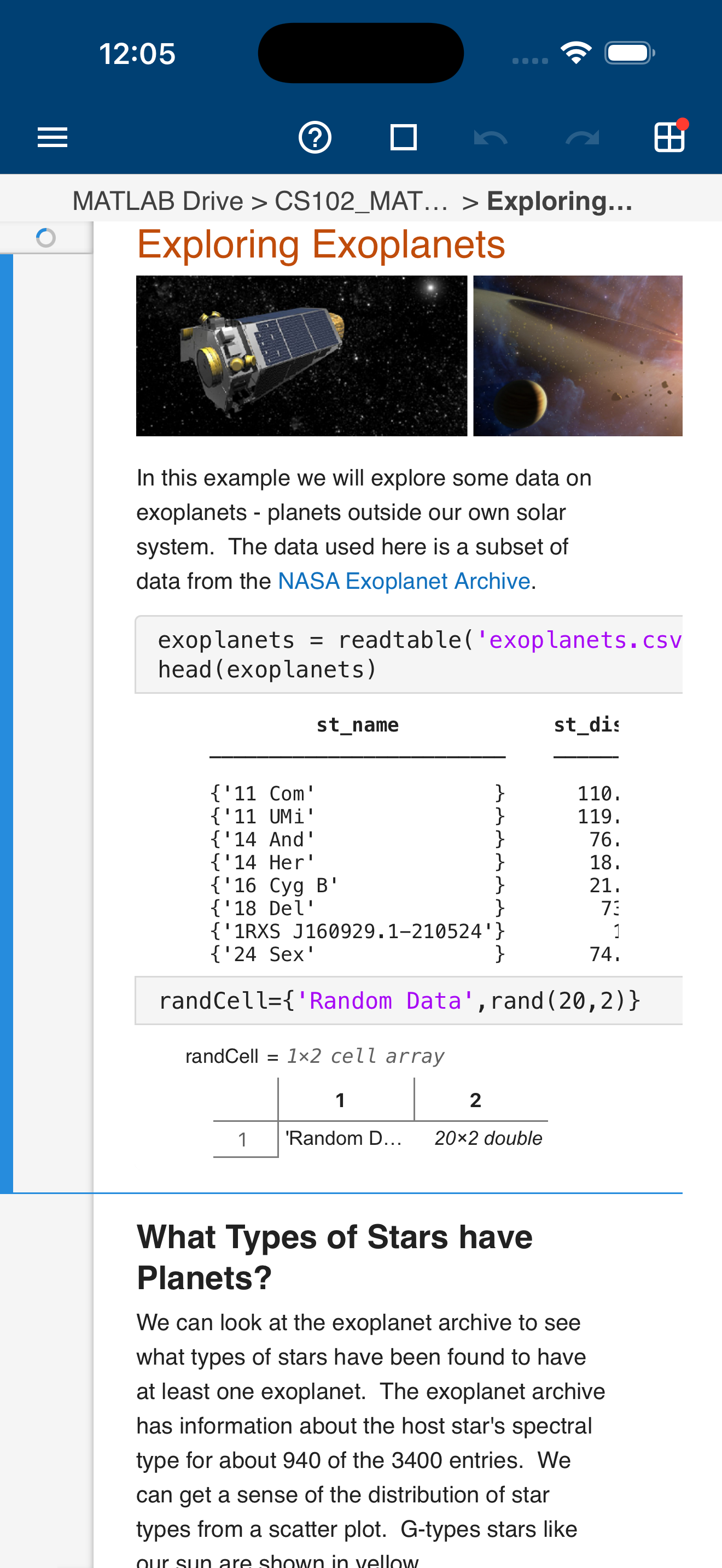
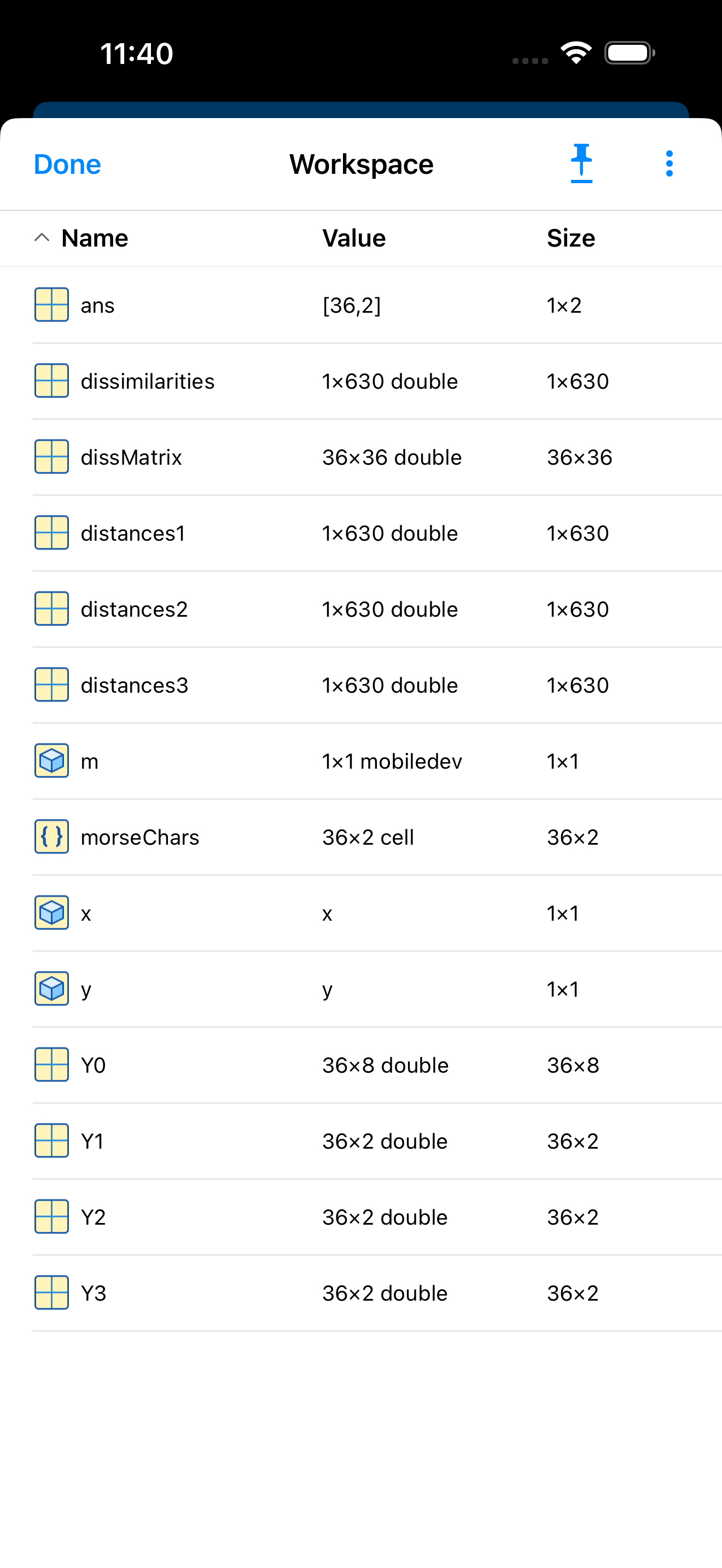
Connect to MATLAB® from your iPhone or iPad. Evaluate MATLAB commands, create and edit files, view results, acquire data from sensors, and visualize...