Check the acquisition promise
Read the store headline, screenshots and description. What problem is the app promising to solve?
Study the storefront ↗
Modular Machines LLC · iOS
Explore the ad evidence, study the storefront, and build your next acquisition hypothesis.
01 / Creative research
Read the store headline, screenshots and description. What problem is the app promising to solve?
Study the storefront ↗Explore apps with direct store-link matches. Compare their hooks and formats without assuming the same approach works here.
Browse observed advertisers ↗Store rankings and revenue estimates describe market context. They do not establish ad spend, conversions or ROAS.
Review the market context ↗02 / Storefront & product
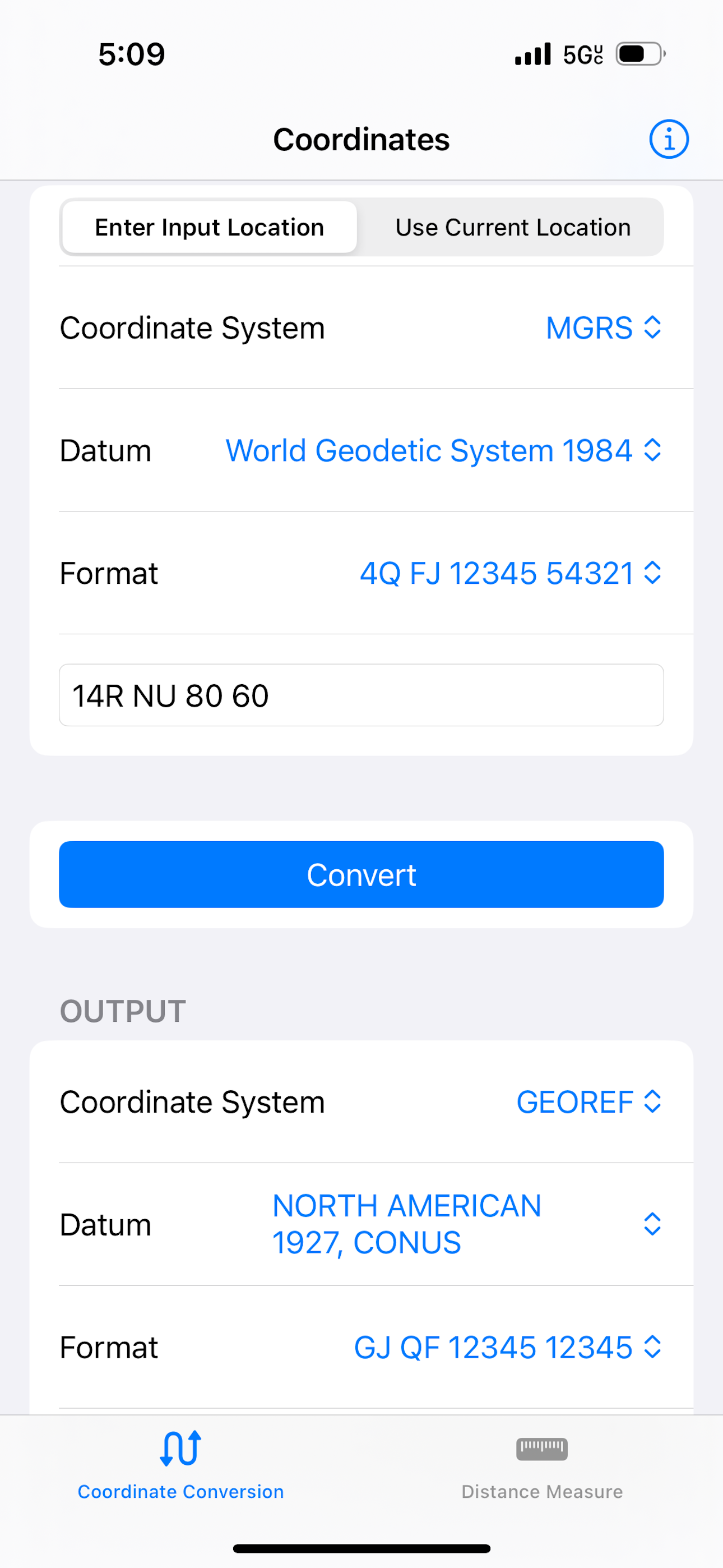
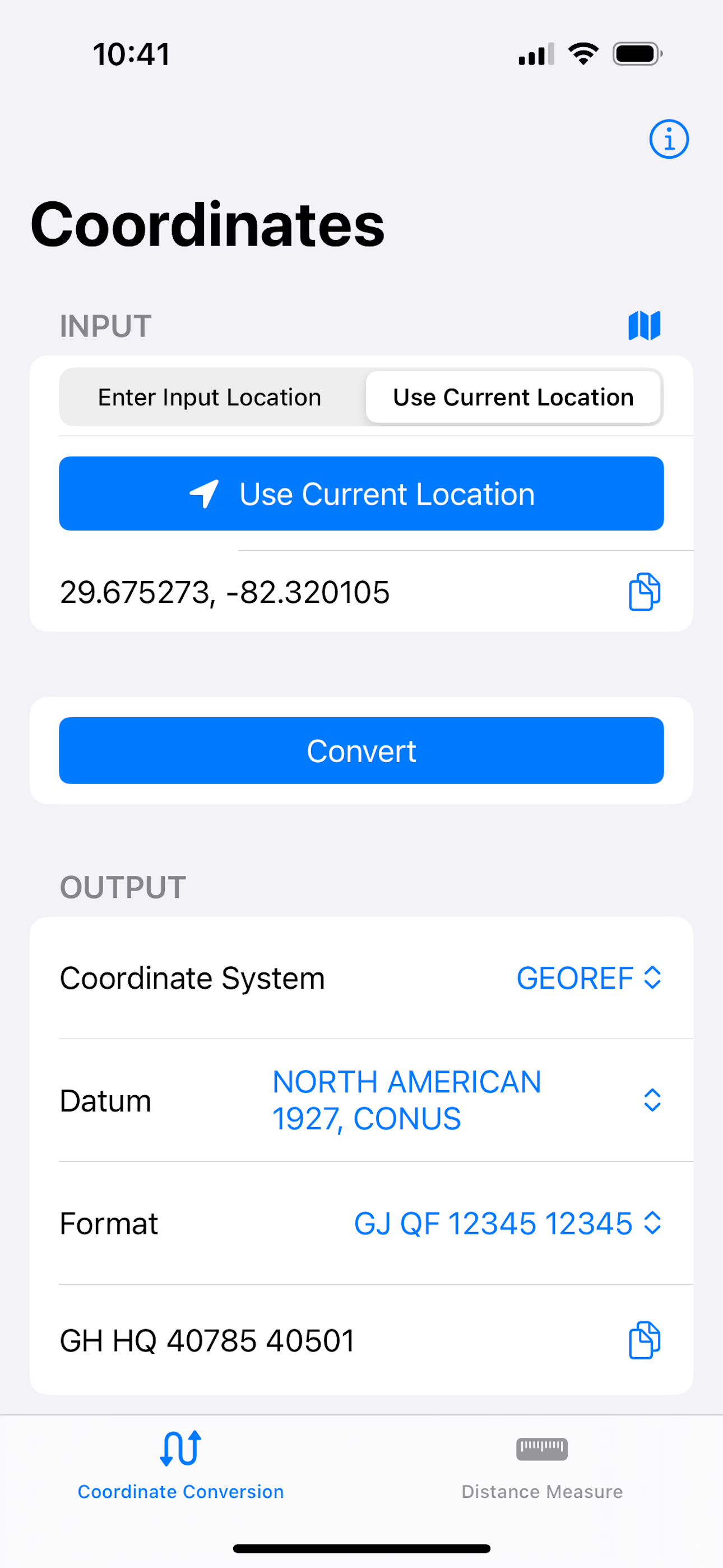
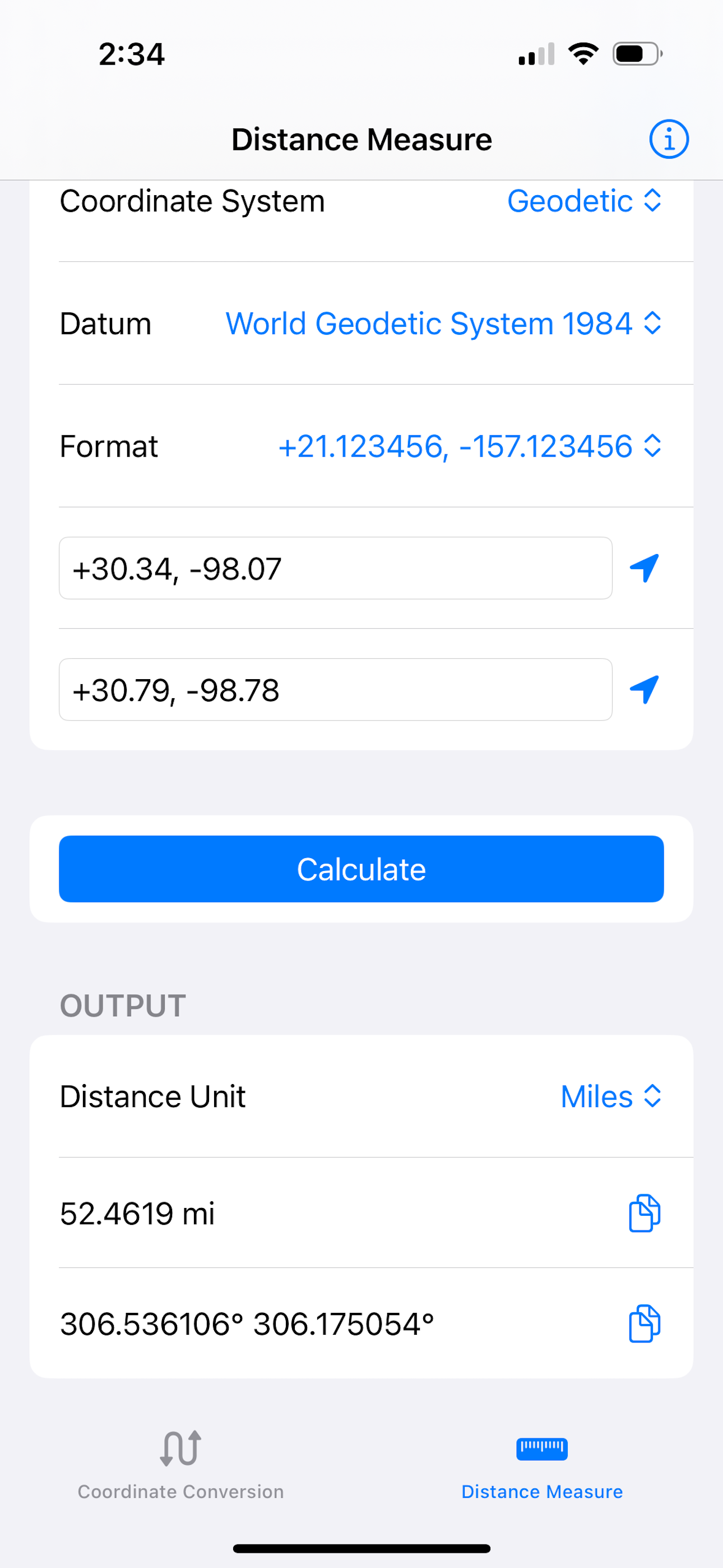
Study the product story and store experience behind the acquisition funnel.



03 / Market context
Keep revenue, downloads and store rankings separate from advertising performance.
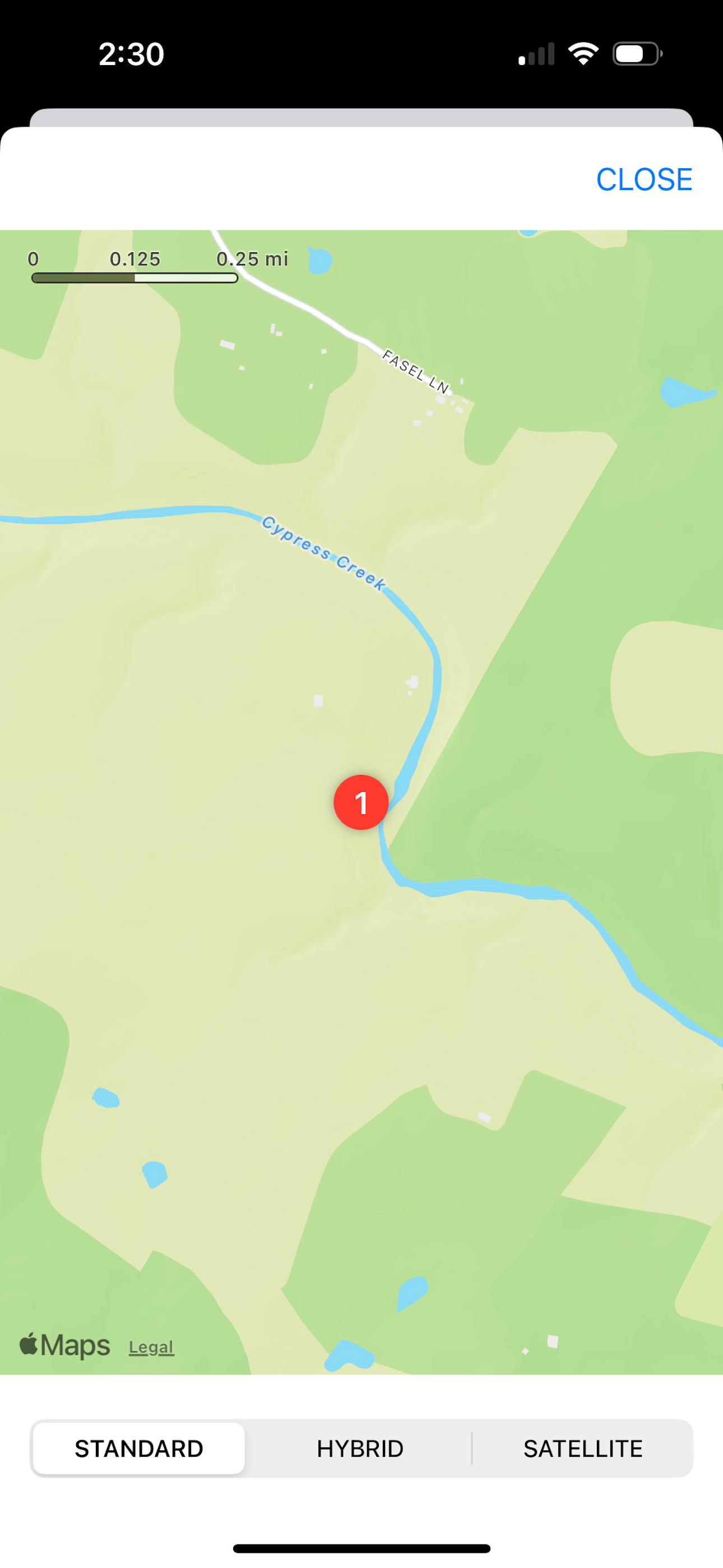
It might deserve 3 stars if (1) coordinates could be entered by use of the map, similar to marking a location with a drop pin in the Maps app, and (2) the app included 1 additional datum for the base price. USGS topo maps are referenced to the NAD27 CONUS datum, and that datum is the only one I use. I spent the additional $2.99 for the datum converter add-on before discovering the Topo Maps app, which is far more suitable for my use.
I purchased this app to covert from WGS84 to NAD83 and NAD83 degrees, minutes, decimal seconds to NAD83 degrees, deciaml minutes. Didn't expect to have to pay another $2.99 to get the other datums to use it. Unless all your working with is WGS84, don't bother.
Works great for zone 10S at least. Be aware of which UTM grid this app uses and make sure it's applicable to your needs. Having said that, it's a great program! Very handy if you are working with GIS data.
Map Tools supports coordinate systems and map projections for 232 datums, including WGS84, NAD27, NAD83, ED50, OSGB36, EGSA87, AGD66, AGD84, GDA94, NZ...