Check the acquisition promise
Read the store headline, screenshots and description. What problem is the app promising to solve?
Study the storefront ↗
Happy Parents Software GmbH · iOS
Explore the ad evidence, study the storefront, and build your next acquisition hypothesis.
01 / Creative research
Read the store headline, screenshots and description. What problem is the app promising to solve?
Study the storefront ↗Explore apps with direct store-link matches. Compare their hooks and formats without assuming the same approach works here.
Browse observed advertisers ↗Store rankings and revenue estimates describe market context. They do not establish ad spend, conversions or ROAS.
Review the market context ↗02 / Storefront & product
Study the product story and store experience behind the acquisition funnel.


03 / Market context
Keep revenue, downloads and store rankings separate from advertising performance.
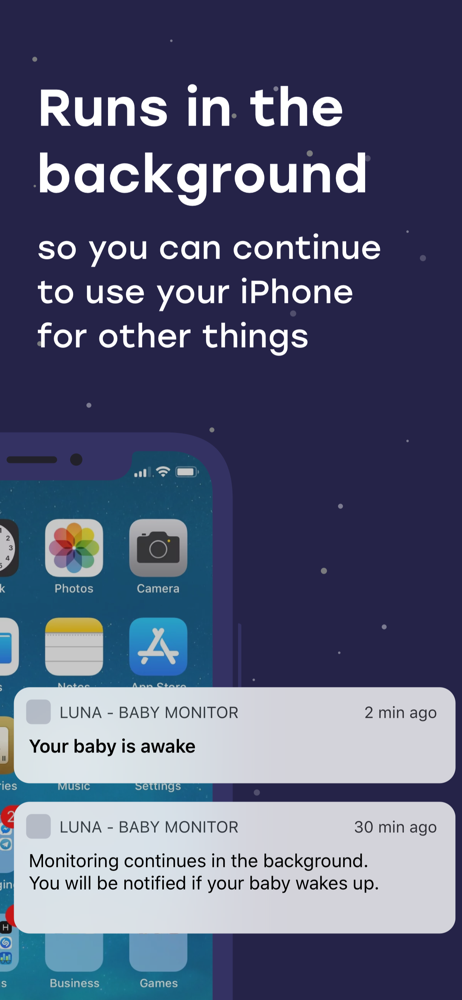
This app works great for our needs. Our house is a ranch style and it’s hard to hear the baby when on the opposite side of the house. We use the app a few times a weeks when we want to watch tv once the baby is in bed. The app works great, but sometimes the audio cuts out. We like to just listen for the baby and not use the sleep alerts. Also it is a bummer that you cannot use any other functions on your phone while the app is open unless you pay. But over all it works well for our needs.
My baby has some breathing problems and one reason I like to have a monitor is so we can hear his breathing. I thought this app would be good, but it stops audio streaming whenever it thinks it doesn’t pick up sound. I constantly have to turn the audio streaming back on every few minutes unless I place the baby station phone right next to his mouth, which isn’t practical as he moves while sleeping. I wish the app would have given more information about the streaming capabilities. I needed something that could stream audio all the time, not something that stops every few minutes. There also should be more settings in the app. There is an echo mode but no explanation as to what this is or way to turn it on or off. There’s also no way to turn down the alarm volume, so if you have the parent station volume set to high so you can hear, the alarm will be very loud. I bought this app and these are obnoxious bugs/lack of features that made me stop using it. However, for what it does do, it does it well, and if you are looking for something that cannot stream audio full time and only stays on for a short while then it is useful for checking in on your baby. But it’s not a replacement for a real monitor.
I purchased this baby monitor over others simply cause the UI looked cleaner and better than some of the other apps that more people had reviewed. Purchased it because we were away on vacation and wasn’t able to take our normal baby monitor with us. The first time using it, the base station was connected to the hotel WiFi and my phone was on cellular. The video feature didn’t work and after about 30 minutes the parent station stopped being connected to the base unit. This of course created a little anxiety. Later when I tried again, I ensured that both units were connected via cell signal and the video function and the connection seemed more reliable. It seems the either mixing WiFi and cell between units could create a strange miscommunication or inconsistency or the hotel’s WiFi may have been the culprit. Ultimately I’m going to keep using it and hopefully my trust in the app’s ability to not disconnect with increase. So far so good though.
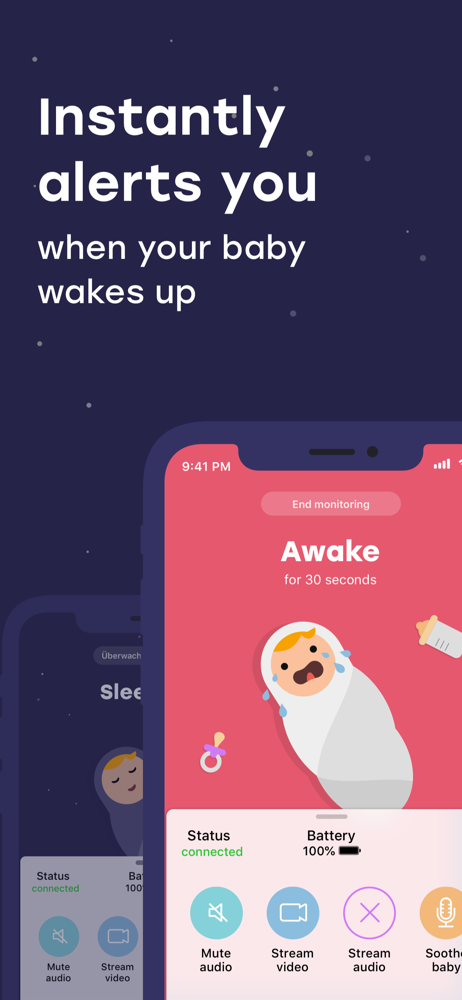
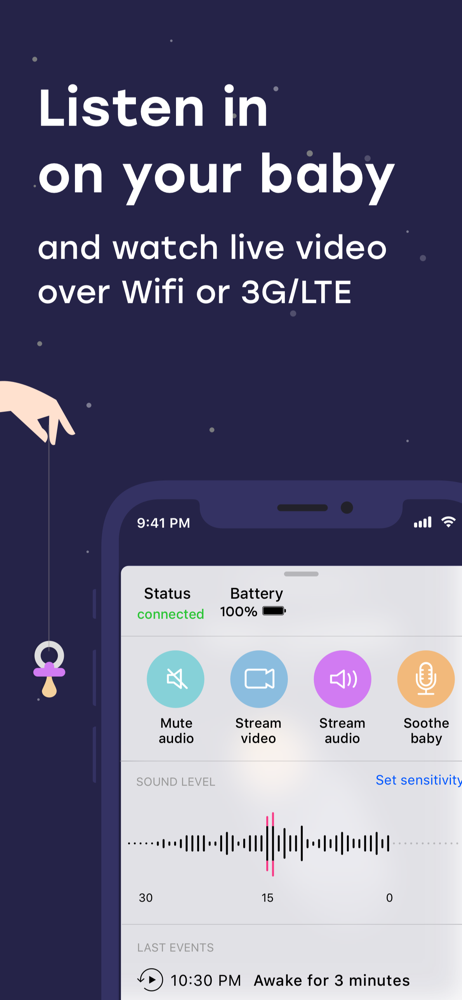
With Luna, you'll always have a baby monitor at hand when you need one. Luna converts two iPhones or iPads into one secure baby monitor with unlimited...
| Name | Price | Type |
|---|---|---|
| Luna Premium | $12.99 | One-time |
| Luna Premium (Annual) | $14.99 | Yearly |