Check the acquisition promise
Read the store headline, screenshots and description. What problem is the app promising to solve?
Study the storefront ↗
Relentless Consulting, Inc · iOS
Explore the ad evidence, study the storefront, and build your next acquisition hypothesis.
01 / Creative research
Read the store headline, screenshots and description. What problem is the app promising to solve?
Study the storefront ↗Explore apps with direct store-link matches. Compare their hooks and formats without assuming the same approach works here.
Browse observed advertisers ↗Store rankings and revenue estimates describe market context. They do not establish ad spend, conversions or ROAS.
Review the market context ↗02 / Storefront & product
Study the product story and store experience behind the acquisition funnel.



03 / Market context
Keep revenue, downloads and store rankings separate from advertising performance.
Am I missing something? This Locker app has you go through a long process to put the app you want to hide on the second page of a folder and make it so Siri can’t see the app wanted to be hidden. So the app still technically there. Then access that app through this Locker app. Makes no sense!! The app is not truly locked in the Locker app it’s just put in the folder on the second page semi hidden in the background. This is ridiculous! After researching my understanding is there are NO apps that can truly password protect an app and hide that app within, which is fine but don’t advertise that an app will because it won’t. And shame on Apple for not making folders able to be password protected. IOS users have been asking for this password folder protection for years. Not too hard Apple. And as far as the rest of the features on the Locker app? I have no idea because I deleted it once I realized the hide app lock option doesn’t work and is misleading in the description.
So, I say 2 stars because this only works for one fo the things it claims to work for. You can hide photos in here perfectly fine. You CANNOT hide apps, and videos, when imported, cannot be played back (at least in my experience). First of all, the video thumbnail never loads, and when you go into one, it just gives you the spinning thing forever. For photos and files it works wonderfully. However, had I known that this would be the only functionality, I never would have gotten Premium ($9.99). The app hiding thing is truly disappointing, because it would really be convenient. Even if it worked how they SAID it would work, it would be better. They say that to hide an app, all you need to do is configure some Settings so that Siri doesn’t suggest the app, then put the app in the second tab of an app grouping on your home screen. THEN you open Locker to open the app from there. What ACTUALLY happens after you do that is when you go into Locker to access the app, it takes you to the App Store, which is very annoying. This app could be worlds better, and worth the $10 bucks paying for Premium, if the developers would spend more time working out the bugs and doing performance improvements. Maybe if they do I can give 5 stars.
Okay so to start off I always read reviews first before I download any app and I saw ppl were having difficulty hiding apps I have an IPhone 6s (sadly😭) but it took me like 4 times trying and it worked just follow the directions....the only thing I don’t like is where u have to pay to do more I understand u need the money to improve ur app but what if ppl don’t have money but really want to use the app without limits 🤷🏽♀️
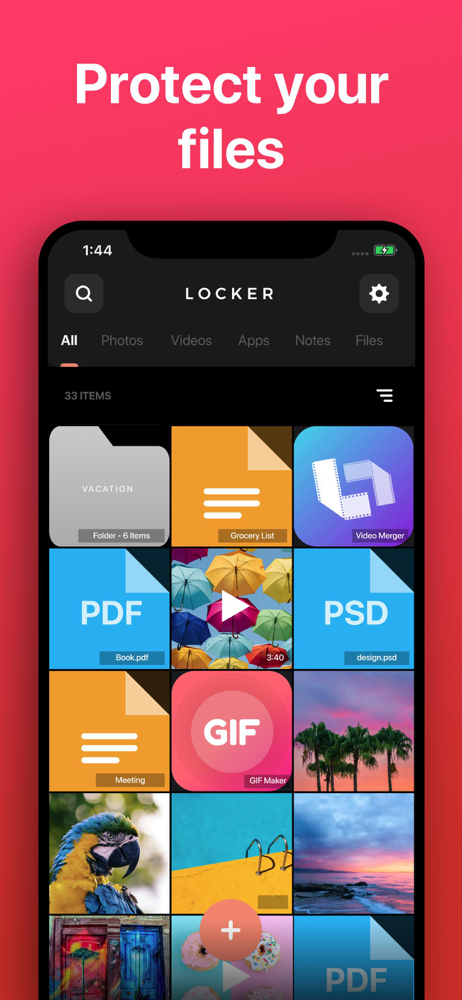
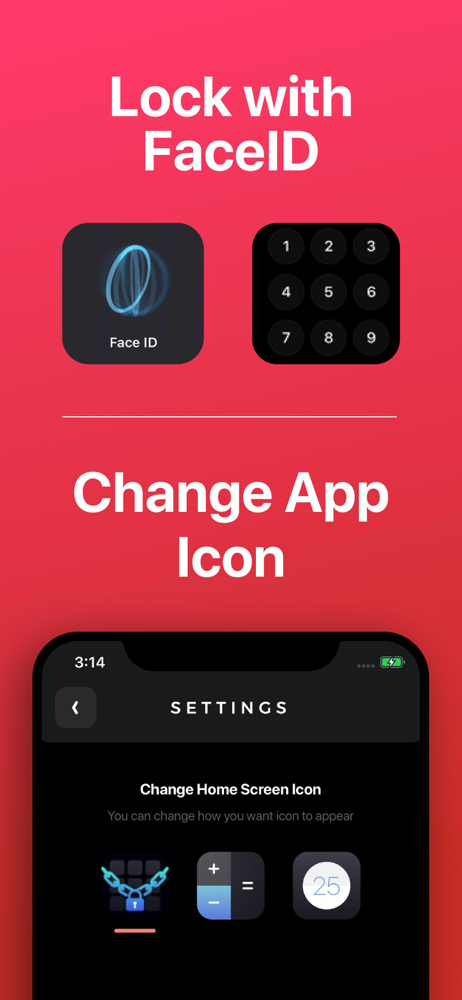
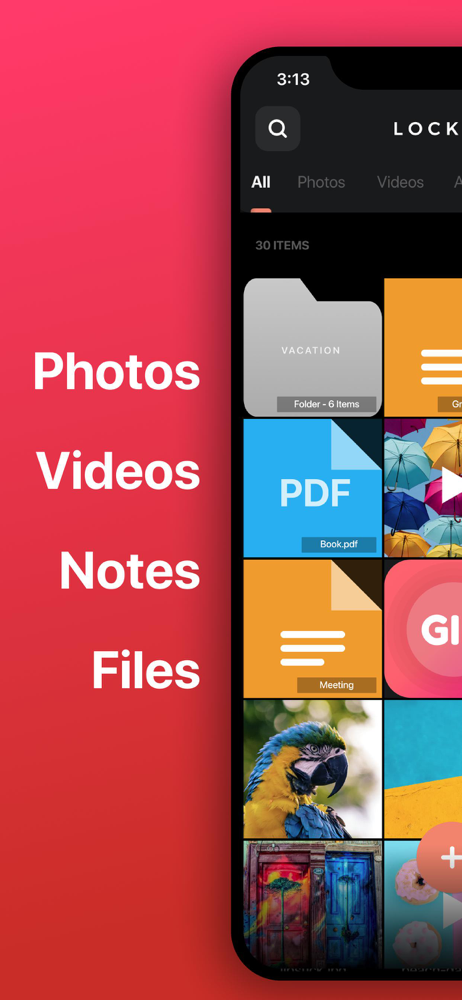
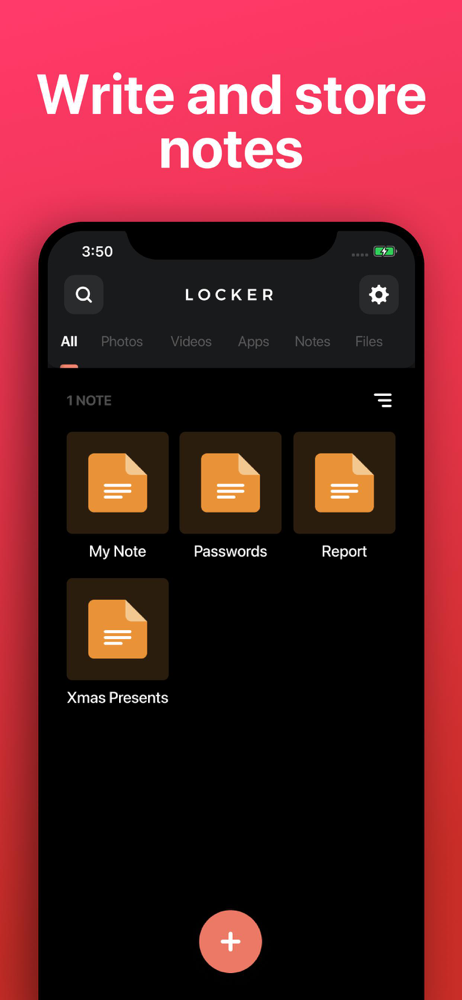
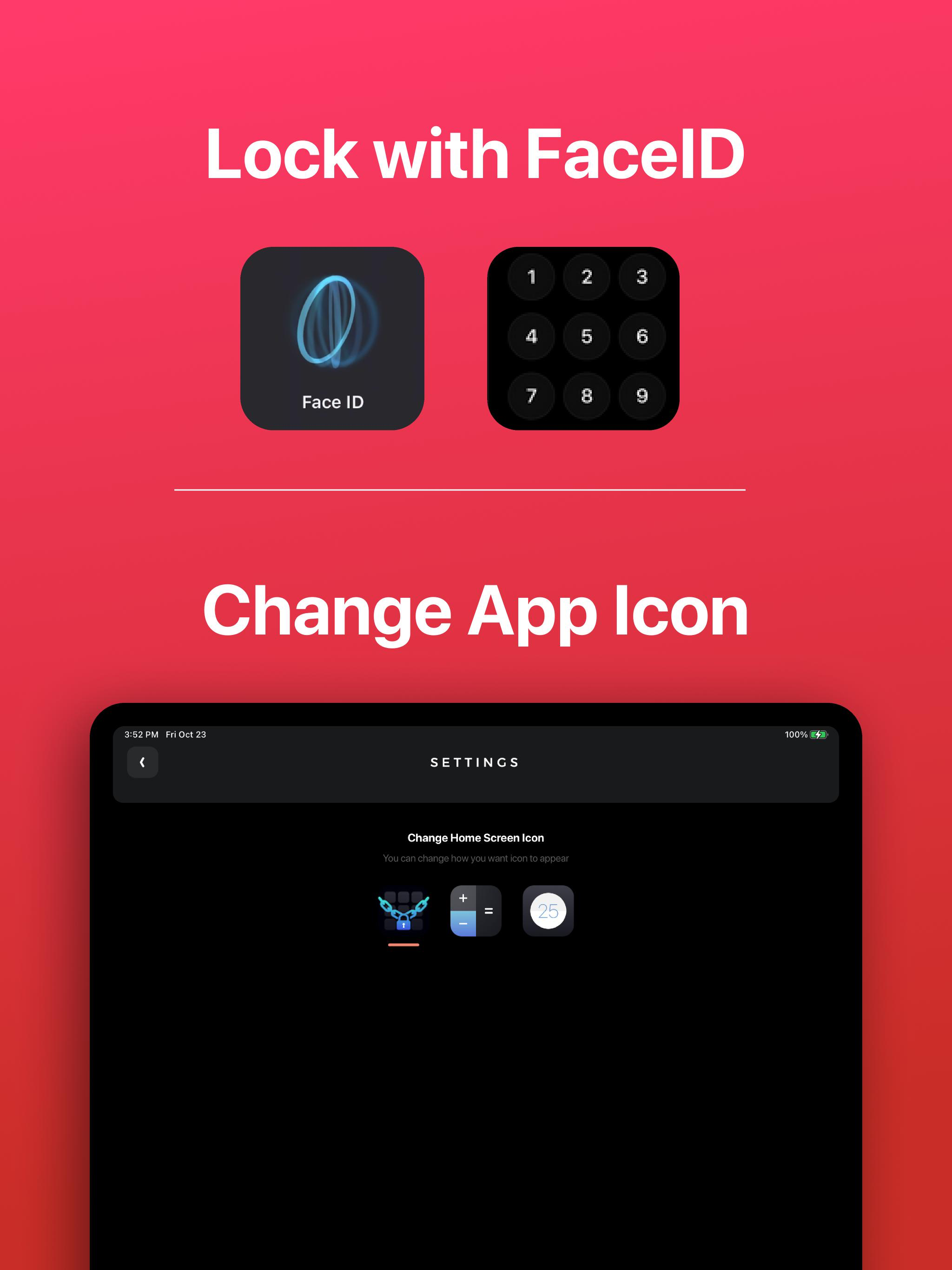
Store your Photos, Videos, Notes, Files and App Links behind FaceID/TouchID protection! • Change Locker’s app icon to a calculator or timer! • Set up...
| Name | Price | Type |
|---|---|---|
| Premium Forever Promo | $0.00 | One-time |
| Premium Pass (Weekly) | $0.99 | Weekly |
| Premium Pass (Monthly) | $3.49 | Monthly |
| Lifetime Pass | $9.99 | One-time |