Check the acquisition promise
Read the store headline, screenshots and description. What problem is the app promising to solve?
Study the storefront ↗
Imaginando Lda · iOS
Explore the ad evidence, study the storefront, and build your next acquisition hypothesis.
01 / Creative research
Read the store headline, screenshots and description. What problem is the app promising to solve?
Study the storefront ↗Explore apps with direct store-link matches. Compare their hooks and formats without assuming the same approach works here.
Browse observed advertisers ↗Store rankings and revenue estimates describe market context. They do not establish ad spend, conversions or ROAS.
Review the market context ↗02 / Storefront & product
Study the product story and store experience behind the acquisition funnel.




03 / Market context
Keep revenue, downloads and store rankings separate from advertising performance.
LK as an iPad controller for Ableton Live is superb. The two-way control script works well and USB connection through UBRIDGE has been solid after I got over the initial setup (I found that some USB ports on my Windows computer would drop the connection to my iPad and so I had to try a few different ones). The big mark I have against LK right now is that, at least in Live mode, all of the faders and pots feel too choppy! It’s almost like the controls have less than the standard 7 bits of resolution, though I know this to be false since I can scroll through all 128 values of a macro if I move a control very slowly. But when moving a control with some speed, you get audible stepping when doing certain volume fades or filter sweeps, which is a shame. Controls in TouchOSC for example don’t suffer from this nearly as much. If fader smoothness improves in the future, LK will be a formidable live/DJ tool and get an instant five stars from me for the Matrix alone (plus bonus points if 14 bit control is added!). Some other suggestions: - support double tapping a control to reset to default value in Controller; - add a preference for “relative” fader controls a la TouchOSC, to prevent instantaneous parameter jumps; - on Windows, add a built-in virtual MIDI port to UBRIDGE to remove the need for a third-party MIDI routing app (the TouchOSC desktop app does this for example). Keep up the good work!
This is a ‘tailor made’ app for Ableton Live and it works exactly as advertised. I was one of the ones mad about having to purchase every feature separately but then it immediately made sense. They let you try every midi controllers to its fullest and gives you the option to buy it. This idea is godsend! You won’t find this specific behaviour in that many apps (I don’t know about a single one). Now let’s talk about the features. Let me just say I purchased each and every feature set they had to offer even though I only end up using only half of it. Why? Quality! Aaand maybe I wanted to support the developers seeing how approachable they are, willing to help every troubled users. And the app, well every single thing just works! Or do they? Well, like with every other midi controller apps, this one also suffers from the occasional hiccups when connecting to your computer for the first time. For example: I can’t connect mine wirelessly anymore even though I was able to before iOS 16 came out. Other than that, this as good as it gets. You have nothing to lose, download and try it! Buy if you like it. Simple as that. You won’t find another equivalent app that can top this. And the devs are actual human beings who will reach out and help you if you face any issues.
Lovin’ what I’m seeing so far. I used this app years ago for Ableton deleted it, now I’m coming back to it. Nice upgrade! Clear layout, important functions accounted for. It’s so wonderful to move around my studio to record different instruments in different parts of the room. I’ll be using this in live settings too! Did have an issue with Ubridge not seeing the iPad, but a restart of both apps fixed that. Not a big fan of the major components needing to be purchased separately. Outside of that, all is good.
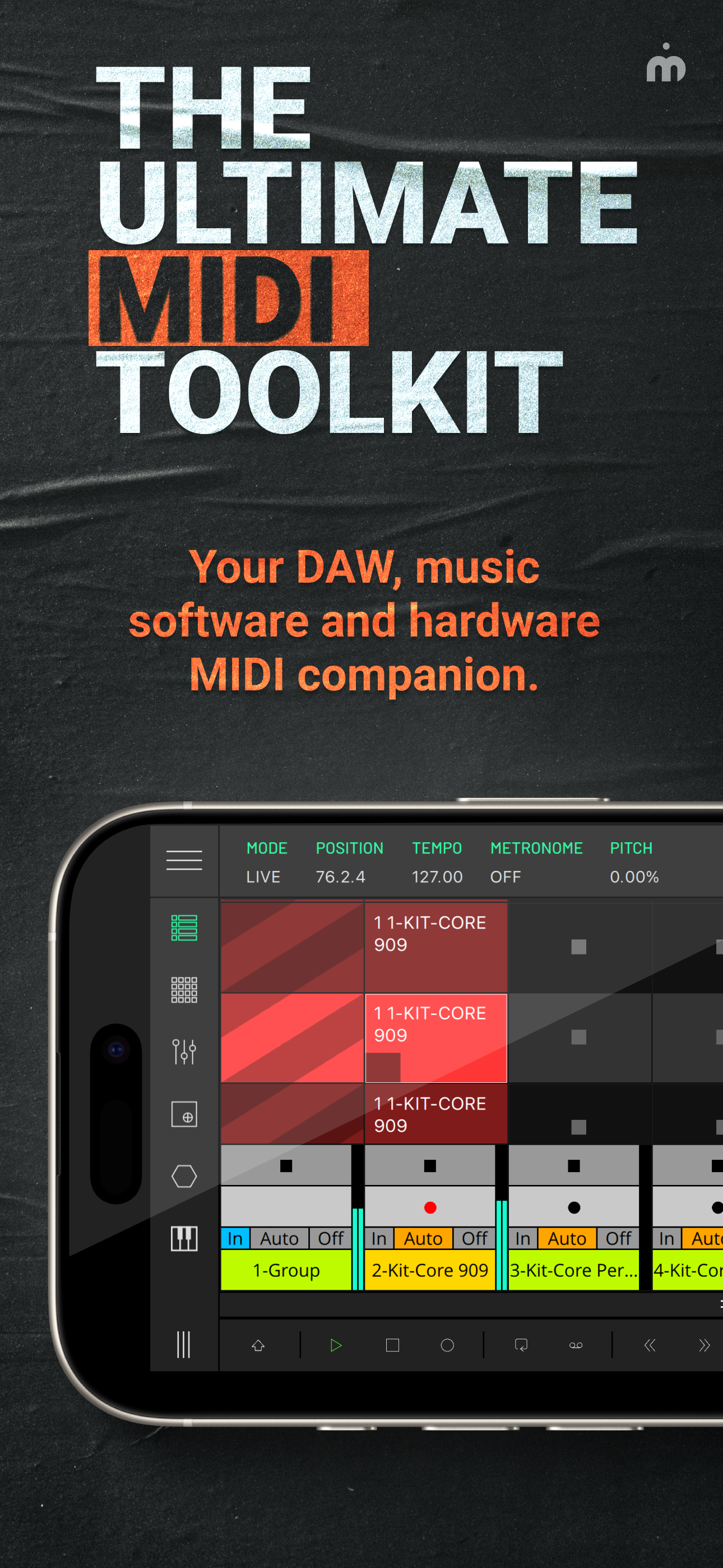
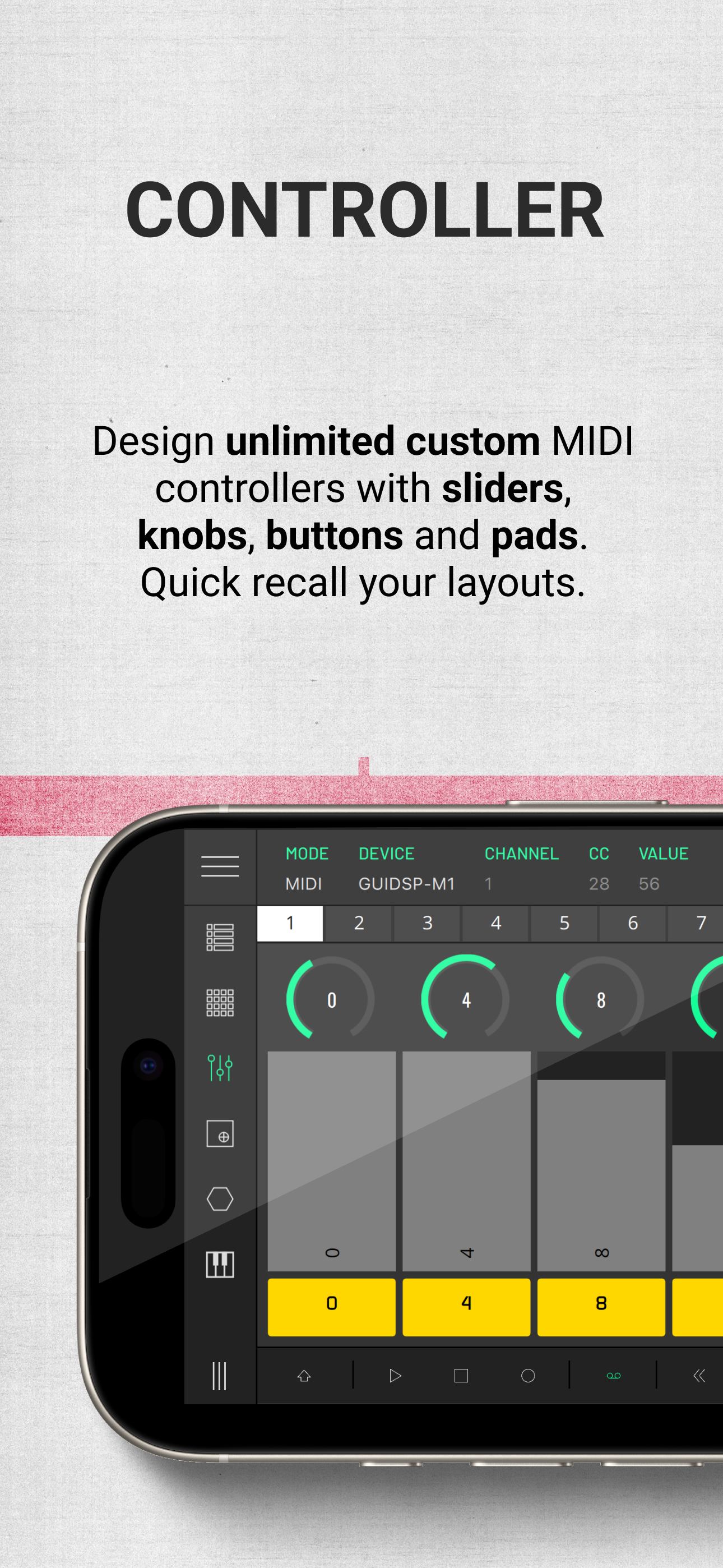
LK is a flexible remote control application for Ableton Live and MIDI devices, providing a wide range of features and functionality to enhance the pro...
| Name | Price | Type |
|---|---|---|
| Unlock Keyboard | $5.99 | One-time |
| Unlock Chorder | $5.99 | One-time |
| Unlock X/Y Pad | $5.99 | One-time |
| Unlock MIDI Pads | $5.99 | One-time |
| Unlock MIDI Controller | $5.99 | One-time |
| Unlock Matrix | $11.99 | One-time |
| All Modules Bundle | $29.99 | One-time |