Check the acquisition promise
Read the store headline, screenshots and description. What problem is the app promising to solve?
Study the storefront ↗
LinkedIn Corporation · iOS
Explore the ad evidence, study the storefront, and build your next acquisition hypothesis.
01 / Creative research
Read the store headline, screenshots and description. What problem is the app promising to solve?
Study the storefront ↗Explore apps with direct store-link matches. Compare their hooks and formats without assuming the same approach works here.
Browse observed advertisers ↗Store rankings and revenue estimates describe market context. They do not establish ad spend, conversions or ROAS.
Review the market context ↗02 / Storefront & product
Study the product story and store experience behind the acquisition funnel.
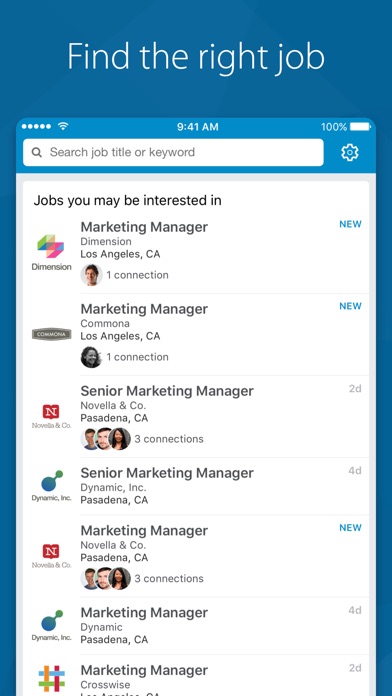
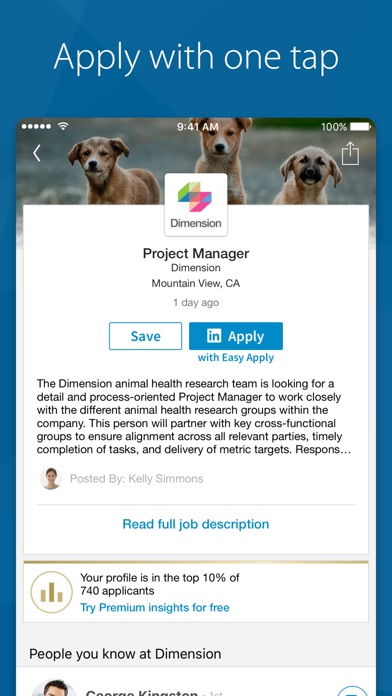
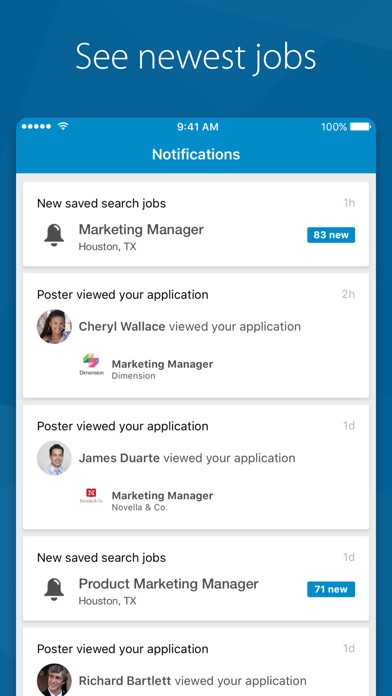
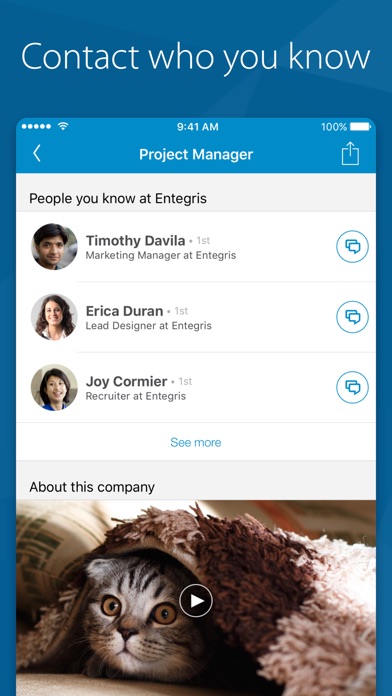
03 / Market context
Keep revenue, downloads and store rankings separate from advertising performance.
Easy and with the biggest network effect, LinkedIn is the best bet for finding talent or looking for a perfect company to work for. Although there are flaws in the algorithms for matching terms, those flaws are so much less than with Glassdoor, Indeed or Ziprecruiter. The fact that there is this separate app for job search makes compartmentalizing use easy (and a brilliant solution.). My suggestion (and it worked for me on both finding work and new talent) is to separately determine key word search terms for both position and function, then geography. So - “VP, Vice President, Director, Head, and Chief”. - then key words for your field - then a list of geographic regions you like. Create a search for each cross-referenced terms (probably 9 or 18.) It’s basically a grid so if you have 3 titles, 3 position descriptions and 3 cities, you have 27 searches to set. If you’re like me, you leave off geography which decreases the input. Also, you can set it to give you results less than daily which I highly recommend. Set aside 1 or 2 hours twice a week to review rather than thumbing through junk all day long. If you provide the app feedback it learns, so happy hunting! And remember to be a good employee but a better boss to everyone.
The job search in the main LinkedIn app allows users to input “remote” as a search location, however the search seems to heavily focus my results only to my current job title and industry, despite my specifically searching for other opportunities (e.g. I am in Sales and would like to transition into Marketing but am still only showed sales positions even after inputting ONLY “marketing” in the search field). I downloaded the LinkedIn Jobs app in the hopes this search limitation would be addressed, however this app does not offer an option for inputting “remote” as a location! Very frustrating, non-intuitive and poorly executed—it’s as if the teams each tasked with developing these two apps had no collaboration and the two apps in no way supplement each other. Both apps have tremendous potential if development teams communicate internally to create a seamless cross platform.
The related jobs feature on their interface always yields interesting finds; LinkedIn has more fleshed out content and well-conceived interface to keep people engaged on a professional level without making it feel like a soulless grind. The job suggestions based on interests and endorsements have broadened my understanding of how my skills can parlay into unexpected business venues. I do think it might be helpful to get premium to see how said skills match up to one's desired jobs and in comparison to other applicants. I believe there are other benefits although I have only begun to scratch the surface as a serious 'contender' as it has mainly been an object of psychological and social interest previously.
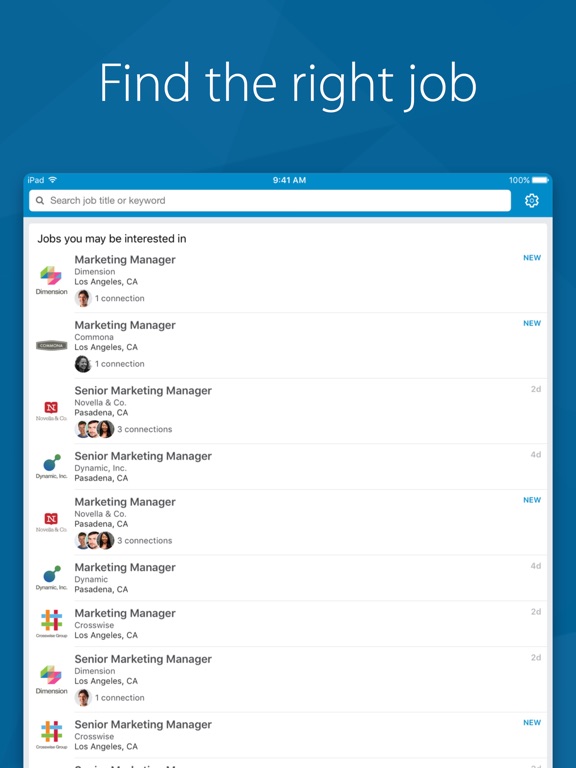
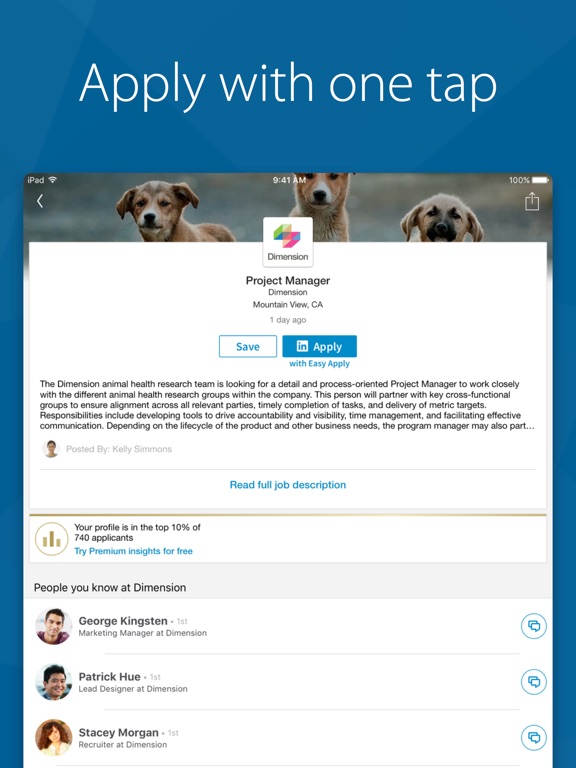
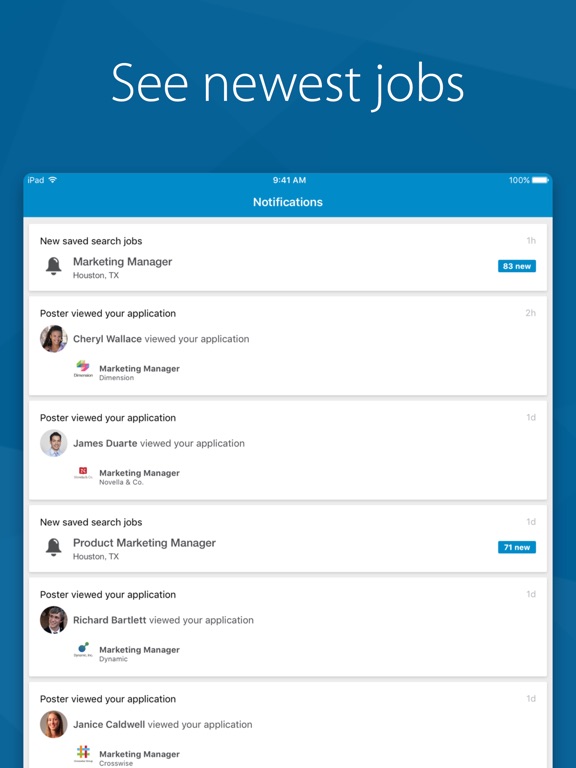
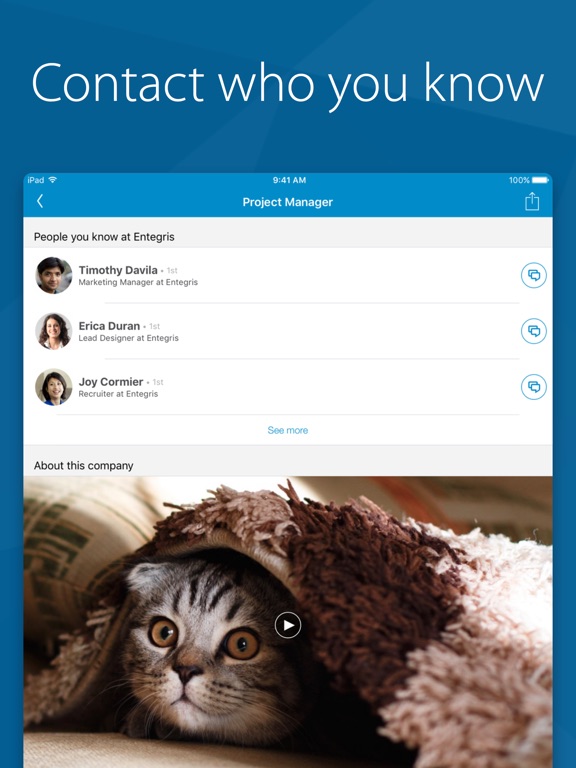
LinkedIn Job Search gives you all the tools you need to easily find your dream job – or let it find you. Quickly find job opportunities wherever you...