Check the acquisition promise
Read the store headline, screenshots and description. What problem is the app promising to solve?
Study the storefront ↗
KyuHo Nam · iOS
Explore the ad evidence, study the storefront, and build your next acquisition hypothesis.
01 / Creative research
Read the store headline, screenshots and description. What problem is the app promising to solve?
Study the storefront ↗Explore apps with direct store-link matches. Compare their hooks and formats without assuming the same approach works here.
Browse observed advertisers ↗Store rankings and revenue estimates describe market context. They do not establish ad spend, conversions or ROAS.
Review the market context ↗02 / Storefront & product
Study the product story and store experience behind the acquisition funnel.


03 / Market context
Keep revenue, downloads and store rankings separate from advertising performance.
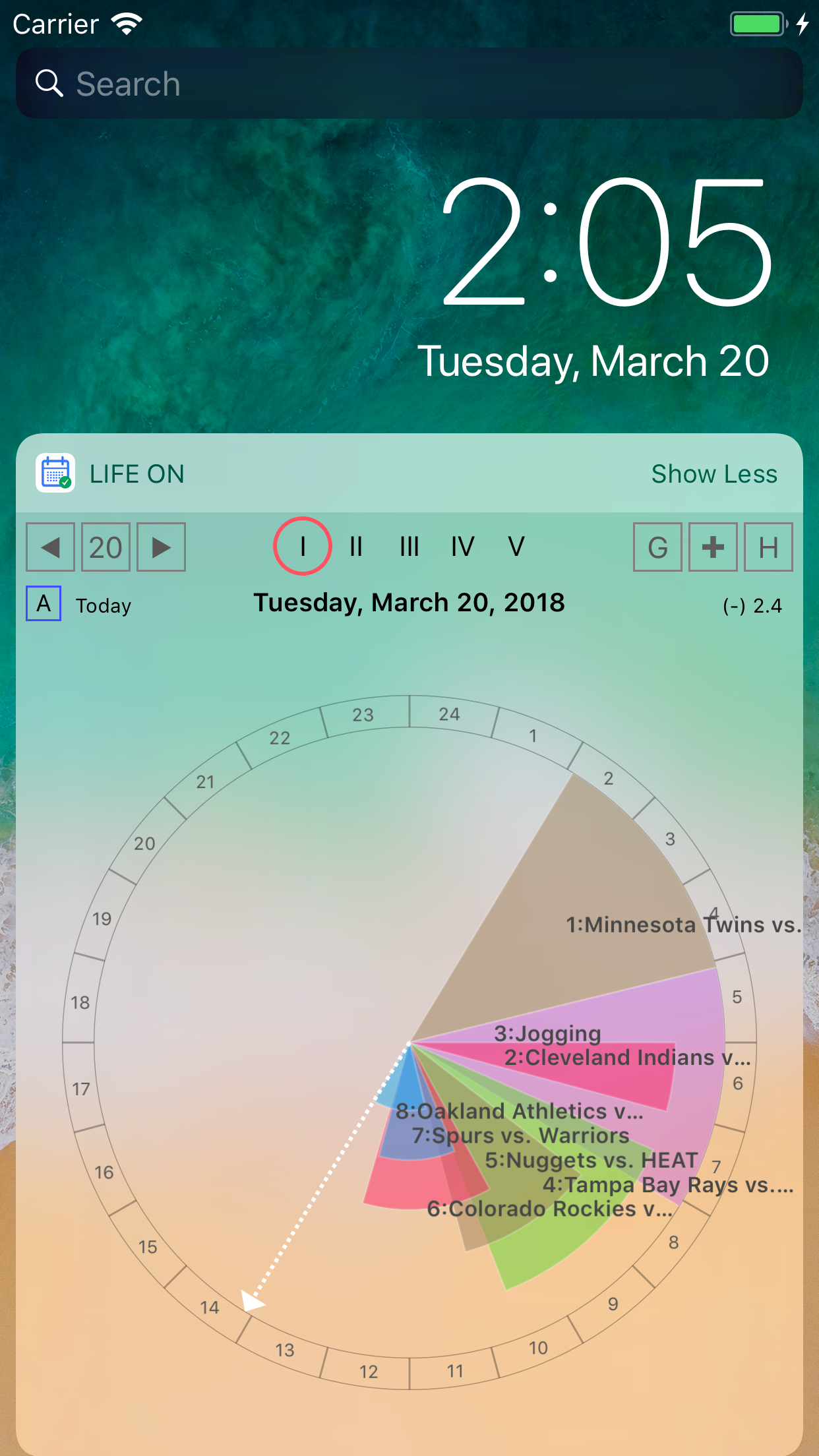
it is great to be able to see the day on a circle, but there are a few things I would like to mention the app does not seem to match the screen-shots images in the app-store the hours are way too small and not clear to understand the 24 hour circle is a useful but a strange view, all events will be slanted diagonally as they probably happen between 8 and 21 (at 120’ and 300’), that looks odd and does not really give you an idea of how busy your day is, and night hours are mostly going to be empty I would suggest a compact view where a user can set the start time and end time of the day (for example 8am-10pm) to display, show an icon if there are events that happens outside, click it to see the 24h view text font is way too small for the events also, you need to highlight the time-slot in the circle for the selected event, as they tend to overlap, and might not be clear which event was selected it would be nice to move events by dragging them around in the circle to move them forward or backward in time
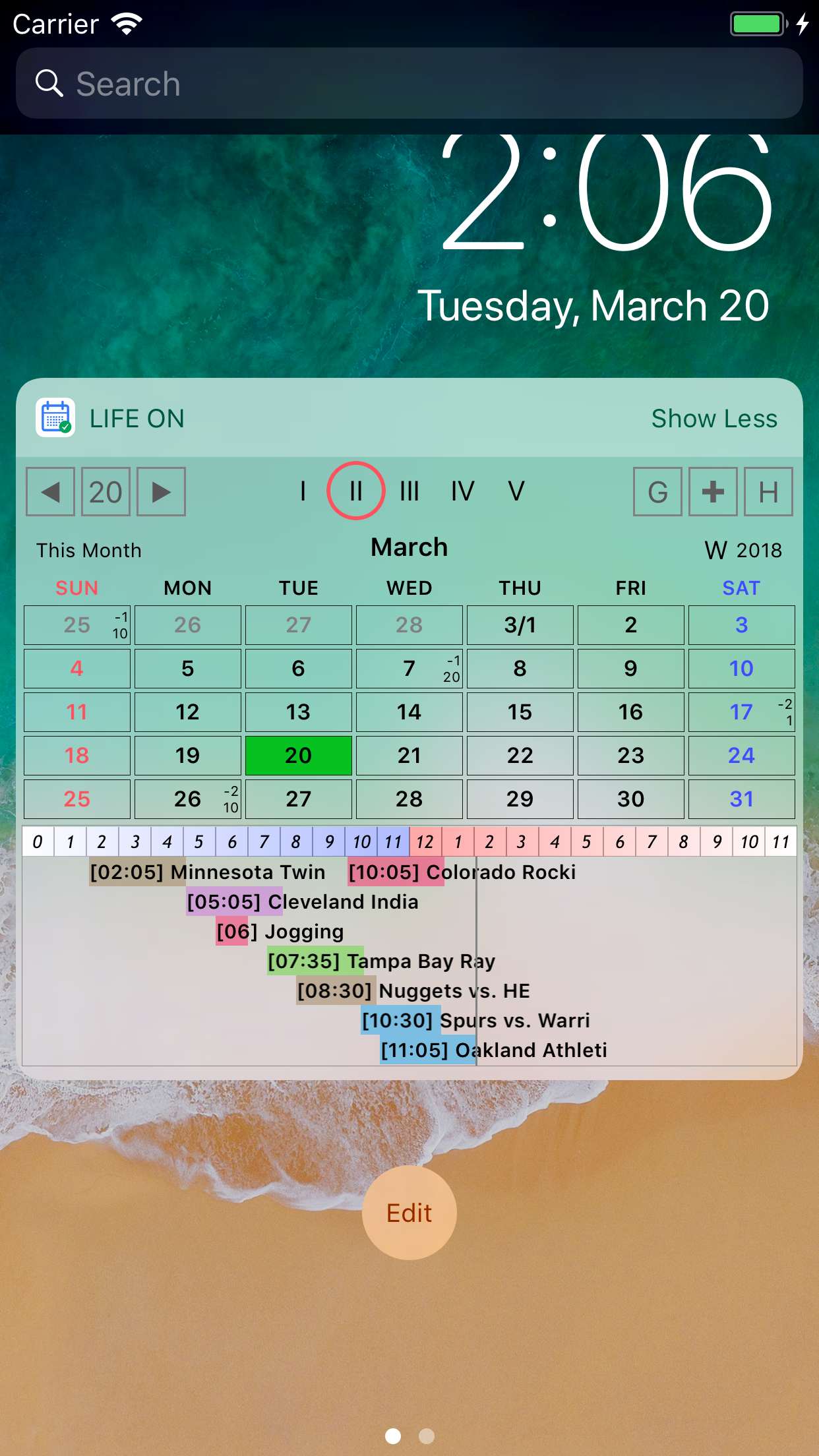
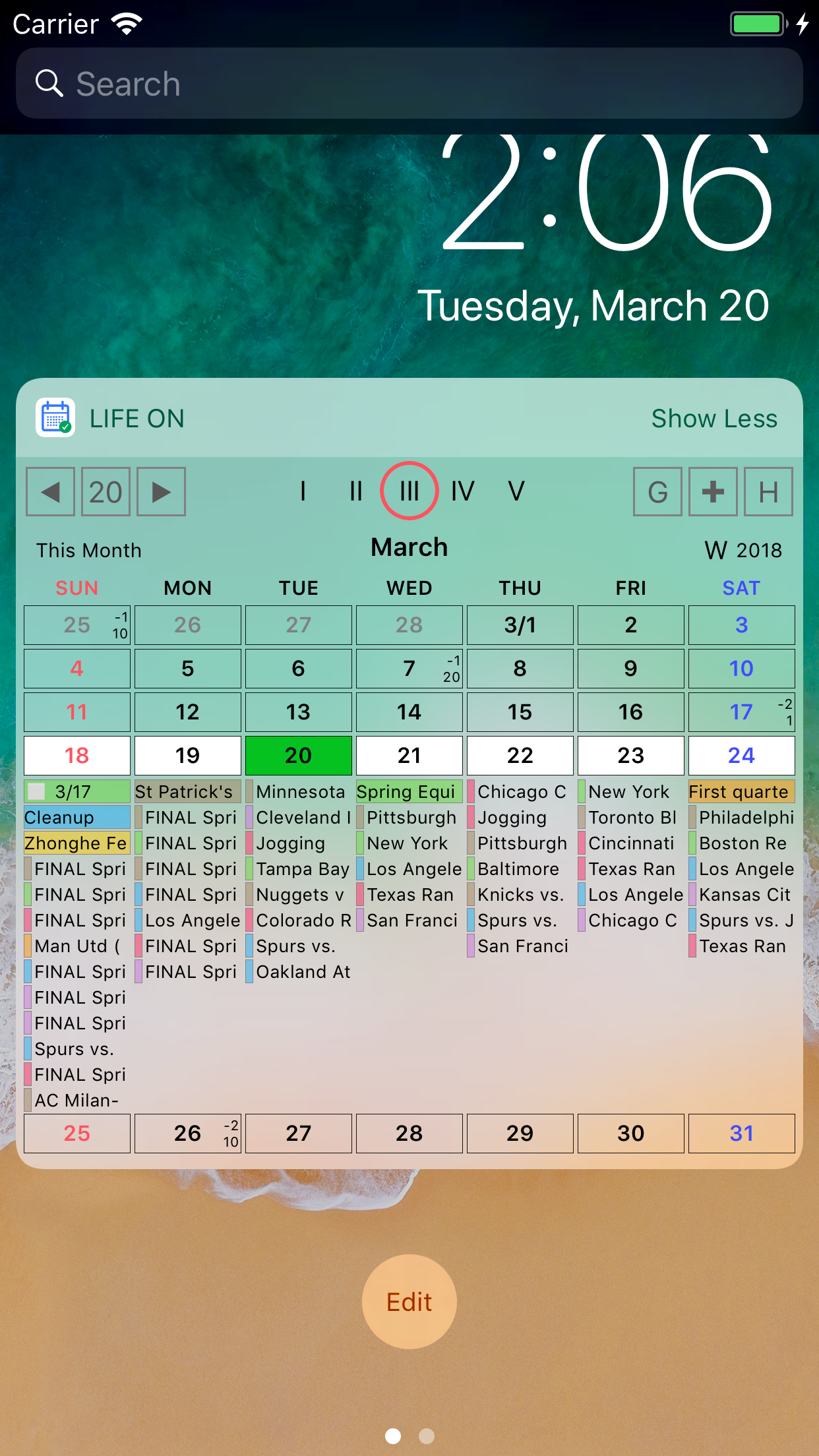
2018. The monthly display is even better, can see entire list of events per day with enough text per entry to usually read the entire event Title - fun supplement to another favorite Week cal app. earlier reiview. Fun presentation of meetings on 24-hour circle. Gorgeous interactive widget with different calendar layouts. Looking forward to further development.
I have used several calendar apps. In terms of integrated views, your app is most elegant and well thought through. Combining schedule view in week calendar was creative. Keep it up.
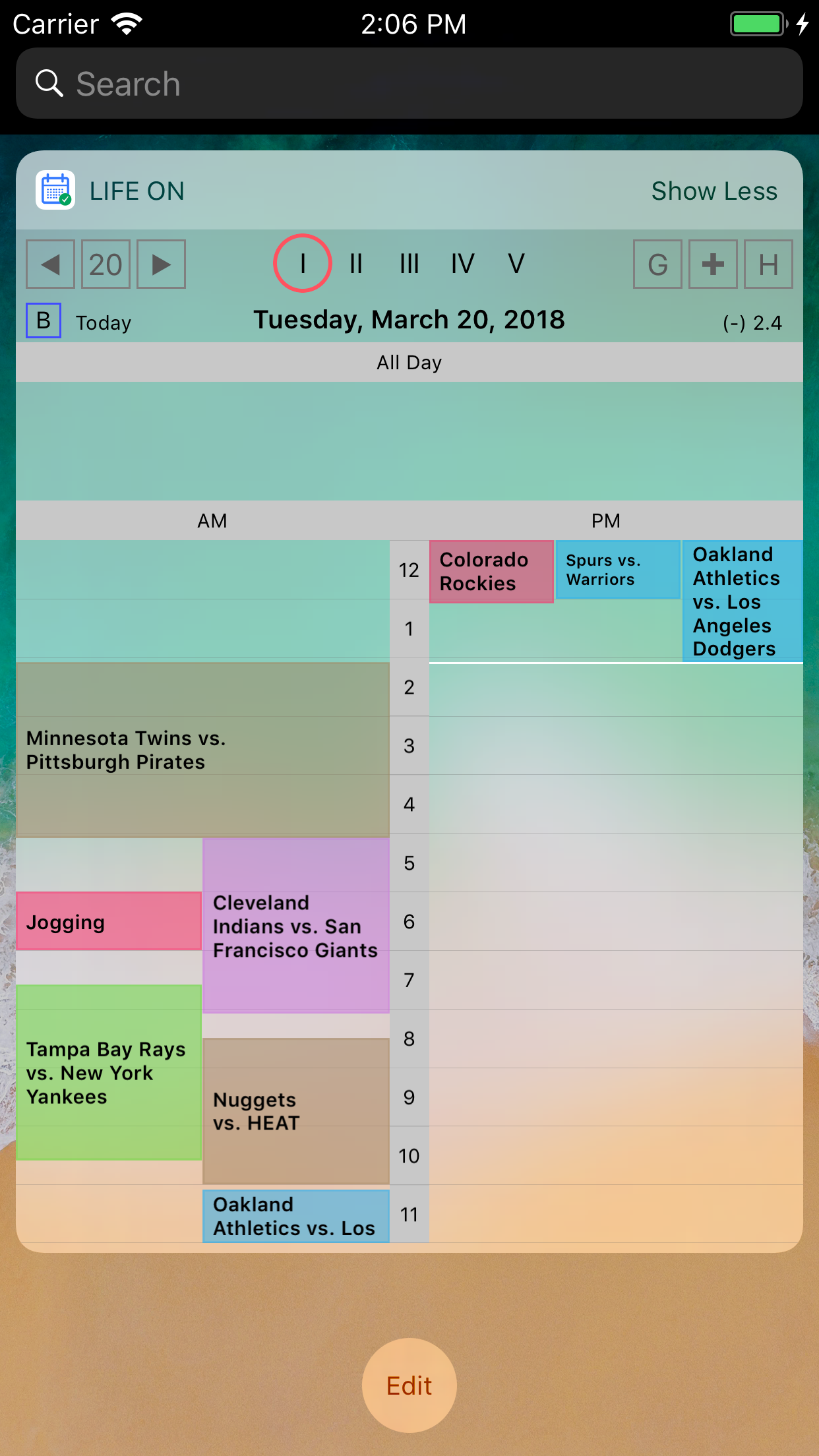
Calendar & Reminder at a glance. Widget Support. We have what you should be much promise in a day. LifeOn is easy to see at a glance the daily schedu...