
Check the acquisition promise
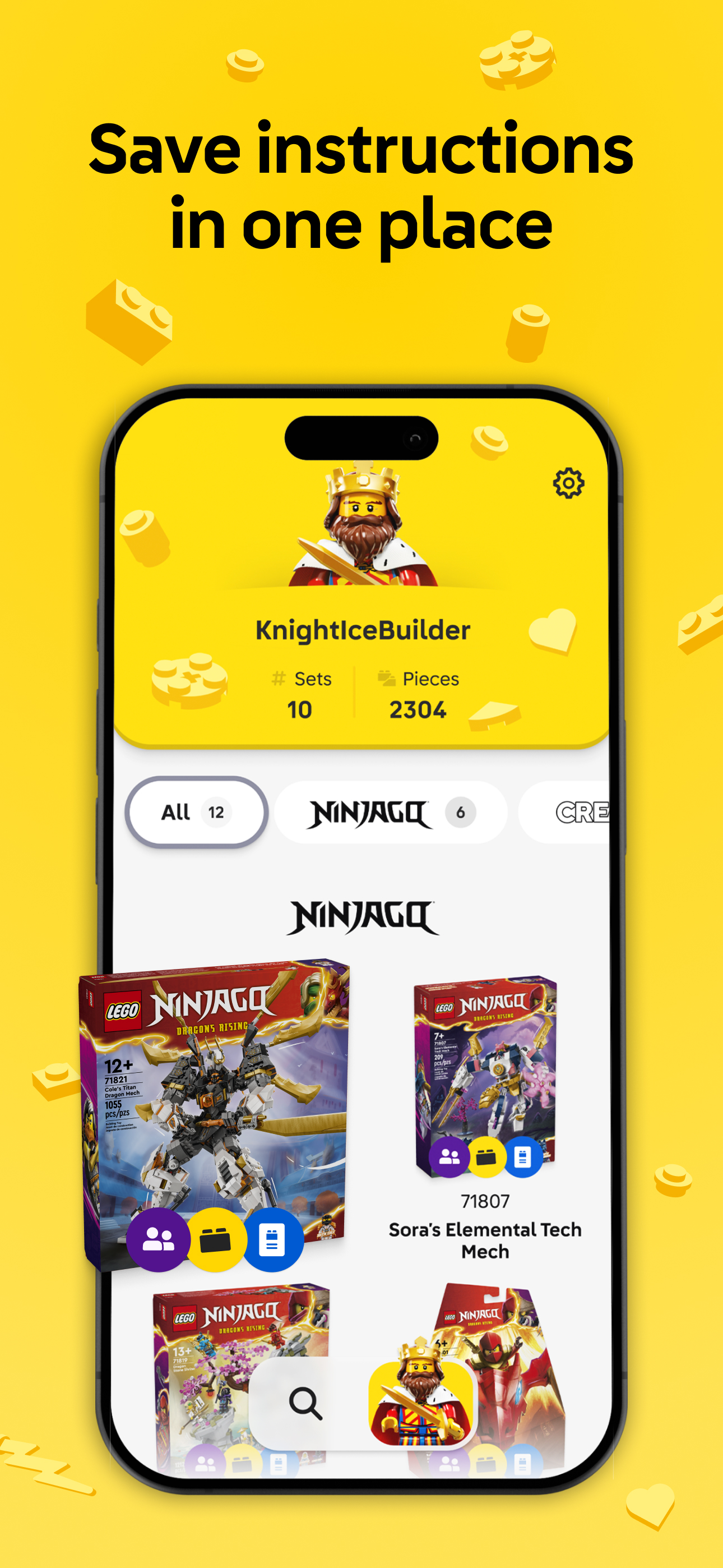
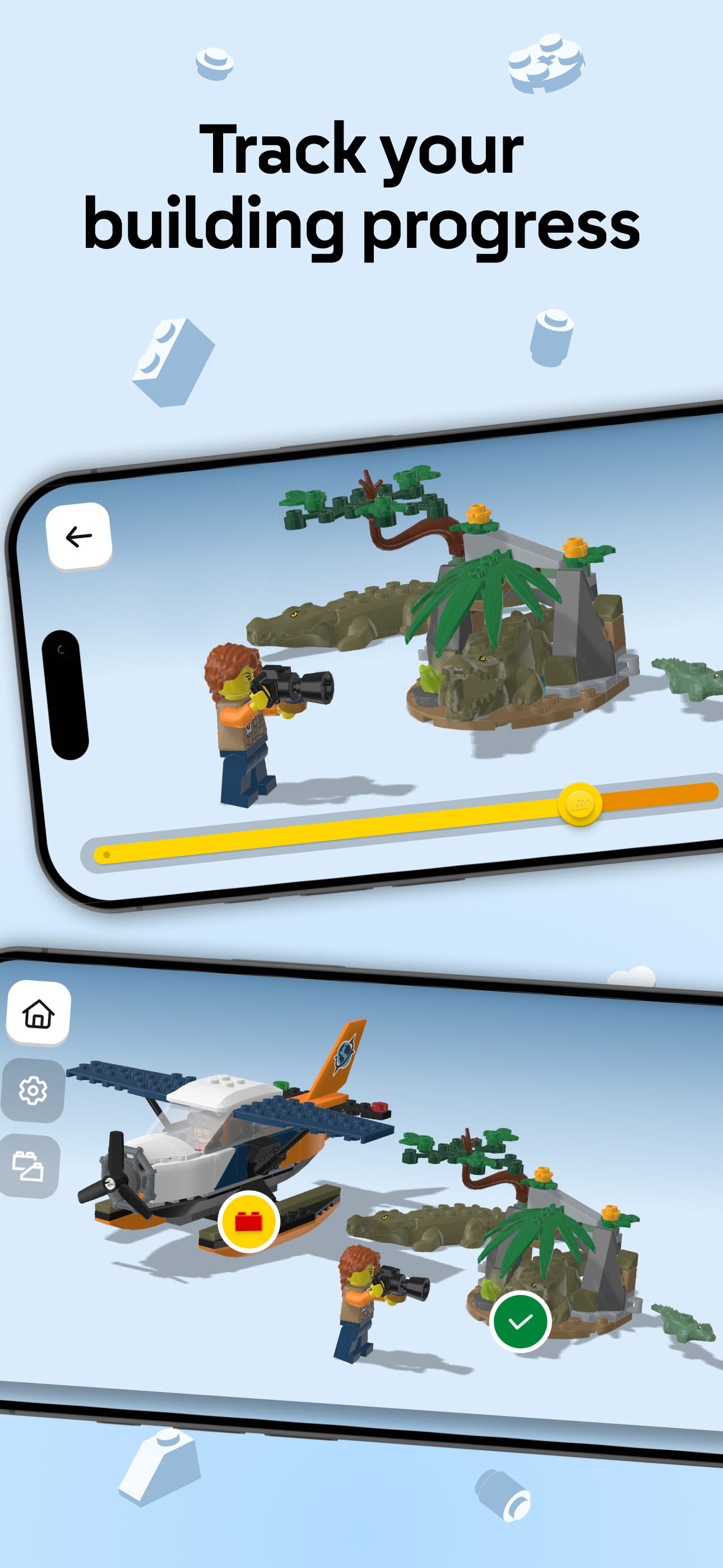
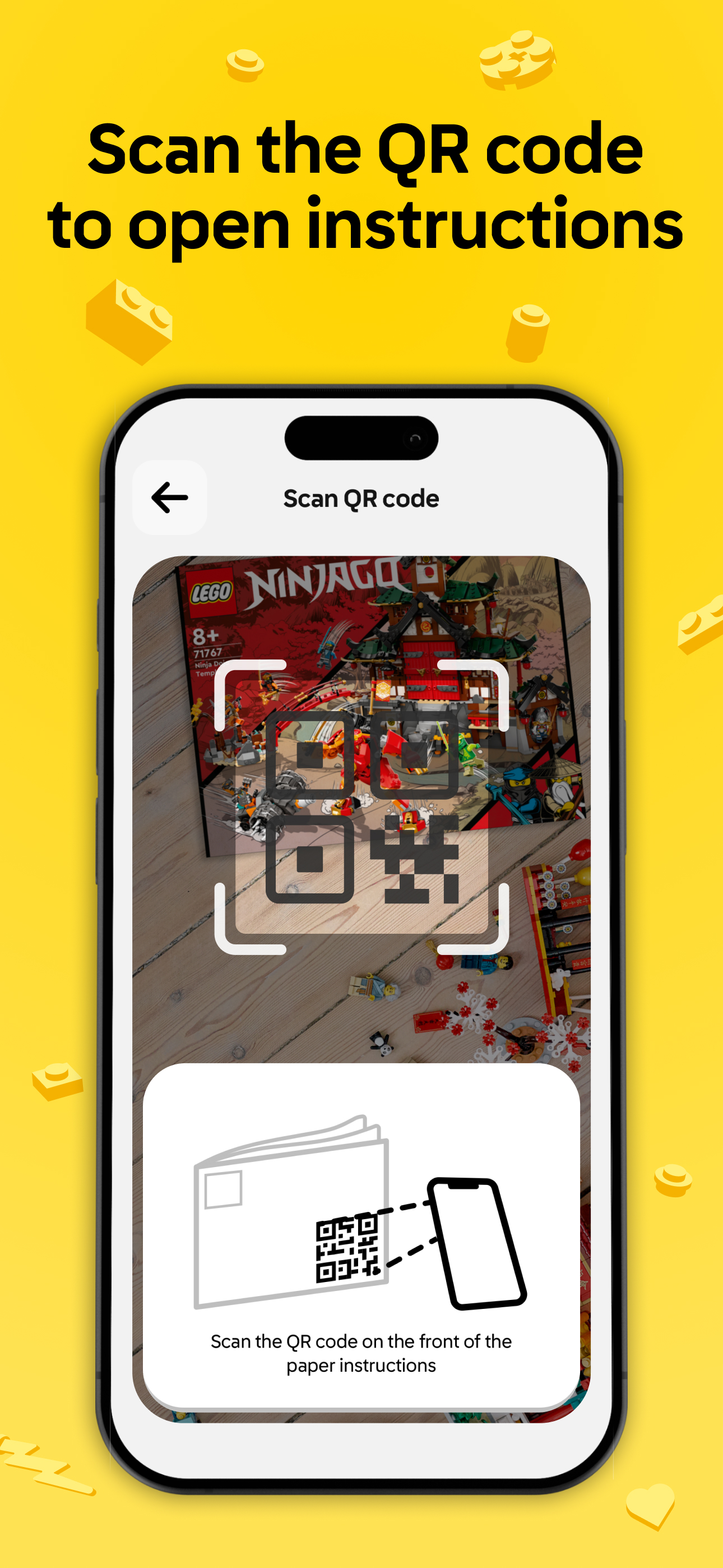
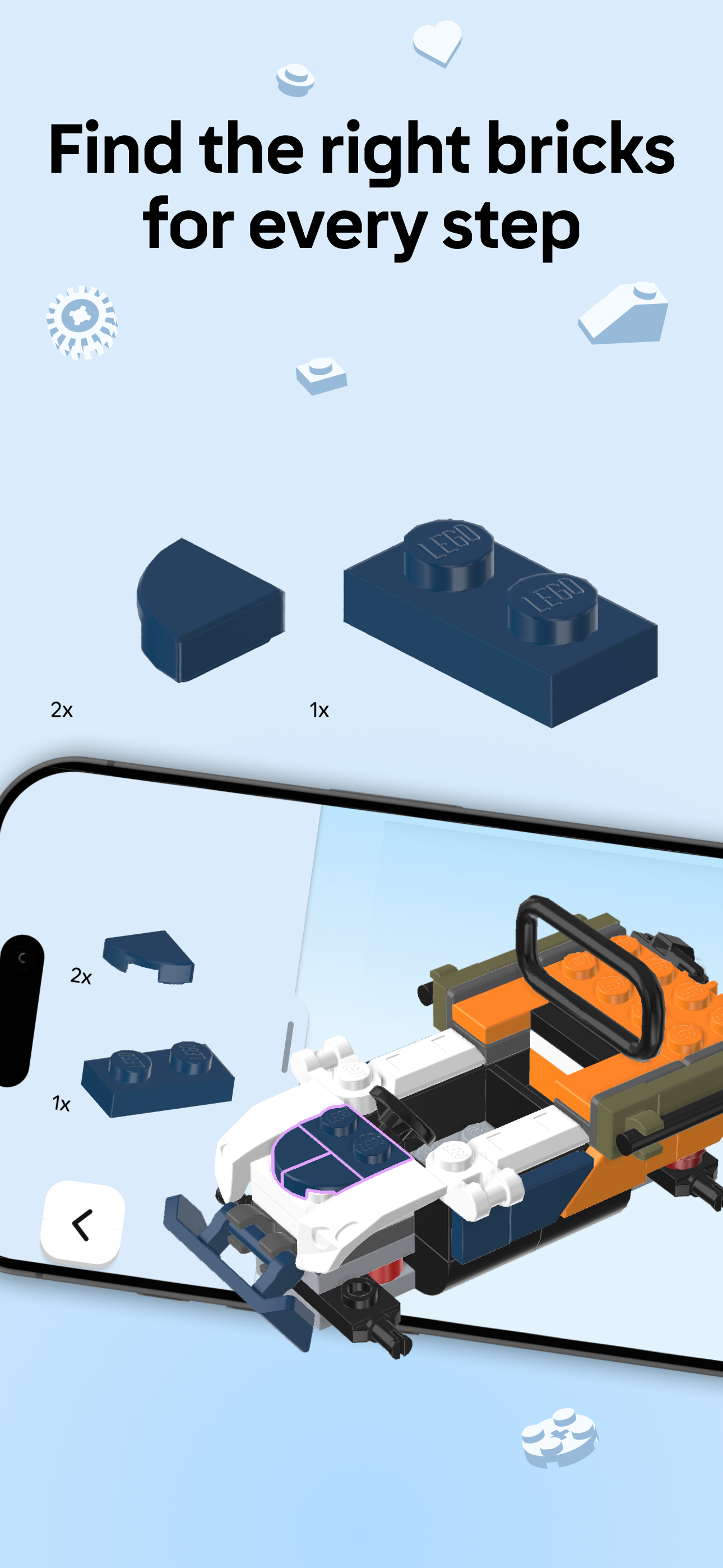
Read the store headline, screenshots and description. What problem is the app promising to solve?
Study the storefront ↗
LEGO System A/S · iOS + Android
Explore the ad evidence, study the storefront, and build your next acquisition hypothesis.
01 / Creative research
Read the store headline, screenshots and description. What problem is the app promising to solve?
Study the storefront ↗Explore apps with direct store-link matches. Compare their hooks and formats without assuming the same approach works here.
Browse observed advertisers ↗Store rankings and revenue estimates describe market context. They do not establish ad spend, conversions or ROAS.
Review the market context ↗02 / Storefront & product
Study the product story and store experience behind the acquisition funnel.
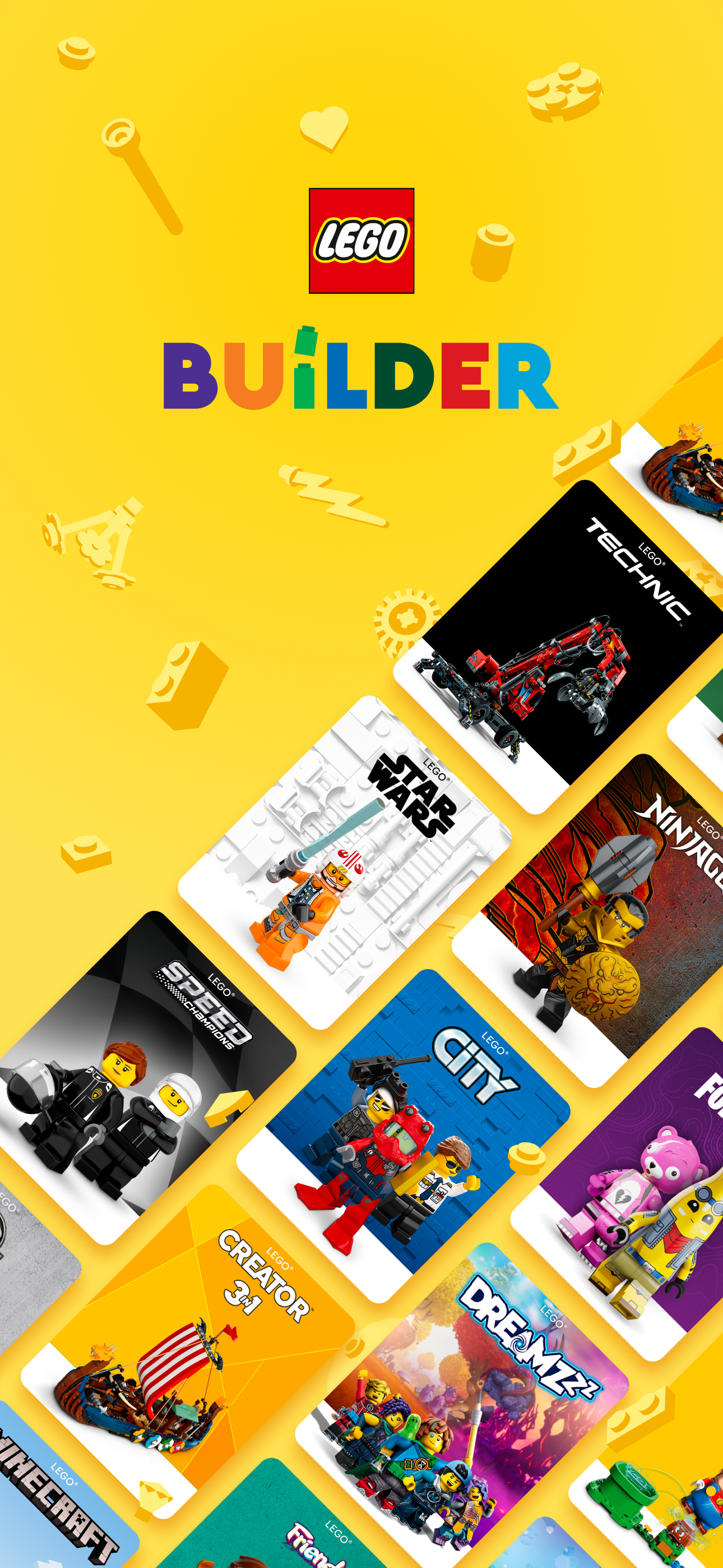
03 / Market context
Keep revenue, downloads and store rankings separate from advertising performance.
Dec 23, 2025 to Jan 22, 2026 - US
Dec 23, 2025 to Jan 22, 2026 - US
| Date | Type | Rank | Category | Country |
|---|---|---|---|---|
| 1/1/2026 | TOP_FREE | #24 | 6016 | US |
| 1/1/2026 | TOP_FREE | #43 | 6016 | US |
| 1/1/2026 | TOP_FREE | #45 | entertainment | US |
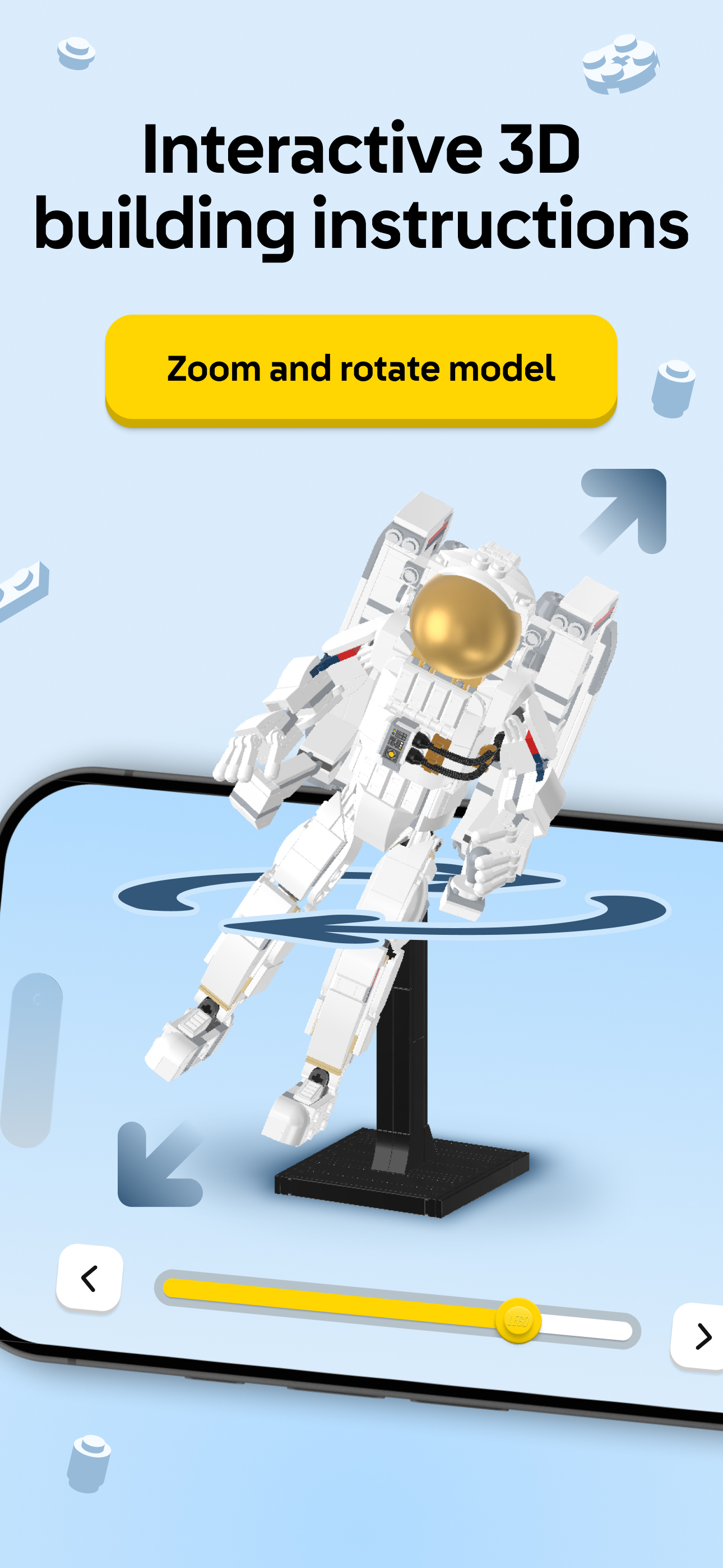
This app makes it so easy to construct the builds. I especially love that I can rotate the build for a 360° view if I'm confused about where a piece needs to go. I can zoom in and pan to the left or right. I can't do that with a paper book. I can also determine the colors much better in the app versus the book. All around I prefer the app to the instruction booklets.
As a blind person with limited sight, I recently completed a set on my own, (Star Trek Type 15 Shuttlepod) using a PDF download of the building instructions on my iPad. I’m not sure how I came across this app, but was excited when I did, considering how big of a deal Lego makes of Accessibility for people with disabilities on their main website. So I was disappointed when I loaded up this app, and found that it’s not at all optimized for someone who relies on a screen reader for reading text on the screen. Buttons are not labeled, and just voice jibberish when the VoiceOver screen reader finds them. (“filter-button-3ad5c413-1aa6-40ab-95c4-3f8419b38b42-15-label” as an example.) I would love to see Lego put a bit more effort into this app to make screen elements read properly, controls accessible, and maybe make it work with everyone. I would love to be able to “Build Together” with my son, significant other, or friends. I imagine building the Star trek Enterprise D would be much more enjoyable as a collaborative effort in this app, if it would work even a bit better for someone like me. I would imagine having the ability to have the brick piece descriptions read to me on each step as to what I will need would be huge. Lots of opportunity here to be inclusive.
I didn't know you could be this bad at coding an application. The add button doesn't work. I've uninstalled and reinstalled. Can't find the set using the number on the box. What a waste of time. Edit: Rebooted my phone, and it's better. The set I wanted to add did show up in the search this time. I was also apparently trying to add to my "collection" by tapping on a non-clickable UI element that looks like it should be a button. So, not broken anymore, but also not intuitive UI design.
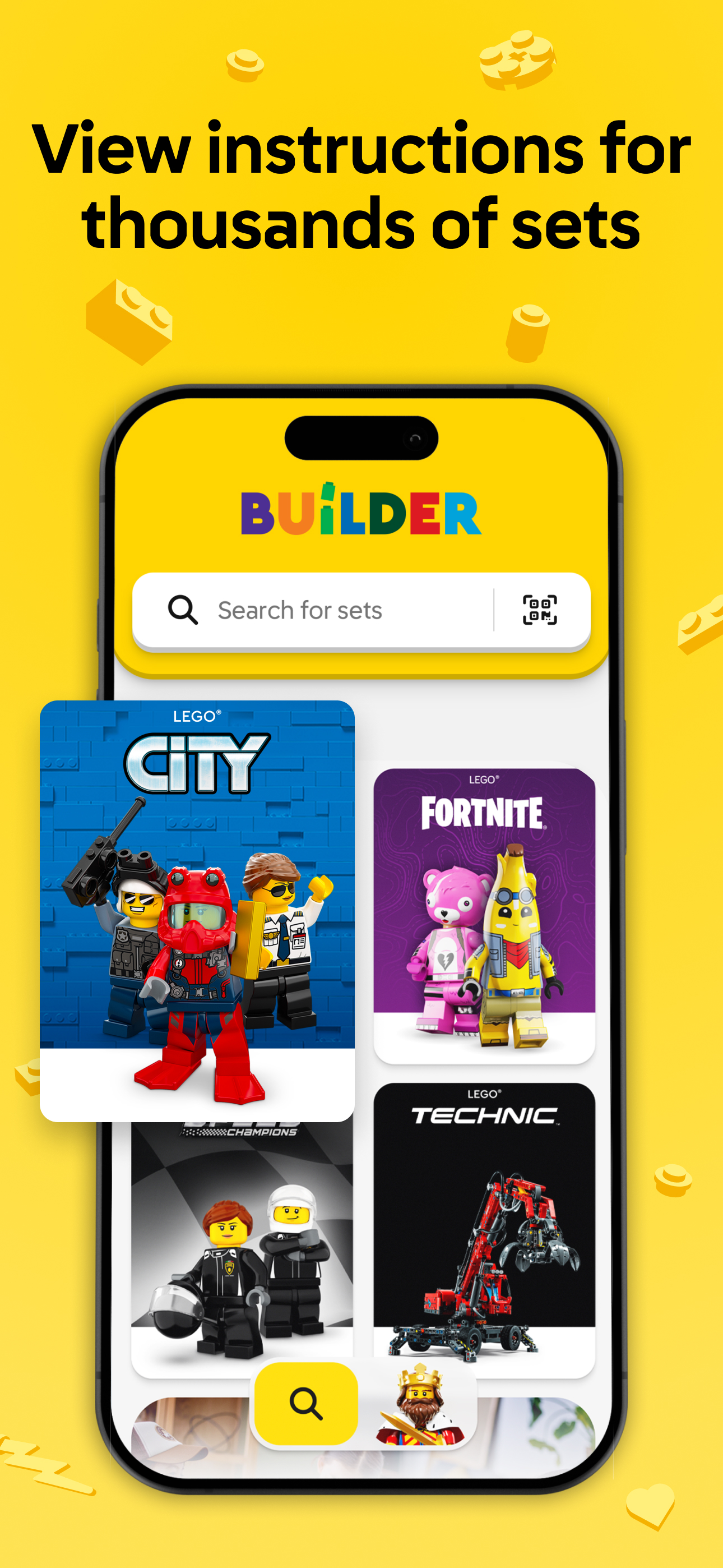
This is a five star app for the latest sets, hands down. But I had to dock two stars because the presentation of older sets is very poor. I decided to build set 21024 (The Louvre from the Architecture Series), but instead of the 3D presentation, you get a low resolution scan of the instructions. Architecture series instructions have a lot of notes in a small font, and they are often unreadable in the app. Zoom in and the words are a pixelated mess.
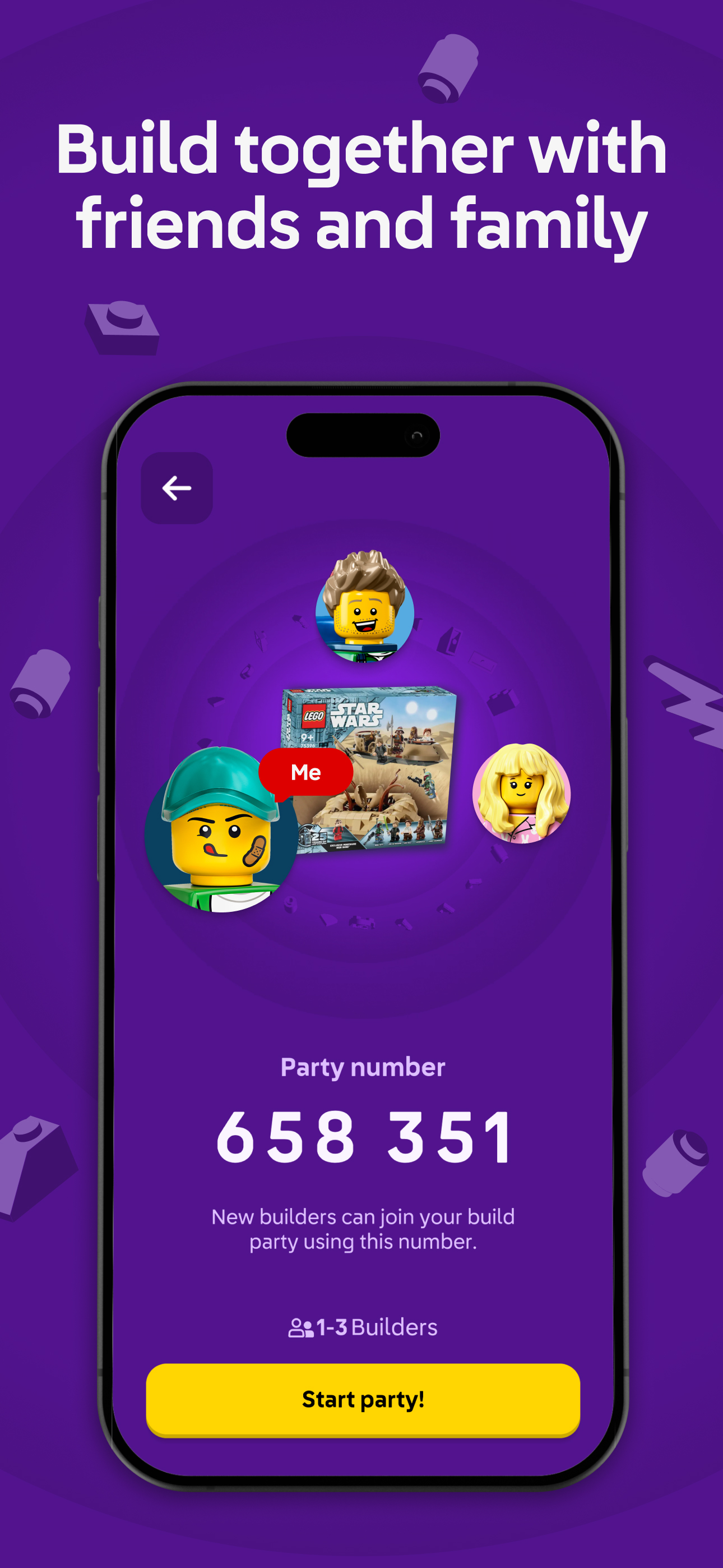
This app is amazing. Very useful, as I keep my instructions in my boxes, but my dad recently threw out all my instructions, 😒. I also like the feature where you can see the coming soon sets. I also like how you can build the sets together. Although I haven’t used it yet, I think it’s clever and intuitive, and will definitely be using it the future. Also I think it’s cool how you can look at retired sets from retired themes. As an Egypt nerd, I like looking at the retired Pharaoh’s Quest theme. I think it’s very smart to have digital instructions, and the people who think it completely ruins the point of LEGO are karens and don’t know what they’re talking about. I have not encountered any bugs or crashes, my only complaints are the camera controls can be a little weird and there aren’t older sets. I also think that you should include the prices while looking at the sets, because occasionally I’ll do some of my window shopping on this app, lol. Also, I would LOVE it if you made all the current sets 3D instead of PDFs. That would help out a TON. Other than that though, this is a great app, and for FREE? LEGO may be expensive, but they sure care about their customers. 5 stars and 2 thumbs up!
Only if they keep going back in time and adding older sets! This guide not only allows you to find those pesky instructions your kids have misplaced, but organizes them by family type (City, Star Wars, DC, Marvel, etc) and by year released. Devs: Please add a feature to favorite the current sets your kids are working on. As the family collection gets larger, digging through the sets could be helped by making a setting where the sets the kids are currently working on filter tot he top. Also PLEASE PLEASE PLEASE keep adding to this from a historical aspect. The kids have lost some of their instructions from several years ago and they are right outside where this app goes back to. I also have sets from my childhood (not going to indicate the year other than to say I had Space and City sets) and I would love to see those instructions on here. I think parents looking for these sets would be willing to pay to unlock older sets. Maybe a small one time fee would help fund adding these older sets in!
LEGO® Builder is the official building instructions app for LEGO® sets that guides you on an easy, fun, and collaborative digital building adventure....


