
Check the acquisition promise
Read the store headline, screenshots and description. What problem is the app promising to solve?
Study the storefront ↗
Andrew Kasper · iOS
Explore the ad evidence, study the storefront, and build your next acquisition hypothesis.
01 / Creative research
Read the store headline, screenshots and description. What problem is the app promising to solve?
Study the storefront ↗Explore apps with direct store-link matches. Compare their hooks and formats without assuming the same approach works here.
Browse observed advertisers ↗Store rankings and revenue estimates describe market context. They do not establish ad spend, conversions or ROAS.
Review the market context ↗02 / Storefront & product
Study the product story and store experience behind the acquisition funnel.



03 / Market context
Keep revenue, downloads and store rankings separate from advertising performance.
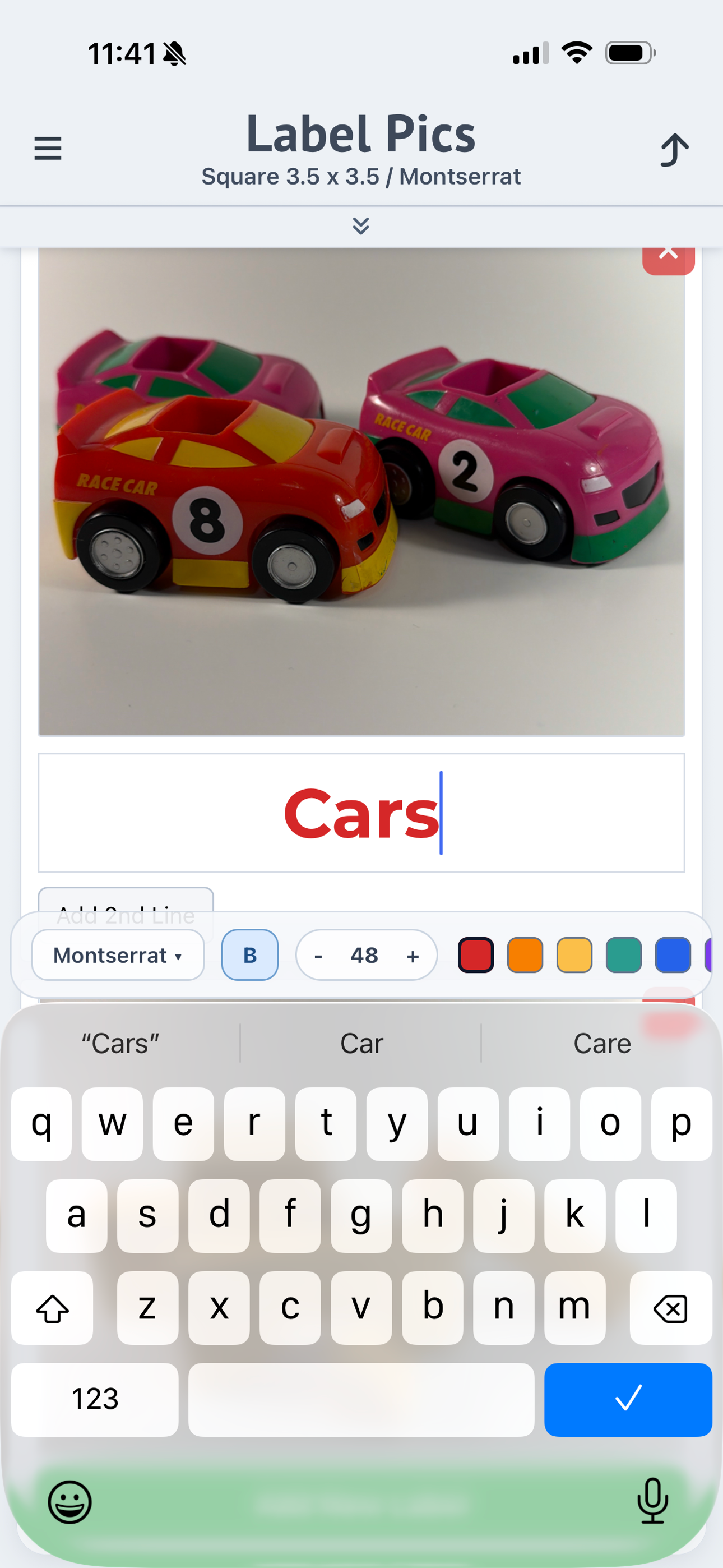
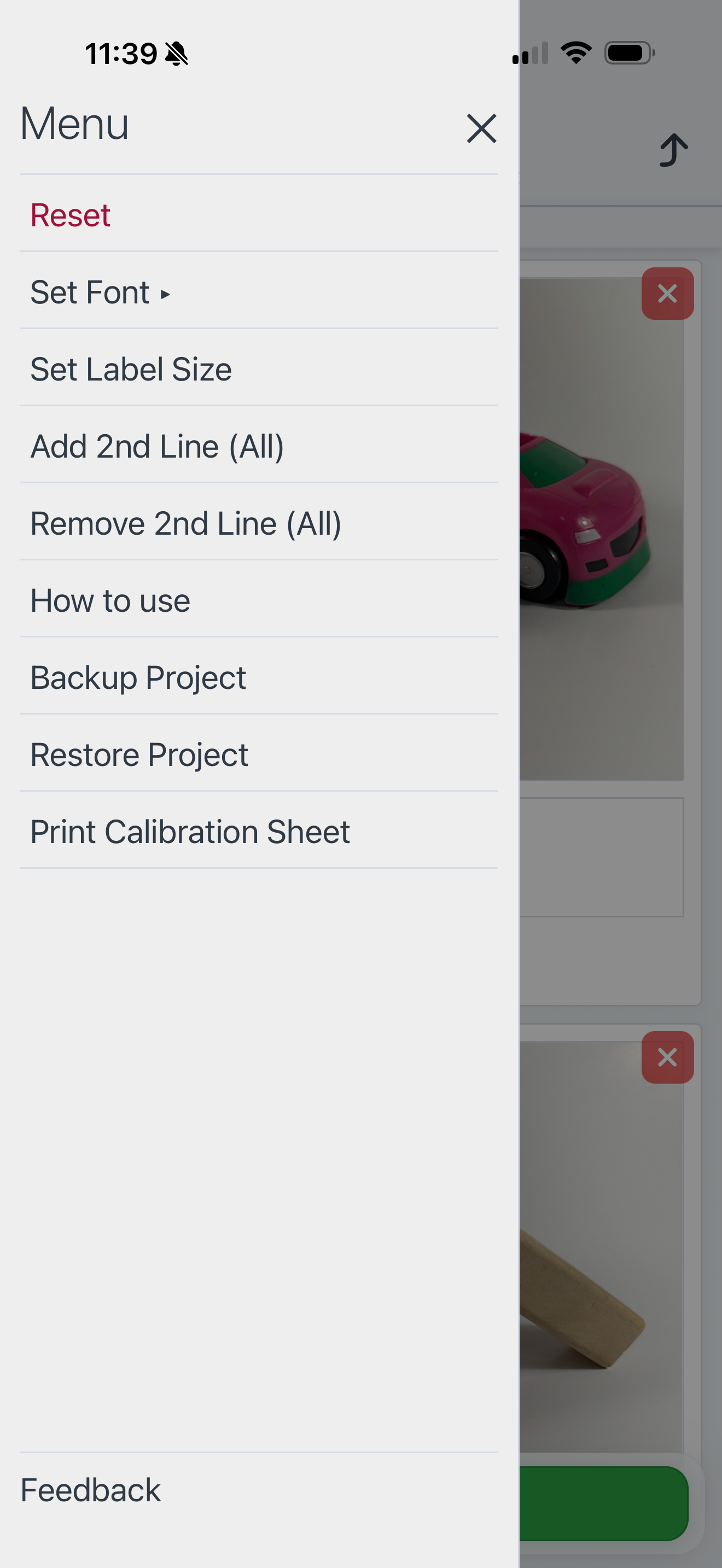
I’ve used this app for years and have shared it with every one of my co-workers. It was simple, easy to use and got the job done quickly and efficiently. The latest update has changed everything. I was forced to update the app in the middle of making labels as the app froze. My hope was to keep all of the work I’d done up to that point, but it all disappeared after the update. Now, when making a label, the page jumps so the words being typed cannot be seen. Black, the most basic label color, is way off to the right and has to be found for each new label. Unfortunately, this is the only label app of its kind so I have to use it but I’m out if anything better comes along!!
Update. I have used this app for eight years now and everything I have used for labeling in my room, reflected the old app. All of the pockets that I have spent money on around my room fit the old size. I prefer The rectangular which gives me more room for text. I also have to use more effort to change the color from red, which is not aesthetically pleasing in a classroom. Not happy with the new changes now that I have had to use it to make new labels. More of a rectangle. Now, however, I don't have an option for that size. I've been a teacher for 27 years and this is one of the best tools I have used to set up my classroom. While I have purchased premade generic labels from tpt, the ability to create my own labels from items the kids actually use is priceless. I can send to my home printer directly from my phone. Also, I can email the labels to myself with a title so that if I need to print more or print at school from my computer, I can do so. It would be nice if I could save the files right on the app to keep them in one place. There are several apps that make labels but for my classroom, I love LabelPics. If I had any suggestion, it would be to be able to save my color setting for text. Size and font stay as set but I have to scroll for my class color each time. Literally my only "complaint". The app was recently updated and looks and works even better.
Hi yes I downloaded your app a few days ago. Super excited to use it easy. I did one project emailed it started a new project and the project is gone and the screen is gray and I can’t use the app at all. What do I need to do to fix this. So I posted this on your website so that I could just email y’all but when you click the submit button nothing happens so now I’m having to leave a review and I just want the program to work especially since I paid for it. Not excited at all that much stuff disappeared in there it’s gray and won’t work I just looking for help
If you love and crave simple organization, you’ve found your new favorite app! This easy, all-in-one picture-labeling tool is so simple to use, you’ll...


