
Check the acquisition promise
Read the store headline, screenshots and description. What problem is the app promising to solve?
Study the storefront ↗
KURVIGER GmbH · iOS
Explore the ad evidence, study the storefront, and build your next acquisition hypothesis.
01 / Creative research
Read the store headline, screenshots and description. What problem is the app promising to solve?
Study the storefront ↗Explore apps with direct store-link matches. Compare their hooks and formats without assuming the same approach works here.
Browse observed advertisers ↗Store rankings and revenue estimates describe market context. They do not establish ad spend, conversions or ROAS.
Review the market context ↗02 / Storefront & product
Study the product story and store experience behind the acquisition funnel.



03 / Market context
Keep revenue, downloads and store rankings separate from advertising performance.
Why is this so hard for app designers to figure out? This app is not fun nor intuitive when used on a iPhone 17 Pro. Can’t figure out how to easily make routes on the fly. I tap a starting place and all I get for options is start or end. Why can’t we just get an app that works like: Tap and hold start location, tap waypoint added, tap and hold end location. Tap and hold and drag waypoint node to alter route path. Now add nice sounding voice direction prompts and some basic navigation calculations. I don’t always want to have to grab a laptop to plan a route nor do I trust an app to find the best route.
I reviewed yesterday and left 4 stars because the last half of my route disappeared and was replaced with a direct path to the final waypoint. I thought this was a bug, but it was because “automatic rerouting” was enabled. With this option, and with me making an unplanned stop, and using another app (leaving the Kurviger app temporarily), it rerouted. I know how to avoid this now by disabling the automatic rerouting (which will ask me to manually approve a reroute). It would be nice if the reroute didn’t erase waypoints and kept the original route options. Maybe the reroute could be made to be a much smaller portion of the original planned route? This app is really good, and my inexperience with it shouldn’t warrant a less than 5 star review considering how useful and fleshed out this nav application truly is. The $25 annual subscription is a good value for sure.
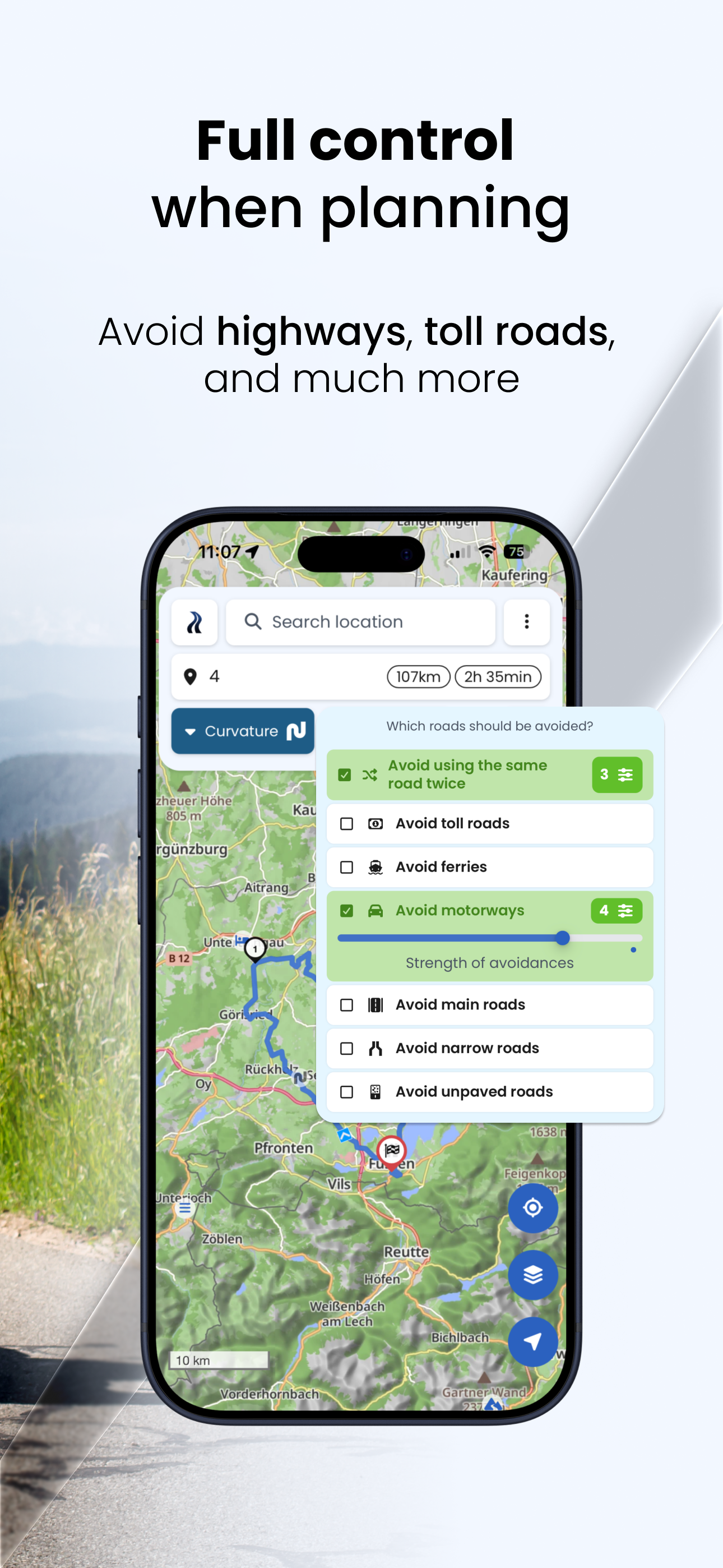
The level of route customization is incredible good. I I am a new rider and I tried initially Waze and Google maps but even if I select to avoid highways and complicated intersections, it will still put me on dangerous roads for a new rider. I was lucky to find this app and it’s incredible. I totally recommend.
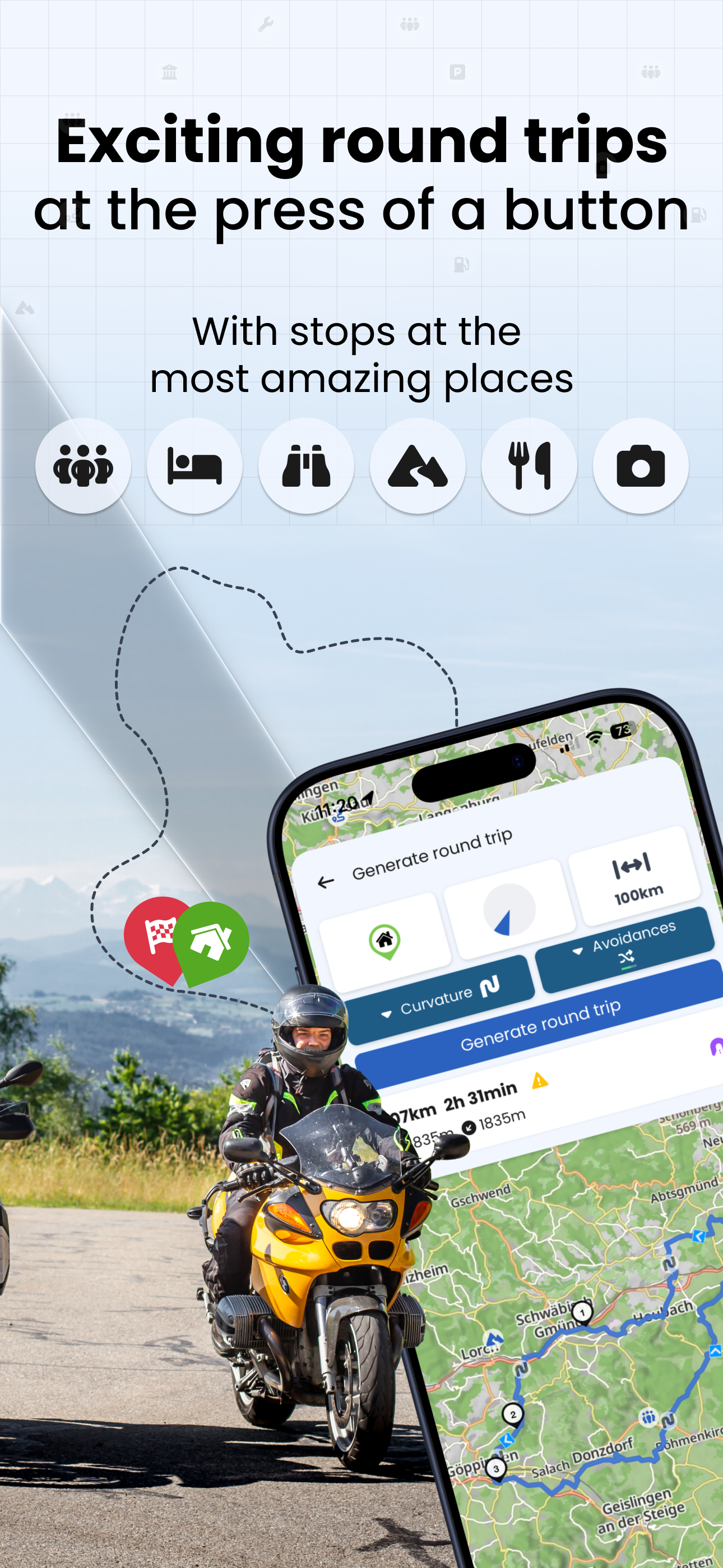
Discover the curviest motorcycle routes and experience beautiful round trips with the individual route planning of Kurviger. Ride your route easily wi...
| Name | Price | Type |
|---|---|---|
| Kurviger Tourer Monthly | $2.99 | Monthly |
| Kurviger Tourer+ Monthly | $5.99 | Monthly |
| Kurviger Tourer Yearly | $12.99 | Yearly |
| Kurviger Tourer+ Yearly | $24.99 | Yearly |


