Check the acquisition promise
Read the store headline, screenshots and description. What problem is the app promising to solve?
Study the storefront ↗
Tapgods · iOS
Explore the ad evidence, study the storefront, and build your next acquisition hypothesis.
01 / Creative research
Read the store headline, screenshots and description. What problem is the app promising to solve?
Study the storefront ↗Explore apps with direct store-link matches. Compare their hooks and formats without assuming the same approach works here.
Browse observed advertisers ↗Store rankings and revenue estimates describe market context. They do not establish ad spend, conversions or ROAS.
Review the market context ↗02 / Storefront & product
Study the product story and store experience behind the acquisition funnel.

03 / Market context
Keep revenue, downloads and store rankings separate from advertising performance.
The camera function is broken after the most recent update. Otherwise absolutely five stars
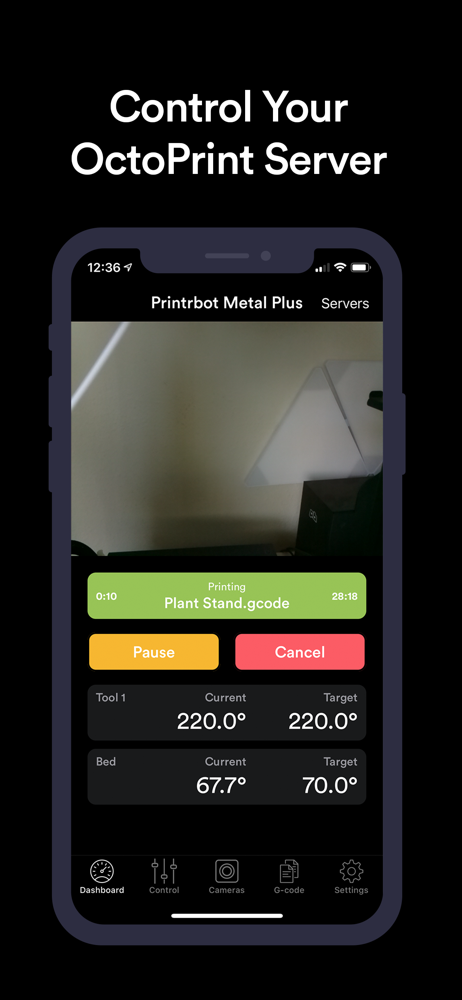
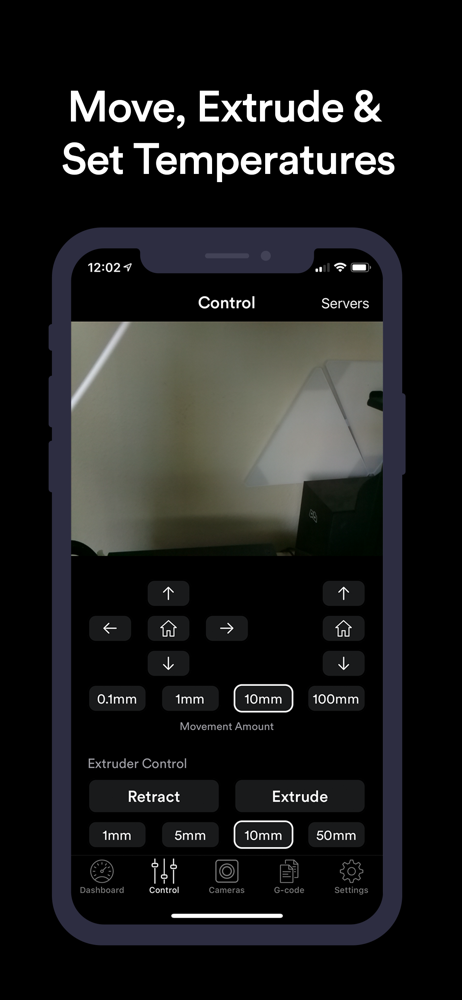
By far the best looking OctoPrint Client. I don’t use a camera yet but everything else seems to work great. The only thing holding me back from purchasing the pro version is it not having a gcode terminal. I’d also like to see the control buttons bigger.
I can’t fully say how much I love this app. It does everything I need it to AND it actually works. I have remote access to my printer 24/7 and it’s great for remote monitoring for failures and also trying to do filament changes. I dislike having to go back and forth from computer to printer just to heat/extrude/retract/extrude/cool down. Manual bed leveling is also greatly helped since I can just tap the interval I want to move the bed and go vs clicking through my printer’s menu, which isn’t all that user friendly to be quite honest. One of these days I’ll add an automatic leveler, but until then Kraken does the job better than I could have imagined. I paid for the full version of this app. Definitely worth every penny.
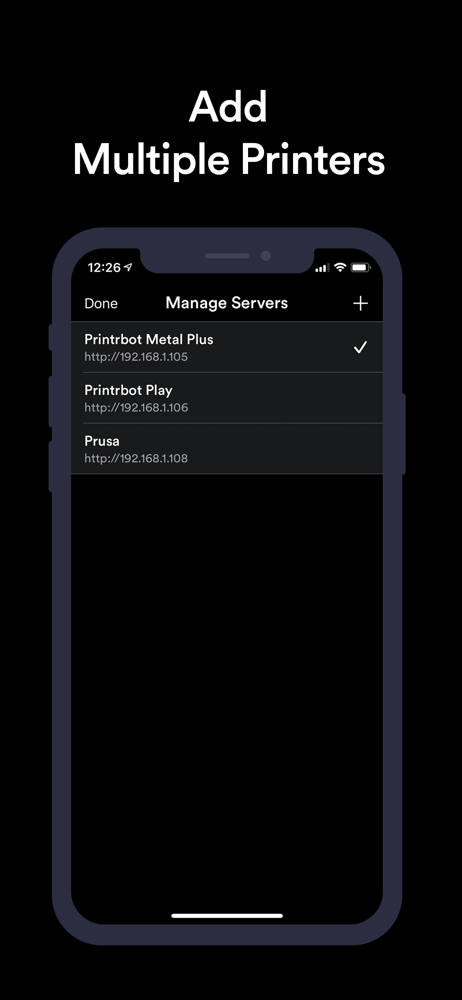
Kraken makes it easy to monitor, control and manage your 3D printers. Connect to any OctoPrint server on your local network or over the internet. Fea...
| Name | Price | Type |
|---|---|---|
| Kraken Pro | $5.99 | One-time |