Check the acquisition promise
Read the store headline, screenshots and description. What problem is the app promising to solve?
Study the storefront ↗
Winkpass Creations, Inc. · iOS
Explore the ad evidence, study the storefront, and build your next acquisition hypothesis.
01 / Creative research
Read the store headline, screenshots and description. What problem is the app promising to solve?
Study the storefront ↗Explore apps with direct store-link matches. Compare their hooks and formats without assuming the same approach works here.
Browse observed advertisers ↗Store rankings and revenue estimates describe market context. They do not establish ad spend, conversions or ROAS.
Review the market context ↗02 / Storefront & product
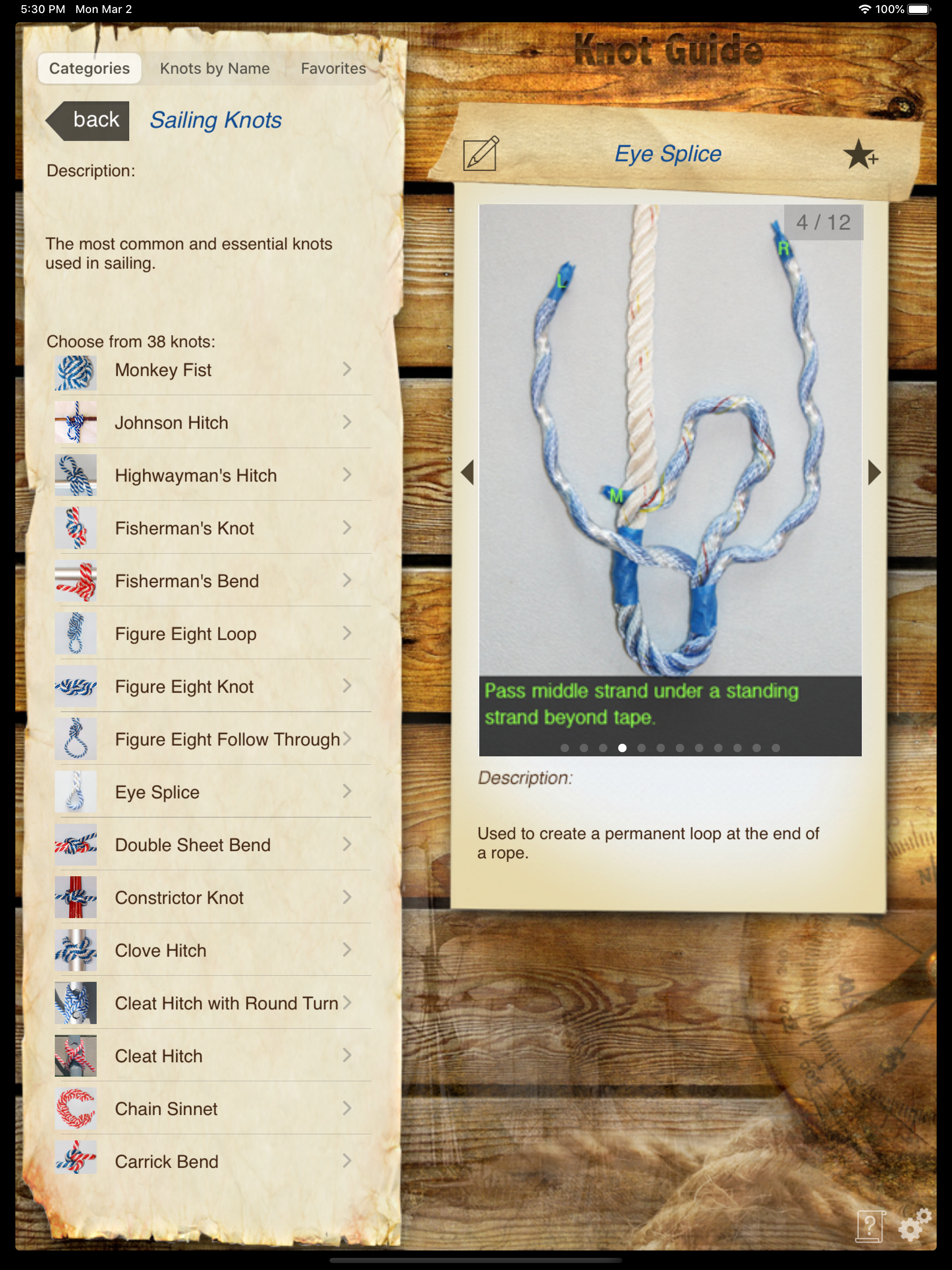
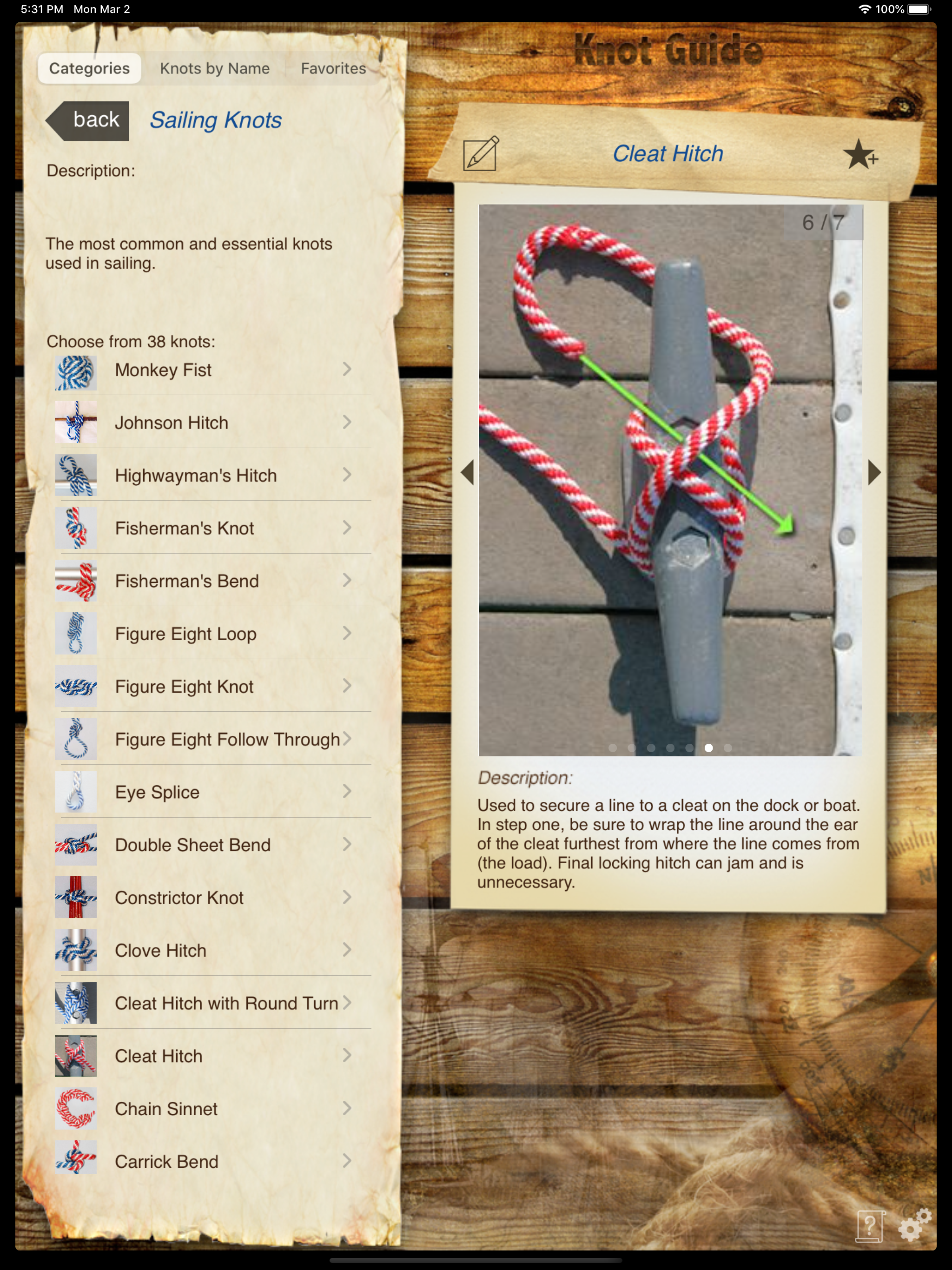
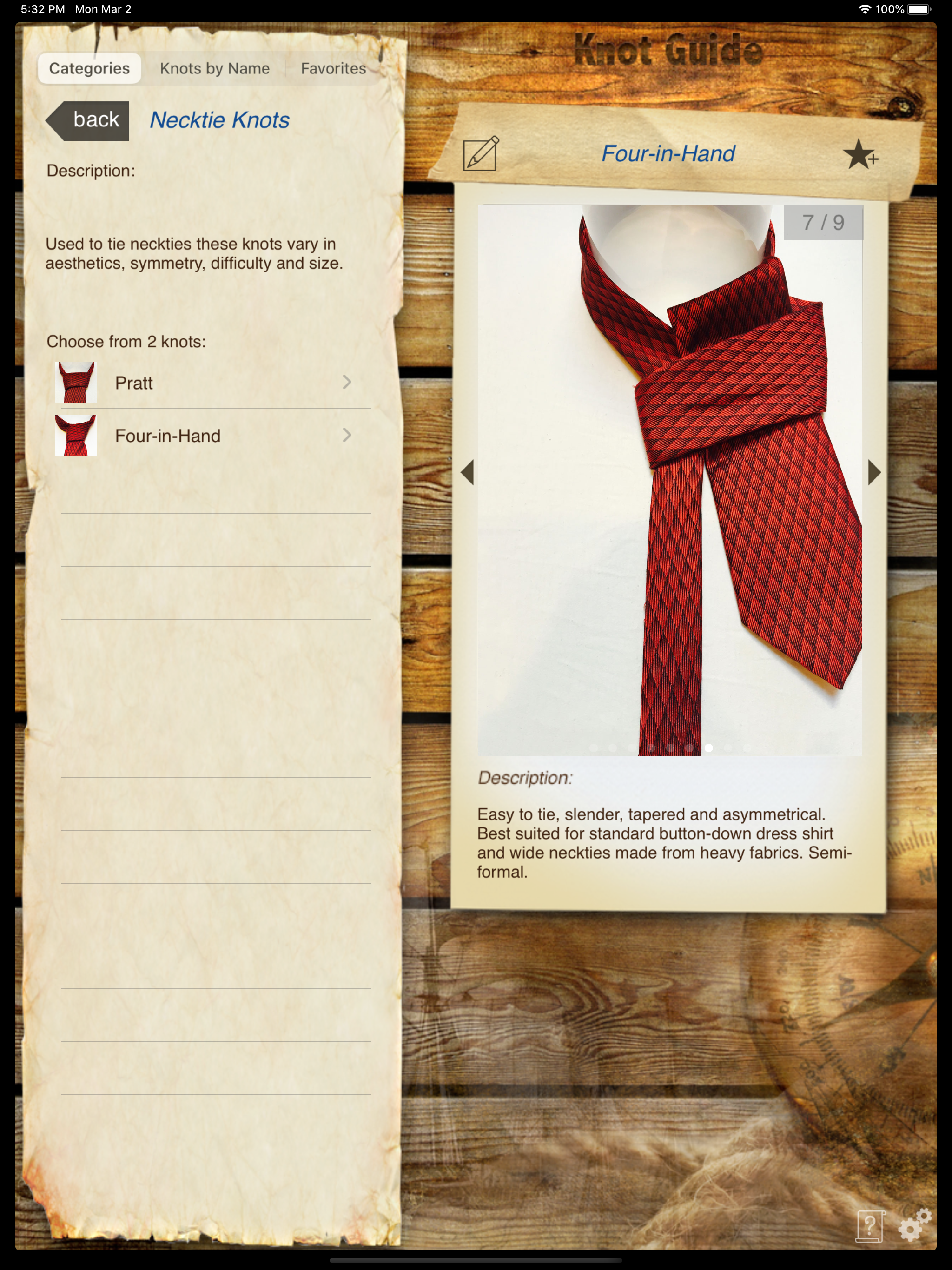
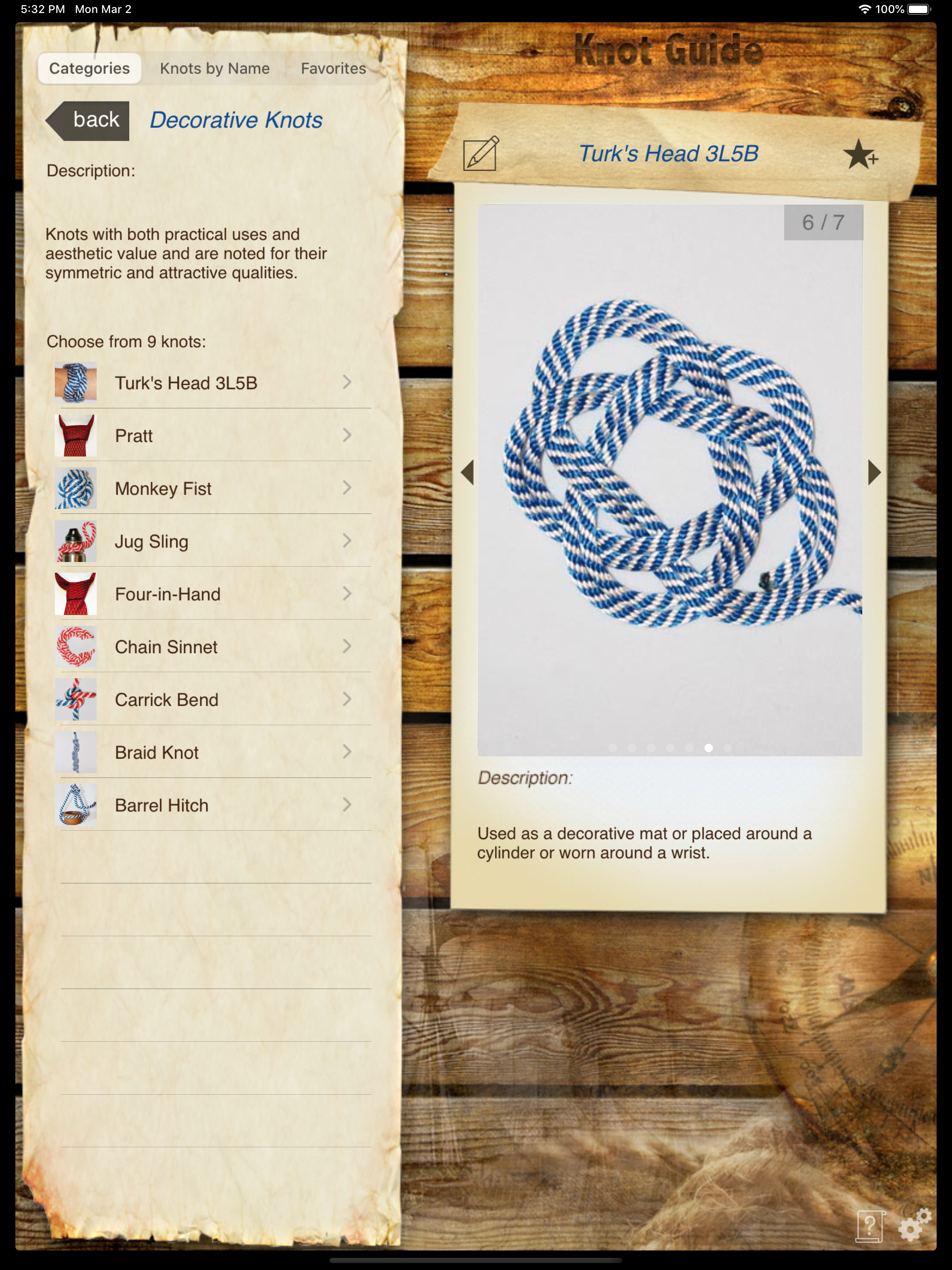
Study the product story and store experience behind the acquisition funnel.



03 / Market context
Keep revenue, downloads and store rankings separate from advertising performance.
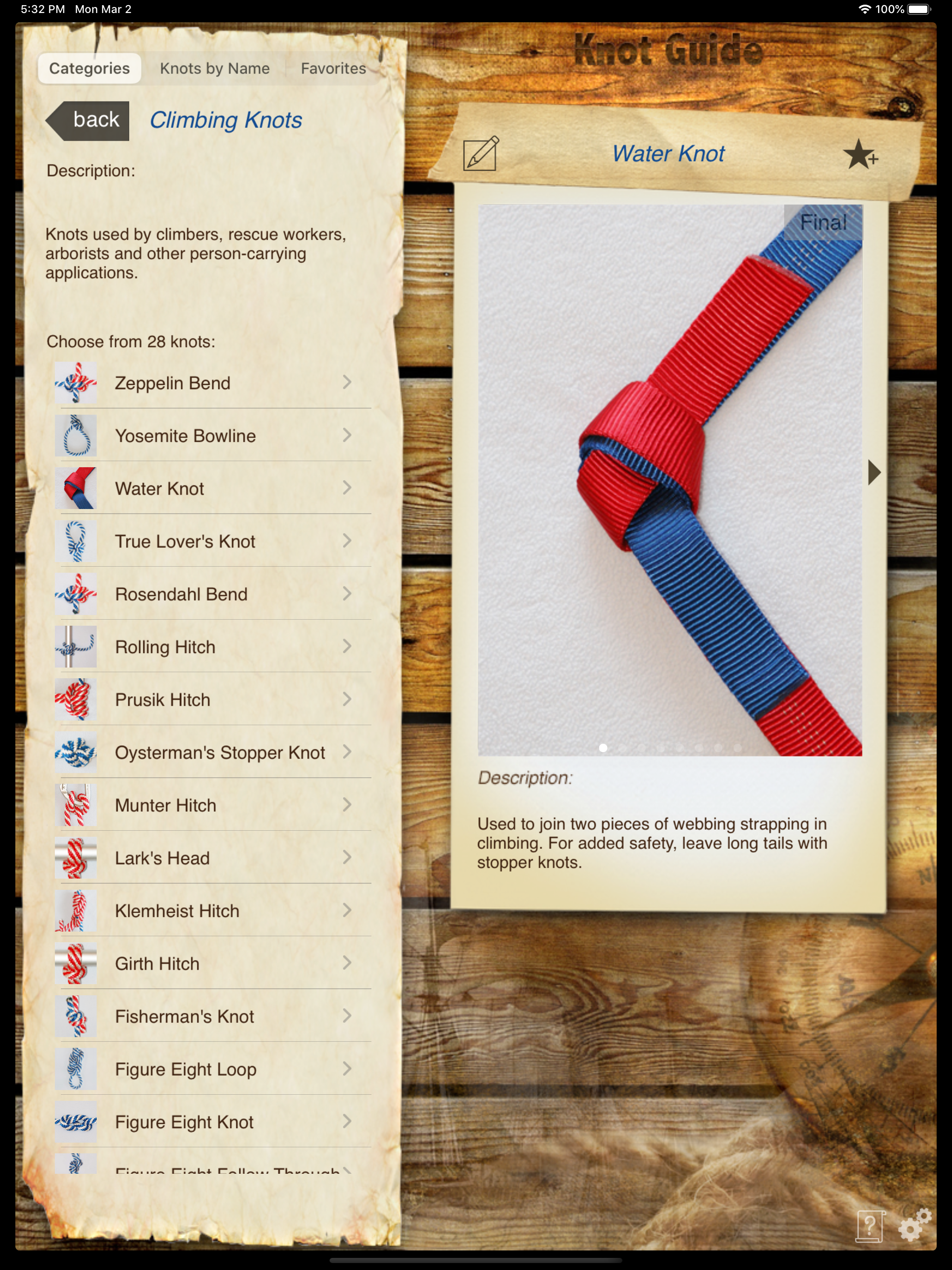
UPDATE JUNE 14, 2017 I received eMail from the developers informing me that they were working on a 64-bit version. No info as to a completion date. UPDATE JUNE 7, 2017 Needs update to 64-bit or it will no longer execute on any iOS device running iOS 11. ============== Overall a very good reference app for knots and I've only used it a few minutes to look up the knots that gave me trouble when I was a scout. I take a way 1 star because of the way the interface handles an orientation switch--when moving from horizontal to vertical or vice versa whatever knot you are looking at disappears and you are back at the main menu with the 'Categories' tab selected and no knots selected. It would be better if the app would lock orientation as the iPhone version does rather than return to the main menu on an iPad orientation switch. It is particularly frustrating when perusing knots by name. I know I could use the mechanical lock orientation switch on the iPad but I shouldn't have to. The app should be intelligent enough to keep the knot I am viewing when switching orientation. Two UI changes I would like to see are 1) keep the currently selected knot highlighted in the left hand column as one scans through the panels; and 2) use some of the large amount of wasted real estate to show a thumbnail of the finished knot as it is shown in the last panel. When I am perusing knots I may know what I want based upon its function and appearance but not (no pun intended) know its name. Having a thumbnail shown would speed up the search.
The instructions are easy to follow, unlike many books. This is a very handy guide for those who want to learn the basics. On the downside, there is very little information on the use of the knots. It has a search function, but with so little information, searching for a knot for a particular application can be frustrating if you don't already know which knot you need or what the knots are used for. Also, there are no alternatives or variations shown. For example, the taughtline hitch is commonly used with a bight drawn through on the last step, creating a "quick release." Someone new to the knot would probably like to know that... Also, the app has not had any updates or new knots for more than two years now.
Very good app. Add a Homer Rhodes knot under Fishing.
#1 Knot App on iTunes!!! Now with 107 knots and continuous new additions! An App Store Essentials "Weekend Warriors DIY" PICK! "Wow your friends!" -...