
Check the acquisition promise
Read the store headline, screenshots and description. What problem is the app promising to solve?
Study the storefront ↗
KidCheck · iOS
Explore the ad evidence, study the storefront, and build your next acquisition hypothesis.
01 / Creative research
Read the store headline, screenshots and description. What problem is the app promising to solve?
Study the storefront ↗Explore apps with direct store-link matches. Compare their hooks and formats without assuming the same approach works here.
Browse observed advertisers ↗Store rankings and revenue estimates describe market context. They do not establish ad spend, conversions or ROAS.
Review the market context ↗02 / Storefront & product
Study the product story and store experience behind the acquisition funnel.


03 / Market context
Keep revenue, downloads and store rankings separate from advertising performance.
I updated my review from 3 start to one. After the first review, hoping someone would try to get in touch with me or fix the issue, I emailed the company. I had a Courtney Maxwell respond to my message asking what email I was using for my account. I responded the same day. I have heard nothing back and I still can not sign into the app. Again tried changing my password, double checking the email, and signed in from a computer. Original review: I’ve checked everything, tried to change my password, checked if everything was ok from the computer (looks fine) but it will not let me sign into the app.
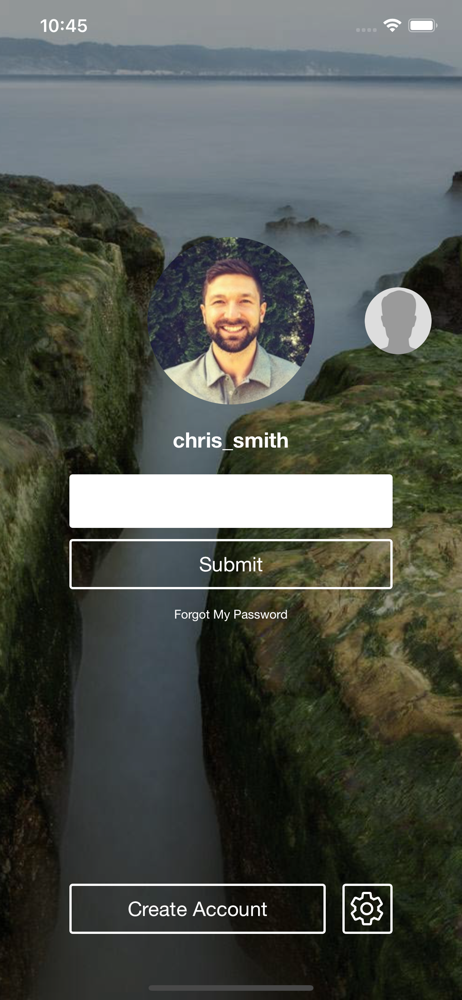
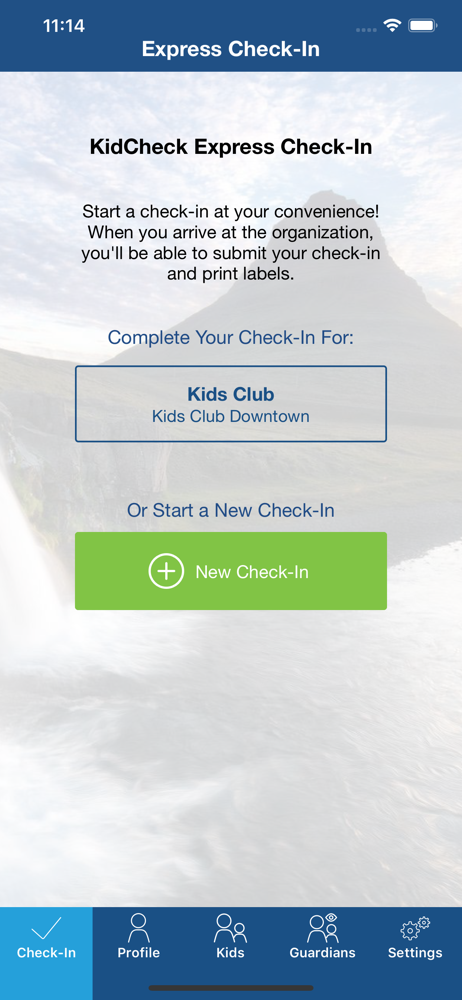
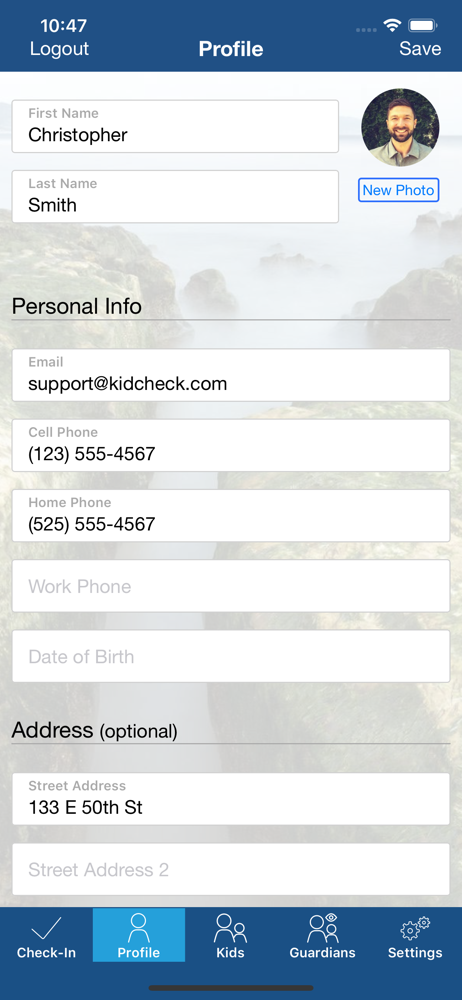
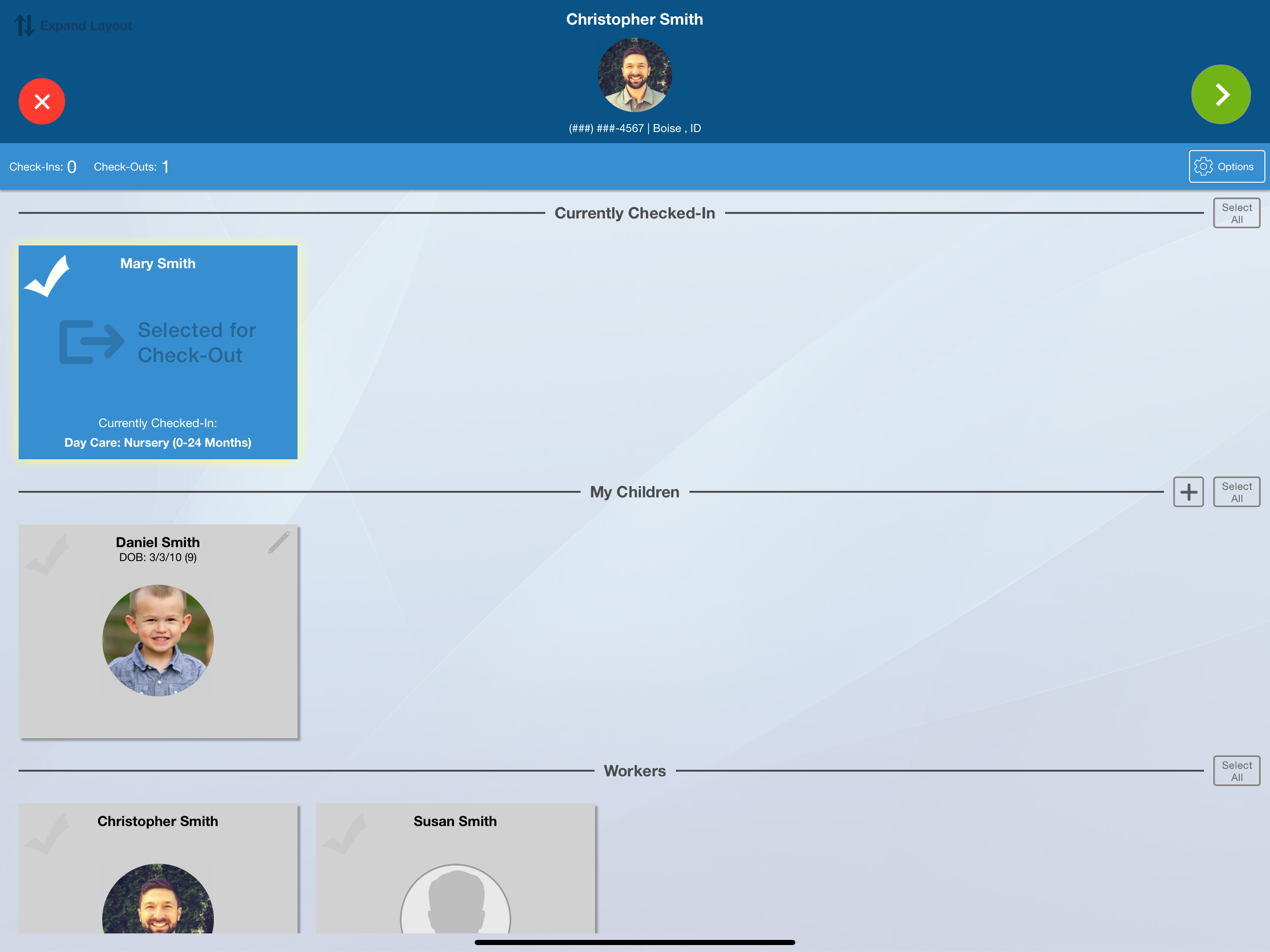
The “express check in” from your phone app is not express in any form, and is actually several steps longer than if I just used the iPad check in at my child’s school. I have several issues with the so-called “Express Check In” from your phone: 1. Lack of FaceID login: it is very cumbersome to have to enter my password EVERY TIME I open the app....this is an unnecessary step as the extra security is not necessary, or you should at least be able to opt in to removing this step. 2. Once I log in, rather than landing on the Express Check In, which is the part of the app parents are going to be using on a daily basis, it lands on the profile page, which after initial setup I will never need to use again. 3. Too many steps in the check in process. If the process was to truly be “express” it should be one click and the submit when I get to the school. The check in process is less steps and faster if I was to just wait until I arrived at the school and used the iPad. Having to actually submit the check in once I arrive is especially cumbersome....I mean I am walking in carrying a child and a bag, and now I need to take my phone out of my pocket and submit my “express check in”. The lack of forethought into the actual check in flow for the parents using this app is incredibly frustrating and I urge you to enhance this process so it is far fewer steps and actually a time saving benefit rather than using the iPad at my child’s school.
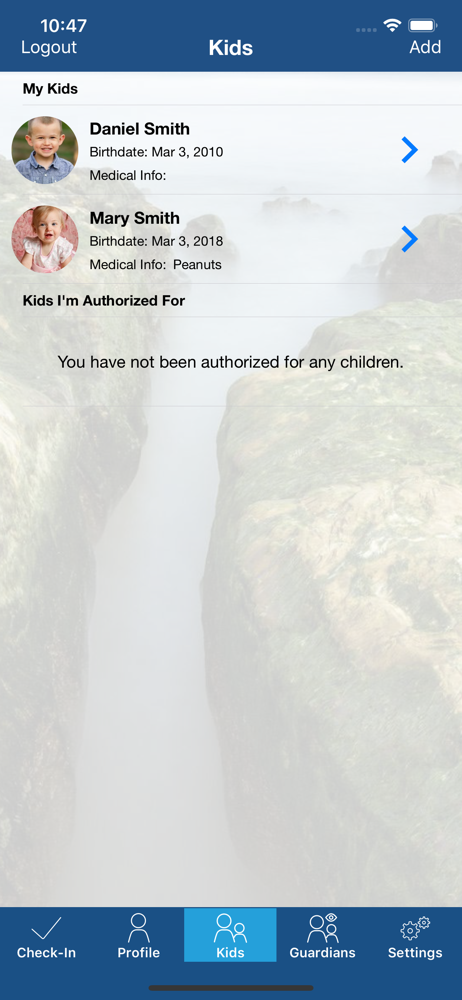
My husband runs the van ministry at our church and pick up 20-30 children. I check the children in as they get there on the app. It would be a great update to put the children’s names in alphabet order. To choose if you want to put it by first or last name. Also if you add a new child, it automatically goes in alphabetical order. A nice feature would be that you can go back and see a list of who and how many is checked in. I realize this is for families but think about the bus ministries as well.
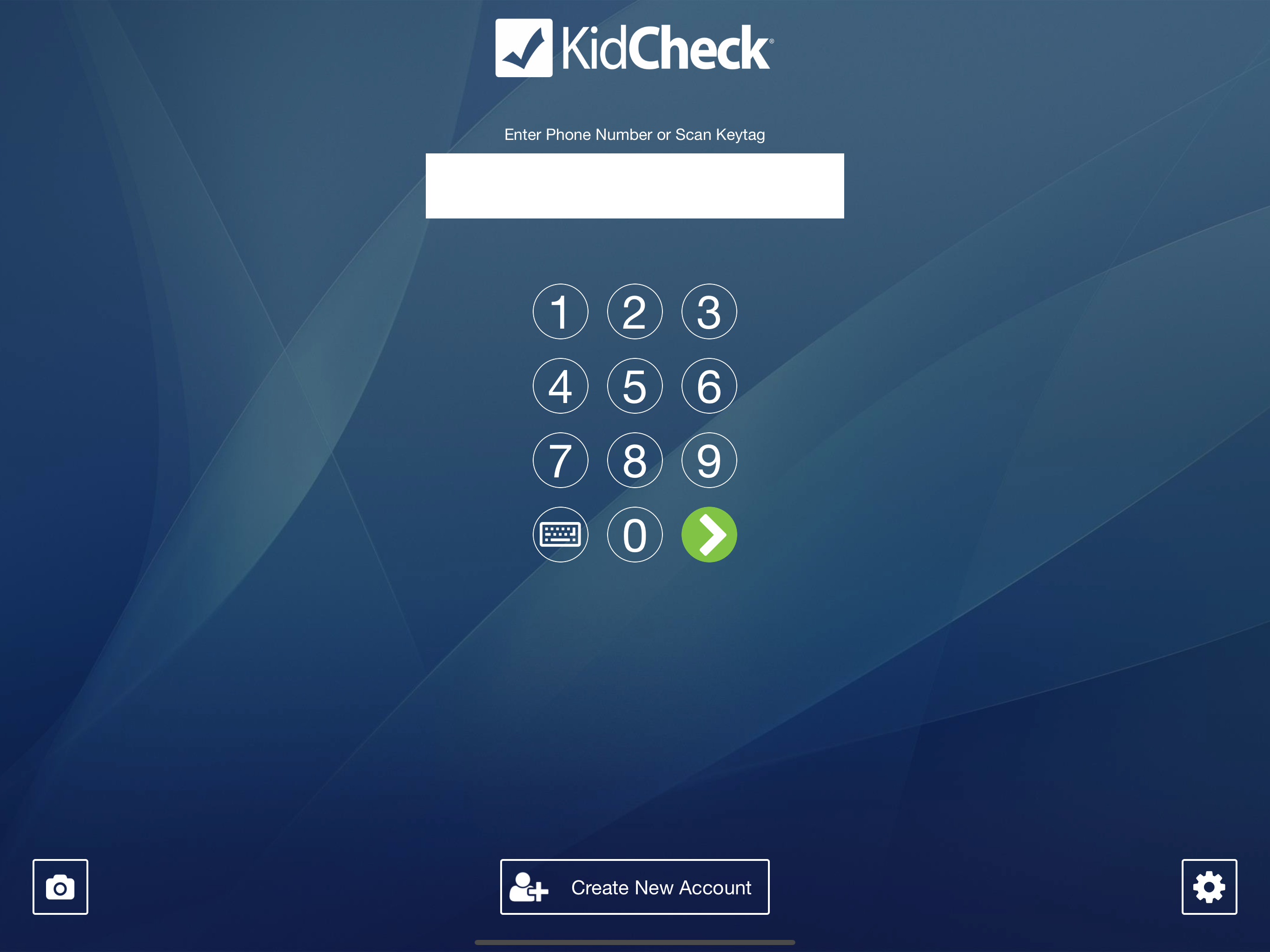
KidCheck provides secure children’s check-in systems for churches, fitness centers, activity centers, and child care organizations. KidCheck’s easy-t...


