
Check the acquisition promise
Read the store headline, screenshots and description. What problem is the app promising to solve?
Study the storefront ↗
JVCKENWOOD Corporation · iOS
Explore the ad evidence, study the storefront, and build your next acquisition hypothesis.
01 / Creative research
Read the store headline, screenshots and description. What problem is the app promising to solve?
Study the storefront ↗Explore apps with direct store-link matches. Compare their hooks and formats without assuming the same approach works here.
Browse observed advertisers ↗Store rankings and revenue estimates describe market context. They do not establish ad spend, conversions or ROAS.
Review the market context ↗02 / Storefront & product
Study the product story and store experience behind the acquisition funnel.
03 / Market context
Keep revenue, downloads and store rankings separate from advertising performance.
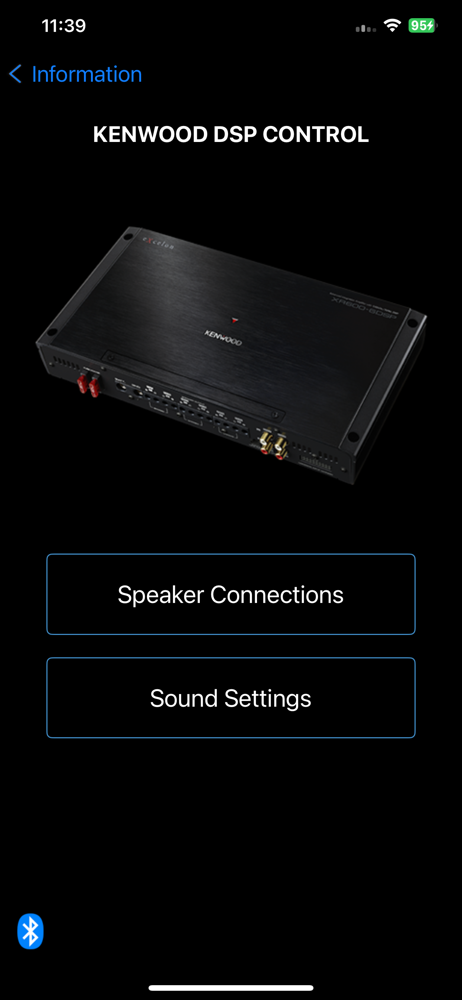
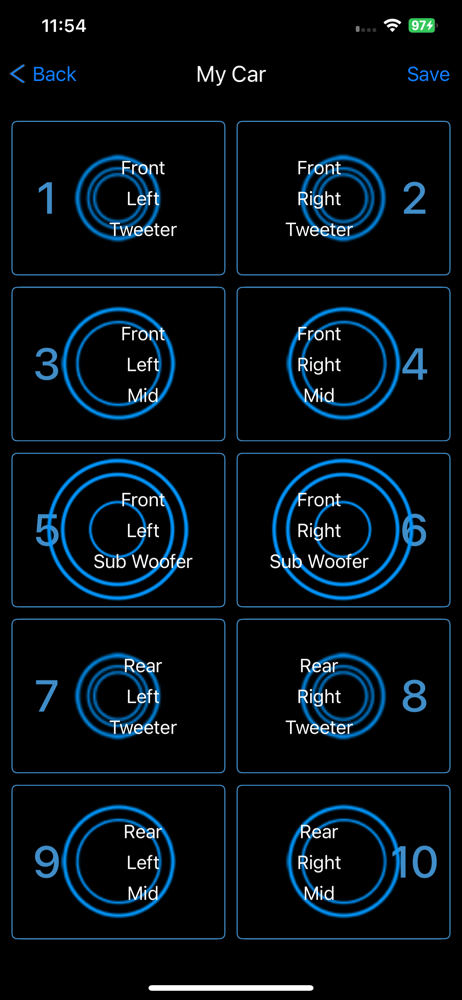
Similar to other users experience. App connects via BT to the amp but the Speaker settings screen / function of the DSP Control Amp is blacked out. Without speaker settings the 6 channel amp that I paid $400 for does nothing and the labor and time for installation is completely wasted. The App info says it supports IOS 9 or higher, I have an iPhone 13 Pro so this App should work. Kenwood, what now, is there any explanation to the App not working any longer? More importantly, what do customers need to do to get this app working with the Amplifier?
I have a full custom build centered around the 600-6 dsp/amp. It worked flawlessly and all the sudden when I click on the speaker setup or sound setup the screens are blank with no options. PLEASE HELP. I have tried resetting everything, uninstalling, everything. One day thee amp worked the next it stopped!
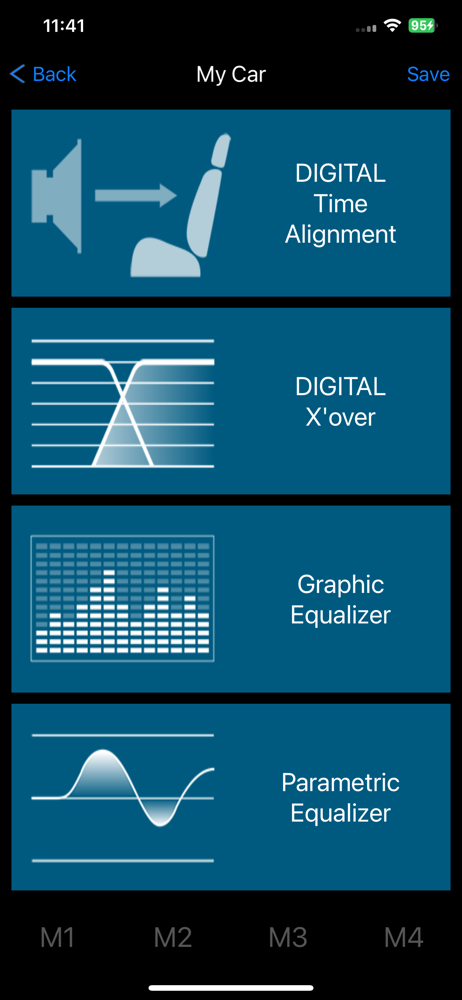
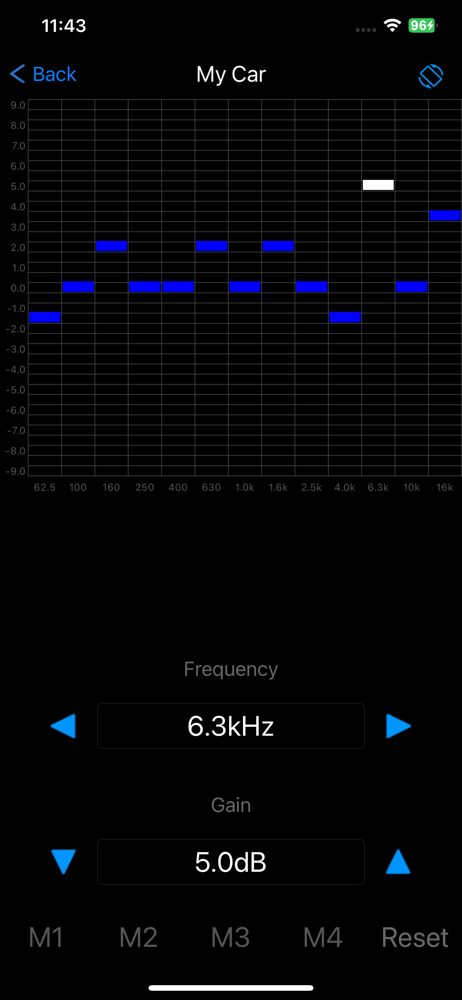
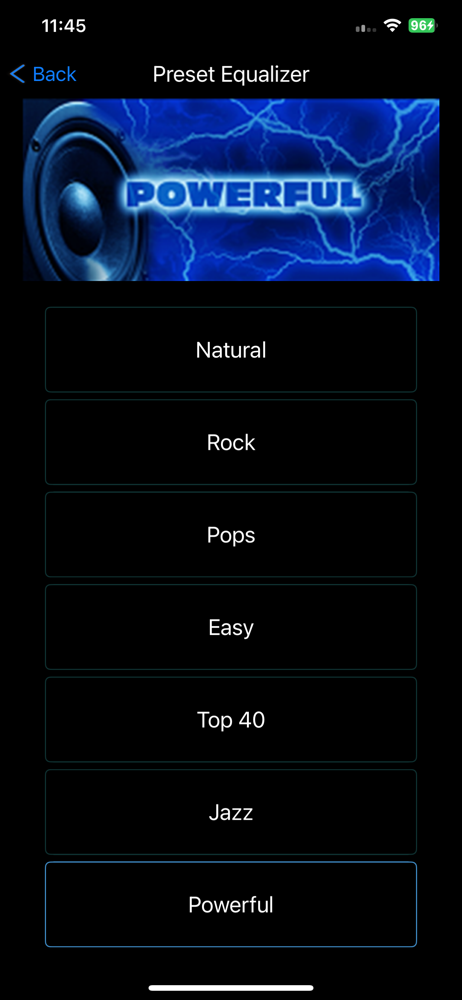
KENWOOD DSP Control is an application that connects and controls the compatible KENWOOD advanced OEM integration amplifier XR600-6DSP via Bluetooth®....


