
Check the acquisition promise
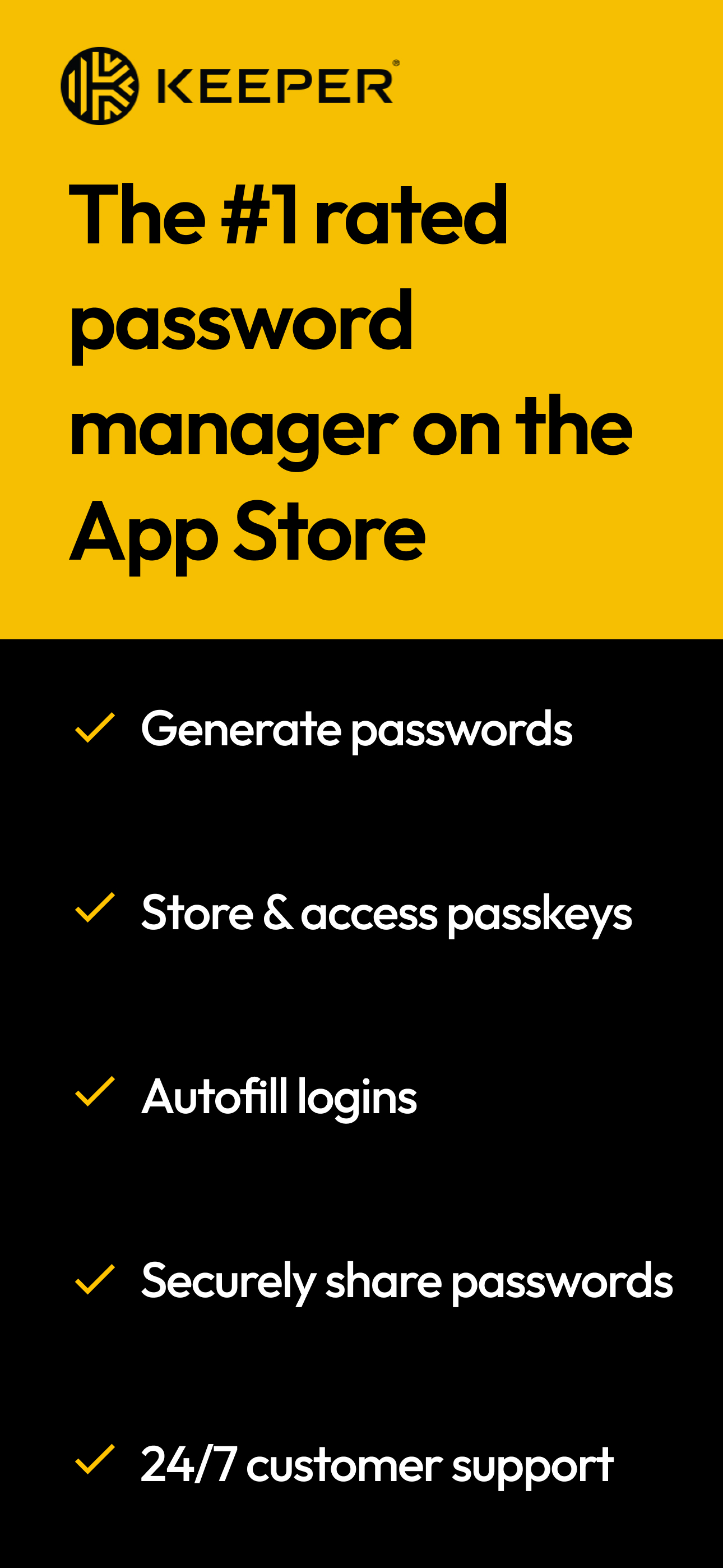
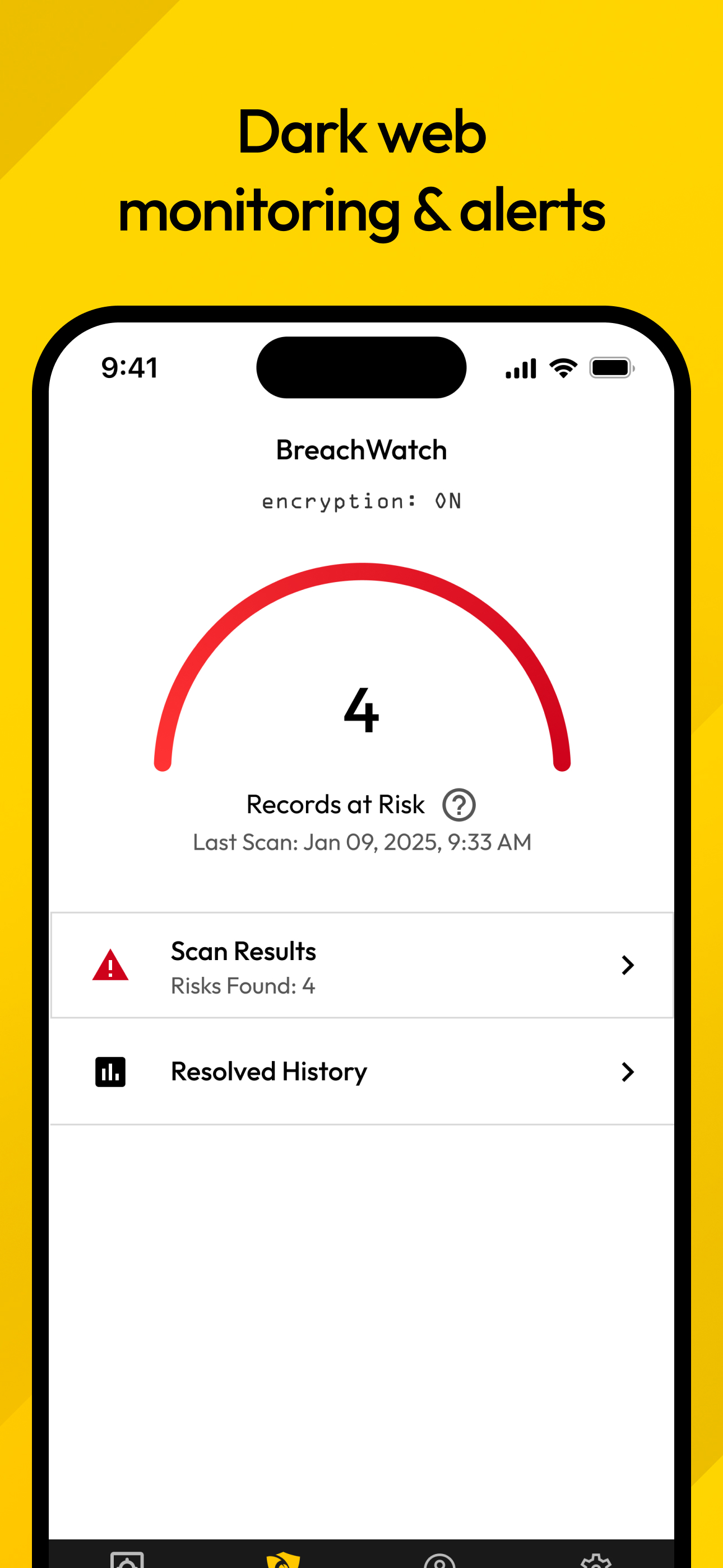
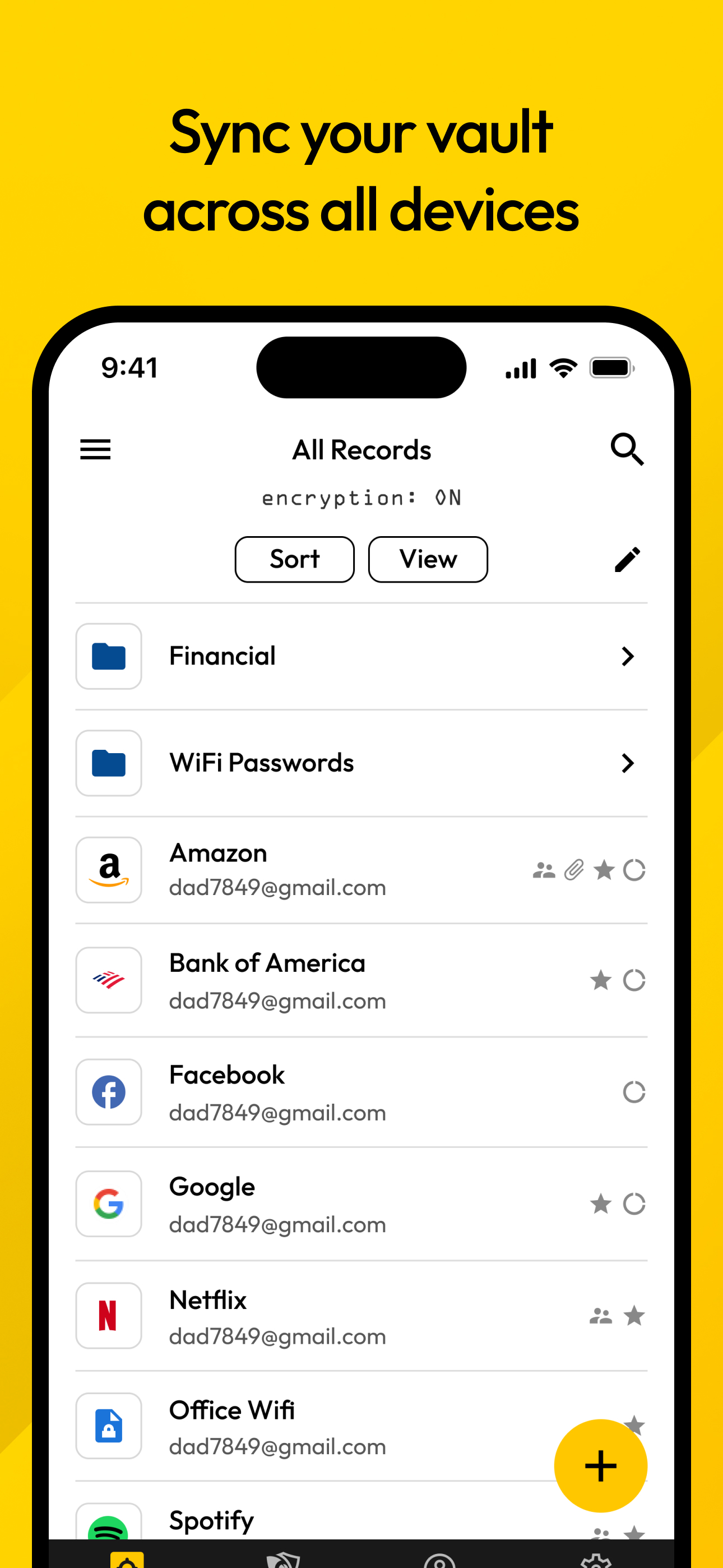
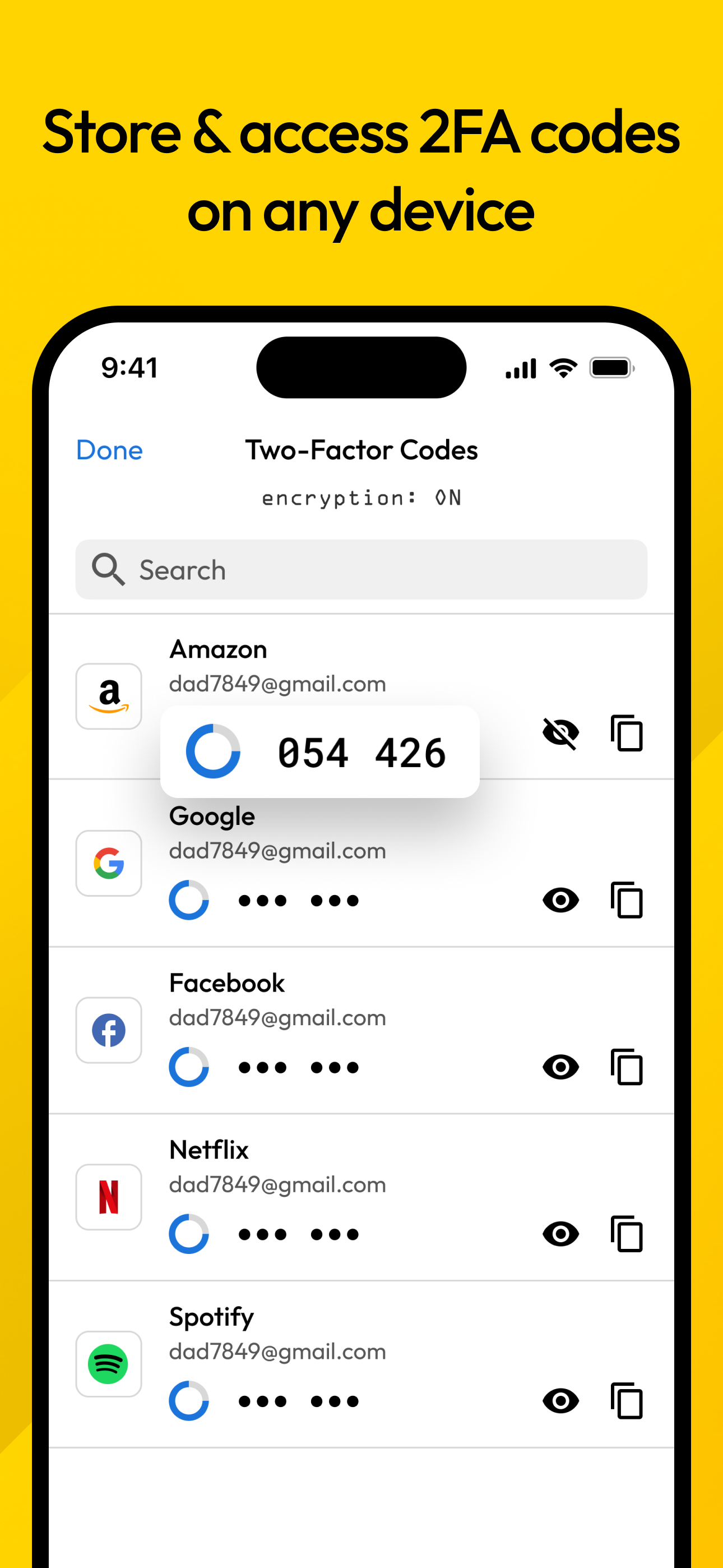
Read the store headline, screenshots and description. What problem is the app promising to solve?
Study the storefront ↗
Callpod Inc. · iOS
Explore the ad evidence, study the storefront, and build your next acquisition hypothesis.
01 / Creative research
Read the store headline, screenshots and description. What problem is the app promising to solve?
Study the storefront ↗Explore apps with direct store-link matches. Compare their hooks and formats without assuming the same approach works here.
Browse observed advertisers ↗Store rankings and revenue estimates describe market context. They do not establish ad spend, conversions or ROAS.
Review the market context ↗02 / Storefront & product
Study the product story and store experience behind the acquisition funnel.




03 / Market context
Keep revenue, downloads and store rankings separate from advertising performance.
Only one small complaint, although it might not be on them. For some reason the app store doesn’t show when the app needs to be updated. Whenever the list pops up for apps that need to be updated keeper is never on that list. I have to look it up in the app store to check if an update is available. When I search for it, it always says open as if it is updated. Only after I click it and go to the info page does it give the option to update, when it’s available. This is different than every other app for some reason. Been like that for over a year, and it happened 4 -5 times. Although it has no effect on the quality of the app so not that big of a deal. Other than that great app. The customer service is OUTSTANDING. There must be someone monitoring emails 24/7. I had trouble figuring something out late late at night and got a response within an hour. Couple other times I had questions and had responses and answers within 1 - 8 hours. AND it was an actual person every time. That alone to me is worth keeping that app long term. App always works too never any glitches, freezes or bugs. The ratings speak for themselves, worth every penny
I have been using Keeper for all my passwords & important documents, account log-ins etc for well over 5 years now. Hoesntly i havent tried any other password apps, & i do pay for the unlimited version, but I have a lifetime discount of 50% off,(offered to me way back when i started) & its worth it for me. Their auto fill option works seamlessly with IOS, & gives you the option to use it or the icloud/password saver. It auto fills login as well as password which prevents me from having to remember all the different passwords needed across multiple applications. It works on both iphone, & ipad, & i can even store pictures as well. It provides you the option to categorize your entries, or you can have all of them under the default “passwords”. You can add notes, websight address to each password entry you create, and if you have a family you can share subscription, & then share passwords, or notes etc. It allows you to use face id for auto logging in, as well as finger print recognitiion. You can even set up a default of 5 wrong attempts to log into the app, & it will auto destruct. Just be careful with that option, bc if you forget your log in password and attempt it 5 times & fail, everything you have created is gone. Nice option if you loose your phone, no one can try to guess a master password, but for those of us who just plain forget sometimes, BE CAREFUL. BY far I find this one of the best app’s, very simple & easy to use. Its a must have if you create lots of passwords, & don’t want to have to remember all the “rules” associated with different sights. Gets 5 stars from this subscriber.
Before Keeper I had a little book of passwords (pws) I recorded them in but of course I didn’t have my little book when I had to change a pw or create a new one. I would write the new pw on a post it or scrap of paper and TRY to keep them in one place for transfer to my little book. Over time the little pw book got old and scraps of paper stacked up. If we had to travel, I would pack the papers and little book. That didn’t help because I would spend more time shuffling those scraps to find a particular pw. ENOUGH!!! I went on a determined search in the App Store and found KEEPER. Hummm, it costs a yearly payment, not out range of what I was willing to pay. I was just didn’t want to pay anything. But I looked over at the stack of scraps of paper and the now tattered little book and decided it was definitely time for a change. Long story short, this is the best app regardless of yearly subscription!!!! It’s been money well spent I spent a couple of hours plugging in the pws, web sites and key words and HURRAY the pws are now in alphabetical order and easy to get to. I would highly recommend this app. I recently had trouble with my ID for my phone, pad and computer that was fixed after 2 hours on the phone with support. As a result I got a notice from KEEPER that changes had been made and I had to go through the changes with them. Thankfully that only took a few minutes! And all was reset without any loss of passwords. So this app and the people who run it are VERY responsive! WELL DONE KEEPER!! Yes, I am shouting happily! This is a terrific app!!!
Keeper Password Manager keeps your passwords and data secure on any device. The Keeper app maximizes your password security and strengthens your passw...
| Name | Price | Type |
|---|---|---|
| 10GB Secure File Storage (Annual) | $13.99 | Yearly |
| BreachWatch (Annual) | $26.99 | Yearly |
| Unlimited Plus (Annual) | $42.99 | Yearly |
| Keeper Unlimited (Annual) | $42.99 | Yearly |
| 50% OFF Password Manager (Annual) | $42.99 | Yearly |
| Unlimited Password Manager (Annual) | $42.99 | Yearly |
| BreachWatch Family (Annual) | $53.99 | Yearly |
| 50GB Secure File Storage (Annual) | $54.99 | Yearly |
| Keeper Family Plan (Annual) | $91.99 | Yearly |
| Family Password Manager (Annual) | $91.99 | Yearly |


