Check the acquisition promise
Read the store headline, screenshots and description. What problem is the app promising to solve?
Study the storefront ↗
Innervate · iOS
Explore the ad evidence, study the storefront, and build your next acquisition hypothesis.
01 / Creative research
Read the store headline, screenshots and description. What problem is the app promising to solve?
Study the storefront ↗Explore apps with direct store-link matches. Compare their hooks and formats without assuming the same approach works here.
Browse observed advertisers ↗Store rankings and revenue estimates describe market context. They do not establish ad spend, conversions or ROAS.
Review the market context ↗02 / Storefront & product
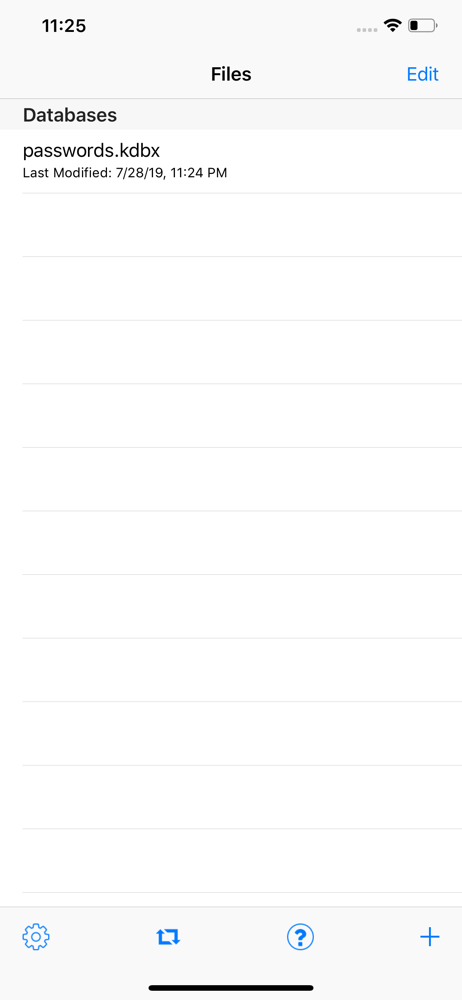
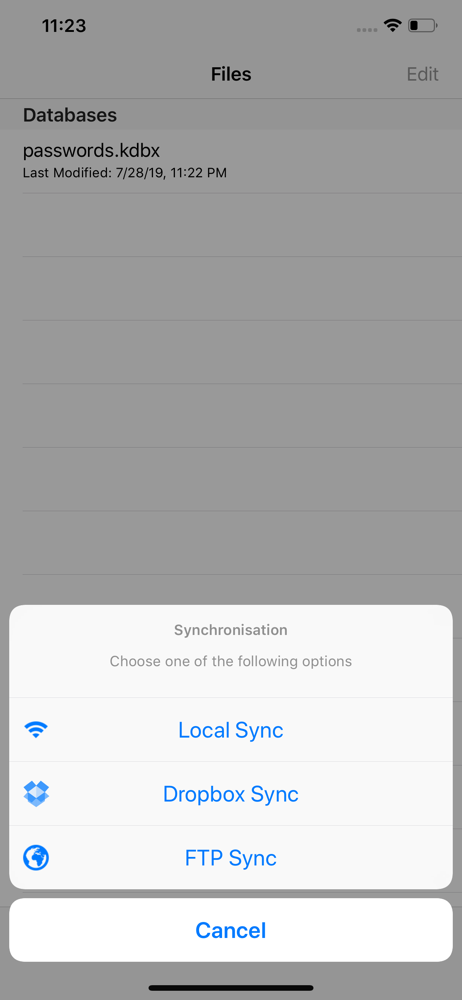
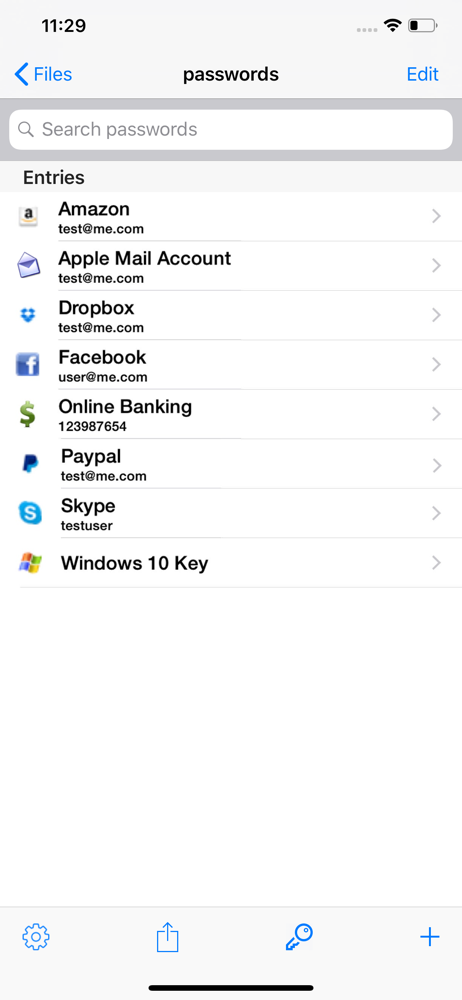
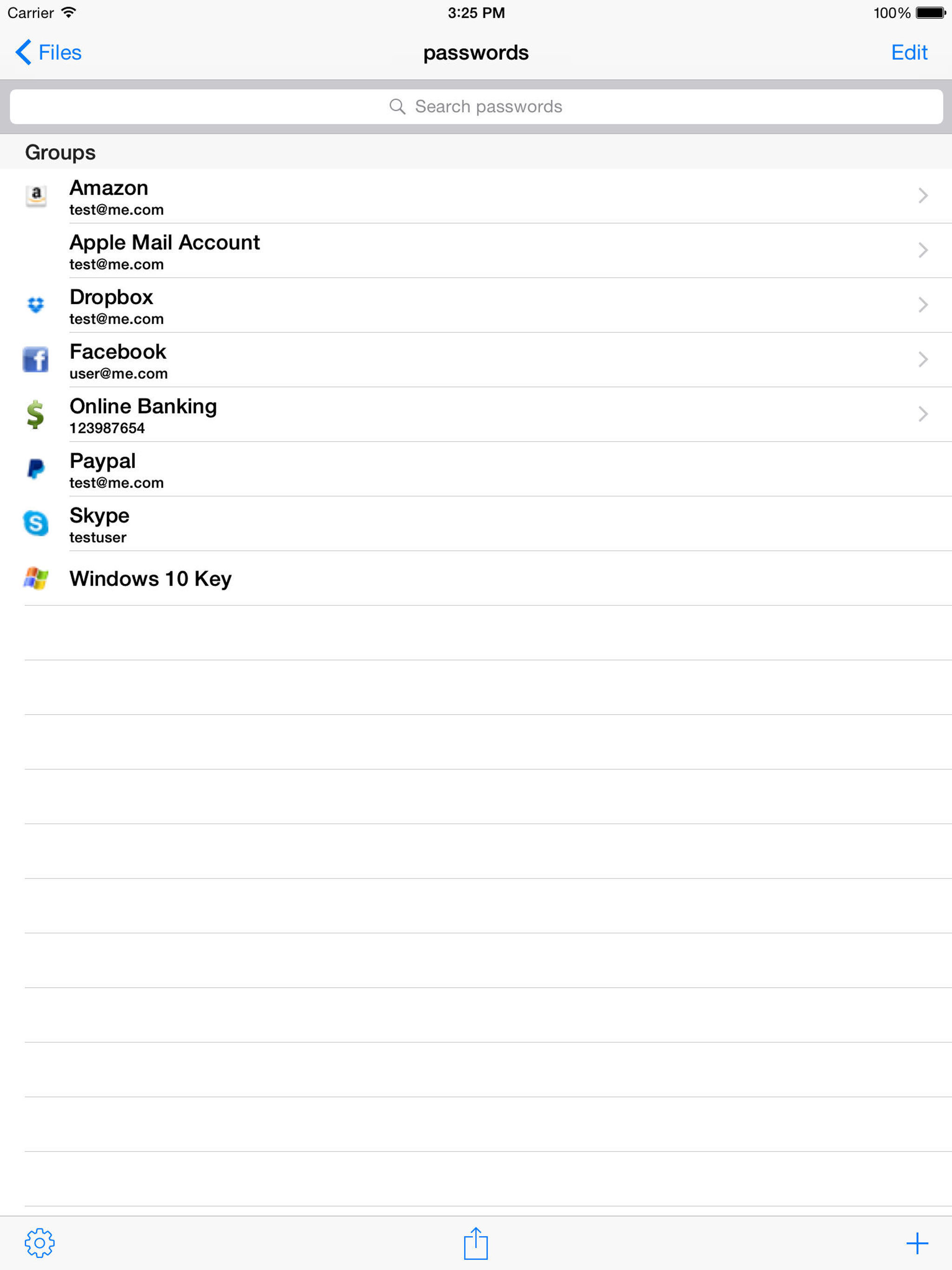
Study the product story and store experience behind the acquisition funnel.
03 / Market context
Keep revenue, downloads and store rankings separate from advertising performance.
In an earlier review I had stated will not open if attachments are present. After the developer updated, I am able to open the file to at least see the passwords. But now it won’t open the attachment, giving error “Error: failed to open document” - I can live with it if only there was some way to either download or use another iPad app to preview the attachment but no option exists. Bumping up one star because I can open the database, but still not usable when it comes to attachments. Earlier review: I made the mistake of paying for this app. I then encountered the “Failed to parse database” error Searching on the internet shows that from 2013 this app cannot open a database when jpg files are attached. This makes it pretty useless for me because I have a number of important jpg files that I cannot convert to text. Buy this app only if you plan to never have jpg attachments to entries.
I’ve used been using this app from when it was called MiniKeepass and have been happy with it until I found out I unwittingly update a version of a shared keepass database that was missing the latest update to that database by my wife. When I start paying attention to the date of that files listed in the Databases screen (first screen when you open the app after you have used it before). I found out the date on the database I store in a shared folder on uCloud is older than the date on that file on iCloud. Since then, I have to remember to remove the any copy of a database files I share on iCloud and load it anew directly from iCloud. I used KeepassXC on Mac which also points me to some link on Finder that appears to be a copy cached by macOS. In that case, since my iCloud drive is also listed down the left panel, that macOS screen sort of reminds me to go to the source on iCloud. If this app can check the date on a cloud-base database against the cloud copy when the database is selected by the user, that would really make it a much more friendly to users if shared cloud based files.
Works good and able to 100% migrate my old KeePass app files . However Dropbox integration needs improvement. It will auto sync and remember only the Dropbox root folder. You can’t Teach the app to store the KeePass database files in a specific folder under the Dropbox root folder . You need to manually do the sync each time in a multi step process. This has Caused mismatches and overwrites when I am using the database files to keep in sync across multiple platforms like iPhone iOS and Windows PC ( here DB files are synced to a specific Dropbox folder assigned automatically)
KeePass Touch - The Cross-Plattform Password Manager =========== You often forget your passwords and just can't remember? Probably go through that h...
| Name | Price | Type |
|---|---|---|
| Small Tip | $0.99 | One-time |
| Autofill & Remove Ads | $1.99 | One-time |
| Medium Tip | $3.99 | One-time |
| Big Tip | $9.99 | One-time |