Check the acquisition promise
Read the store headline, screenshots and description. What problem is the app promising to solve?
Study the storefront ↗
Brainium Studios LLC · iOS
Explore the ad evidence, study the storefront, and build your next acquisition hypothesis.
01 / Creative research
Read the store headline, screenshots and description. What problem is the app promising to solve?
Study the storefront ↗Explore apps with direct store-link matches. Compare their hooks and formats without assuming the same approach works here.
Browse observed advertisers ↗Store rankings and revenue estimates describe market context. They do not establish ad spend, conversions or ROAS.
Review the market context ↗02 / Storefront & product
Study the product story and store experience behind the acquisition funnel.

03 / Market context
Keep revenue, downloads and store rankings separate from advertising performance.
I'm rewriting this review because accidentally the "expert" words button in the game was "on" and the game was crazy. It changed the game by adding words I’ve never heard of. So, if it happens to you, check that first. I saw the +11 languages on the app description, and thought they had changed the game! Brainium was terrific in helping me. The +11 languages in the app description is wrong, but Brainium can't get it taken off. I went looking to see why my game wasn't acting correctly and found that the words had gone to only 5 letters, and the expert words were on. My dog had walked over my ipad and, unknown to me, his paw changed it! He turns things on in my car, too. Clever dog! The game is terrific, again. Download it. You'll like it.
See update at end! :-( Love words!!! I was the elementary kid who couldn't wait for free time in class right before holidays when the teacher would have us find how many words we could find in "Merry Christmas" or "Happy Thanksgiving", etc. This app helps extend my childhood just a bit longer! BTW: I'm a retired teacher. LOL! ;-) UPDATE: November 16, 2020 What happened?! One of my favorite games. Did the upgrade to Jumbline 2 several years ago and, out of the blue, it just quits immediately after I open it. After several tries, I deleted it. Turned my iPad off and restarted. Downloaded the game again from the App Store. Same thing happens! Whats the deal? I haven't updated my system version or anything! Please help. Downgrading my 5 stars until I can play again. Thank you. To Developer: Thank you for your reply. Still doesn't work. Steps I took-- I deleted current app before downloading updated version. Then, I powered off, to delete the old info. Next, I went to the J2fiPad app on the App Store and it didn't say "Install". It said "Open." I clicked Open, the screen briefly went to my iPad's main page, and nothing. Interesting fact-- when I scroll through my pages I can't find the app. So, bottom line: on Apple app page it says Open, but when I search for it, its not visible. So, what next? I can't delete it again because I can't find it. Thanks!
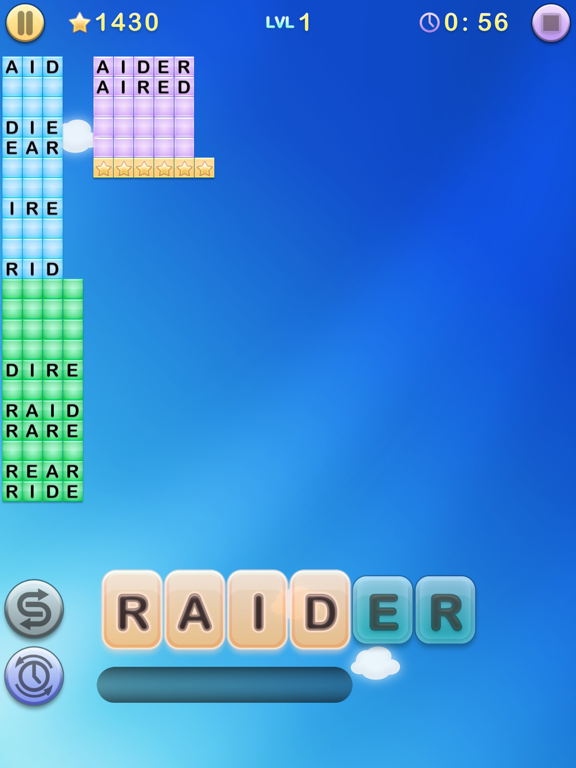
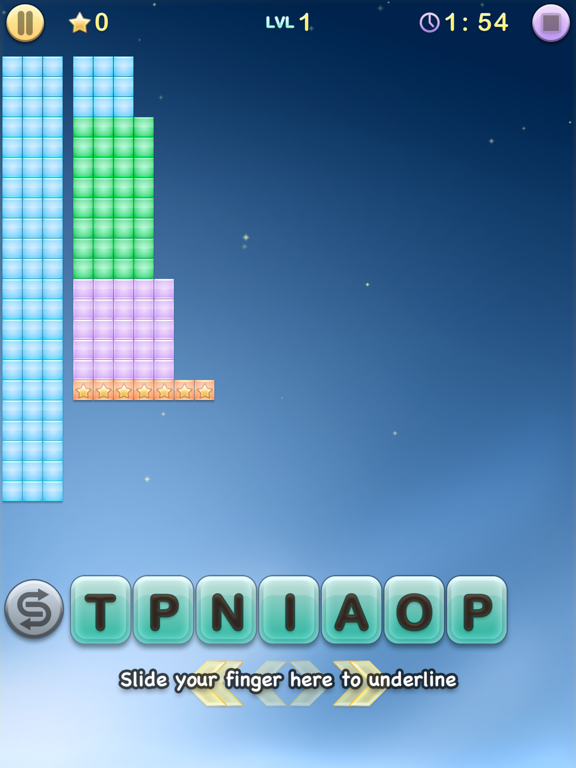
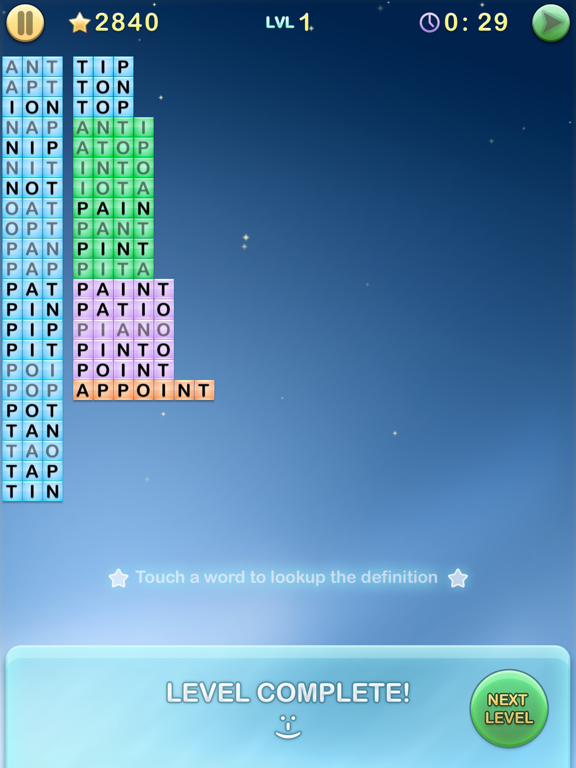
I’ve had this game on every single device I’ve owned since it came out. It doesn’t have a lot of the bloat that causes so many games to eat up a ridiculous amount of memory, but it has all the basic anagram-solving features that I love. I love that you can play without a timer (“Classic” mode), and the fact that you are asked to list ALL the words actually provides useful hints in discovering additional words. It’s not beautiful like my other favorite word game, Wordscapes, but it’s relaxing and not annoying in any way (which is actually more rare if you think about it). I even don’t mind the music! My four-year old son used to ask to play it with me to relax before bed many years ago on my first smartphone during snuggle time, and I can’t think of another game that I would say yes to like this one. Happy memories of my (now teen) son and this game. Simple and awesome—thanks, devs!
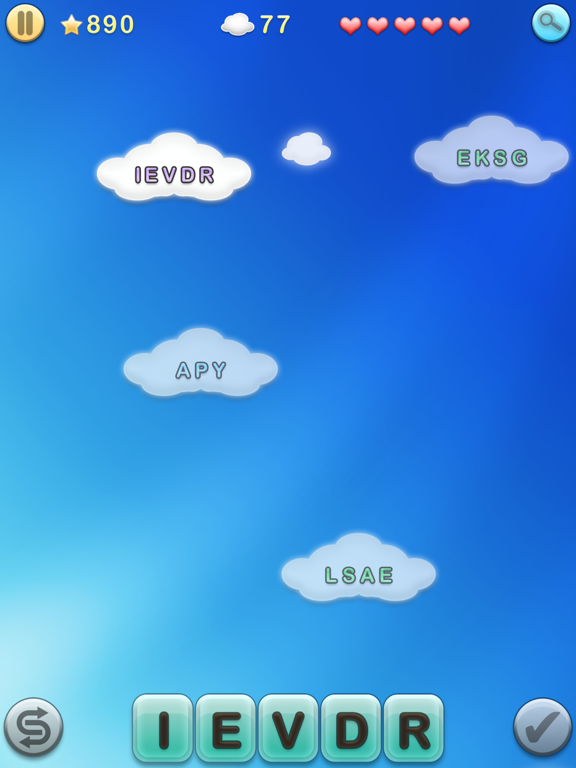
Meet Jumbline 2, the most addictive word game in the App Store. Scramble and twist your brain to make words from jumbled lines of letters. Simply rear...