
Check the acquisition promise
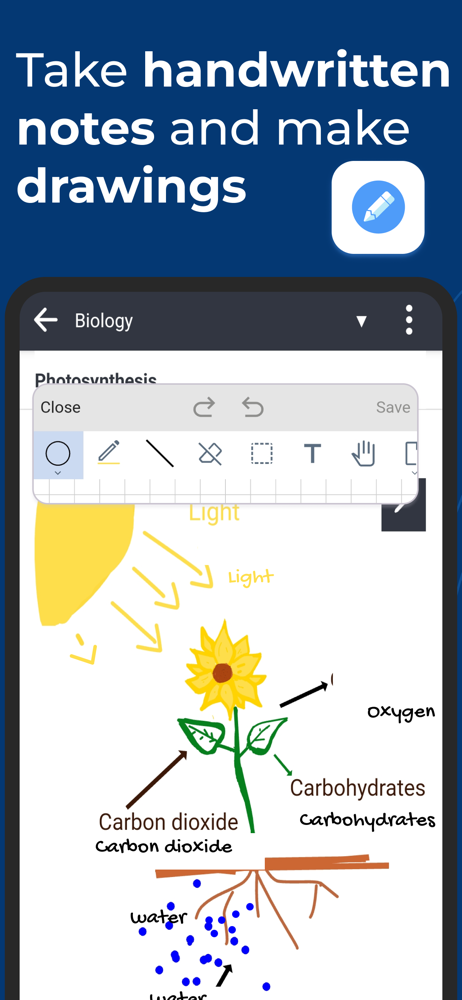
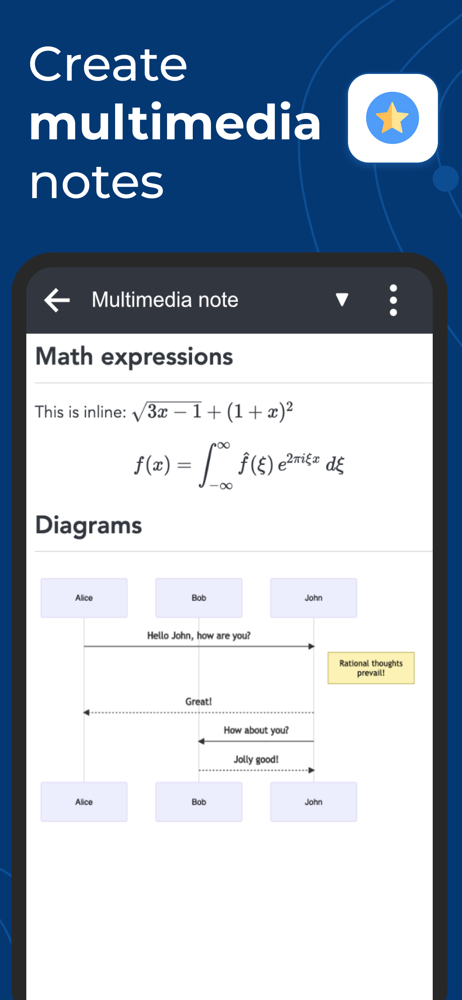
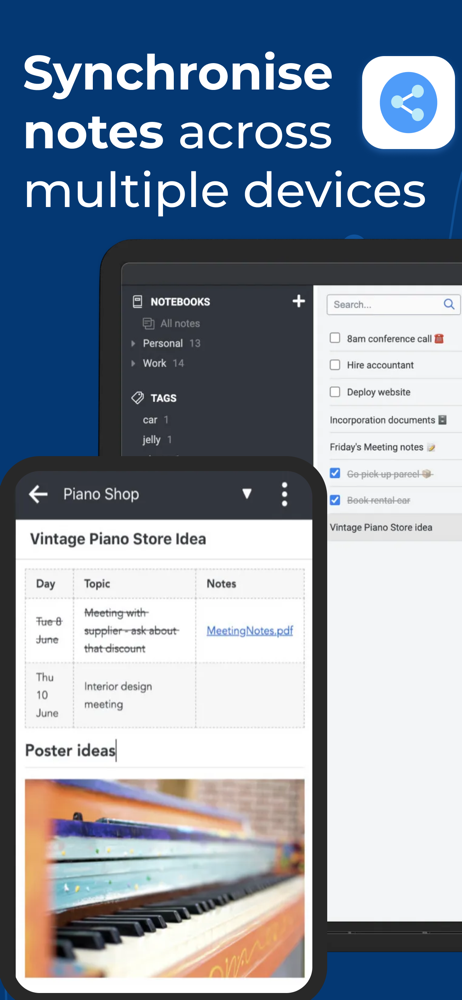
Read the store headline, screenshots and description. What problem is the app promising to solve?
Study the storefront ↗
Laurent Cozic · iOS
Explore the ad evidence, study the storefront, and build your next acquisition hypothesis.
01 / Creative research
Read the store headline, screenshots and description. What problem is the app promising to solve?
Study the storefront ↗Explore apps with direct store-link matches. Compare their hooks and formats without assuming the same approach works here.
Browse observed advertisers ↗Store rankings and revenue estimates describe market context. They do not establish ad spend, conversions or ROAS.
Review the market context ↗02 / Storefront & product
Study the product story and store experience behind the acquisition funnel.





03 / Market context
Keep revenue, downloads and store rankings separate from advertising performance.
This app is amazing! I’ve been using on my laptop/desktop recently and it has been crazy helpful. The formatting is so straightforward, it makes your notes look nice and professional, and it’s easy to use with little to no confusion. I have the ‘Notes’ app but it is not nearly as efficient or straightforward as this app. Genuinely amazing, my only complaint would be that you can’t underline (unless I am missing how to do it), I commonly use underlining in taking notes and seeing that is not an option makes me disappointed. Please fix this, great app! Really appreciate the thought and simplicity into this app, thanks! - CanadianNarwhal
The app mostly works, but has a cumbersome UI and is full of annoying bugs which demonstrate a lack of ability or willingness on the part of the developer to properly test the app. Examples include inserting multiple new lines when you hit enter once, deleting the wrong character, messing up indentation and capitalization, graphical glitches, inserting images into the wrong place, etc. You can’t tap the end of a line without it selecting the last word on the line for no reason. If you select a block of text and perform some operation on that selection, like turning into a bullet list, the app will change what you have selected and perform that operation on what you didn’t even have selected. There is no way to undo, so hopefully it didn’t ruin your document. Sometimes the controls will simply disappear for no apparent reason and you’ll need to restart the app to get them back. The date format is day/month/year regardless of the device’s date locale settings. Also, the export function just fails silently. Most of these bugs can be reproduced every single time, so the only possible explanations are that the developer never bothered testing the app or simply doesn't care enough to fix them
I was looking for a tool that I could use to organize and access my burgeoning collection of notes, and this app is ideal for me. I can use Markdown within my notes to easily create tables, etc. I can easily add jpegs and pngs to my notes. I can easily create links from within one note to another. I can easily rearrange my notebooks and move notes around without breaking links between them. I can easily access and work on my notes on my MacBook Pro, my iPad Pro, my iPad Mini, and my iPhone. I decided to try the app‘s reasonably priced Joplin Cloud, and it’s working beautifully. I‘ve got end-to-end encryption that is nearly invisible, in terms of how long it takes for things to sync and open. Did I mention the healthy community of plugins available, or how much I enjoy being able to also call up Joplin and run it from the command line when I‘m programming? When I was first setting up the app, I had to work through a couple of glitches, which was made much easier byte developer’s responsiveness and the app‘s active discussion boards. Right now I’ve got 482 notes in 42 folders, revised 1,024 times (?!). Some are quite short and others are vey long. The app has never choked or lagged, and searches are very fast. I love this app and use it all day, every day.
Privacy-first app Capture your thoughts freely and without distractions, tracking, or ads. With Joplin’s end-to-end encryption and open-source code,...


