
Check the acquisition promise
Read the store headline, screenshots and description. What problem is the app promising to solve?
Study the storefront ↗
晓明 徐 · iOS
Explore the ad evidence, study the storefront, and build your next acquisition hypothesis.
01 / Creative research
Read the store headline, screenshots and description. What problem is the app promising to solve?
Study the storefront ↗Explore apps with direct store-link matches. Compare their hooks and formats without assuming the same approach works here.
Browse observed advertisers ↗Store rankings and revenue estimates describe market context. They do not establish ad spend, conversions or ROAS.
Review the market context ↗02 / Storefront & product
Study the product story and store experience behind the acquisition funnel.




03 / Market context
Keep revenue, downloads and store rankings separate from advertising performance.
I read the manual, selected “backup” to make a mirror image of my phone. First, it only created a portion of my named files on my iPhone X. About half were not created/copied. Then I checked the JD Drive to make sure my content (mov, jpg, png, live, heic) were indeed on the JD drive before deleting them on my phone. Guess what. Maybe 20-30% were viewable… the rest had the generic pic logo, wouldn't open. I noted a few that were “corrupted” or for whatever reason were not viewable… went back to my phone, clicked about a dozen, manually transferred/overwrote the “bad” ones on the JD drive… still not viewable. Nothing in the PDF user guide mentions this or offers any solutions. Really irritating to wait almost 2 hours for stuff to download/babysit the phone to make sure nothing flakey happens, only to find the large majority of your stuff is not viewable. I read a few reviews saying this thing is malware… can’t say yes or no, but it did seem to require a lot of permissions and since it’s a Chinese company, not sure I’m gonna stick this thing into my PC. Caveat Emptor 👎
So far it seems to work fine enough except that sometimes the app will just close while I'm looking at my transferred photos. Some photos didn't transfer and was never notified that they weren't. Like i said it works … but the other reviews make me suspicious.
First of all it is easy to back up to jd drive but some of my videos they stock i can't be able to see them on my iphone and some of my edited videos after i back up to the drive then want to paste to my iphone it takes for 5-6 minites then it says fail 🥺. If the Video is to long like about 1GB it doesn't work... So, i can't be able to backup to the drive if my edited videos is to long?? one more issue when the stock video i click on and wait to long doesn't open then i want back 🔙 click on it doesn't let me to go back just frisses, for this i have to plugout then plugin the jd drive. No no pls why i bought this JD drive super expensive but it doesn't even work properly.... I will give one week if you could fix it then if you couldn't fix i will definitlly return it.. 😕☹️ update: So, after i watching so many videos search i figured out that now i much understand. if it is helpful for people who want buy this jd drive you can buy it but you have to to know that the issue video is stocking because it's not compatable 4k format they did backed up but when you tried to paste to phone it dosen't work. So, here is the tips. Tip: 1: Go to Setting to camera roll then camera use "high efficicy" don't use 👉🏾"most Compatable" to save your photos and videos. 2: If you edit from your camera roll less than minities videos that also counts like high resolution so do not edit in your camera rall if you want to save to jd drive. that's why it's stock or not paste to my phone. 3: if you use another apps to edit your videos save as or export to your camera rall then do this 1800*30 or 780* like this format you can save to camera rall then back up to jd drive but if you save or export 4k or more you can back up to jd drive but can't paste to your phone. Note don't delet your file permanentilly from your phone intill backed it up to jd drive and then make sure first you can paste to your phone. hope this is helpful. But still i didn't figured out when the file is stock i can't be able go back because it just frizz. i am still doing plugout then plugin the drive. I would ask kindly jd drive please when the update is avaliable the version is in another launguge. I am sorry i can't update if i didn't understand please do in English the version history from app store. I am giving four star
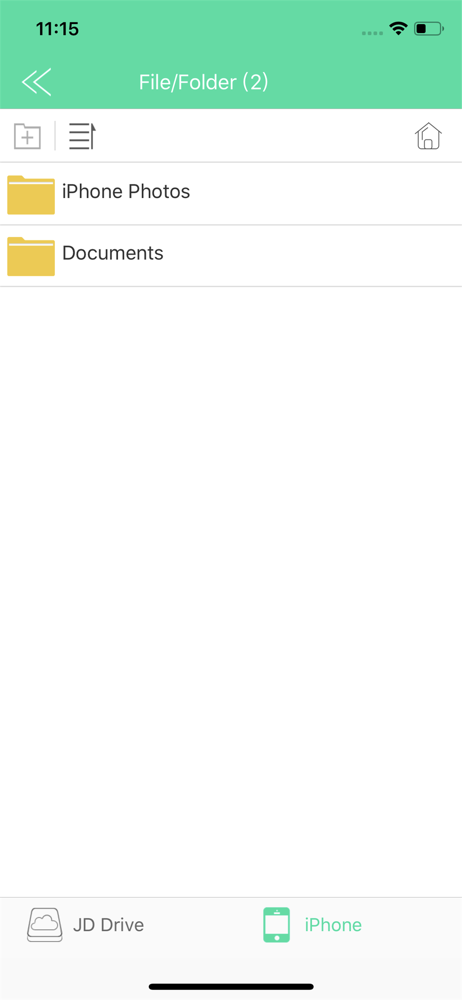
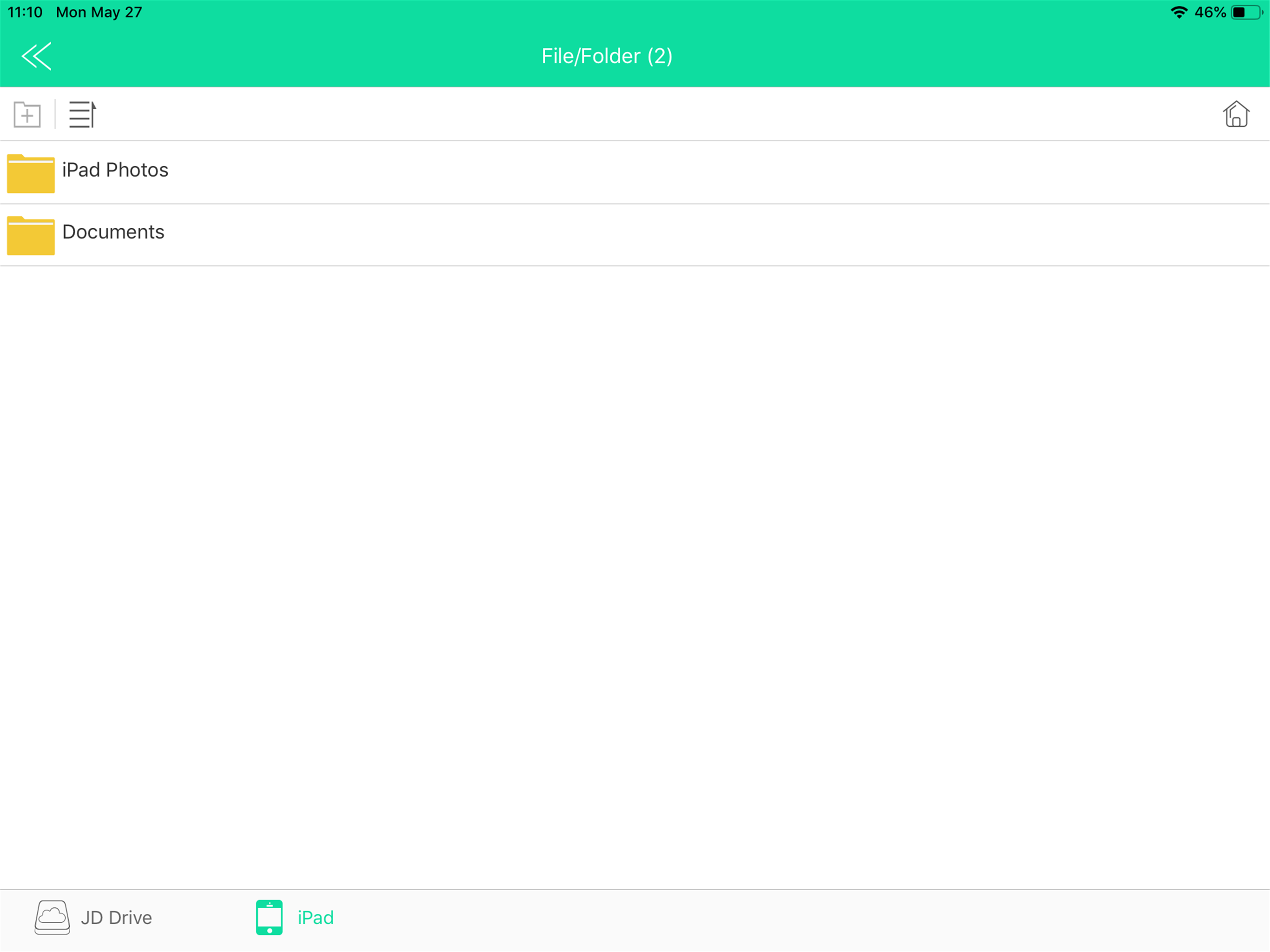
“JD Drive” is an application software for Apple USB Drive. •The main interface displays Media thumbnails :video, photo, music • Support...


