Check the acquisition promise
Read the store headline, screenshots and description. What problem is the app promising to solve?
Study the storefront ↗
Shenzhen Feitianxia Technology Co, Ltd. · iOS
Explore the ad evidence, study the storefront, and build your next acquisition hypothesis.
01 / Creative research
Read the store headline, screenshots and description. What problem is the app promising to solve?
Study the storefront ↗Explore apps with direct store-link matches. Compare their hooks and formats without assuming the same approach works here.
Browse observed advertisers ↗Store rankings and revenue estimates describe market context. They do not establish ad spend, conversions or ROAS.
Review the market context ↗02 / Storefront & product
Study the product story and store experience behind the acquisition funnel.
03 / Market context
Keep revenue, downloads and store rankings separate from advertising performance.
I have both an iPad 5th gen and 6th gen and move .jpg files from the microSD card over to the iPads with no probs. Video, that’s whole other story. The iPad 6th gen can bring video over fm the microSD card with no issues, but with the 5th gen I get the “Processing” message but not the “Tip” message that confirms the move, and the file does not appear to have moved to the iPad. I’ve checked every setting on both iPads (my kid’s is the 5th gen and it’s his GoPro videos that we’re trying to port over to his iPad. the App Support link on this page times out which is really frustrating, especially knowing this app is still being worked on due to a recent update. Clearly they don’t to talk to anyone. Disappointing.
I can’t even use this product because it crashes on the first transfer. I currently do not have a way to transfer my photos to my iPad. Update: Changed from 1 to 4 stars. There are permissions that the app needs in order to transfer and for some reason the app doesn’t ask you to approve those permissions at the time you do the transfer. If the app doesn’t have the right permissions it doesn’t ask you. It just crashes. To fix this, I clicked on each of the options at the bottom of the app. If a permission is needed for that option it will ask you. After going through each option, I tried the transfer again and it worked.
The iUSB Pro is not seeing the iPhone photo gallery to view. It can copy photos from iUSB Pro to the iPhone, but it cannot see the photos stored on the iPhone. It can B/U the Contacts and receive the documents, but it cannot see the iPhone Camera Roll, and that is with version 2.3.6.0 Note: Out of curiosity, I downloaded the Himatch application, it could see the iPhone's Camera Roll and could receive Apple documents but couldn't see the SD card. The same is true for iDiskk. Note2: Uninstalled iUSB and reinstalled it. When I tried to use iPhone section I received the message that I needed to allow iUSB in the privacy setting. This was already allowed. I then disallowed it, then allowed it. Upon reopening the iUSB application I could see the photos
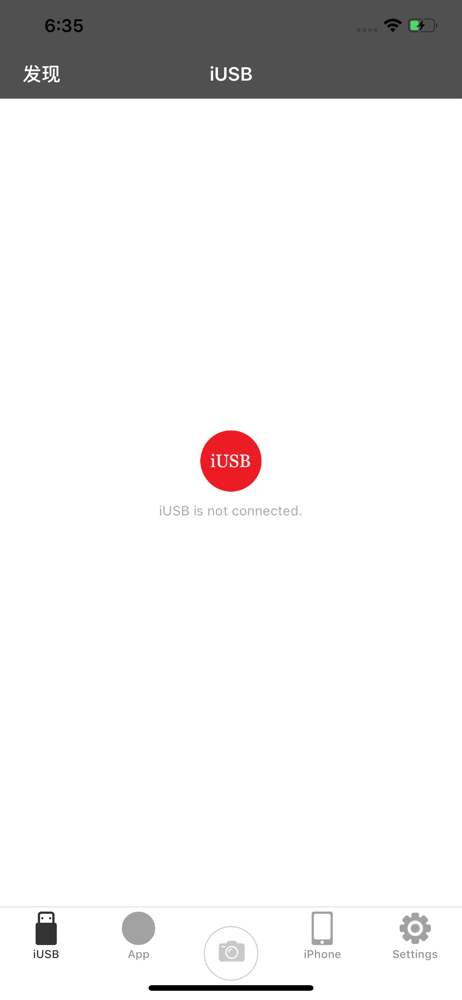
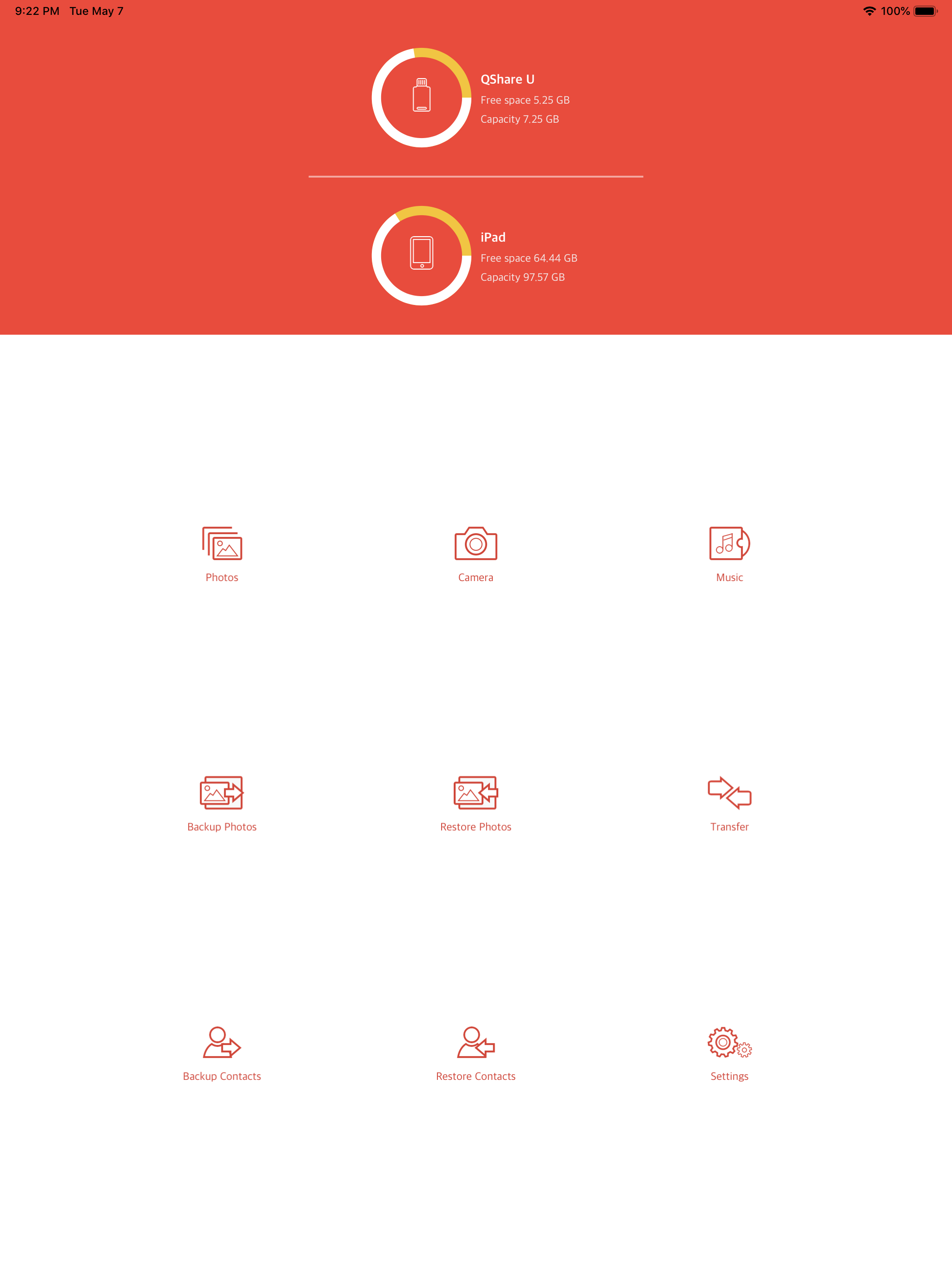
This app will allow you to backup photos and contacts, transfer files, take pictures and videos without using internal storage and more. This app will...