
Check the acquisition promise
Read the store headline, screenshots and description. What problem is the app promising to solve?
Study the storefront ↗
Nikolajs Ustinovs · iOS
Explore the ad evidence, study the storefront, and build your next acquisition hypothesis.
01 / Creative research
Read the store headline, screenshots and description. What problem is the app promising to solve?
Study the storefront ↗Explore apps with direct store-link matches. Compare their hooks and formats without assuming the same approach works here.
Browse observed advertisers ↗Store rankings and revenue estimates describe market context. They do not establish ad spend, conversions or ROAS.
Review the market context ↗02 / Storefront & product
Study the product story and store experience behind the acquisition funnel.




03 / Market context
Keep revenue, downloads and store rankings separate from advertising performance.
I saw this on reddit and was intrigued. I figured the price was low enough and the app looked good enough that I’d toss some support their way, so I bought it. After a month and continued updates by the developer, it’s really awesome!!! I work from home and just having the easier access to HomeKit controls right from my Mac menu bar is so convenient. I don’t use any of the more technical bits (yet!) but the app is worth the price just for the convenience and ease-of-use it affords. IMO, this is a Mac “Must Have” app.
This has been a great app from day one, and totally worth the very reasonable one-time cost for the premium features, especially since the developer keeps putting out frequent updates with new features, and seems very responsive to the user community. I love being able to see my cameras (Ring through Homebridge) and control HomeKit devices right from the menubar on my Macs.
I learned about this app on Reddit and as a Home Assistant user, I look for new and innovative ways to make life easier and automated. Dashboards allow great control and can be visually stunning, but when I want to quickly perform a task (turn on a light, adjust the thermostat, etc). I don’t want to have to open a browser, navigate to the dashboard and find the control. This app is super fast, fully configurable and imo the best home assistant add-on I’ve ever seen. The free version is awesome. I’m not sure I really needed the pro version, but I purchased anyway since the cost was minimal, one-time fee (which I love as I hate subscriptions) and I wanted to support/reward the developer. Amazing app!
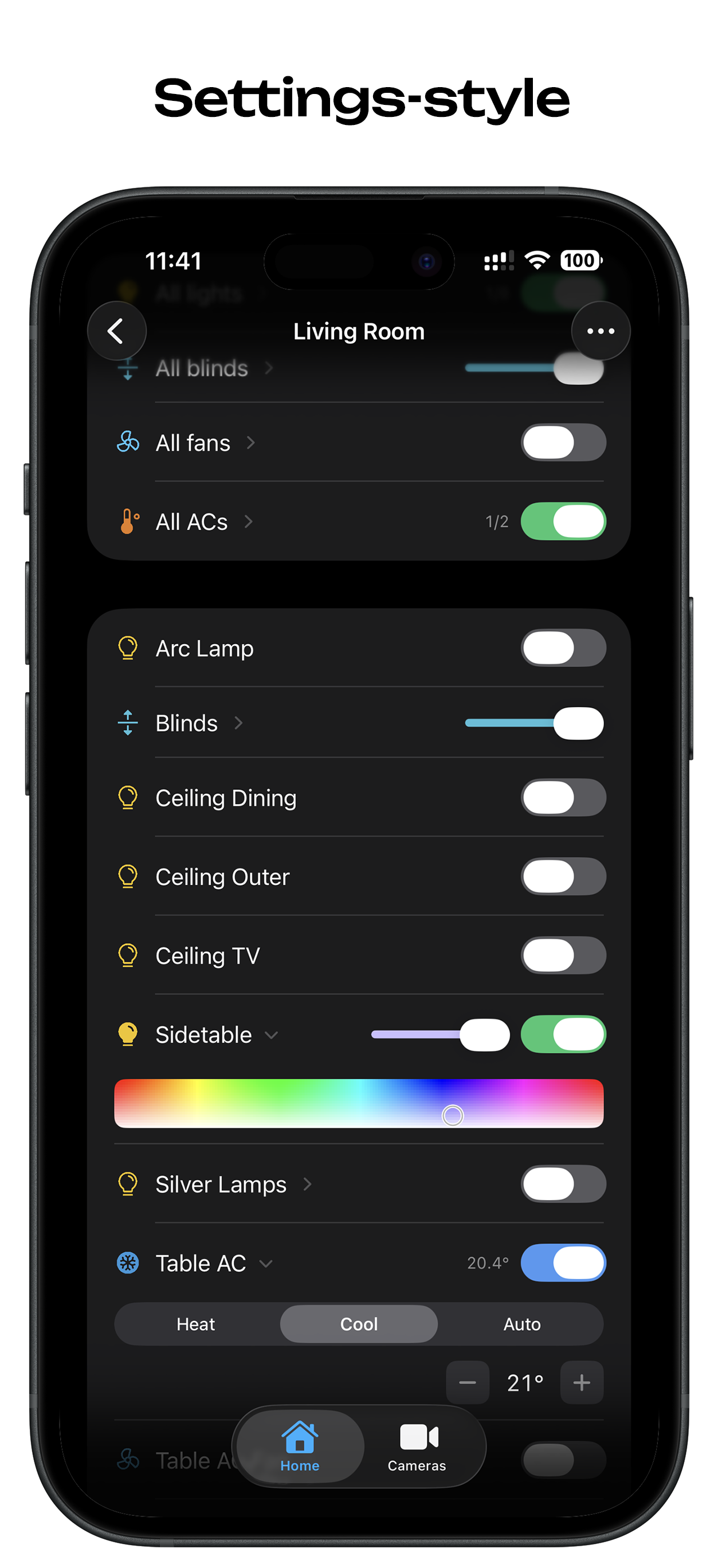
Itsyhome brings your smart home to your iPhone and iPad – a fast, compact HomeKit controller that works like iOS Settings. No clutter, no confusion. J...
| Name | Price | Type |
|---|---|---|
| Itsyhome Pro (Lifetime) | $12.99 | One-time |


