Check the acquisition promise
Read the store headline, screenshots and description. What problem is the app promising to solve?
Study the storefront ↗
MINDTech · iOS
Explore the ad evidence, study the storefront, and build your next acquisition hypothesis.
01 / Creative research
Read the store headline, screenshots and description. What problem is the app promising to solve?
Study the storefront ↗Explore apps with direct store-link matches. Compare their hooks and formats without assuming the same approach works here.
Browse observed advertisers ↗Store rankings and revenue estimates describe market context. They do not establish ad spend, conversions or ROAS.
Review the market context ↗02 / Storefront & product
Study the product story and store experience behind the acquisition funnel.





03 / Market context
Keep revenue, downloads and store rankings separate from advertising performance.
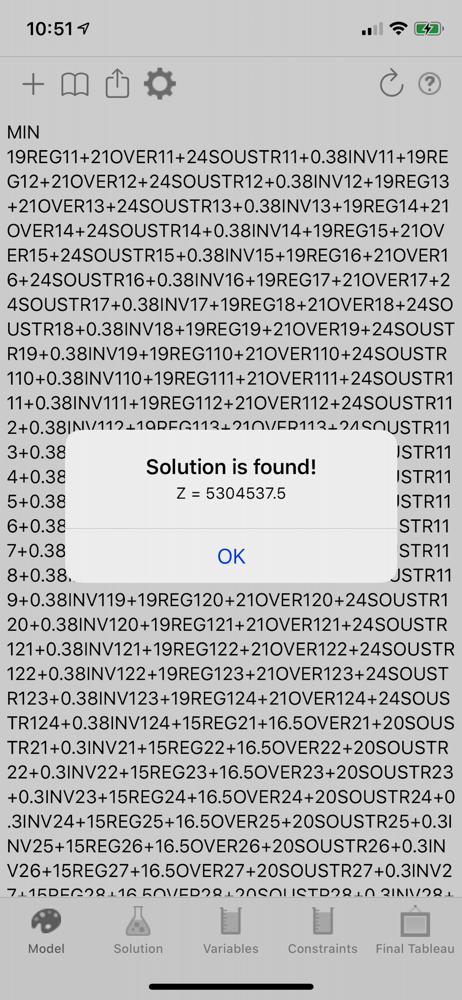
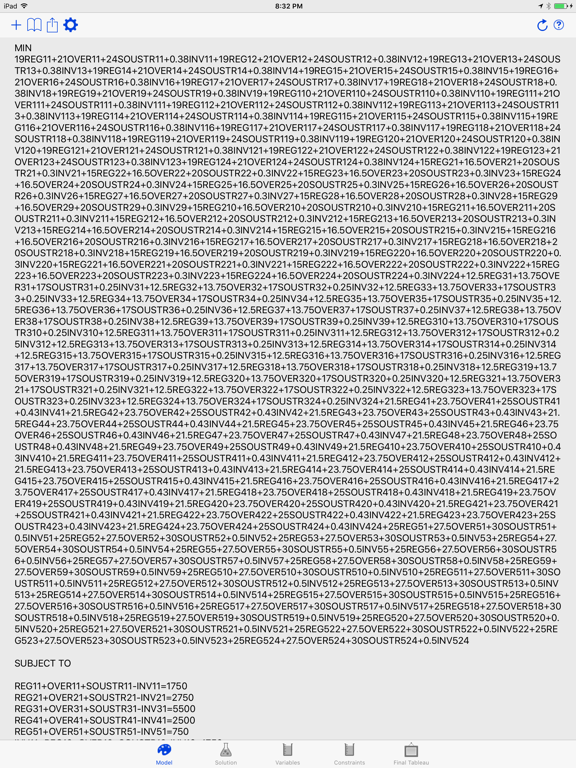
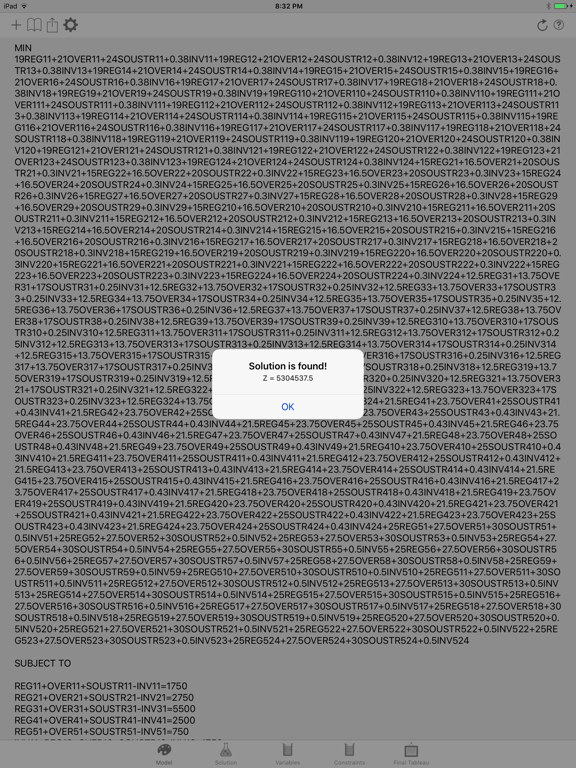
Full disclosure: if you don’t know what a Simplex Linear model is, and have no interest in it, then this is not for you. However, if you would like to learn about optimizing supply chains (or you have a supply chain that needs to be optimized) then this and its desktop piece are extraordinarily useful. You can learn LP in Excel. Then when you “graduate” from that, you’ll find something like this where you can use meaningful variable names extremely valuable. I am a professor and have used this for the past 10 years. There’s nothing better anywhere.
This is a fairly simple app for solving linear programs. I haven't thrown anything too big or too complex at it, but it's handled everything fine so far. What definitely needs improvement is the user interface. I'm not too lazy to type in the model, but that's really clunky compared to the user interfaces of Hamdy Taha's little utility TORA (which is included with his book) or the little Java applet included with the Hillier and Lieberman book. Maybe if the developer looks at one or both of those programs, he'll see what I mean. But there's an even more important improvement that is easier to make, and doesn't require a big UI overhaul. In the course of entering an LP model with this app, the user must switch back and forth between THREE iPad keyboards: alphabetic, numeric, and symbolic. That is clunky and a half! Look, those are my complaints. Overall, it's good app and I'm glad that I bought it. But some UI improvements would bring it into the 21st century instead of looking like the iPad port of something George Dantzig might have used back in the 1950s.
This application simply doesn't work. It just crashes when trying to solve a model entered. Even trying to use the model that's already entered when you first open the program doesn't work, and it just crashes the app. This does nothing, and is basically just a waste of $5. Another reason not to buy it? A version (that has yet to crash for me) of this is on OS X and is free. Pretty stupid.
Looking for a mathematical model solver running on your iPad/iPhone/iPod Touch? This is iSolveModel, an easy-to-use linear programming optimizer runni...