Check the acquisition promise
Read the store headline, screenshots and description. What problem is the app promising to solve?
Study the storefront ↗
IBILITIES, INC. · iOS
Explore the ad evidence, study the storefront, and build your next acquisition hypothesis.
01 / Creative research
Read the store headline, screenshots and description. What problem is the app promising to solve?
Study the storefront ↗Explore apps with direct store-link matches. Compare their hooks and formats without assuming the same approach works here.
Browse observed advertisers ↗Store rankings and revenue estimates describe market context. They do not establish ad spend, conversions or ROAS.
Review the market context ↗02 / Storefront & product
Study the product story and store experience behind the acquisition funnel.
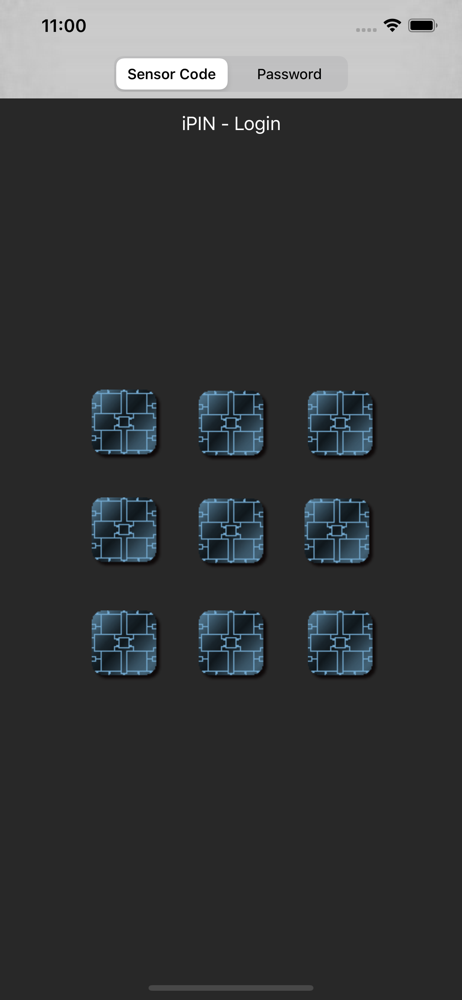
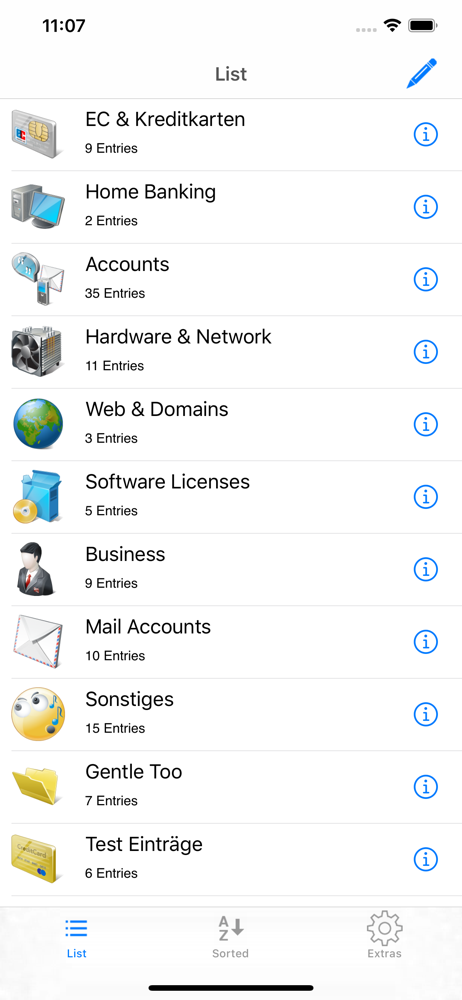


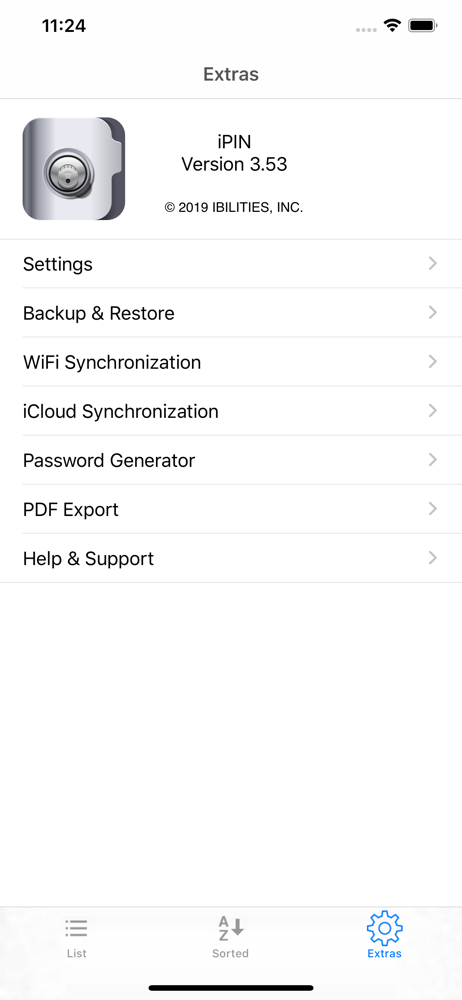


03 / Market context
Keep revenue, downloads and store rankings separate from advertising performance.
Remembers all the unique passwords that I have created and app sinks with my computer iPIN app also so everything is always up to date
I’ve tried dozens of password apps and just couldn’t find one that fit my needs, 1) can be used completely offline, 2) WiFi sync between my iPhone/iPads, 3) backups sent directly to my NAS over my WiFi, 4) no subscription required, 5) decent interface. Used mSecure for 8 years but with ver 5 they needed an online account set up. That piece didn’t bother me too much but they require your online account login password to be the same as the pass that opens up the mSecure app. What! Only one person on the planet should know my master password and he’s writing this review. Thus the search for a new pass manager app,,,and after extensive testing I found it! iPIN is as secure as it gets and functions great. Only suggestion is to add a setting that permanently displays your passwords after you’ve selected an entry. As it is you’ve gotta hit an extra button to see your password. No biggy but it’d be nice. Way to go IBILITIES.
I've been looking for a good password manager for a long time, after I found this one I was very happy not only can you keep your passwords credit card information and more but there is also a computer version so you can sync your passwords with any computer either by Wi-Fi or by A back up file you can create. It doesn't look like a lot of people use this from the reviews but I would highly recommend it for anyone who wants to manage and keep their passwords safe. This app is definitely worthy of five stars if I could give it more I would, you really need to try this app is very cheap and worth the price. I've been through a lot of apps that supposedly you pay one price and you can manage your passwords but there is always been a hidden fee you pay monthly or something this app is one price and you get what you want. The creators did an amazing job!!!! TRY IT!!!!!
You have to remember several PINs and passwords? For various credit cards, online-banking, security-token, email accounts and so on? iPIN - and your...