Check the acquisition promise
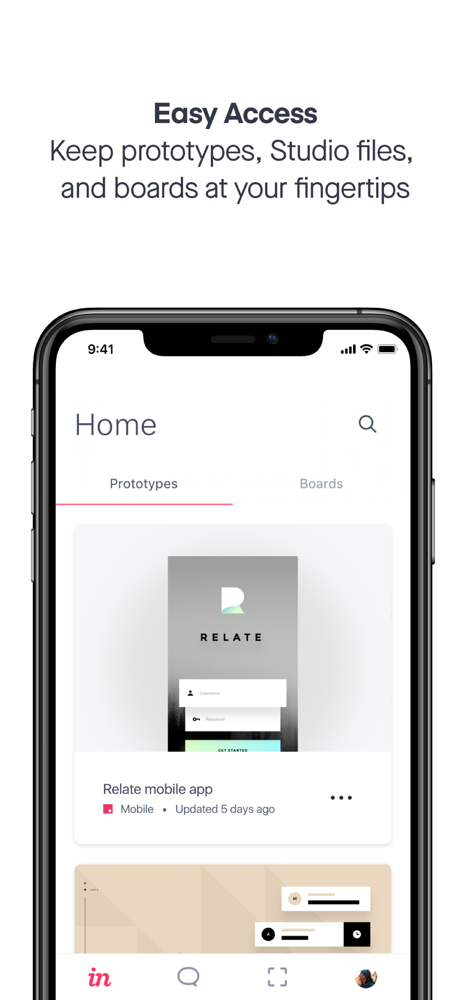
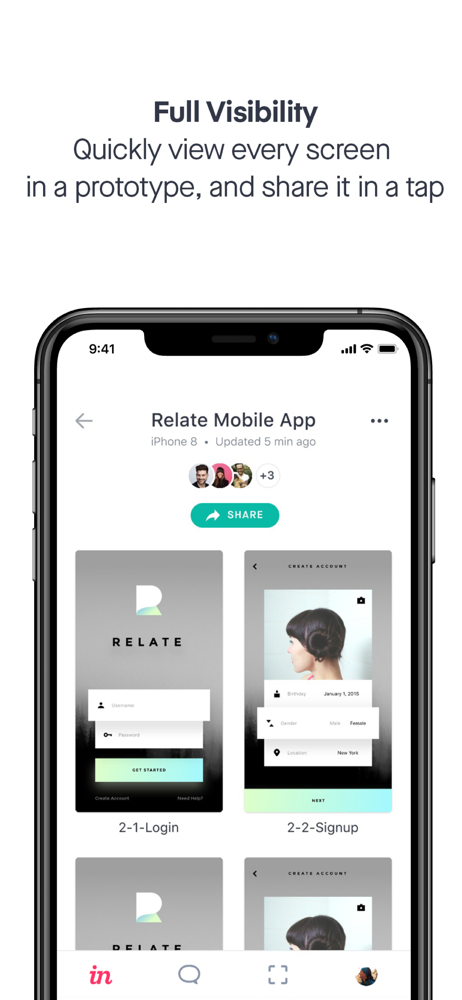
Read the store headline, screenshots and description. What problem is the app promising to solve?
Study the storefront ↗
InVisionApp · iOS
Explore the ad evidence, study the storefront, and build your next acquisition hypothesis.
01 / Creative research
Read the store headline, screenshots and description. What problem is the app promising to solve?
Study the storefront ↗Explore apps with direct store-link matches. Compare their hooks and formats without assuming the same approach works here.
Browse observed advertisers ↗Store rankings and revenue estimates describe market context. They do not establish ad spend, conversions or ROAS.
Review the market context ↗02 / Storefront & product
Study the product story and store experience behind the acquisition funnel.



03 / Market context
Keep revenue, downloads and store rankings separate from advertising performance.
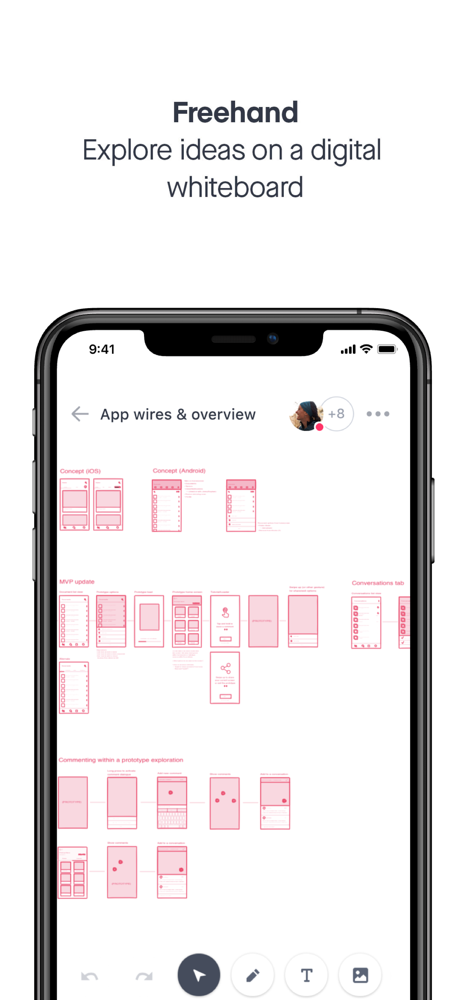
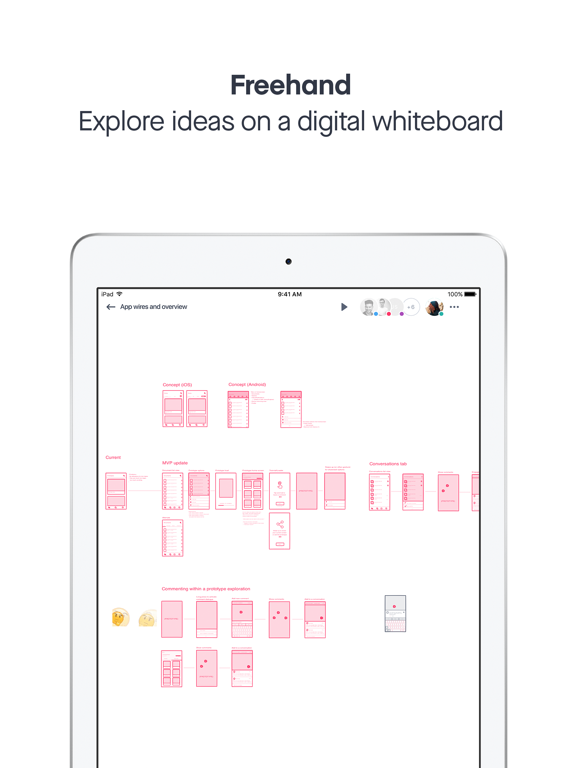
I desperately wanted to like InVision, but currently, the experience on my iPad Pro may be one of the worst, inconsistent, and buggy apps in its class. It’s clear that the team has only given the mobile experience a passing consideration as many features, and especially the Freehand section, are so riddled with bugs that it’s almost unusable. For example, trying to change the shape tool in Freehand sometimes offers up the expected menu for another choice, but more often than not, it won’t. Instead, it will end up “selecting” the option below it as if I were trying to copy and paste the icon. Even once I get it to select what I’m looking for, it frequently fails to actually draw anything as if another action is being performed. The only way to “fix” any of these compounding issues is to completely exit the document and come back in to work for a few minutes more and repeat the process. Part of what makes this so frustrating is the amount of potential here. This very well could have been my highlight discovery as in concept, it’s almost everything I could have asked for, but the execution is so bad, I’m considering abandoning the desktop experience as well. How the app ever saw the light of day in this state is beyond my understanding.
The app is useless except for viewing comments. The app crashes after viewing any of my teams various prototypes after about 30 seconds. This happens every single time, for every single prototype. These crashes defeat the entire purpose of downloading and using the application. The UX of the app doesn’t matter if the app crashes every time you try to view a profile. Useless! InVision really needs to pay more attention to squashing bugs, not only on this application, but on the web based application as well on desktop. I’ve sent their support team multiple problems/tickets when trying to expand groups in a prototype and not being able to expand or collapse groups of mock-ups. They offered no support and told me they would tell the product team. Here it is a year later and it’s still a huge issue with both myself using it, as well as my entire UX team of 18 team members. Not good! Very disappointed in InVision’s quality. It could be great if only a few bugs were taken care. Without fixes, the bugs completely cripple the experience and usage on mobile and desktop.
(UPDATE) as I’ve been using it I’ve realized there are some very weird user experience interactions in this app. I work at a UX agency, and I have to say with the invision app I’m always finding interactions where I have to stop and think “how the heck do they call this a good user experience.” For being a UX focused company, I’m disappointed in them. At this point I’ve come to expect that I can do everything on my iPad Pro that I can do on my laptop, however with the invision app that isn’t the case yet. They’ve made great strides with the recent edition of freehand, but now I would very much like to make my own boards from my iPad whenever inspiration strikes, rather than it being a desktop only feature.
Design on the go with the InVision app. Bring screens to life in a Prototype, present Studio files, brainstorm with your team with Freehand, see rece...