Check the acquisition promise
Read the store headline, screenshots and description. What problem is the app promising to solve?
Study the storefront ↗
Exideas · iOS
Explore the ad evidence, study the storefront, and build your next acquisition hypothesis.
01 / Creative research
Read the store headline, screenshots and description. What problem is the app promising to solve?
Study the storefront ↗Explore apps with direct store-link matches. Compare their hooks and formats without assuming the same approach works here.
Browse observed advertisers ↗Store rankings and revenue estimates describe market context. They do not establish ad spend, conversions or ROAS.
Review the market context ↗02 / Storefront & product
Study the product story and store experience behind the acquisition funnel.

03 / Market context
Keep revenue, downloads and store rankings separate from advertising performance.
This keyboard, it's a beautiful and innovative invention. Yet the failure to motivate enough people to actually LEARN how to use it is very apparent. Last update was over a year ago. There are numerous features such as swipe inputs for select-all/copy/paste when using this keyboard on droid platforms that are non-existent for IOS users. It's just so sad to watch my beloved keyboard slowly die. Messagease seems to crash more and more with each and every IOS software update. Not to mention auto-resizing issues, unresponsive 'frozen' states. Others like me are now searching for alternative keyboards. The secret club is disbanding.
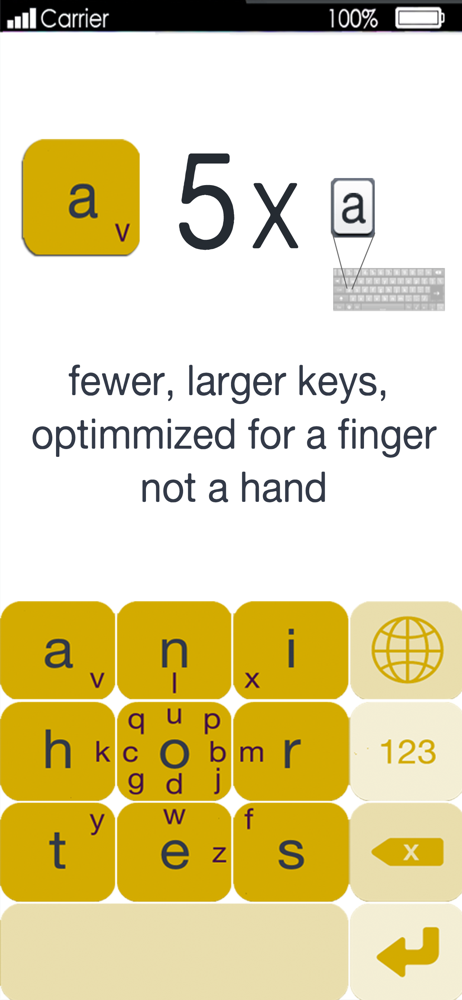
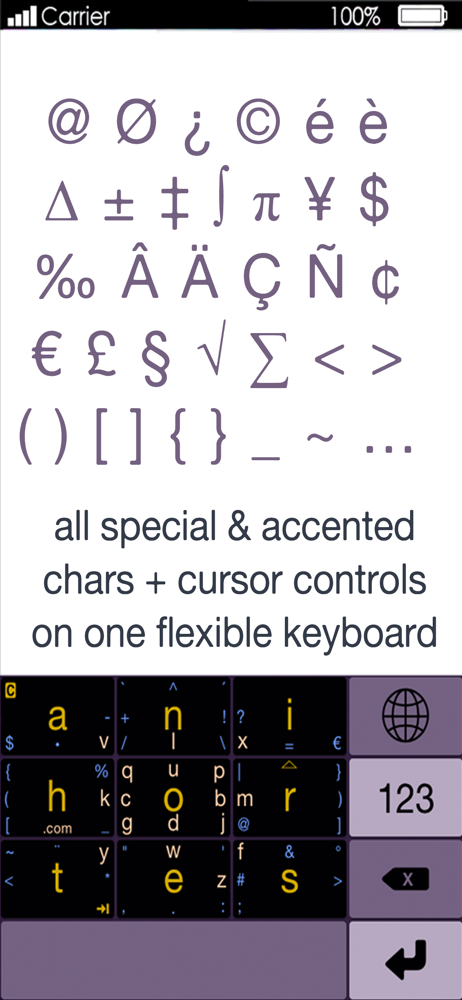
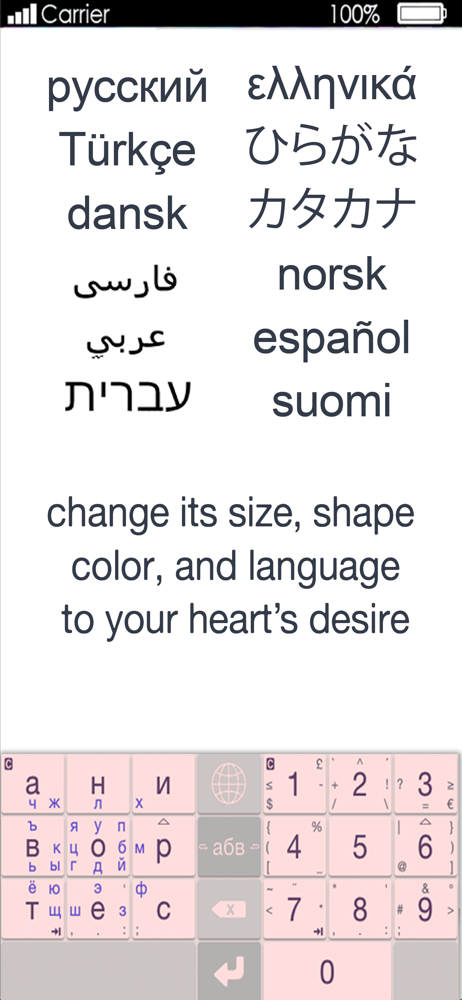
I like how this keyboard can be shrunk and still perfectly usable. Once you adjust to it, you can type just as fast as with a normal keyboard, but you don't have to actually be looking at the keyboard unless you've shrunk it so much that it's tiny. It's also nice to have access to punctuation like quotation marks on the same keyboard as the letters. And it's super useful to retroactively capitolize the first letter of a word.On the other hand, I find that I make more mistakes with this keyboard, which is compounded by the fact it doesn't have autocorrect. The most prevelant one is not roving my thumb down far enough and typing an "e" instead of a space. It's also fairly common for it to read a swipe-to-and-back for a circle and give the wrong capitol letter. And it's more awkward to write at an angle because how your finger moves is just as important as where it lands, and that's more difficult when it's not head on.I do like the customisability. It really helps you choose a color scheme that works for you.I like that I can make a "…" by combining two periods, but I don't understand why I can't make an em-dash busy combining two dashes.Overall, I'd say my biggest issue is the increase in typos, but I do like this keyboard and it's also fun to seem arcane using it.Edit: I've been using it for a couple of years now and still really like it. I have noticed that occasionally when I activate a text field and the keyboard pops up, it has been resized for some reason and is now ridiculously tiny. Then I have to swipe up a number of times to get it to a usable size. I would love if either this bug were fixed or if they would add the option to lock the keyboard size, so that I don't have to deal with this. Otherwise, my review is the same as earlier, really enjoy using this keyboard, just some minor annoyances.
I remember trying this out on my Palm m105 back in the day (and printing out the template to tape over the Graffiti area, which was super tiny on that device!), and was pleasantly surprised to find it on iOS. On my phone, I still prefer the iOS 13 swipe keyboard, but on the iPad it is much nicer and less glitch prone. Once you get used to it, it is pretty fast and requires much less finger movement than the stock board on tablets. A few thigs to improve: as mentioned earlier, better cursor controls. Also, with a case on it is hard to get the special characters on the screen edge to register. Lastly, it would be nice to change the color of the dead area when the keyboard is resized.
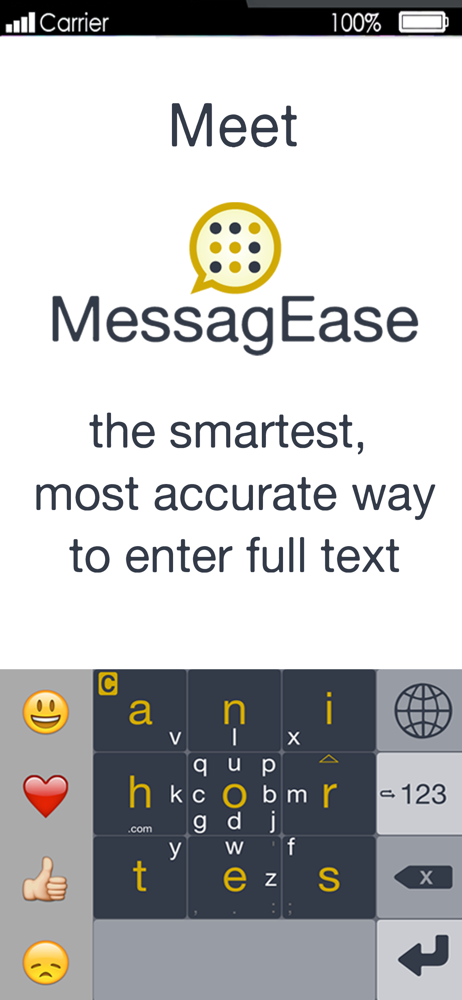
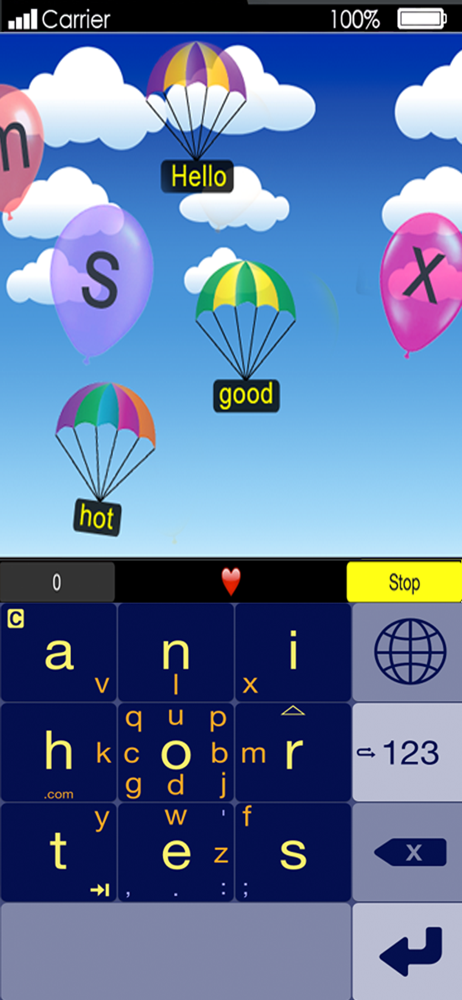
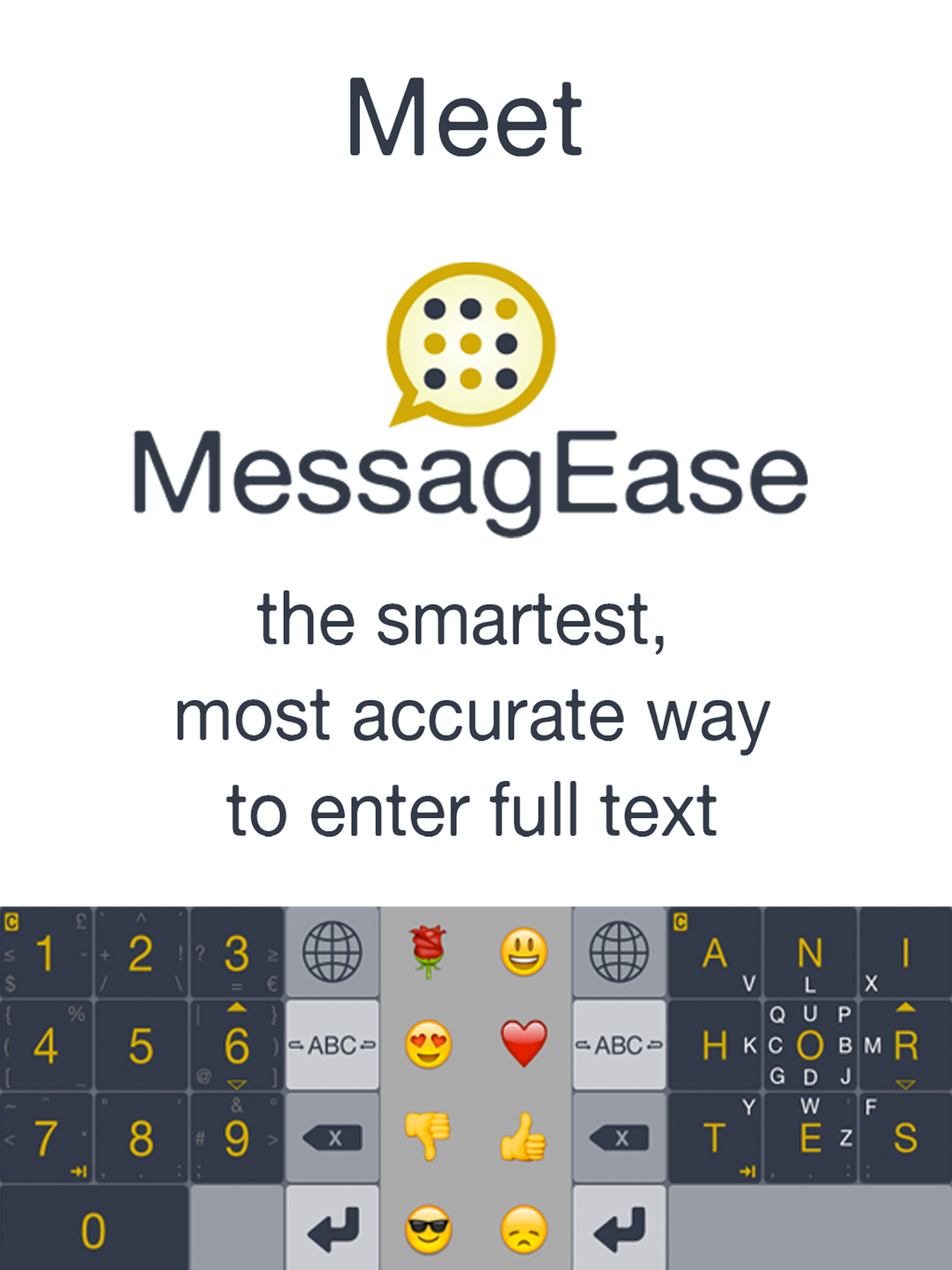
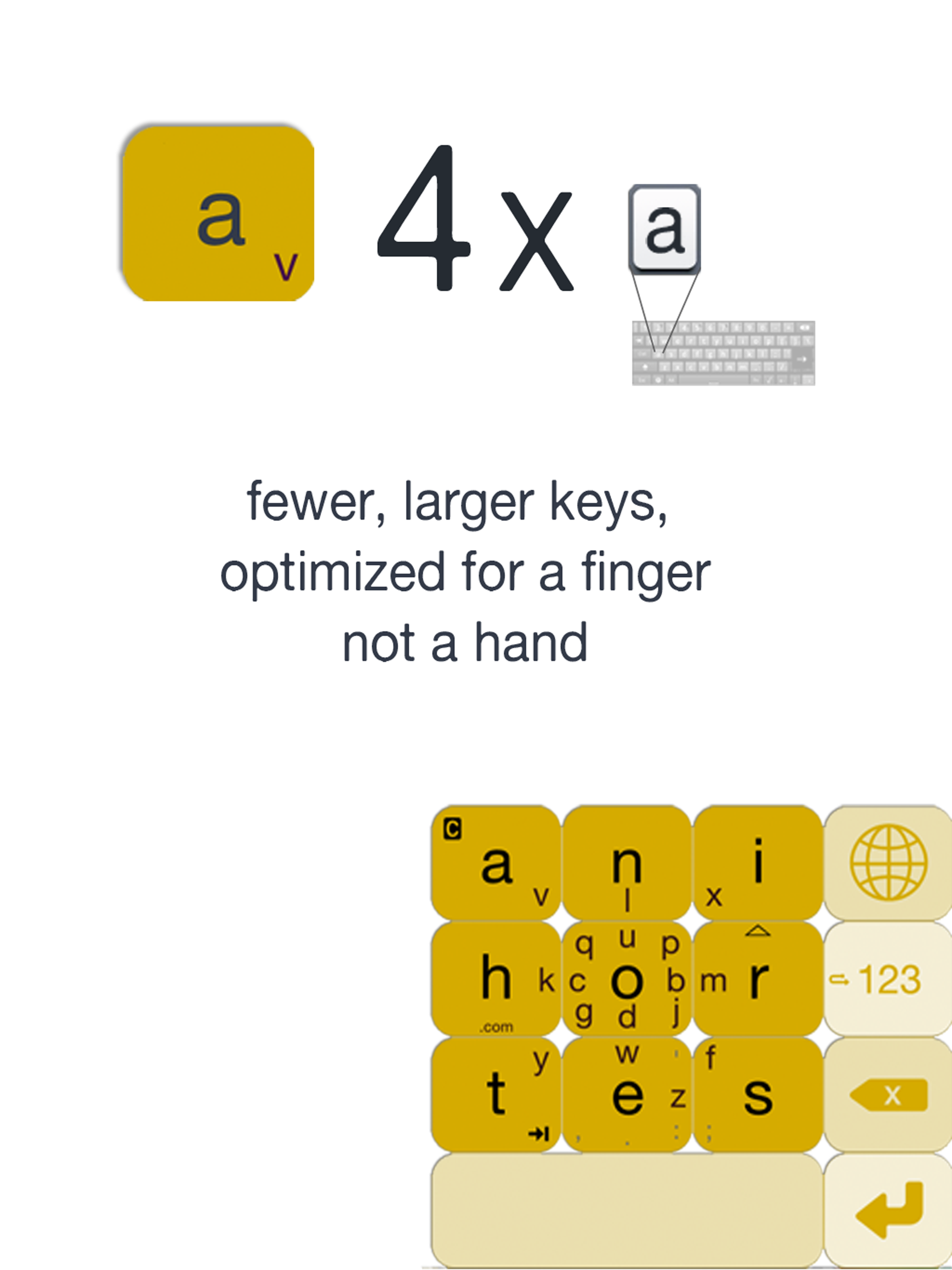
MessagEase is an alternative, non-QWERTY keyboard for your iPhone and iPad. Created based on years of scientific research in user interface, MessagEa...