
Check the acquisition promise
Read the store headline, screenshots and description. What problem is the app promising to solve?
Study the storefront ↗
Raymund Vorwerk · iOS
Explore the ad evidence, study the storefront, and build your next acquisition hypothesis.
01 / Creative research
Read the store headline, screenshots and description. What problem is the app promising to solve?
Study the storefront ↗Explore apps with direct store-link matches. Compare their hooks and formats without assuming the same approach works here.
Browse observed advertisers ↗Store rankings and revenue estimates describe market context. They do not establish ad spend, conversions or ROAS.
Review the market context ↗02 / Storefront & product
Study the product story and store experience behind the acquisition funnel.


03 / Market context
Keep revenue, downloads and store rankings separate from advertising performance.
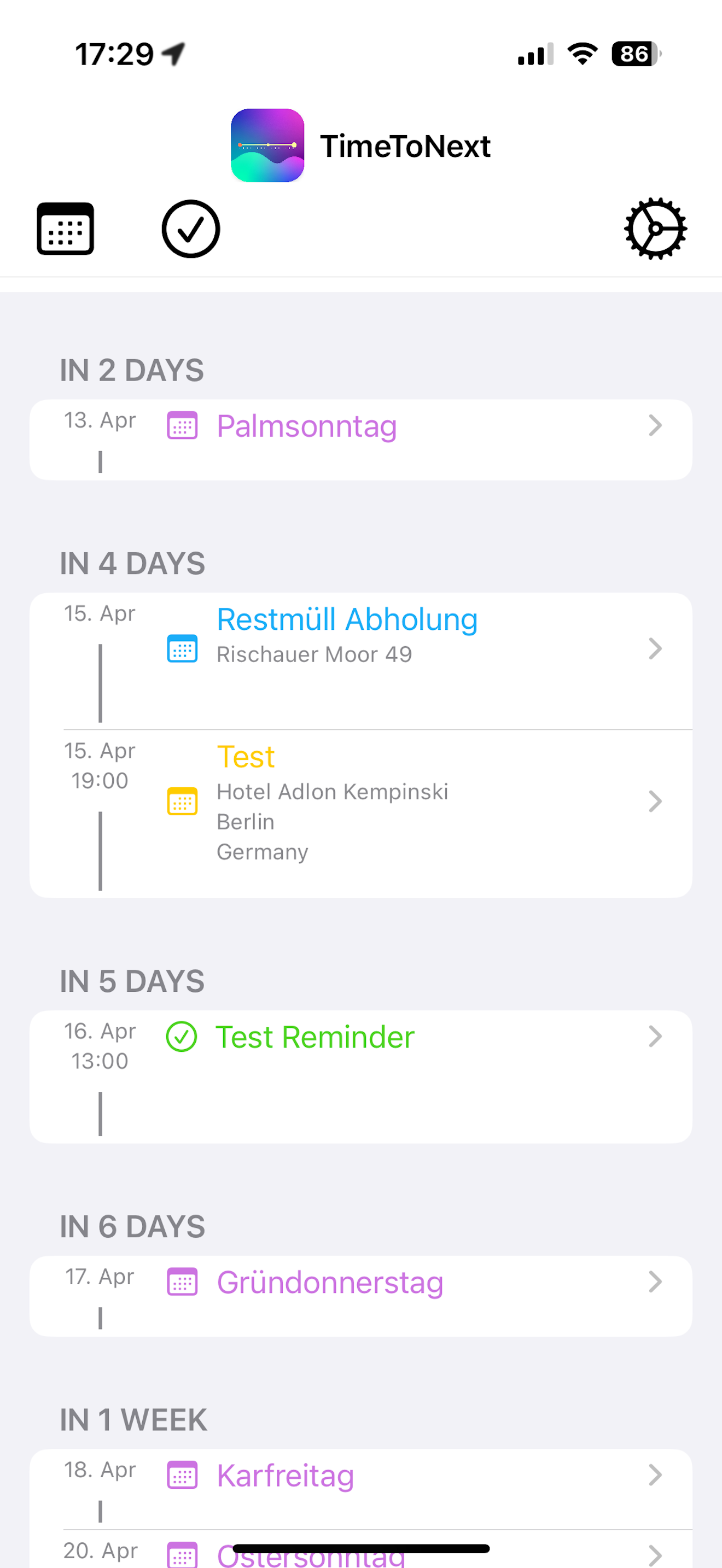
I’ve had this app for a long while now and have found it fairly useful during those times my life becomes more hectic for whatever reason. I’ve got such a period coming up and so I started using the app again after a hiatus. I wanted to increase my timeline to see my next few weeks and immediately realized that the old settings gear had been replaced with a padlock icon, and my look ahead period had been restricted to 3 days. When I had the app installed previously, I could set that value to 30 days. New paywall with features removed of course. “Restore Purchases” finds nothing, meaning the dev has implemented storekit incorrectly or else made the policy decision not to honor previous purchases. Sure, it’s only $0.99 to unlock it again, but there’s a principle here, and previous owners should have been grandfathered in to the “Pro” version (Apple’s Developer Guideline 3.1.2(a) actually stipulates this). Guess I have to find another solution.
Display the relative time to the next (most recent) event or reminder within the next selected days. It shows, if available, the time to the last ale...


