
Check the acquisition promise
Read the store headline, screenshots and description. What problem is the app promising to solve?
Study the storefront ↗
EDUTAINMENTLIVE, LLC · iOS
Explore the ad evidence, study the storefront, and build your next acquisition hypothesis.
01 / Creative research
Read the store headline, screenshots and description. What problem is the app promising to solve?
Study the storefront ↗Explore apps with direct store-link matches. Compare their hooks and formats without assuming the same approach works here.
Browse observed advertisers ↗Store rankings and revenue estimates describe market context. They do not establish ad spend, conversions or ROAS.
Review the market context ↗02 / Storefront & product
Study the product story and store experience behind the acquisition funnel.

03 / Market context
Keep revenue, downloads and store rankings separate from advertising performance.
The content is amazingly helpful, I am using the windows basics training videos to help me with the MTA. The only nit-pick I have with the app is that I would like to see a display-stream option. I’m not sure if that’s the correct terminology, but I’d like to be able to stream the videos to my TV through the app. I know it may seem arbitrary because of the website version, but TV’s are generally larger and in living rooms, where people can usually get more comfortable than sitting in a desk chair. Hopefully this isn’t too difficult to implement and a quick update can be provided. Thank you for what all of you do, regardless.
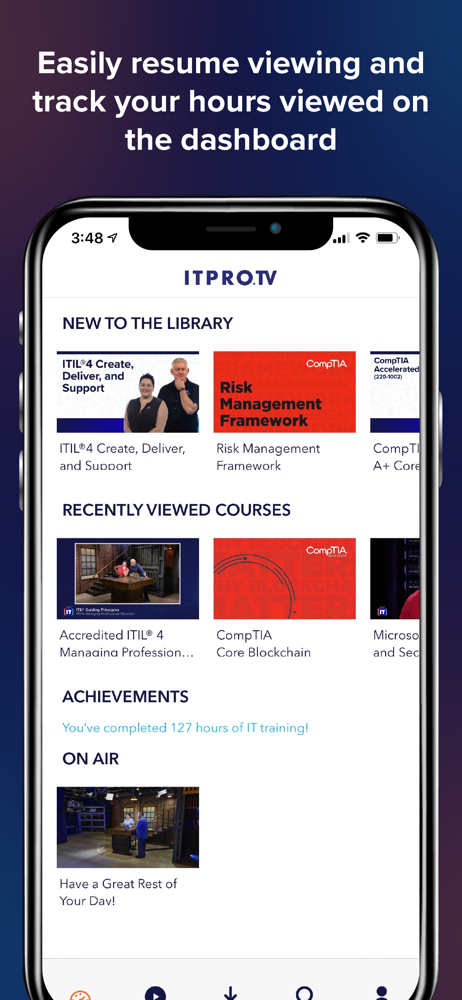
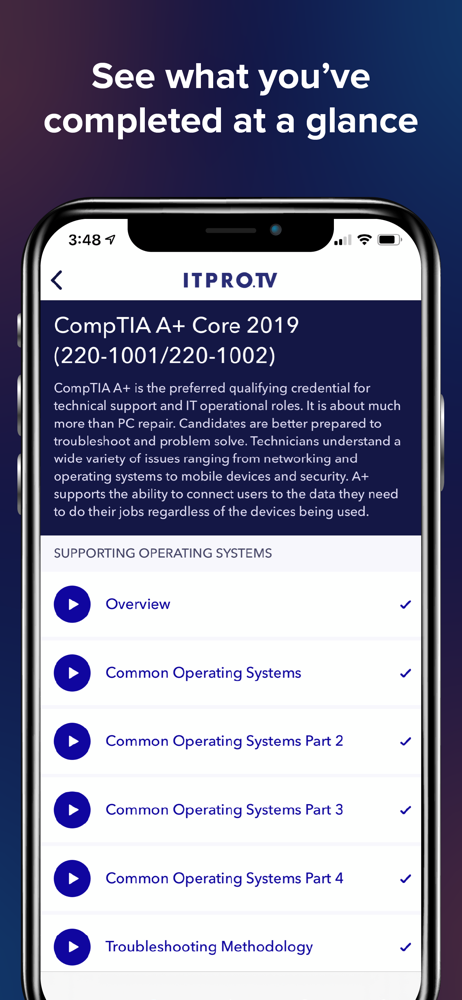
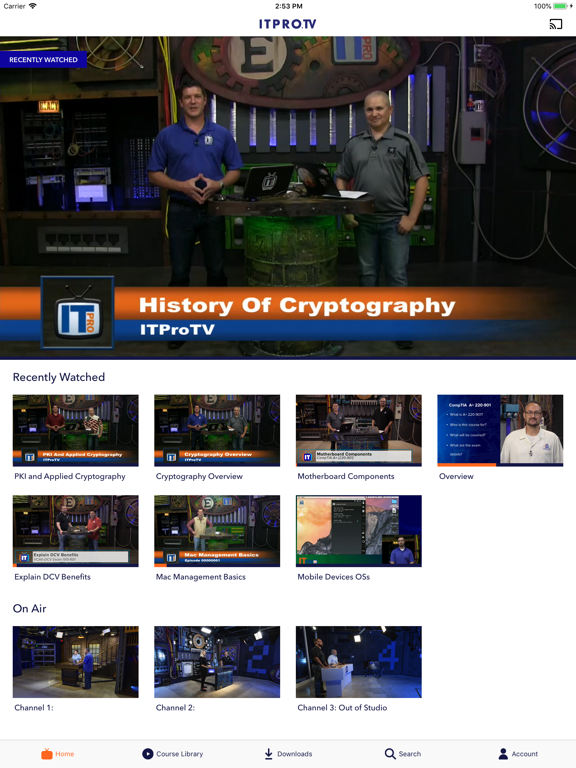
Content is fantastic! The app doesn’t track your history in order and show the next video in the series you’re watching. This needs the option for auto play and/or play next, hopefully an update comes soon these things are common in 2019 app. Example: To watch the next video in the series, I have to remember the video I just watched while I go back select the series, then scroll through to find my place to select the next video. Oh ya I forgot to mention in the series it doesn’t list all the ones you have watched(aka show a history like everything else everywhere). Seems like the app functionality has been ignored for whatever reason. Another review said it well, NEEDS MODERNIZATION. Content is 8.5/10 but the app functionality is a 2.
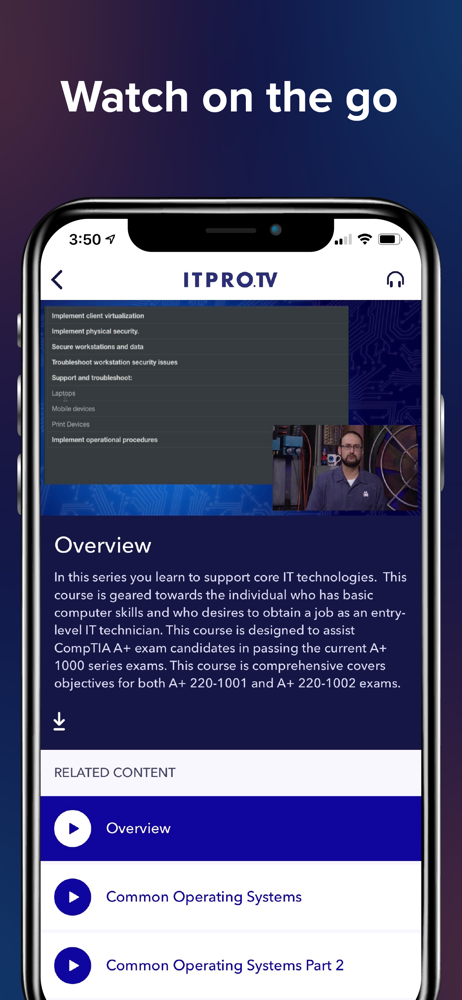
Content itself is like a 7/10. HOWEVER the app for iPhone/iPad is not very user friendly and it not something I’d expect from a company that specializing in teaching tech skills. Some of the more frustrating problems with the app are: -App frequently logs me out when switching between watching on iPhone and iPad. -No bookmark feature to add series to the homepage/user dashboard. -No button to download all videos in a series at once. Have to go to every single individual video you want to watch and press download. For example it would be easier if you could just go to the “Security+” series page and download all videos in that series. -Home page shows you recently watched videos. But I don’t care if I just watched a recently viewed video. I want to watch the next video. Would suggest showing the most recent watched SERIES (not episode) on the home page. Not as annoying but still annoying: -Videos take a bit longer to download than other on similar apps -prefer an audio option only to listen on my commute. ITProTv definitely could benefit from using CBT Nuggets app as an example ;)
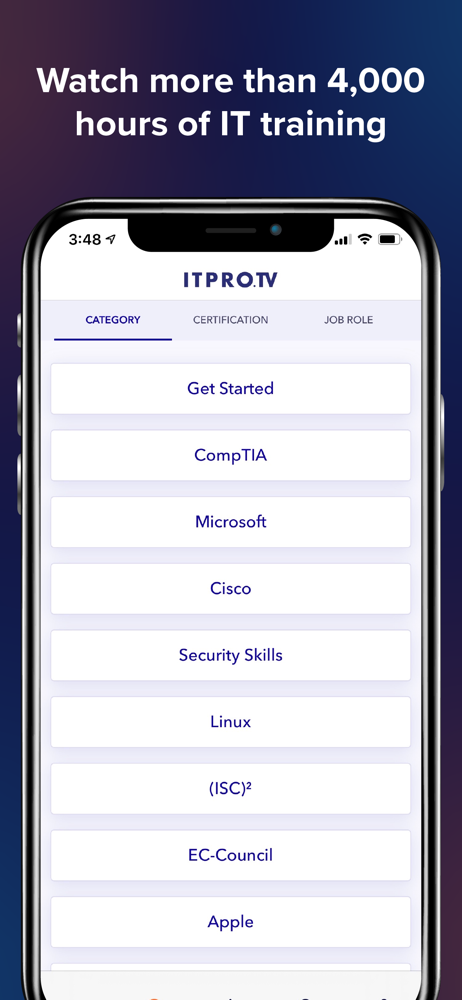
Learn on the go with ITProTV. ITProTV delivers binge-worthy learning™ to IT professionals in every stage of their careers. With training that’s more...
| Name | Price | Type |
|---|---|---|
| Monthly Subscription | $49.99 | Monthly |
| Annual Subscription | $499.99 | Yearly |


