Check the acquisition promise
Read the store headline, screenshots and description. What problem is the app promising to solve?
Study the storefront ↗
Karoly Nyisztor · iOS
Explore the ad evidence, study the storefront, and build your next acquisition hypothesis.
01 / Creative research
Read the store headline, screenshots and description. What problem is the app promising to solve?
Study the storefront ↗Explore apps with direct store-link matches. Compare their hooks and formats without assuming the same approach works here.
Browse observed advertisers ↗Store rankings and revenue estimates describe market context. They do not establish ad spend, conversions or ROAS.
Review the market context ↗02 / Storefront & product
Study the product story and store experience behind the acquisition funnel.


03 / Market context
Keep revenue, downloads and store rankings separate from advertising performance.
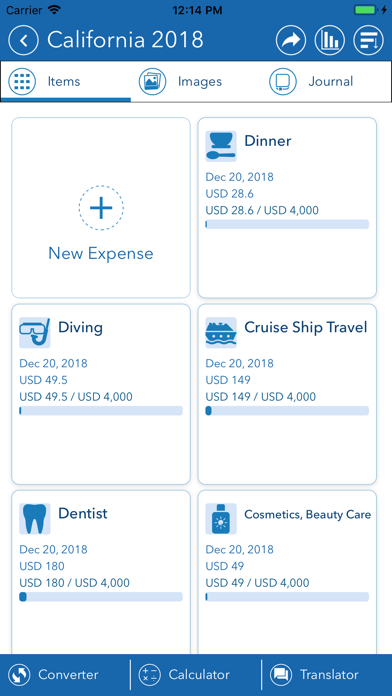
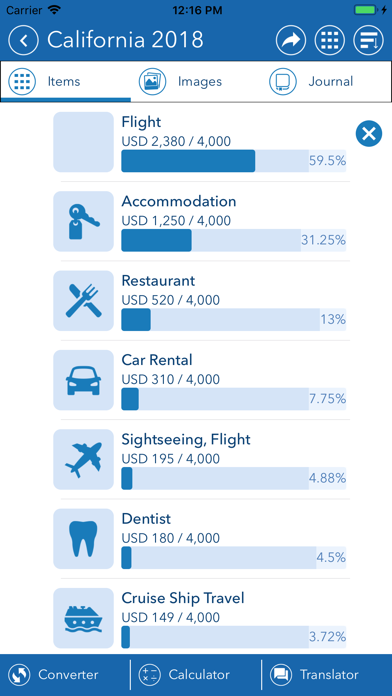
I’ve been looking for an app to help track my expenses when I travel and had tried one other app that was free. I didn’t care for the set up and limited features of that app. I found this app and from the description, sounded like what I was looking for. Just started using this app and I do like the flexibility and the features offered. The one thing that have me giving it a 3 Star is I’m not able to enter the cents. The expenses are entered as whole dollar. I would like to have the choice to enter the amount down to the penny. I’ve looked to see if this was something I can turn on and have not been able to find out how. If I didn’t pay for this app I would have looked for another that fits what I’m looking for.
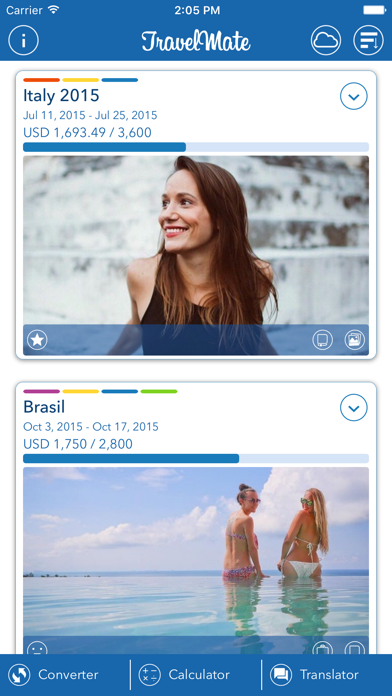
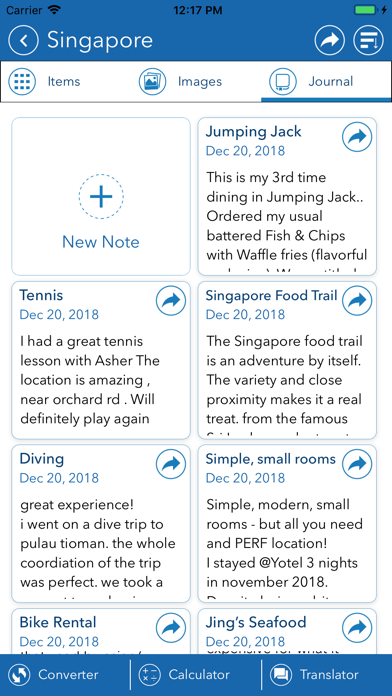
Very useful app for both business and vacation trips. Covers both necessities like keeping track of expenses and keeping a journal, but also covers organizing images per trip, currency converter and calculator. It even includes a translator! Highly recommended.
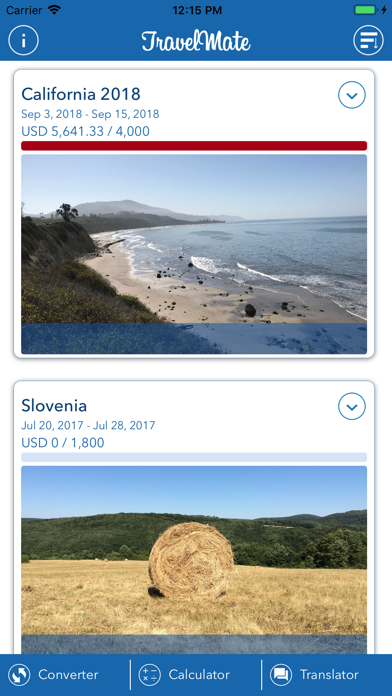
Best travel app I have tried yet! After downloading several travel apps in the past, I have found each one falling short of the functionality or capturing the data elements I would like to see. (I like details). In the end, I reverted to a manual spreadsheet to record my expenses. When I discovered the Travel Mate - My Travel Assistant app, I decided to give it a try. I was very impressed. This beautifully designed app is very intuitive and its superb layout makes it extremely easy to use. The minimalistic use of colors is a big plus, as it keeps one focused on the content and data. The automatic currency conversion is a nice feature, as you see your spending in your home currency as well as the foreign currency. A clean looking PDF summary report can be accessed at any time to display expenses by category. Below the summary is a detailed listing, by date, of each expense. I always like such a report at the end of a trip. The Trip Photo Journal, Trip Journal and Translator provide added value. In my opinion, the developer is set on making this the best travel app a traveler could ever want. And I am sure that future enhancements will make this happen. Frequent Traveler
Try Travel Mate, and you won't travel abroad without it anymore! We packed this app with useful features that make it indispensable during your travel...