Check the acquisition promise
Read the store headline, screenshots and description. What problem is the app promising to solve?
Study the storefront ↗
晶晶 殷 · iOS
Explore the ad evidence, study the storefront, and build your next acquisition hypothesis.
01 / Creative research
Read the store headline, screenshots and description. What problem is the app promising to solve?
Study the storefront ↗Explore apps with direct store-link matches. Compare their hooks and formats without assuming the same approach works here.
Browse observed advertisers ↗Store rankings and revenue estimates describe market context. They do not establish ad spend, conversions or ROAS.
Review the market context ↗02 / Storefront & product
Study the product story and store experience behind the acquisition funnel.




03 / Market context
Keep revenue, downloads and store rankings separate from advertising performance.
Looking for a text expander for my iPad it actually worked as Text Expander itself does not have an app for iPad (which is also frustrating because I pay an annual fee for that). I said I tried Phrase Expander … typed in the phrase and nothing. And no apparent button on the keyboard to push to activate it. If the developers are looking at this, please send me a link to your tutorial. I’m sure it’s very simple and I’m just missing it but it’s not obvious.
Very impressive. Even with Hebrew —alphabetized! (OK, phoneticized: but knew the correct letter. Example ב״ה appeared under B.) It gave me a bilingual index. How cool is that?
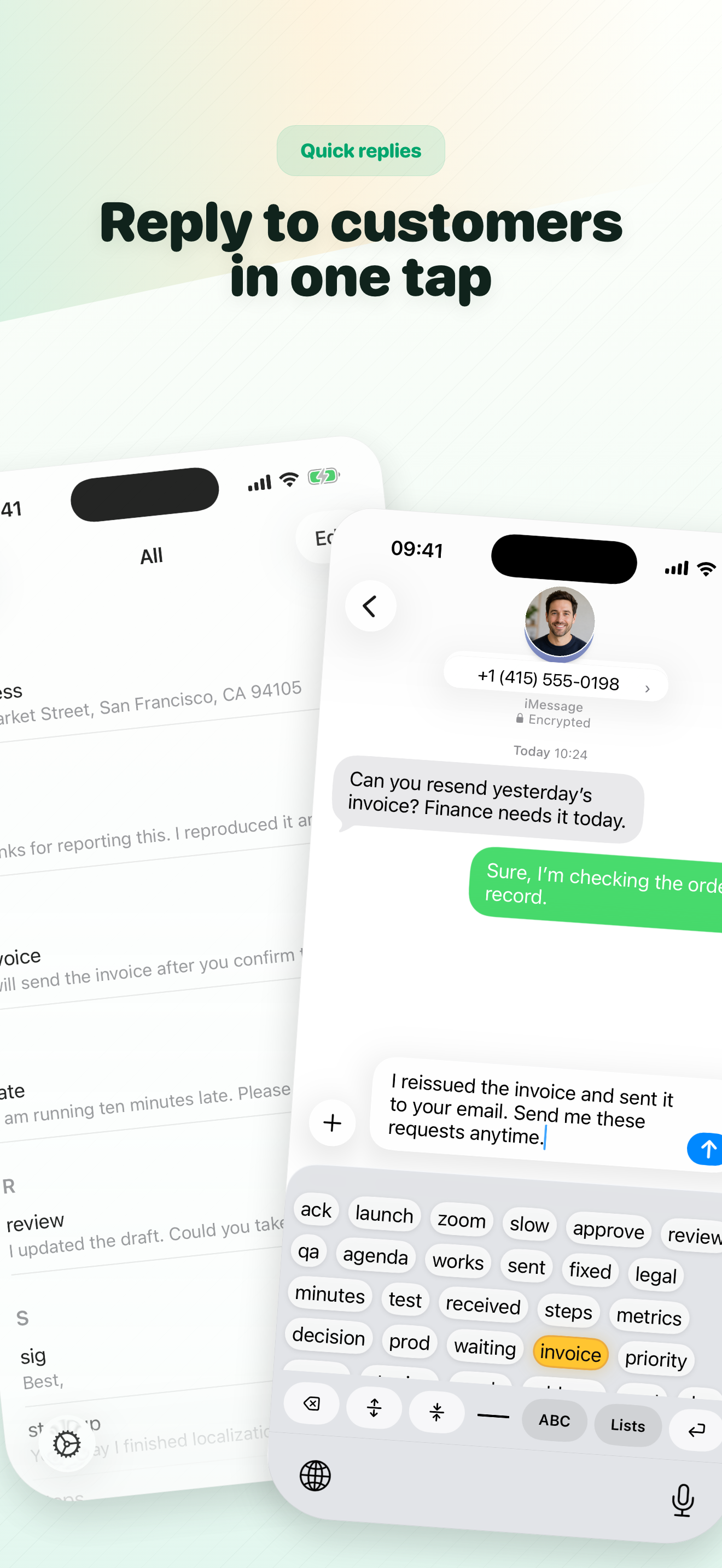
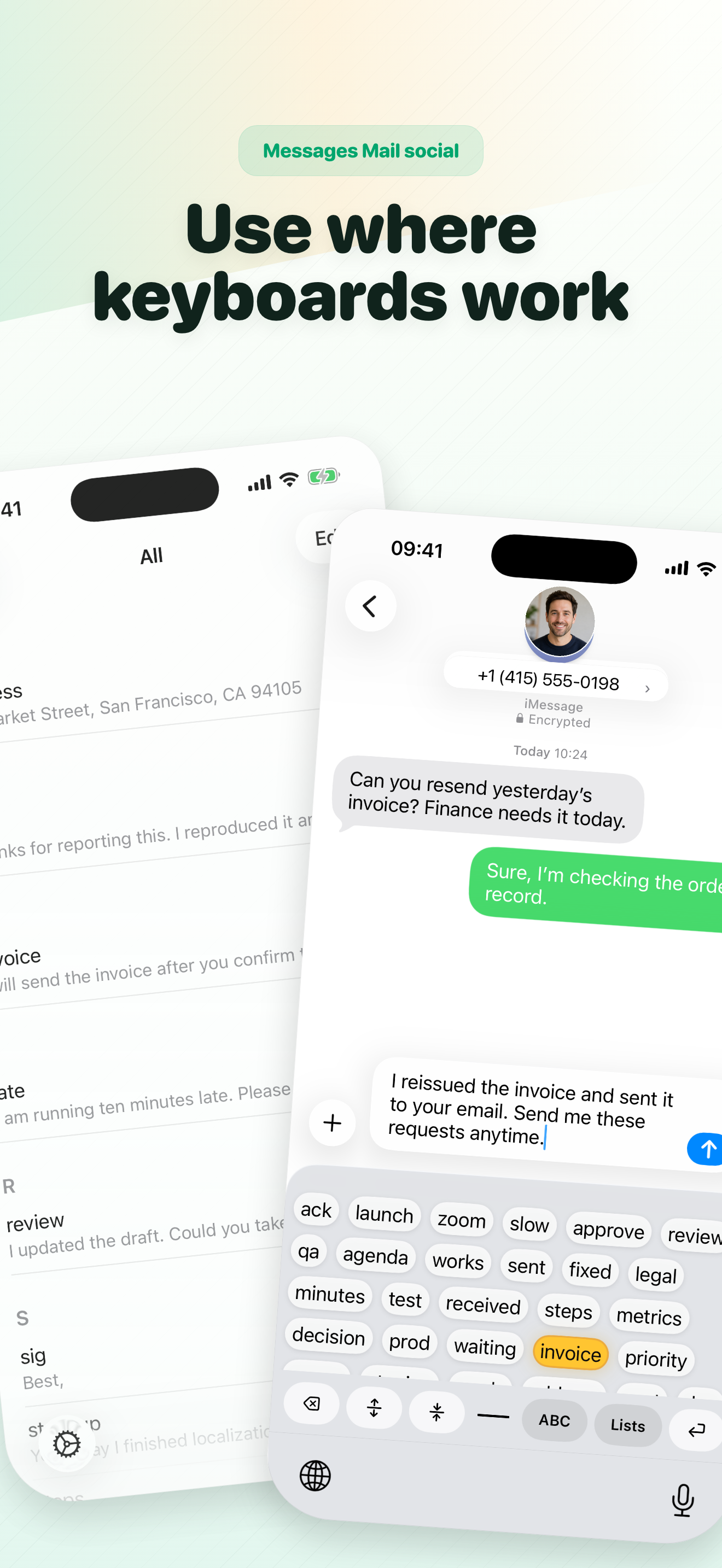
Typing the same address, greeting, support reply, or community message again and again slows every conversation down. Rocket Keyboard puts your saved...
| Name | Price | Type |
|---|---|---|
| Unlimited Shortcuts | $2.99 | One-time |