App Profile: Frankie by Creativecrap

Android / Games / Puzzles
Frankie by Creativecrap
Installs:
Rating:
0.00
Total Reviews:
0
Top Countries:
US, TW, CN
< $5k
/mo
< 5k
/mo
Reviews: What People Think About Frankie by Creativecrap
About Frankie by Creativecrap
Frankie is about to retire, so please use OkidoKey instead.

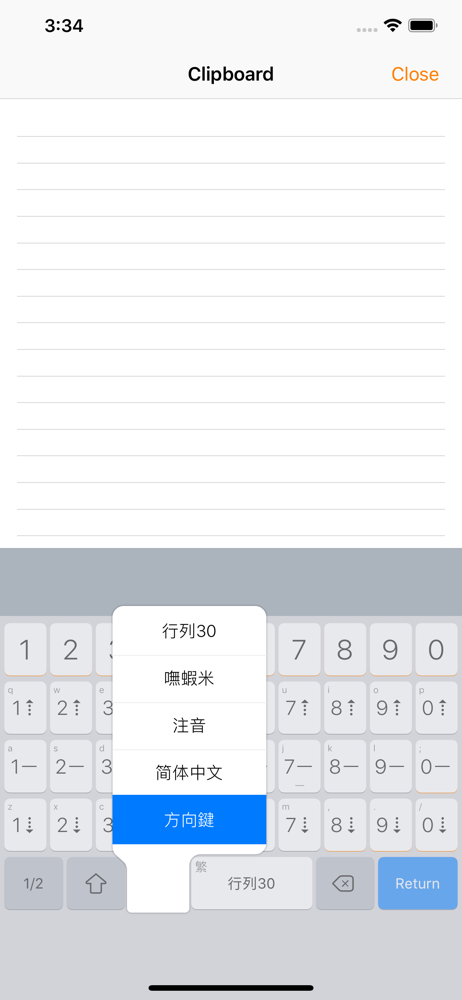
Frankie (formerly OkidoKey) offers an in-app keyboard that includes a plain text editor and a keyboard extension for system-wide usage. Additionally, the Clip Pad editor mode automatically copies text, enabling typing without the need to create or open a document.

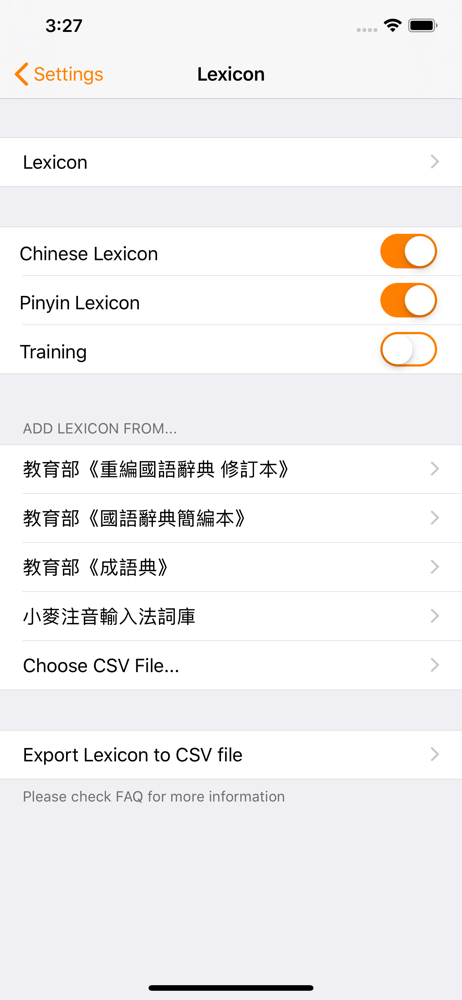
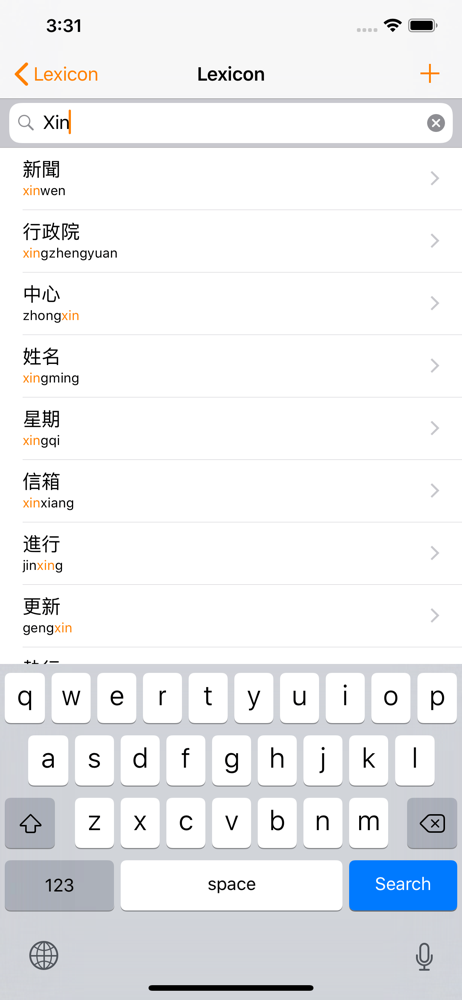
A single keyboard extension offers multiple input methods, enabling seamless English typing without the need to switch to another keyboard. It incorporates features such as emoji support, a lexicon, spellcheck, predictive text, and intelligent punctuation, collectively enhancing the efficiency of typing.

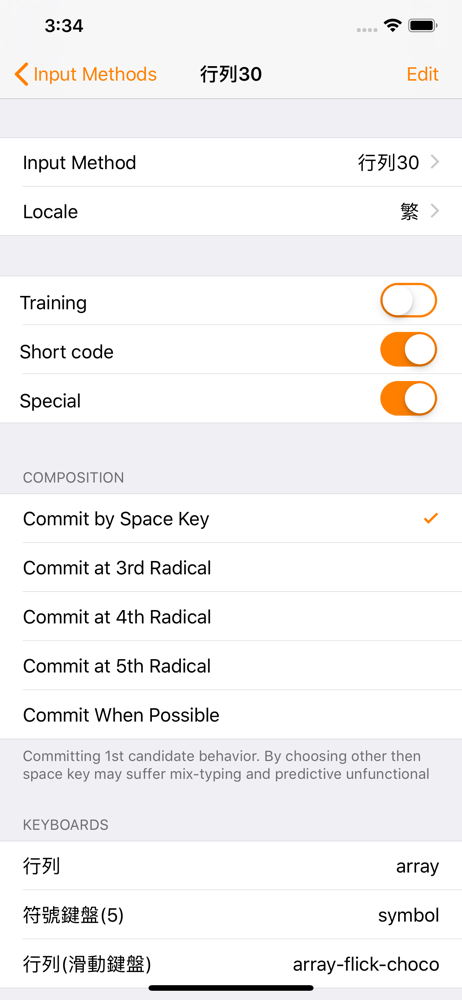
- Includes most common and ready-to-use Chinese input methods and keyboards, i.e. Array, Cangjie, Dayi, Pinyin, etc.
- Capable of using custom input methods.
- Capable of using multiple input methods and keyboards.
- Sibling Keyboard and Key Flicks for Half/Full-Width symbols (iPad).
- Composition prompt option.
- Navigation Keyboard.
- Bluetooth keyboard supports (in-app text editor only).
- Auto-copy content feature in Clip Pad editor mode.
- Chinese and English mix-typing (triggered by return key).
- Chinese lexicon and Emoji.
- Smart punctuation.
- Homophones and Phonetics Lookup.
- Traditional and Simplified Chinese output.

Input Methods

- Optimized for Array input method and fully supports special and shortcode mode.
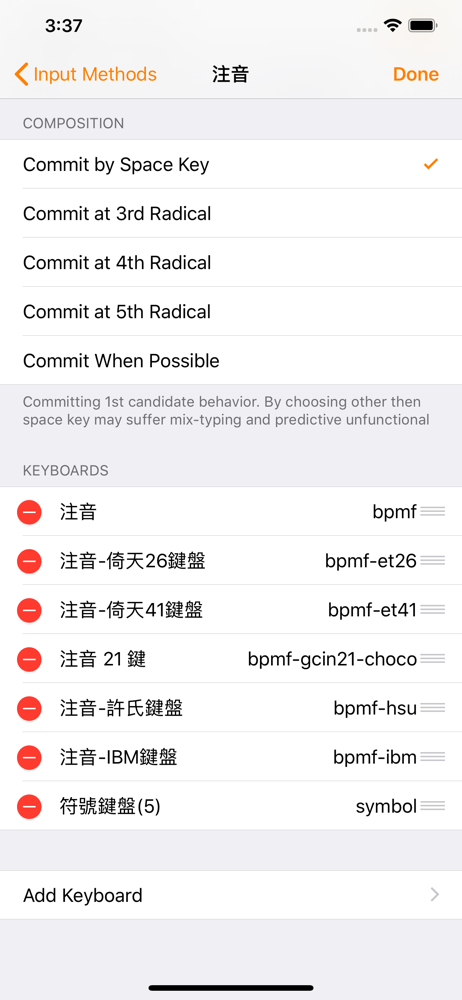
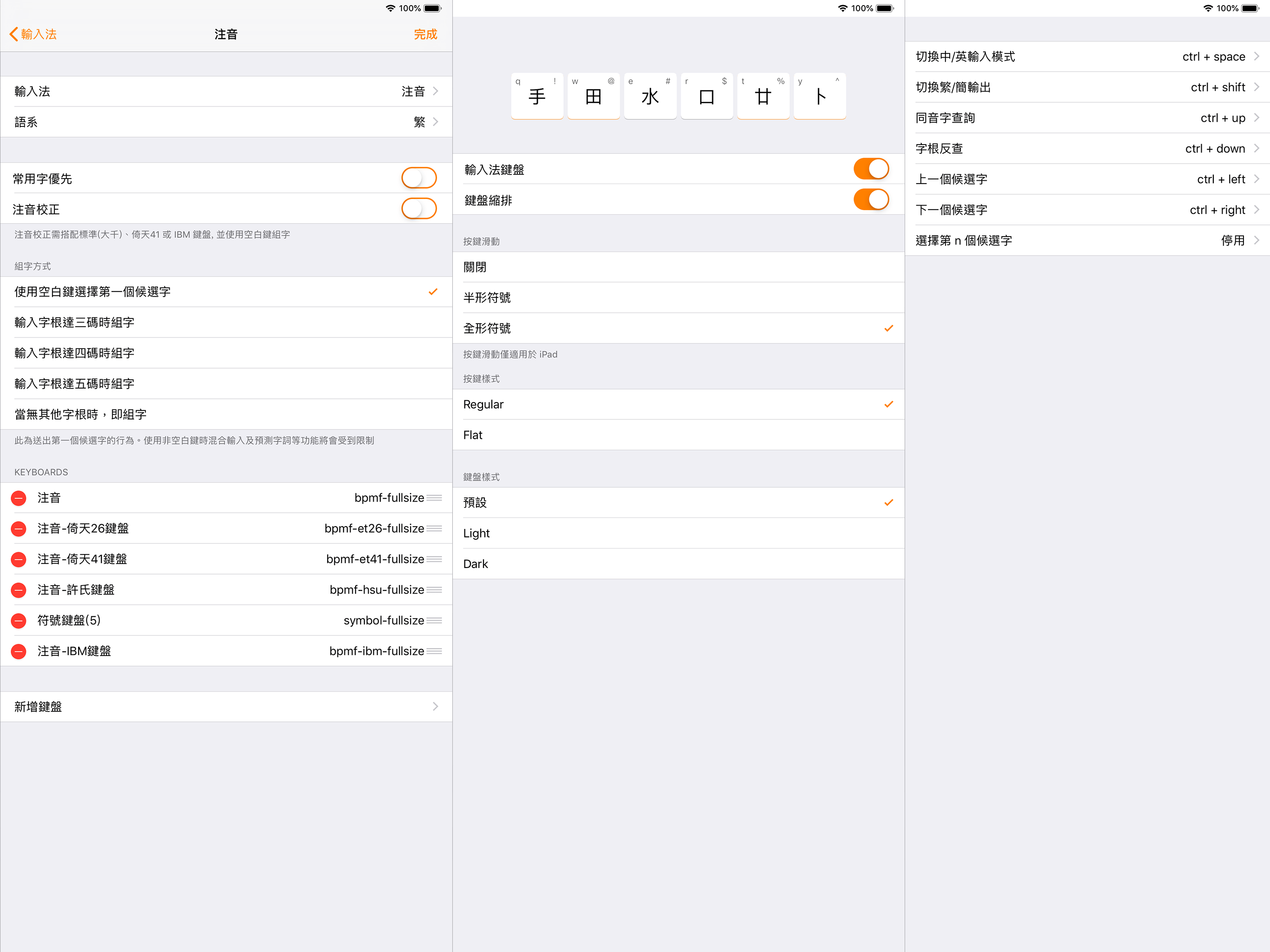
- Zhuyin input method supports the standard, Et26, Et41, Hsu, and IBM keyboard layouts.
- To install custom input methods like Boshiamy, select the CIN table file from the file browser and choose install.

External Keyboard

External keyboards are not supported by keyboard extensions; however, you can use Clip Pad in split-view as a bridge for inputs, with auto-copy content feature in Clip Pad editor mode. All you need is switching to the next app, then tapping the paste icon or cmd-v to paste the content.
File size: 33806336
Launched countries: CNUSAUCAFRDEGBITJPKRRUDZAOARATAZBBBYBEBMBRBGCLCOCRHRCZDKDOECEGSVFIGHGRGTHKHUINIDIEILKZKEKWLBLTLUMOMGMYMXNLNZNGNOOMPKPAPEPHPLPTQAROSASGSKSIZAESLKSECHTWTHTNTRUAAEUYUZVEVNBOEELVNIPYKHMZYEBHCYMTBJBFCGJOLAMLSNTZUGZW
Minimum OS version: 15.0
Release Date: 1431838925000
Published by Ethan Liu
Website url: https://creativecrap.com/app/okidokey.html?utm_source=appstore&utm_medium=tw&utm_campaign=frankie
Publisher country:
Copyright © 2025. Made with ♥ in London by AdScan.ai