Check the acquisition promise
Read the store headline, screenshots and description. What problem is the app promising to solve?
Study the storefront ↗
ALPA AB · iOS
Explore the ad evidence, study the storefront, and build your next acquisition hypothesis.
01 / Creative research
Read the store headline, screenshots and description. What problem is the app promising to solve?
Study the storefront ↗Explore apps with direct store-link matches. Compare their hooks and formats without assuming the same approach works here.
Browse observed advertisers ↗Store rankings and revenue estimates describe market context. They do not establish ad spend, conversions or ROAS.
Review the market context ↗02 / Storefront & product
Study the product story and store experience behind the acquisition funnel.



03 / Market context
Keep revenue, downloads and store rankings separate from advertising performance.
Advice, read the sellers notes for simple instructions on how to get necessary punctuation for number and adjusting the pad size too. I really didn’t think I would like having to hold down the globe button to switch back & forth to the Numpad. But having it nonetheless was worth it. Turns out you don’t always have to do that, if it’s last left on that choice it’s simple, just tap the globe and it’s there. Love this! Thank you!!!!!!!!
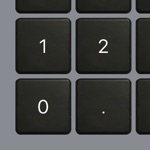
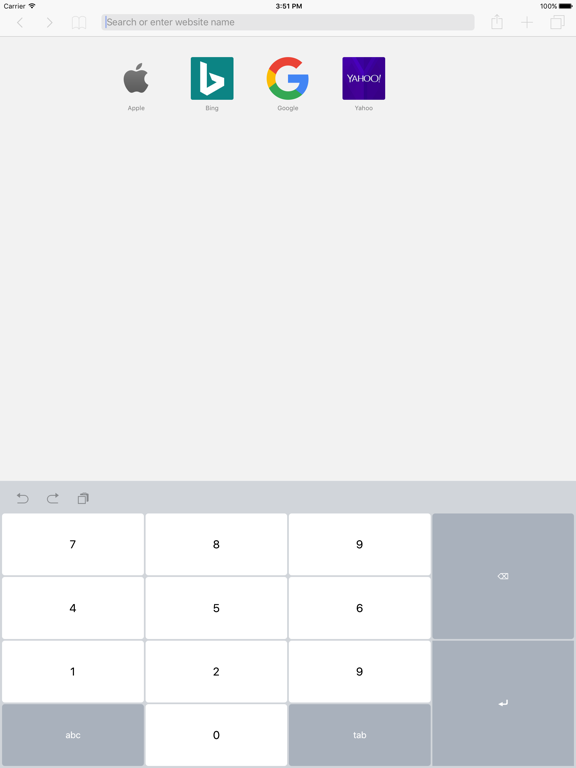
This is perfect. You can alter the order of the numpad, you can change the button besides 0 to a space, comma, or period, and you can quickly search back to a keyboard when you’re done. Absolutely perfect.
This app is perfect for entering a lot of numbers in excel. My business uses it in multiple locations entering tens of thousands of numbers each day. Thank you for the size update and the addition of the keyboard clicks.
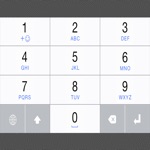
Tired of the default keyboard when using numbers only? Get this special numpad keyboard to enter numbers with ease in any app on your iPhone or iPad....