
Check the acquisition promise
Read the store headline, screenshots and description. What problem is the app promising to solve?
Study the storefront ↗
TARMO IT SERVICES · iOS
Explore the ad evidence, study the storefront, and build your next acquisition hypothesis.
01 / Creative research
Read the store headline, screenshots and description. What problem is the app promising to solve?
Study the storefront ↗Explore apps with direct store-link matches. Compare their hooks and formats without assuming the same approach works here.
Browse observed advertisers ↗Store rankings and revenue estimates describe market context. They do not establish ad spend, conversions or ROAS.
Review the market context ↗02 / Storefront & product
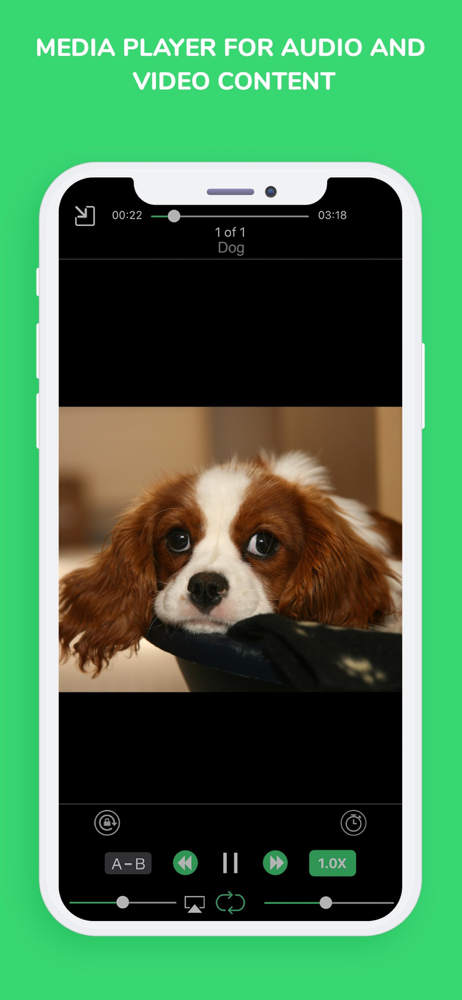
Study the product story and store experience behind the acquisition funnel.




03 / Market context
Keep revenue, downloads and store rankings separate from advertising performance.
This app has always been my go to for downloading songs for about 4 years and has had a few bugs over time that have been fixed. But as of this afternoon I noticed a bug that's been kind of frustrating me since and has me considering if I should just switch to a different app, a couple of my downloaded songs duplicated and I tried to get rid of the extras by deleting them but the app was crashing. I tried turning off my phone + clearing cache, renaming the extra files, etc. but the app kept crashing! I updated the app thinking maybe it was just a bug that had been fixed but it wasn't. So, I decided to close the app and open it again, I tried deleting the extra files again and a few worked, but then the app crashed completely to the point I had to turn my phone off and on again. I originally had 271 songs downloaded and now I only have 247 which means when I was getting rid of the extra files it was also simultaneously deleting the original files as well. I feel a little frustrated and don't know if I can recover the files, I can't remember the songs that were deleted that well either. Please tell me there's something I can do to recover them :((
it’s pretty good app. I recommended it to countless others. the only flaws I encountered were it bring a little slow when the internet was being held up, or I was using data. for instance, I’d be doing something with this handy little app, and want to skip the song that just started playing. so I go to the app, and click the ‘skip’ button. it literally takes more than five seconds to work. same thing with pausing, changing the speed, choosing a song, downloading a song, or really anything that you can press. it takes forever to work. and, for whatever reason, sometimes It has no problem whatsoever. other times, like when I’m using data or three other people are clogging the internet, it takes forever to do anything. (which is weird because I think this is supposed to be a sort of non-internet kind of thing.) anyway, I’m not going to say any positive things, because there are plenty of other good reviews out there. just take my word when I say this is a pretty good app. please read this, I spent a lot of time writing it. thank you, and goodbye. sort of sincerely... Blu
I only began using IOS last year as a tool in my music production work flow and was a bit stymied by the seemingly difficult task to quickly create a players of my days output, as is my habit. Would have to continually manually start pieces in other apps or take time to make one long one, copy pasting till I was near apoplectic. Just happened to catch mention of this app within a review for some long forgotten daw. This baby changed the way I work and listen to the point that I now use it more than any other music player. Being able to make a mini "Album" on the go has help to shape my creative direction and helps structure my work flow. Thanks a million, I love you dev, no joke, I'd have your children. Sorry/Not sorry.
My File Organizer allows you to arrange your local and cloud files in a single application. The application comes loaded with an inbuilt file viewer...


