Check the acquisition promise
Read the store headline, screenshots and description. What problem is the app promising to solve?
Study the storefront ↗
mitsunori oishi · iOS
Explore the ad evidence, study the storefront, and build your next acquisition hypothesis.
01 / Creative research
Read the store headline, screenshots and description. What problem is the app promising to solve?
Study the storefront ↗Explore apps with direct store-link matches. Compare their hooks and formats without assuming the same approach works here.
Browse observed advertisers ↗Store rankings and revenue estimates describe market context. They do not establish ad spend, conversions or ROAS.
Review the market context ↗02 / Storefront & product
Study the product story and store experience behind the acquisition funnel.




03 / Market context
Keep revenue, downloads and store rankings separate from advertising performance.
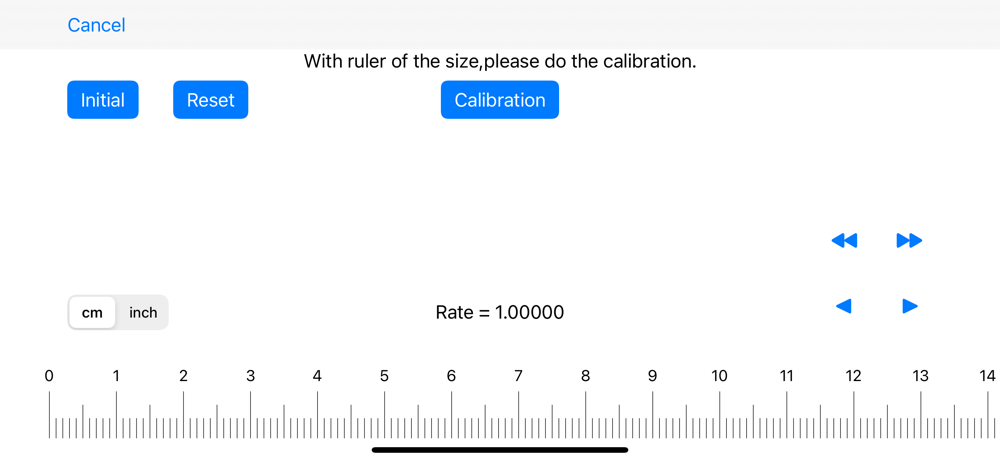
Only reaches a small range as one can't scroll. The ruler range in the iPad is as wide as the iPad (largest pro) screen is. So I assume a small phone would have a total of 5 to 6 inches ruler??? LOL! It switches between metric and American standard measurement (inches) but without scrolling, it's only good for small sized items. Also, it wastes large screen space as the different measurement standards can only be used one at a time, making it impractical and useless for conversion purposes. Put another ruler on the reversed side of the screen and add scrolling feature and this would actually be useful.
Scale Ruler is the simple application to display the scale of various measurement units. ※ Warning: - The accuracy of the scales cannot be guaranteed....