Check the acquisition promise
Read the store headline, screenshots and description. What problem is the app promising to solve?
Study the storefront ↗
Daniel Soffer · iOS
Explore the ad evidence, study the storefront, and build your next acquisition hypothesis.
01 / Creative research
Read the store headline, screenshots and description. What problem is the app promising to solve?
Study the storefront ↗Explore apps with direct store-link matches. Compare their hooks and formats without assuming the same approach works here.
Browse observed advertisers ↗Store rankings and revenue estimates describe market context. They do not establish ad spend, conversions or ROAS.
Review the market context ↗02 / Storefront & product
Study the product story and store experience behind the acquisition funnel.
03 / Market context
Keep revenue, downloads and store rankings separate from advertising performance.
I wrote the following review 6 years ago when the app was a welcomed addition to my workflow. Unfortunately, the app has become more buggy in that time and has not been updated in 4 years. I think we can assume the developers have abandoned the app. “Great keyboard for math and physics teachers and students. I have noticed a less than optimal behavior with respect to superscripts and subscripts. Not all symbols render. For example, I can display U₁ but not Ug. The number 1 displays as a true subscript. But the g is a regular lower case g. Perhaps the developers reasoned that a regular lower case g looks close enough to a subscript g. But as a physics instructor, this is less than optimal. It would be great if the developers would look at this and consider expanding the subscript functionality.”
I like this keyboard a lot. It has most of the symbols I need. Some symbols I wish could be extracted. For example, inverse trig functions is just the letters and a superscript -1 exponent, so superscript could just be one symbol. Other square roots would be nice. Also, the alpha symbol is super small. Can that be fixed? It’s not legible due to it’s size. Lastly, can you add a favorites section? It would make using the keyboard easier. Thanks for the app.
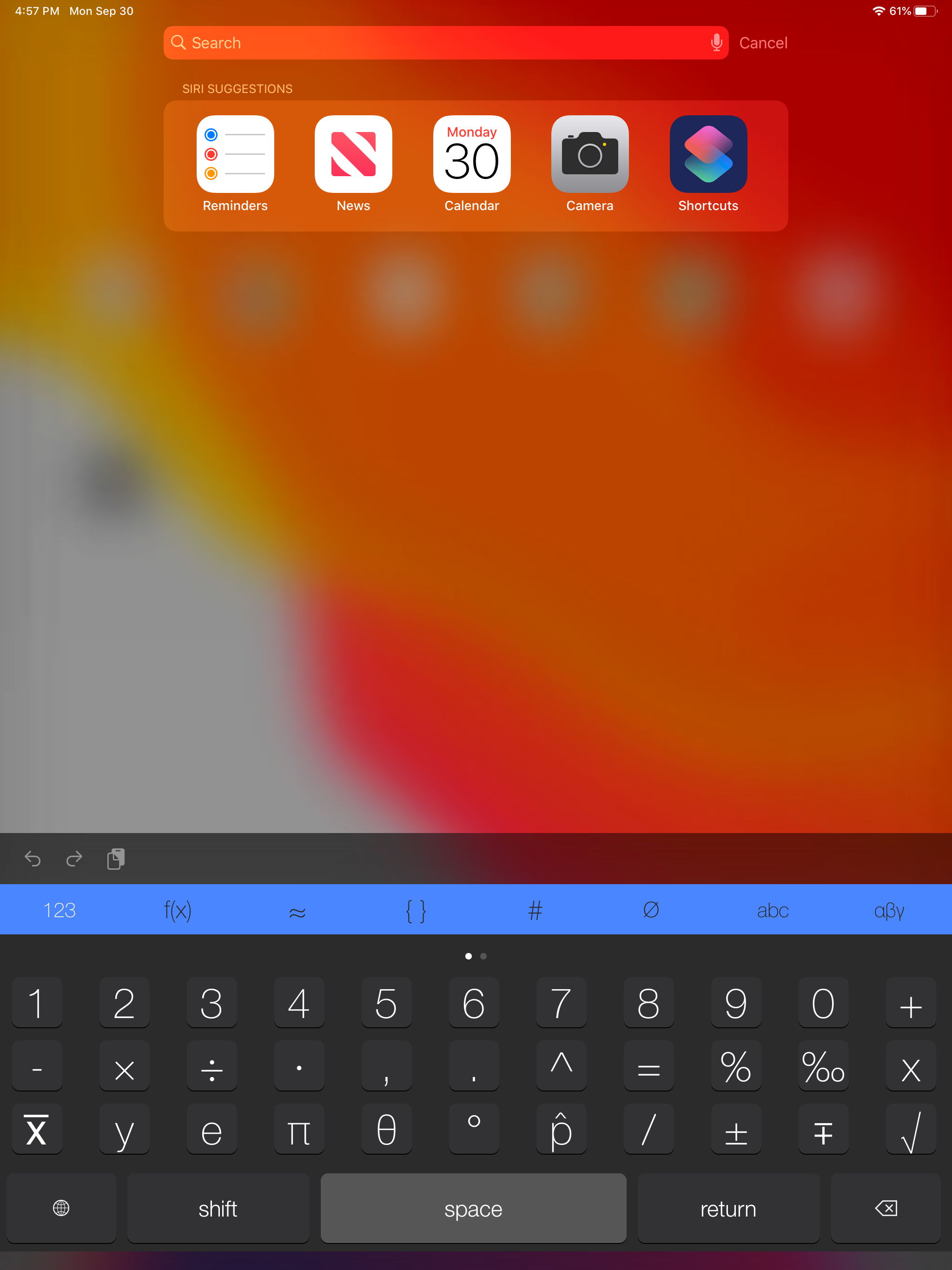
I tried this app because I wanted one that worked well with the iPad, and it does. However, there is no integration symbol, and d/dx I can just type manually, so why is that even there? Even the free iPhone math keyboard app has this symbol. Not worth paying for, in my opinion.
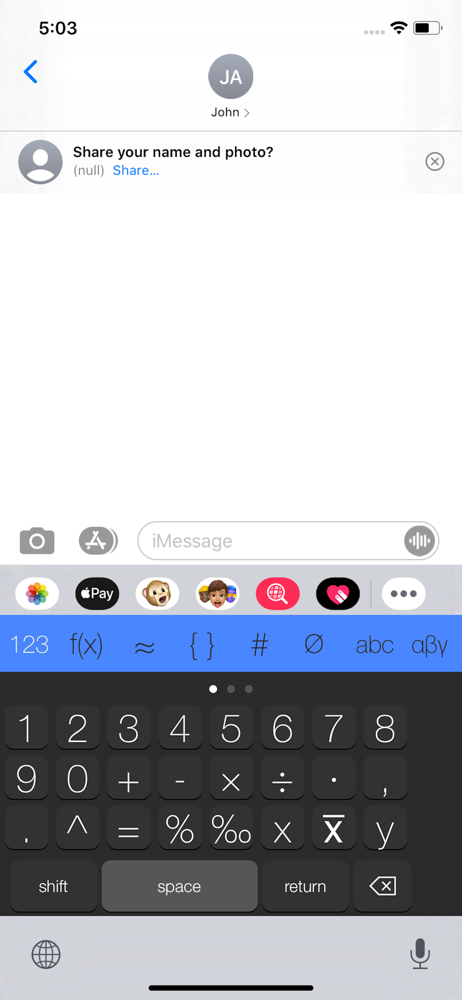
The Math Keyboard gives you quick access directly in your keyboard to hundreds of useful Math and Scientific characters. Simply open of the Math Key...