Check the acquisition promise
Read the store headline, screenshots and description. What problem is the app promising to solve?
Study the storefront ↗
Esselte Corporation · iOS
Explore the ad evidence, study the storefront, and build your next acquisition hypothesis.
01 / Creative research
Read the store headline, screenshots and description. What problem is the app promising to solve?
Study the storefront ↗Explore apps with direct store-link matches. Compare their hooks and formats without assuming the same approach works here.
Browse observed advertisers ↗Store rankings and revenue estimates describe market context. They do not establish ad spend, conversions or ROAS.
Review the market context ↗02 / Storefront & product
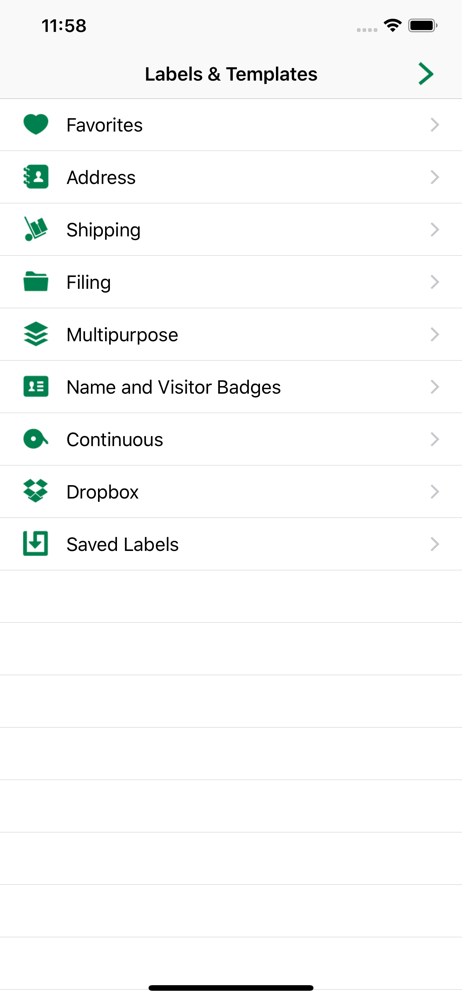
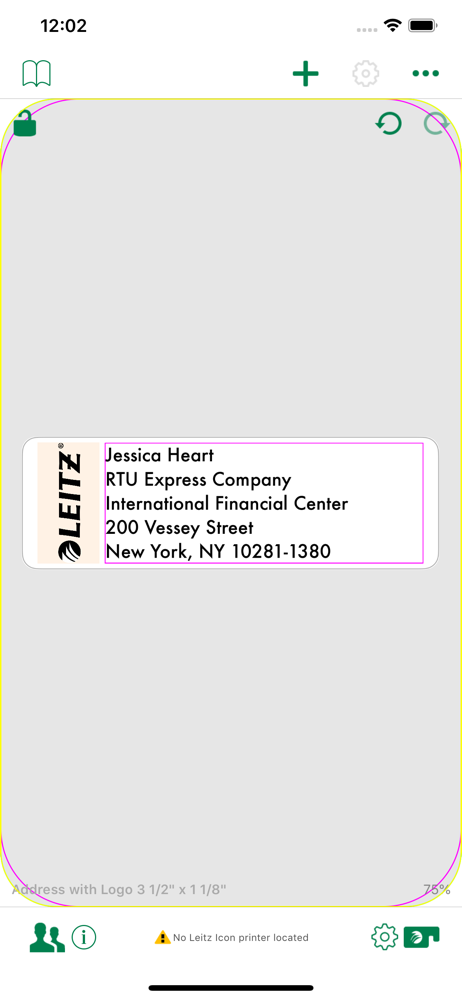
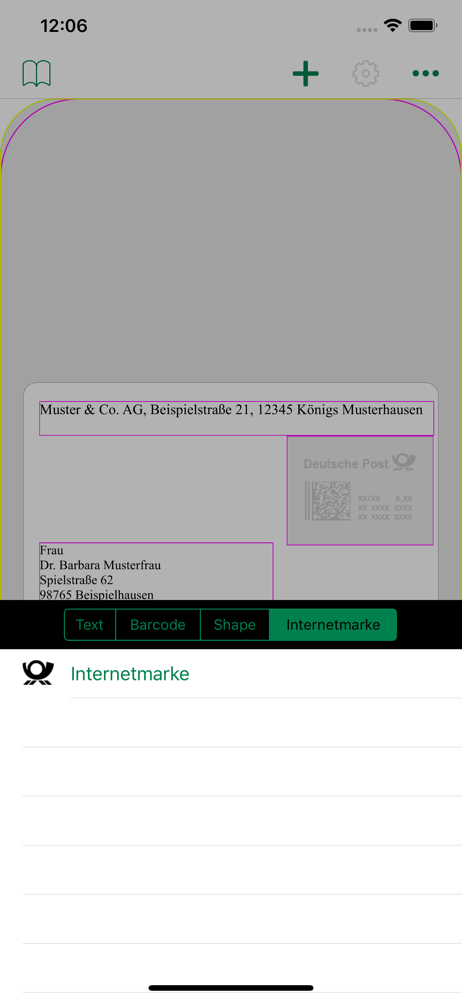
Study the product story and store experience behind the acquisition funnel.


03 / Market context
Keep revenue, downloads and store rankings separate from advertising performance.
For the last 6 months I haven't been able to print from my iPhone 6 version 10... I could with my iPad (idk what version) super annoying. All it tells me is after I connect to the printer that there is no internet.... I give up.
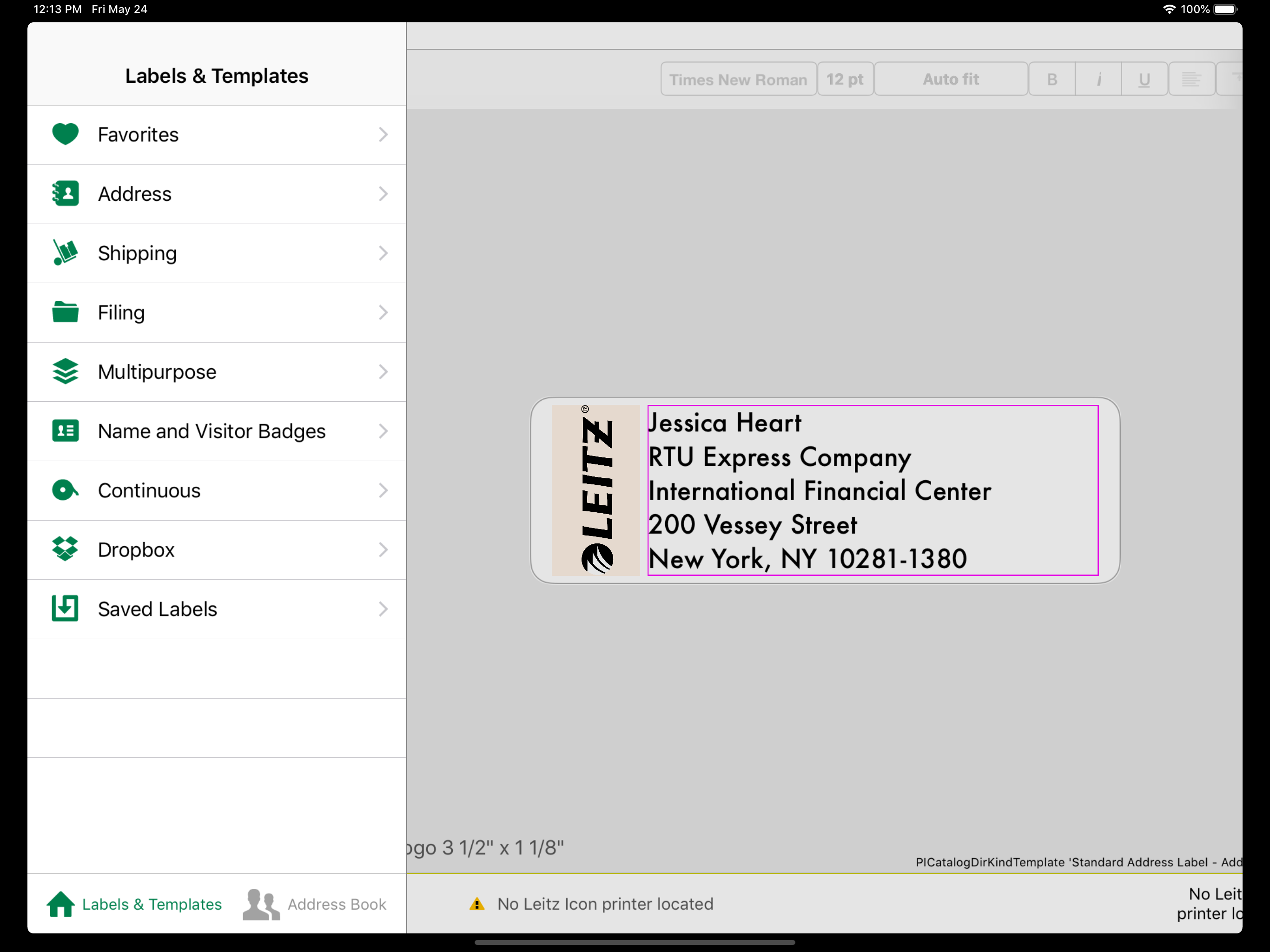
The app works well on my iPad for printing labels when not on my desktop. One major limitation is adding images via the camera roll. When adding a logo via the camera roll, the image is cropped on the right side. I have tried everything to fix this, without luck. I know the image file is fine because when using the desktop version of this software on my iMac the same logo image is added correctly. Hope a future update will fix this. Although the app works well, printing labels with my company's logo on them is one of the reasons I bought the ICON printer, so two stars deducted for having to create labels on my iMac and transfer them to the iPad via the Dropbox link.
The app is not too user friendly. Making a custom label is harder than it should be. Inserting a picture how you want is difficult. The printer can handle two different resolutions but can't find a way to change that in this app. The desktop app lets you change the resolution but I didn't see a huge difference. I love using AirPrint but it doesn't work well with the printer. Just printing text comes out fine but images come out horrible. I tried printing a simple picture and all I get is a grayish square with lines everywhere. A QR code image was unusable. The only way I was able to get great labels was connecting the printer to my Mac over USB. Wifi also didn't work well. From my Mac computer and using USB everything printed out fine and with very good detail. Pictures came out good and a custom QR code looked great and was usable. So the main advertised "AirPrint" feature is a no go. The box says it's made for AirPrint and Apple devices. Not so much for me. The iOS app is good for text and solid cliparts but nothing more. To get nice and more detailed prints I have to plug it into my computer which defeats the purpose of portability 😣 Maybe the firmware on my printer didn't update properly? Tech support didn't help me out any. Was told that's how AirPrint works with thermal printers 😕
Leitz Icon Software works with your Leitz Icon Smart Labeling System to print labels, banners, badges and cards with just a few swipes. The app uses A...