
Check the acquisition promise
Read the store headline, screenshots and description. What problem is the app promising to solve?
Study the storefront ↗
Buen camino · iOS
Explore the ad evidence, study the storefront, and build your next acquisition hypothesis.
01 / Creative research
Read the store headline, screenshots and description. What problem is the app promising to solve?
Study the storefront ↗Explore apps with direct store-link matches. Compare their hooks and formats without assuming the same approach works here.
Browse observed advertisers ↗Store rankings and revenue estimates describe market context. They do not establish ad spend, conversions or ROAS.
Review the market context ↗02 / Storefront & product
Study the product story and store experience behind the acquisition funnel.
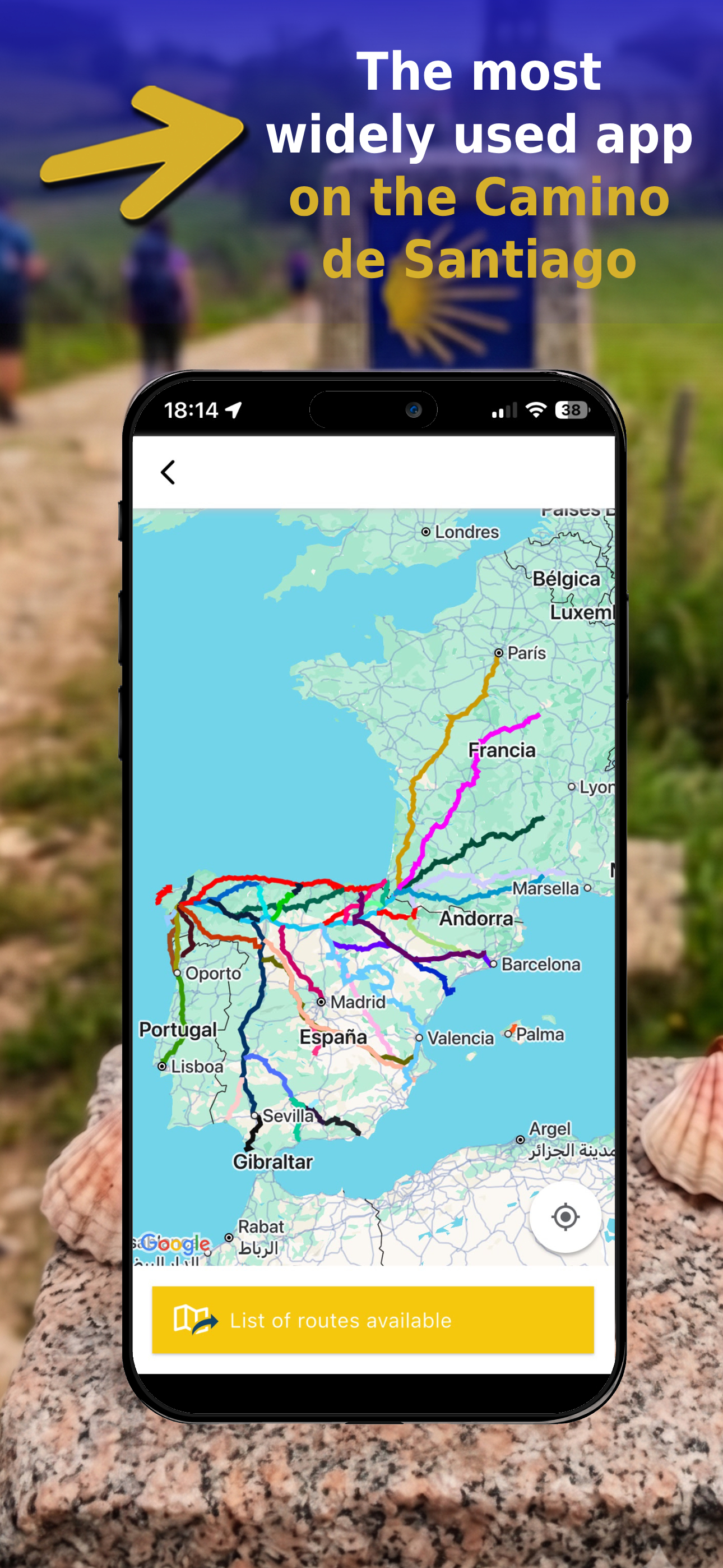


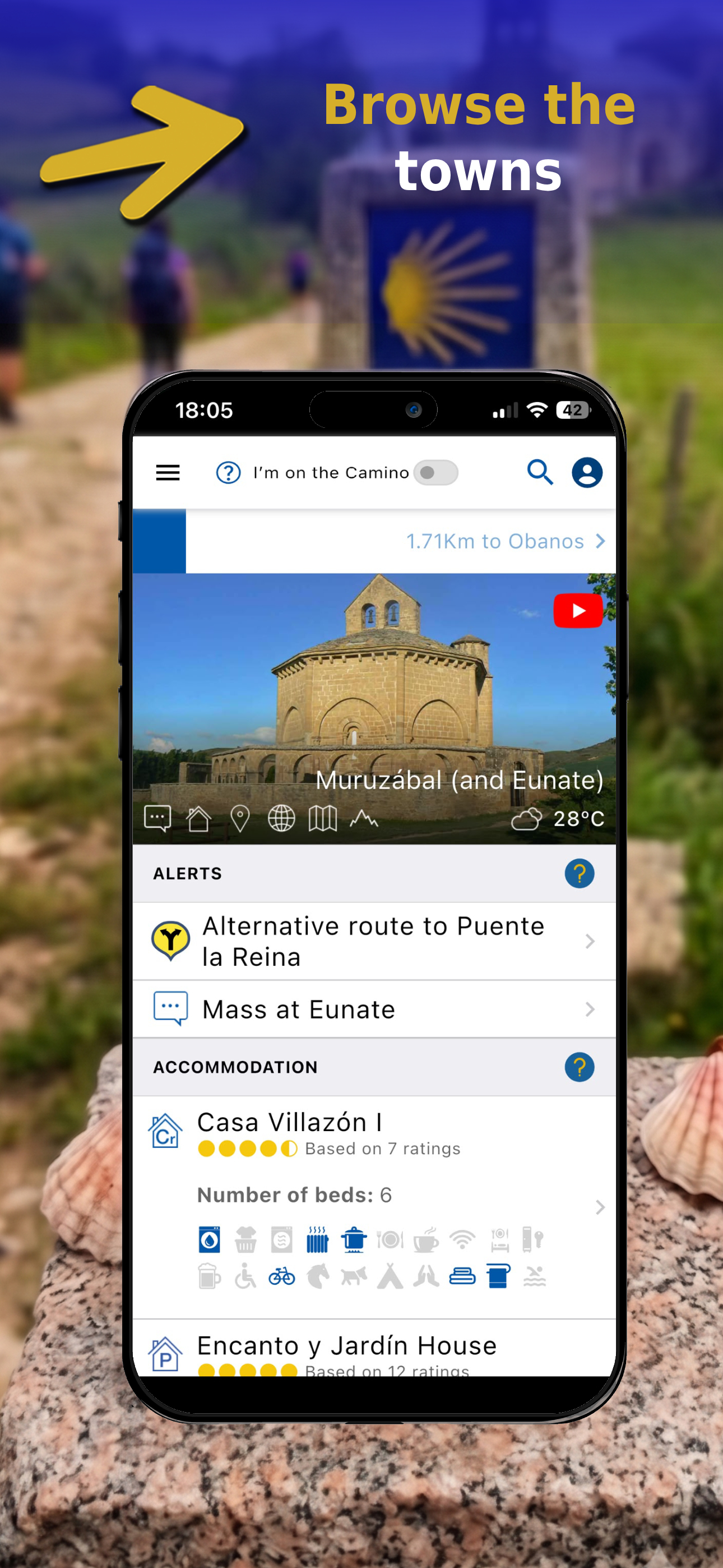

03 / Market context
Keep revenue, downloads and store rankings separate from advertising performance.
I used this Buen Camino on my Camino from St Jean to Santiago. I did not book any hostels ahead, I used the app to investigate the upcoming villages and walked up to the hostels and got a bed every night. The map with the yellow dot showing my location bailed me out a couple of times when I got turned around or I went off trail to see tourists items. The yellow dot shows your current location and the app shows the Camino path, this was handy to see if I was north or south. The app also helps plan the next day distance and planned stops. I will be doing the Portugués from Lisbon and plan to use Buen Camino again.. I highly recommend this app!!!
Overall the app is pretty good. It’s very informative and is kept up to date. It’s also very easy to see where you are on the Camino at any time so making sure you make the right junctions is easy My only complaint, and it’s a big one, is that the developers made the service icons (for the albergues ect) so big that they obscure the name of the town they are in. When you try to zoom in, the name of the town disappears. So it’s really hard to know exactly where you are at any given time. You can zoom in and see where you are on the trail, but you lose all reference to where that is on the map because the names fade away. This makes it really difficult to plan and navigate. I wish the developers would only show the Camino trail and village/city names on the map when zoomed out, and then fade them out and replace them with service icons as you zoom in closer. This would be extremely helpful.
Overall good app. Be aware you have to buy your section. It allows you to use KMs or miles and it is very useful to create your own stages based on the miles you want to walk each day. Missing is detailed written descriptions of the stages but there are symbols and grade maps. You can chose town with amenities you need by looking at symbols and it also gives you info on places to stay in towns so you can call to reserve I have sent them many suggestions and they respond right away but the changes won’t come for a while yet. Problems are that the stages function puts all the standard stages that you delete back in about daily. Your custom stages r still there but you have to delete all those standard stages regularly. Also does not recognize your location so every time you want to set up a stage your choices start at the very first town again. Takes a lot is scrolling towards the end! I think with some improvements you’ll have a good app here but would still have one of the written guidebooks on my phone for route guidance.
Who are we? We at Editorial Buen Camino have spent over 20 years creating guides for pilgrims (2004–2025). These guides are written and updated daily...
| Name | Price | Type |
|---|---|---|
| App payment | $4.99 | One-time |
| App payment | $8.99 | One-time |
| Support the Buen Camino app (Annual) | $9.99 | Yearly |
| App payment | $16.99 | One-time |
| App payment | $24.99 | One-time |
| App payment | $32.99 | One-time |
| App payment | $41.99 | One-time |
| App payment | $99.99 | One-time |


