Check the acquisition promise
Read the store headline, screenshots and description. What problem is the app promising to solve?
Study the storefront ↗
Sensotec nv · iOS
Explore the ad evidence, study the storefront, and build your next acquisition hypothesis.
01 / Creative research
Read the store headline, screenshots and description. What problem is the app promising to solve?
Study the storefront ↗Explore apps with direct store-link matches. Compare their hooks and formats without assuming the same approach works here.
Browse observed advertisers ↗Store rankings and revenue estimates describe market context. They do not establish ad spend, conversions or ROAS.
Review the market context ↗02 / Storefront & product
Study the product story and store experience behind the acquisition funnel.




03 / Market context
Keep revenue, downloads and store rankings separate from advertising performance.
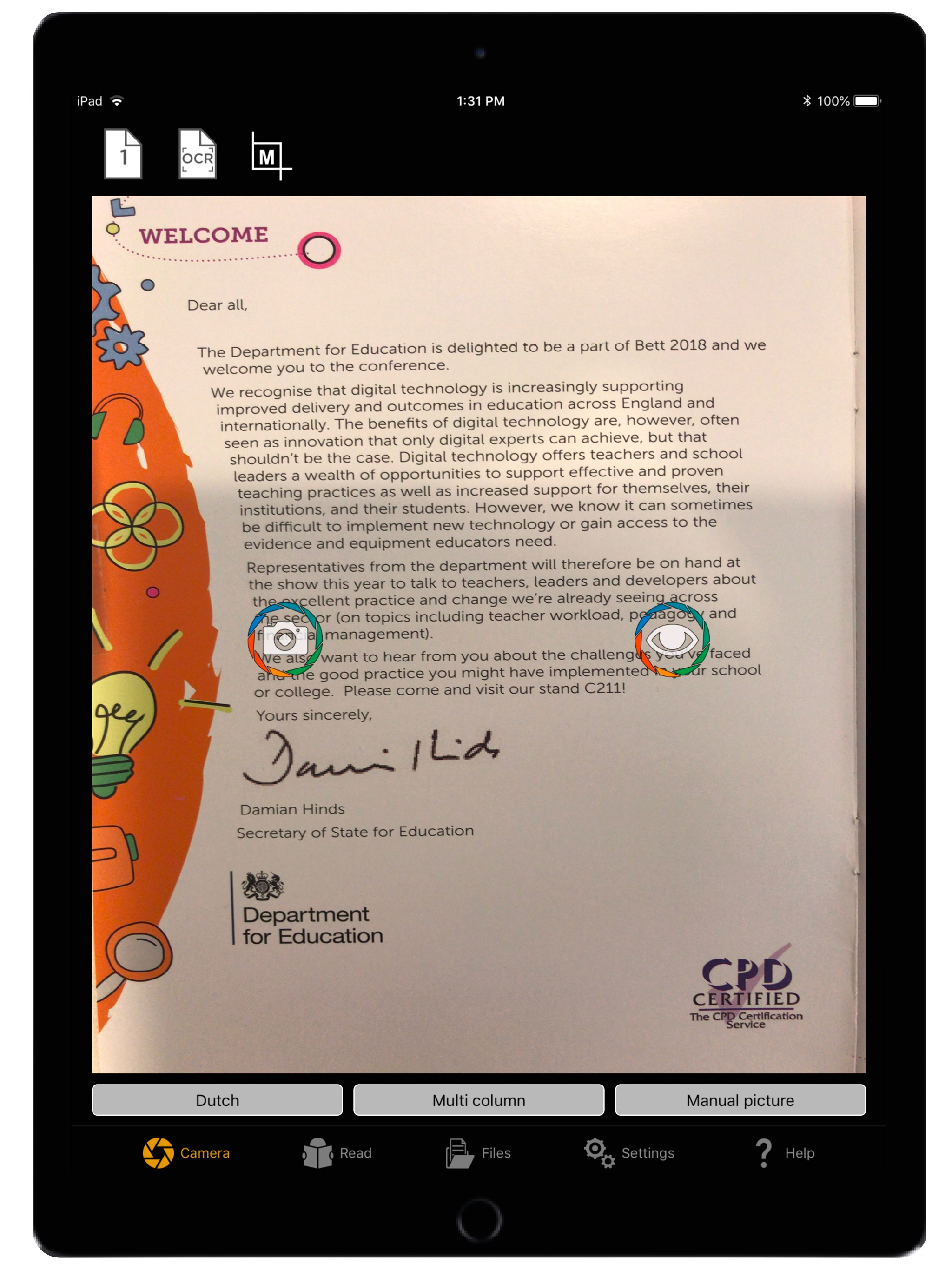
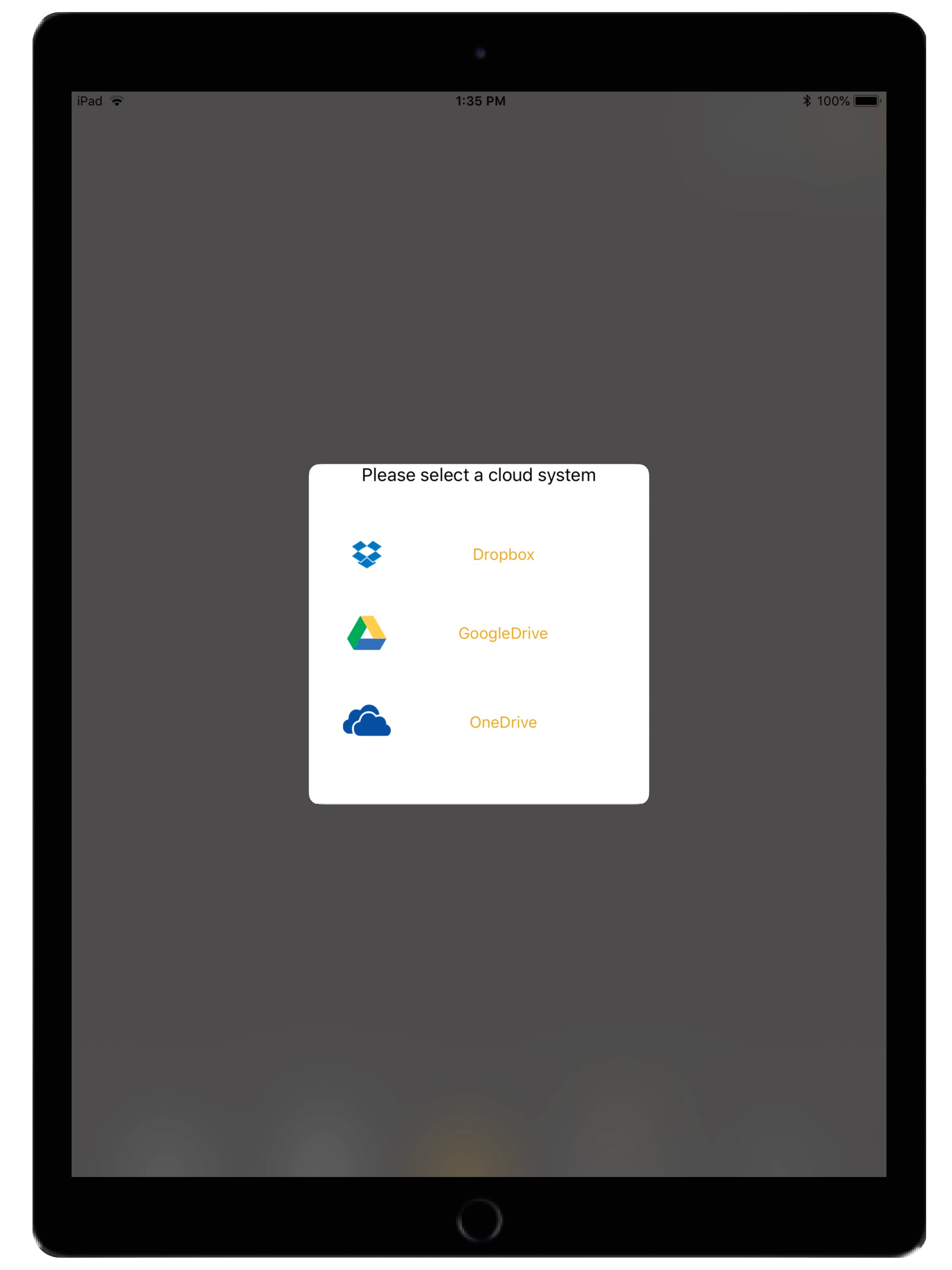
I recently downloaded (AND PAID A LOT OF MONEY FOR) this app to use for assistance in reading books. There seem to be so many poorly designed aspects of this app that are making it tedious to use. 1. When I photograph multiple pages and allow them to process, then try to add more images to the existing file, I can only do it one image at a time. 2. The automatic photo feature just does not work, period. 3. Half the time in manual photo mode using the volume buttons fails to work to take the photo, but at random times it does work. 4. If I photograph multiple images and allow them to process, then go straight into listening to them, the reading accuracy is much higher as the app reads directly from the photograph. However, if I close the app or switch files for too long the images convert into PDF-looking files and much of the text becomes gibberish. 5. The incessant refocusing in the camera app is frustrating because I have to try to time when I press the button, or else it takes a blurry photo. 6. Only one voice option. 7. Button symbols are bizarre and difficult to understand, I don't use any other text-to-voice converters so I only have the visual cues. 8. It is difficult to upload a file, I still cannot figure out how. I've only had this app for four days and have already run into so many issues. Why does this cost $100 if it barely functions? I'm a poor grad student.
I have not been able to get saved files to open and read and then close remaining unchanged. It seems to modify everything I had saved if I open it to find out what it was. There seems to be no way to close the file intact as it was without it being "modified" and changed in the date order, so that it is like a needle in the haystack to find again according to date it was first saved. I don't want to modify what I saved by the simple act of opening it to read it. It mostly doesn't seem to read a previously saved pdf that had obviously read easily in the past either. The OCR function which used to work rather straightforwardly like as in Kurzweil 1000, now is like a "keepaway" game. It will only warn you that you can't change whatever it does to your saved image through this next attempt to get the app to recognize an image it once easily recognized. Even if you don't choose to modify or save or even OCR what you've opened to just peek at with your ears like you could before, it becomes "modified" and it's search order is jumbled up as well as text that wasn't that jumbled before. I never saved undecipherable files to begin with. It is changing every file I open rendering it useless. I used to be able to open it, and quickly find a file and use it on the street or in an appointment or meeting. There's just no way to get that to happen now. I've just spent hours here at home trying to sort out a way to use my files again, and it's just not working. I don't have hours to try to hope to retrieve anything on the go anymore. I remember the first time I got the app maybe two December's ago how amazing and exciting it was to use in real time to read a menu, the first time out. How I could find the first recipe I saved from a pdf! I was so amazing. It wasn't broken. It didn't need to be fixed. It's like a trainwreck now. It had been expensive but worth it, even with some limitations. It has been hobbled! Makes me sad.
The fact that such an app exists at all to help those of us who can’t see well enough to read print is worthy of three stars, so I am grateful we have this tool. That said, this behaves more like a free app than one I spent $100 on. First of all, where are the updates??? We are coughing up the money, so you should be providing frequent updates. My biggest issue with the app is trying to line up the shot when scanning a document. The phone vibrates wildly, which I gather is supposed to indicate whether or not it is being held at a level angle over the page, but I find this almost impossible to get just right and more annoying than helpful. Can’t alignment of the page be done electronically during image processing? Secondly, I wish it behaved like banking apps when you are taking a picture of a check for an electronic deposit. You simply hold the phone over the document and move it around a bit until it is lined up. Once it is aligned, the app automatically takes the picture for you and processing begins. For $100, why isn’t this app doing the same? The technology obviously exists. Instead, it is a tedious game of guess-and-check where I have to continuously press one of the volume buttons to get a status update on whether or not I am lined up. Even The motion of reaching to press this button makes it harder to steady the phone, so I never feel like I get a really good shot. These announcements should happen automatically. Finally, the documents generated, while often producing some readable text, usually also have a mess of garbled text and random symbols, making it very hard to find what you are looking for. I know the technology exists nowadays for OCR processing to work much more smoothly than this, and again, at the price you are asking, your app needs to be a lot better. If I had it to do over again, I wouldn’t have purchased this app and would have just settled for something free that basically gets the job done comparably well. Many blind and visually impaired people are on fixed incomes, so taking a chance on something like this with no option of getting your money back is a big deal.
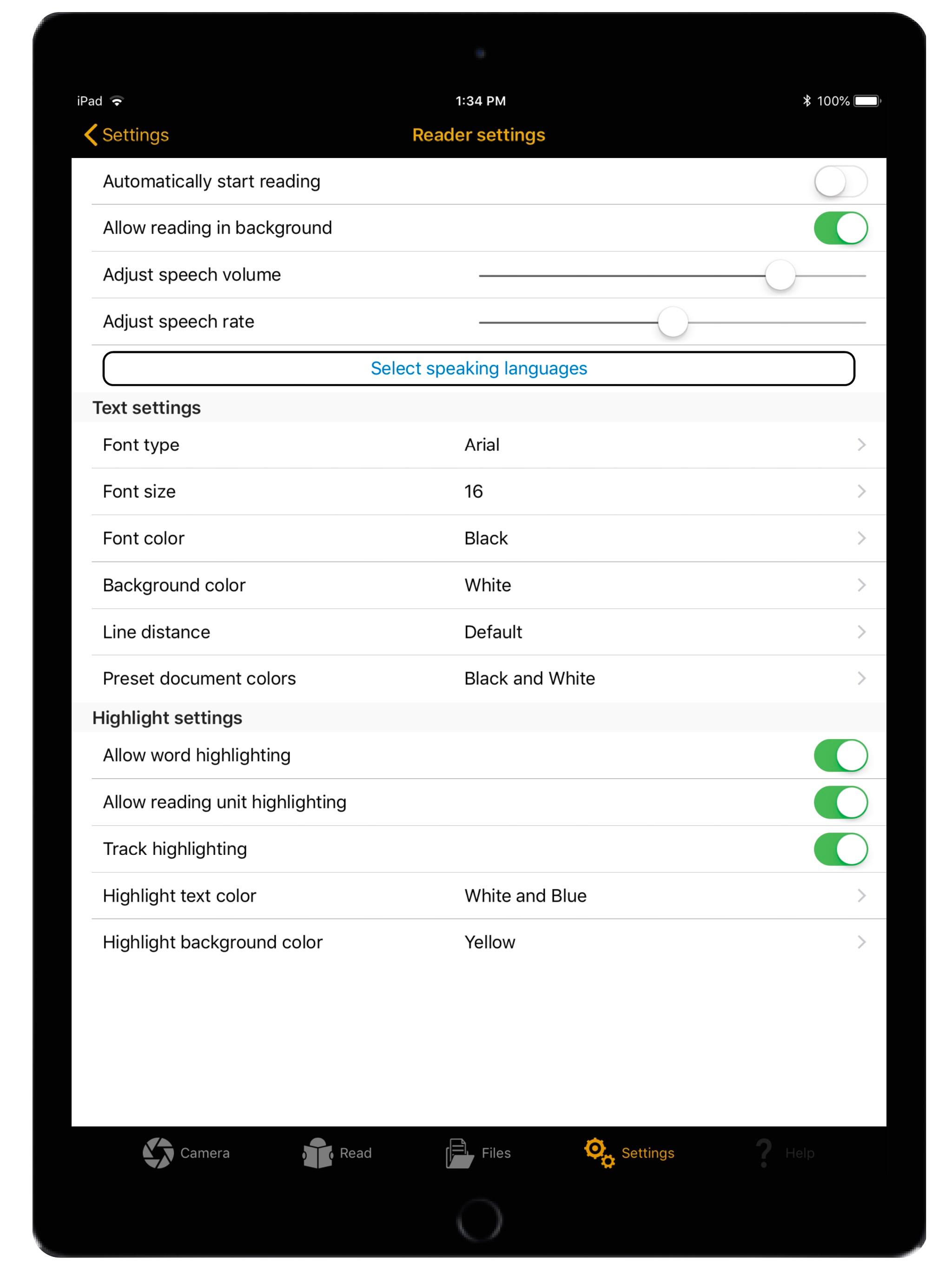
OneStep Reader gives you instant access to print anytime and anywhere. OneStep Reader 3.0 is a rapid and efficient text recognition app. Its text-to-...