
Check the acquisition promise
Read the store headline, screenshots and description. What problem is the app promising to solve?
Study the storefront ↗
Mostafa Ashour · iOS
Explore the ad evidence, study the storefront, and build your next acquisition hypothesis.
01 / Creative research
Read the store headline, screenshots and description. What problem is the app promising to solve?
Study the storefront ↗Explore apps with direct store-link matches. Compare their hooks and formats without assuming the same approach works here.
Browse observed advertisers ↗Store rankings and revenue estimates describe market context. They do not establish ad spend, conversions or ROAS.
Review the market context ↗02 / Storefront & product
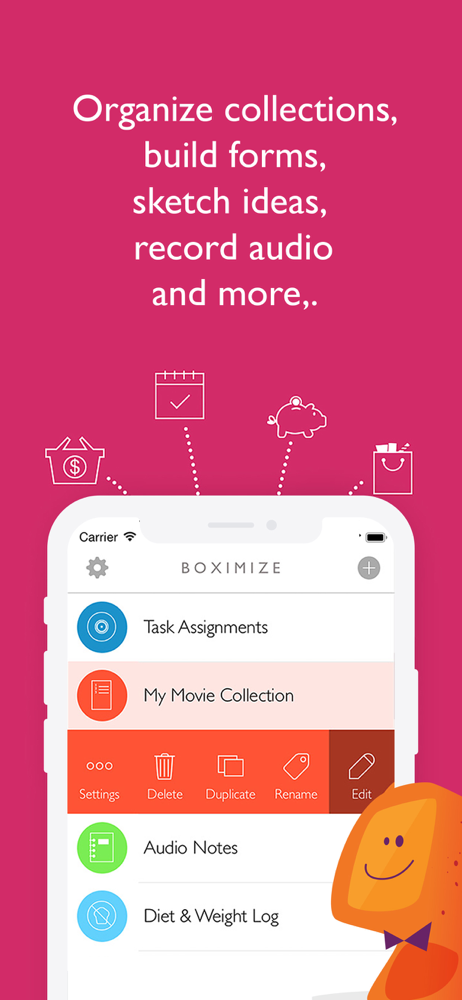
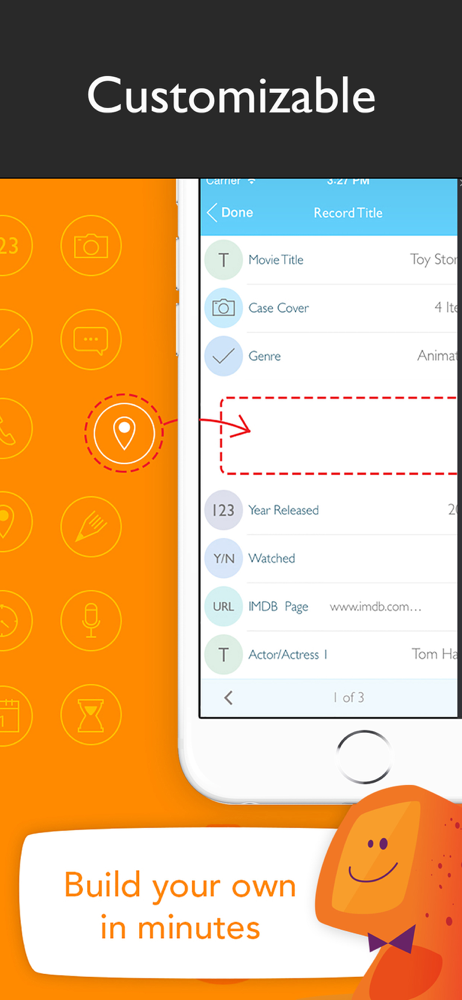
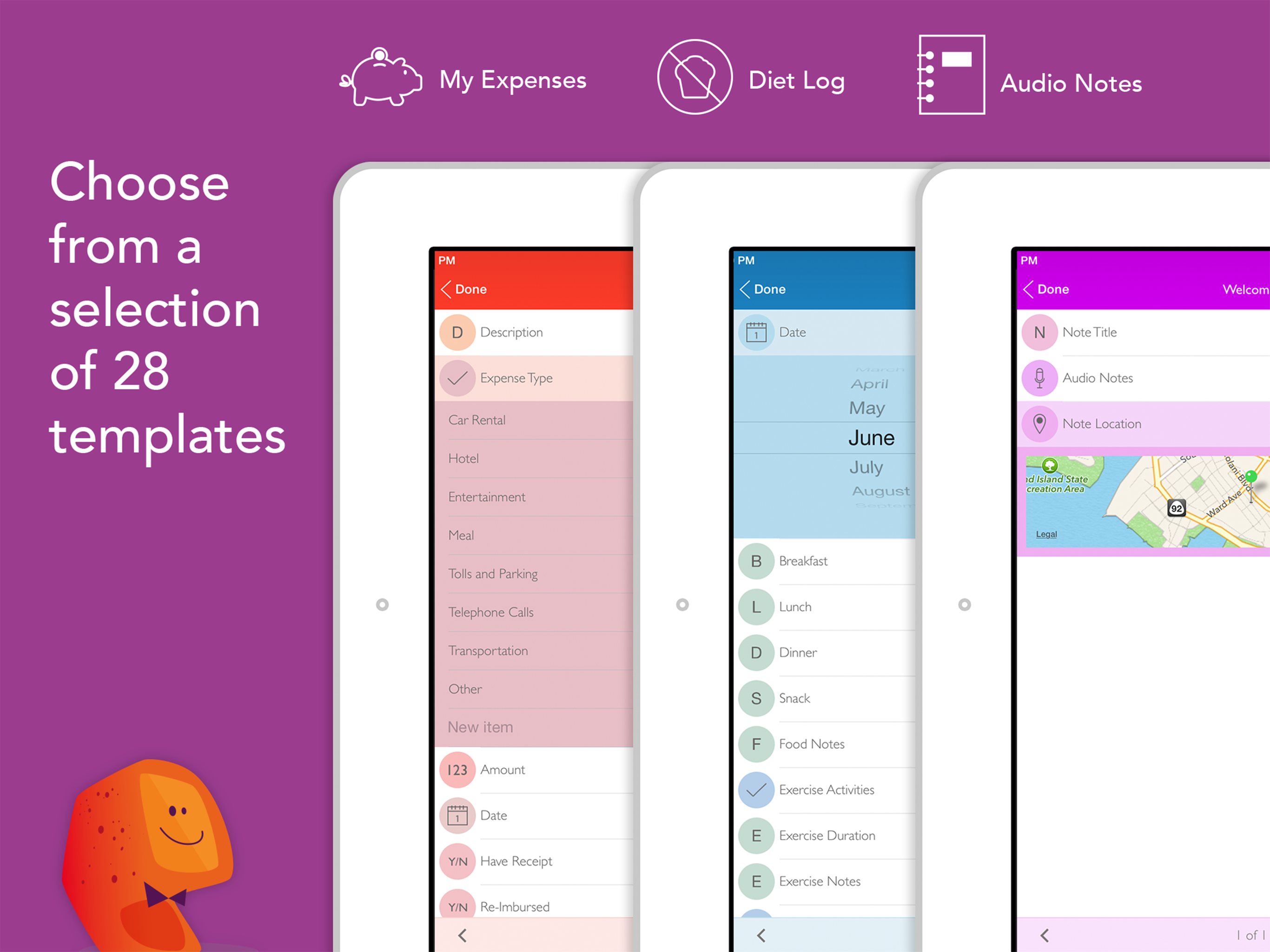
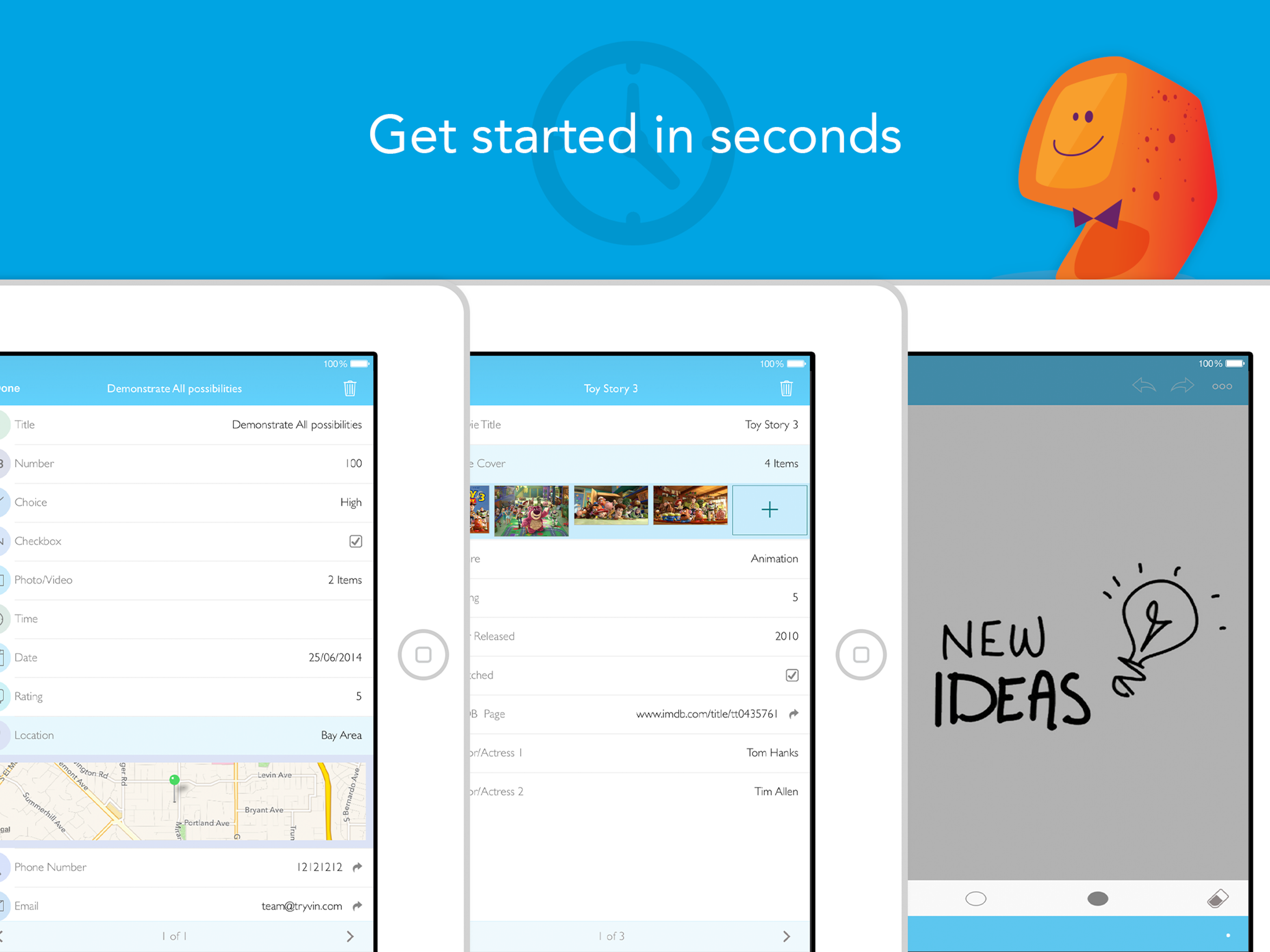
Study the product story and store experience behind the acquisition funnel.




03 / Market context
Keep revenue, downloads and store rankings separate from advertising performance.
Hello, thanks for building such a great app. It’s so easy to use on every level. It’s the perfect app when you have not very tech savvy people working with you. The only bad thing about it is the reviews on how unreliable the app could be for some people. When you have sensitive data that you cannot afford to lose, reading how some people have lost very important info is not very comforting. The app is free. No ads, no request for payments. I have a few apps that request payment, since the apps work great, I would not mind paying at all to get rid of ads or to get other perks. If you put an actual effort on something it is ok to get paid for it . I would gladly pay for Boximize if needed. It has the simplicity for any person to use. To the developer, I don’t see why any other company would like to integrate you app to their platform Or have investors helping you on developing your app to a higher level, where all the small details, problems get sorted out. Having the peace of mind your app won’t go away soon enough would be great, because there’s a revenue there to keep it going. Any comments on my review from the developer would be received with immense gratitude. Great Job. I’ll use work around to make sure the app won’t render my information lost forever. 🤓🤓🤓🤓😰😰😰😰😰
Update: Within 2-3 days, the red screen problem has been fixed!! Have been using this for quite awhile and really liked it. Was using it on and off, for a couple hours, today. Stepped away and my iPad locked, like it always does. Unlocked the iPad and instead of opening to Boximize, since I had it open just a few minutes before, I get my home screen and it no longer appears to be running. Open the app again and it looks like it is going to start up and then all I get is the red background, with nothing more. Shut down the iPad and restarted a couple of times, but still the same thing. Don’t want to delete it and re-install, because all of my data will be deleted. Web page says syncing, to all of your devices, is coming soon! A little late for me. Will need to use a different app, to restart inventory, that we have been inputting into this app, for over a year. Will leave everything alone, until there is another update, to see if that fixes it and see if the data is still there. Just updated to version 1.9.0, within the last 22 hours, so the next update, if it is brought out with the same speed as this one, will be over a year away. Guess I won’t be holding my breath until the next update.
I’ve used this app a lot and successfully and securely. iPhone 6s user. About security: • It locks under a user-designated password if you go to you home-screen or another app -even if you don’t close Boximize first. I feel like you can’t get more secure. About practicality: there are a vast number of types of information that you can keep secure here. I’ve catalogued dating profiles, passwords, padlock codes, and bank account numbers into it. You can search for your entries by name or scroll through them. About customizability: It allows you to create any category of information storage systems with custom colors, logos, and names: then -within those categories- you can customize the number and kind of data slots for each entry. Alpha, numeric, or drop-down multiple choice selections. Why it’s not a five star rating: I haven’t noticed any way to link information to other media or logins (like how google stores passwords on a home computer). You are able, however to double-click your apple home button from Boximize to another app to access a login (for example), and double-click again to see your apps in the app-selection view and refresh your memory about a passcode. It won’t, however, let you re-direct to Boximize without re-entering you user-designated password. Well worth it, in my opinion. 👍🏼👍🏼
** Featured by Apple as best new productivity app ** Boximize is a structured note taking app that brings you the power of a database and the simplic...


